 Windows
Resetting Network Settings in Windows 11: What It Does and How to Do It
Learn how to reset network settings in Windows 11, what the reset removes, when to use it, and what to do after the reset so you can reconnect to Wi‑Fi or Ethernet.
 Windows
5 Practical Fixes for the ‘We Can’t Create a Recovery Drive’ Error in Windows 11
Learn why Windows 11 may show the ‘We can’t create a recovery drive’ error and how to fix it with practical steps, including USB checks, system file repairs, and recovery partition workarounds.
 Windows
4 Ways to Fix the “Location Is Not Available” Error in Windows 11
Learn four practical ways to fix the “Location Is Not Available” error in Windows 11, including drive checks, folder path fixes, and file system repair steps.
 Windows
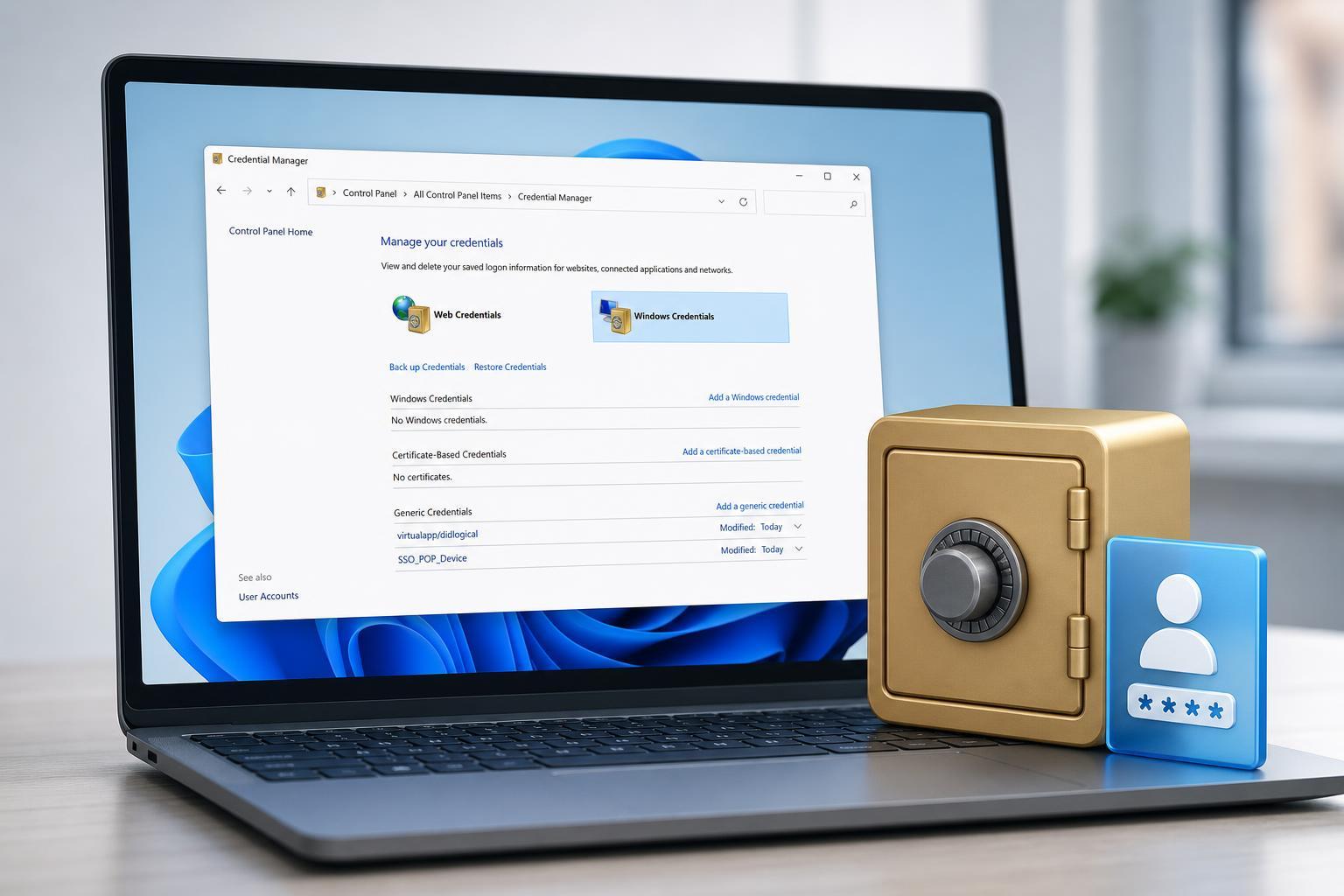
How to Open and Use Credential Manager in Windows 10 and 11
Learn how to find Credential Manager in Windows 10 and Windows 11, what it stores, and how to add, view, edit, and remove saved Windows and web credentials.
 Windows
3 Ways to Fix a USB Drive That Shows No Files or Folders in Windows 11
Learn three practical ways to fix a USB drive that appears empty in Windows 11, including visibility settings, file system checks, and command-line repair steps.
 Windows
How to Fix Outlook Search Problems in Windows 11
Learn six practical ways to fix Outlook search not working on Windows 11, from rebuilding the index to repairing Outlook and checking search settings.
 Windows
3 Practical Ways to Fix Corrupt Drivers in Windows 11 and Windows 10
Learn three effective ways to fix corrupt drivers in Windows 11 and Windows 10, including built-in tools, reinstalling drivers, and updating them safely.
 Windows
Is Tracking Prevention in Microsoft Edge Worth Turning On?
Learn what Tracking Prevention does in Microsoft Edge, how the three levels differ, and when to use Balanced, Strict, or Basic for better privacy without breaking websites.
 Windows
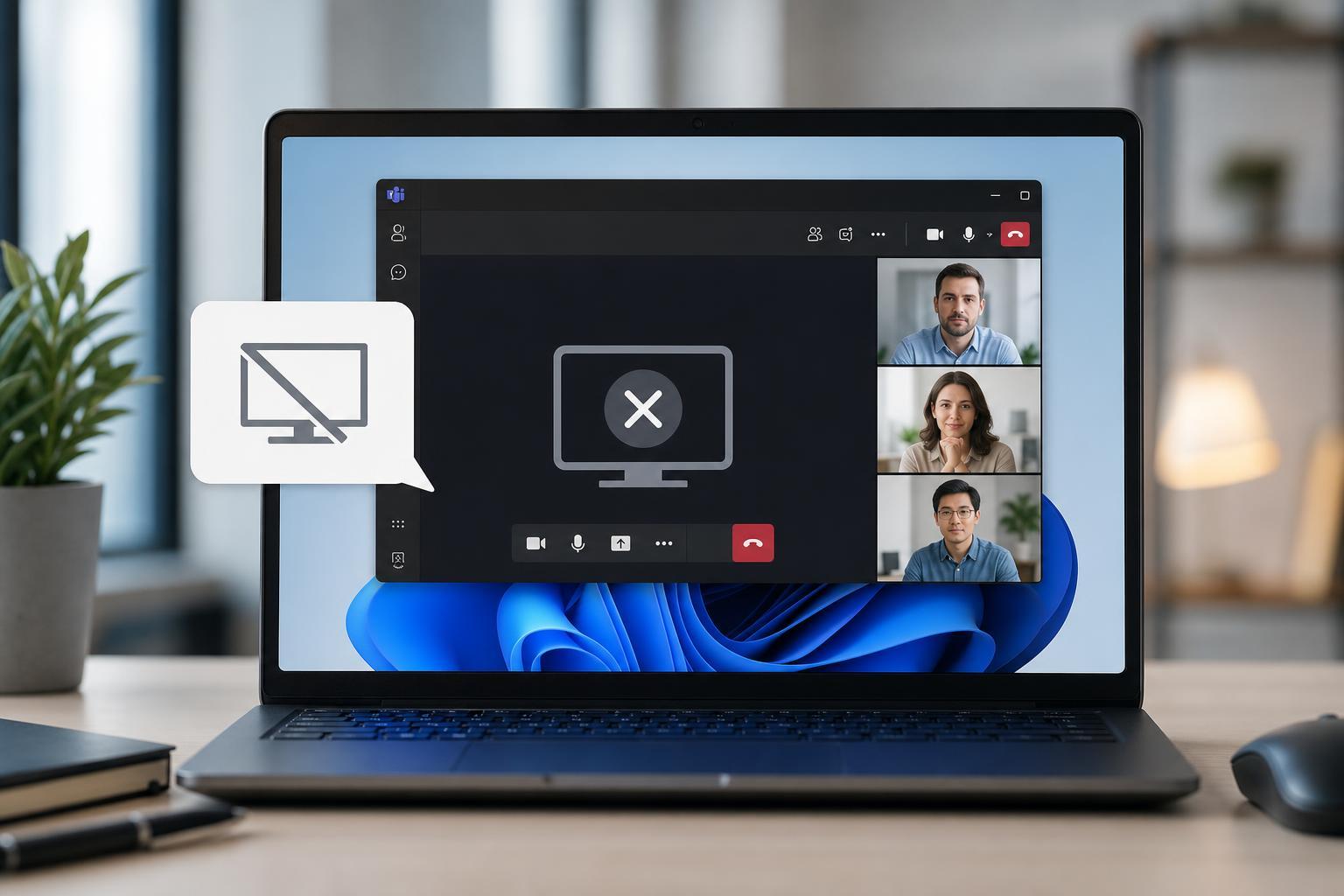
Microsoft Teams Screen Sharing Not Working on Windows 11: 4 Fixes That Usually Solve It
Learn four practical fixes for Microsoft Teams screen sharing problems on Windows 11, including permission checks, app and driver updates, and settings that can block sharing.
 Windows
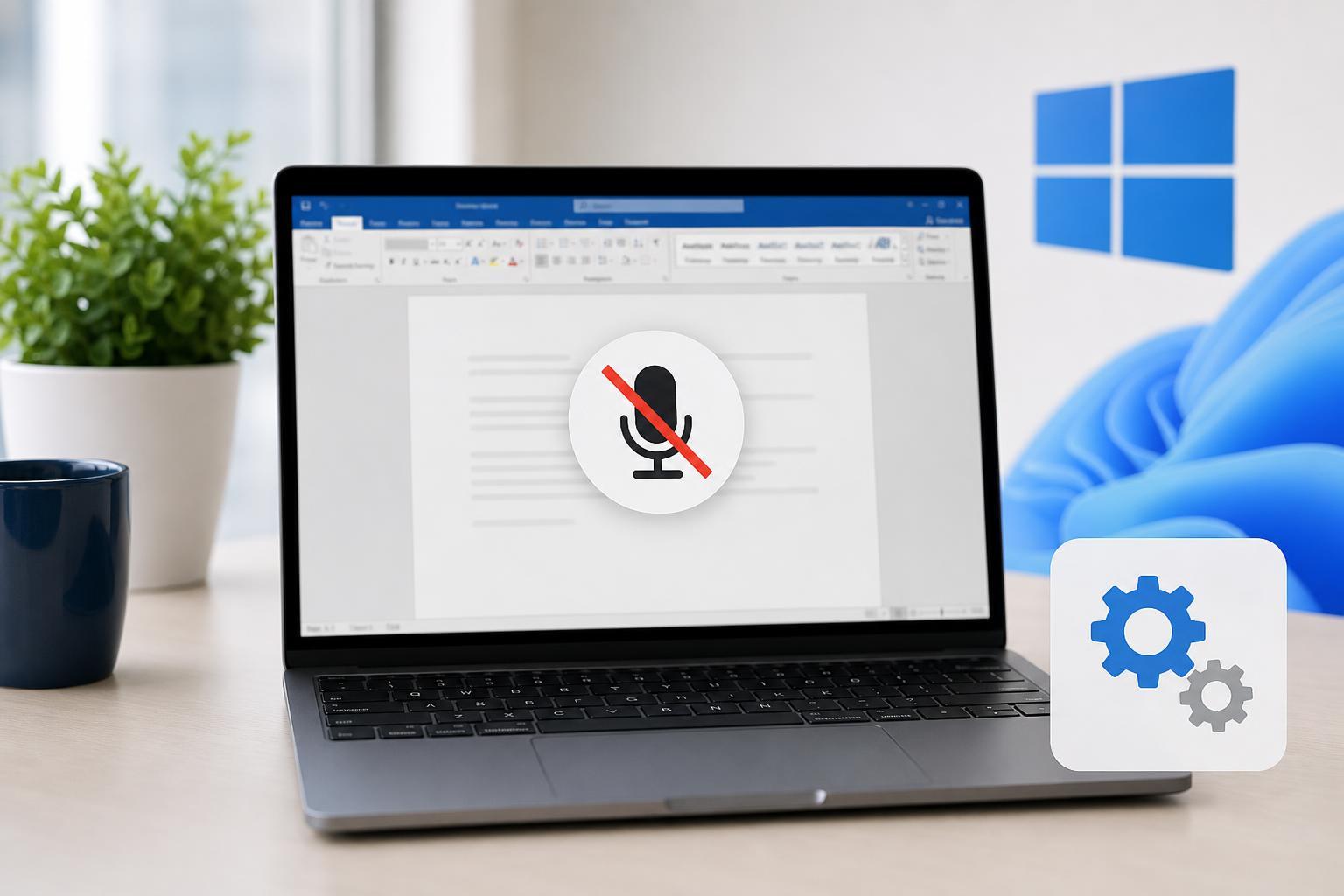
Microsoft Word Dictation Not Working in Windows 11 or 10: 4 Fixes to Try
Learn four practical fixes for when Microsoft Word Dictation stops working on Windows 11 or Windows 10, including microphone permissions, Office updates, app settings, and troubleshooting your input device.
 Windows
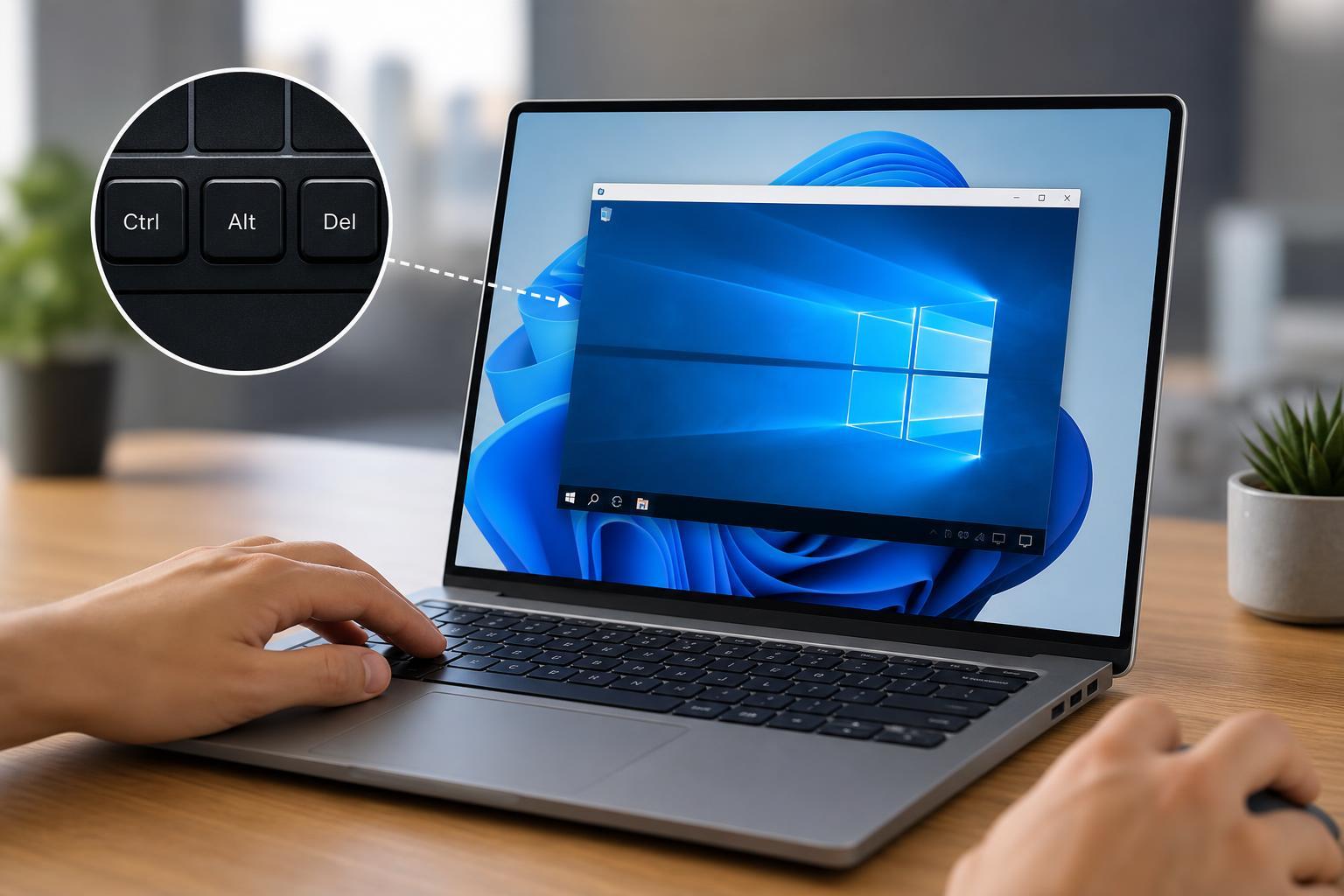
How to Send Ctrl + Alt + Del in Windows Remote Desktop
Learn how to use Ctrl + Alt + Del in a Remote Desktop session on Windows, including the correct shortcut, on-screen options, and what to do if the key combination is not working.
 Windows
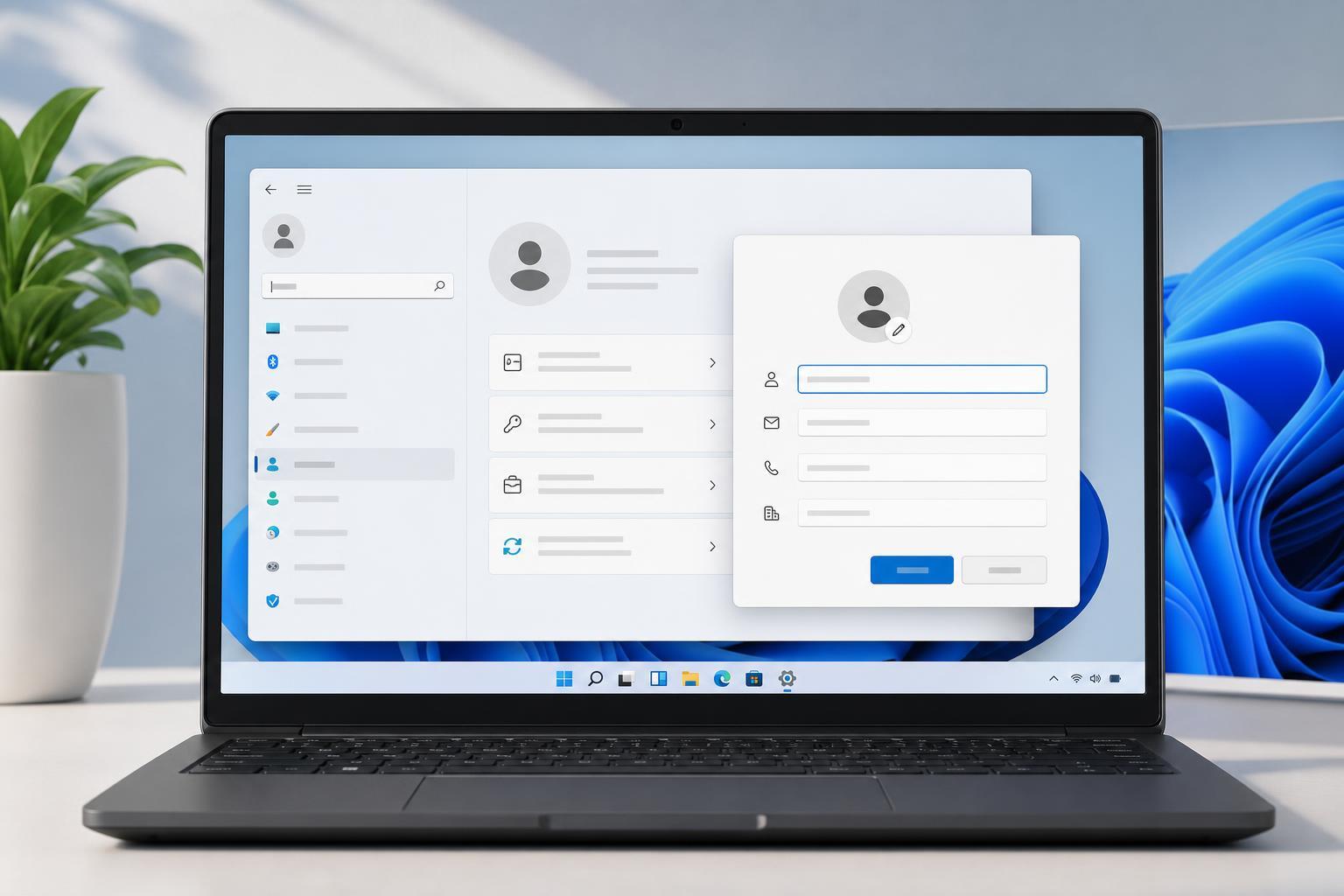
How to View and Update Owner Information in Windows 11
Learn how to check and change owner details in Windows 11, including the information shown in system properties, Microsoft account settings, and device ownership records.