 Windows
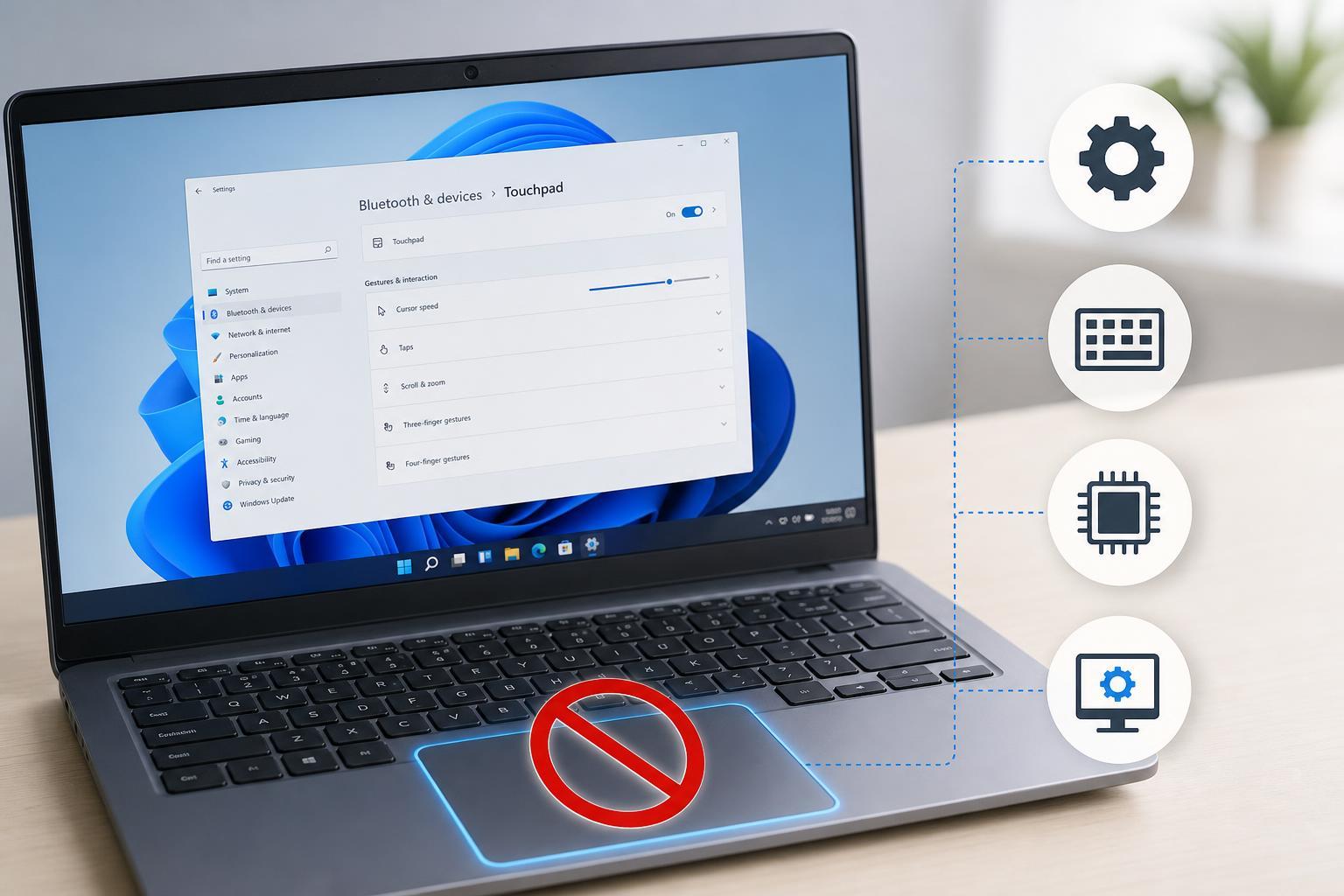
4 Easy Ways to Turn Off the Touchpad on a Windows 11 Laptop
Learn four practical ways to disable the touchpad on a Windows 11 laptop, including Windows settings, Device Manager, keyboard shortcuts, and manufacturer tools.
 Windows
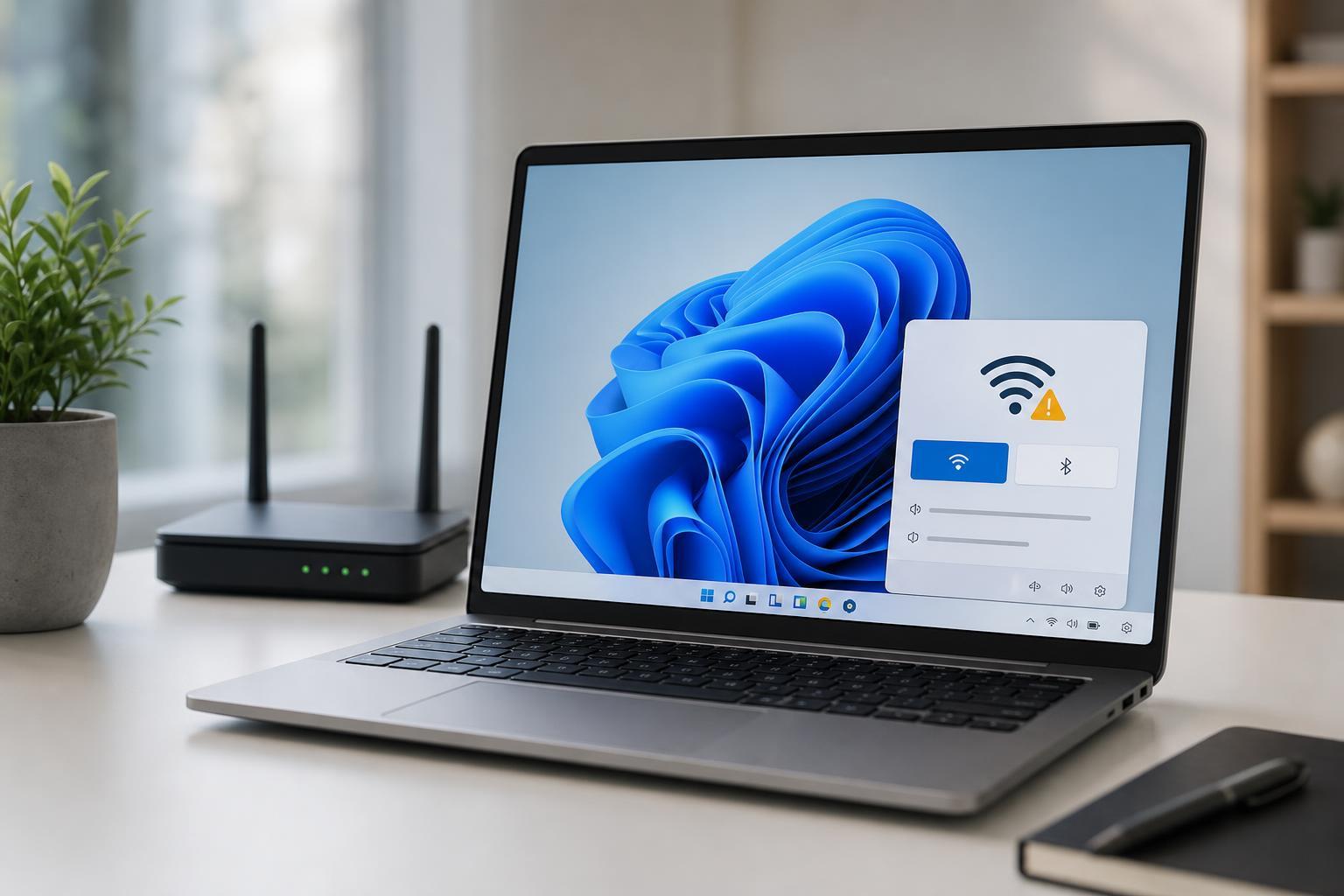
6 Ways to Fix Limited Wi-Fi Access on Windows 11
Learn six practical ways to fix the Wi-Fi limited access problem in Windows 11, from quick network checks to adapter and DNS troubleshooting.
 Windows
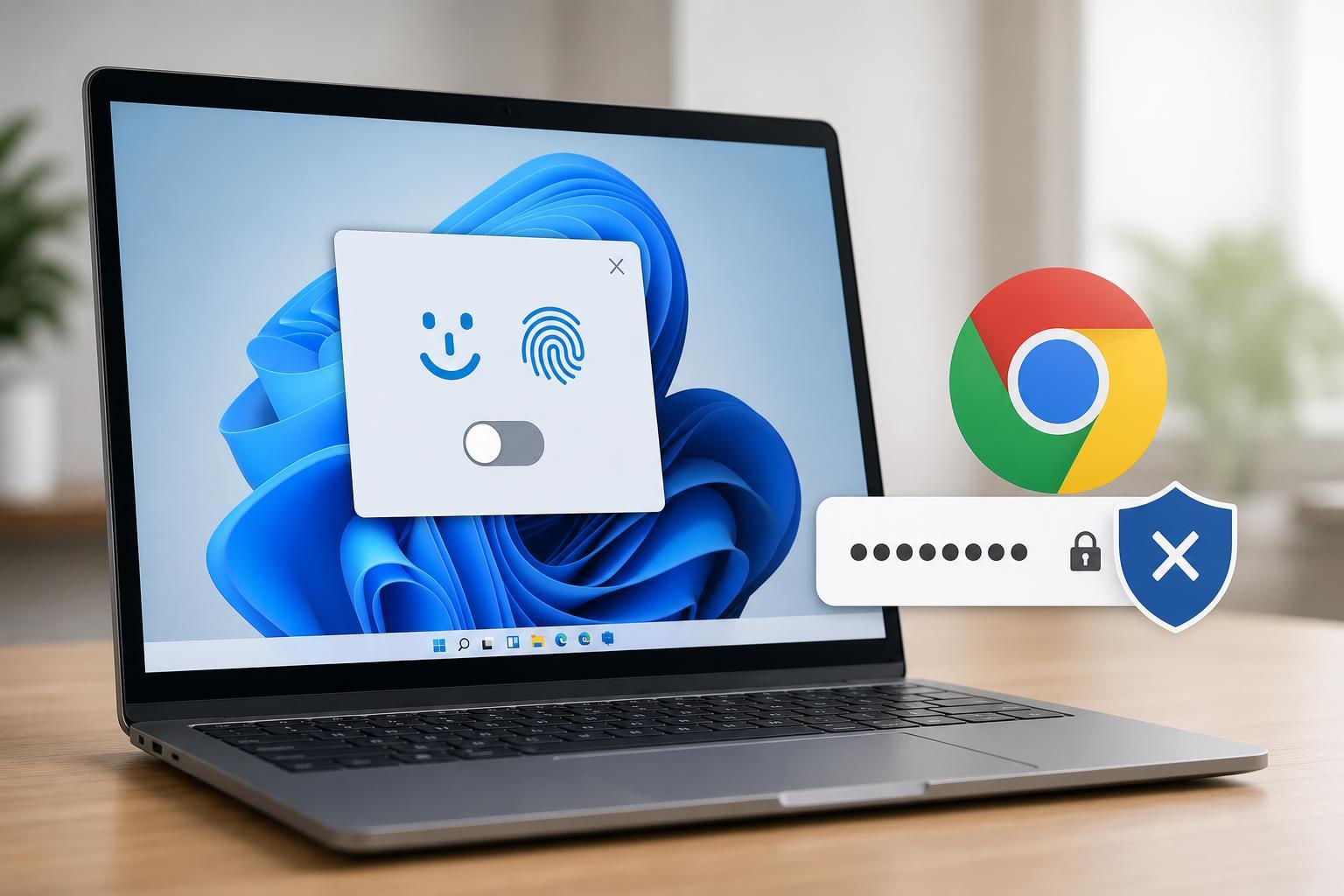
3 Ways to Disable Windows Hello for Google Chrome Passwords
Learn three practical ways to stop Google Chrome from using Windows Hello for saved passwords, including browser settings, Windows sign-in options, and password manager behavior.
 Windows
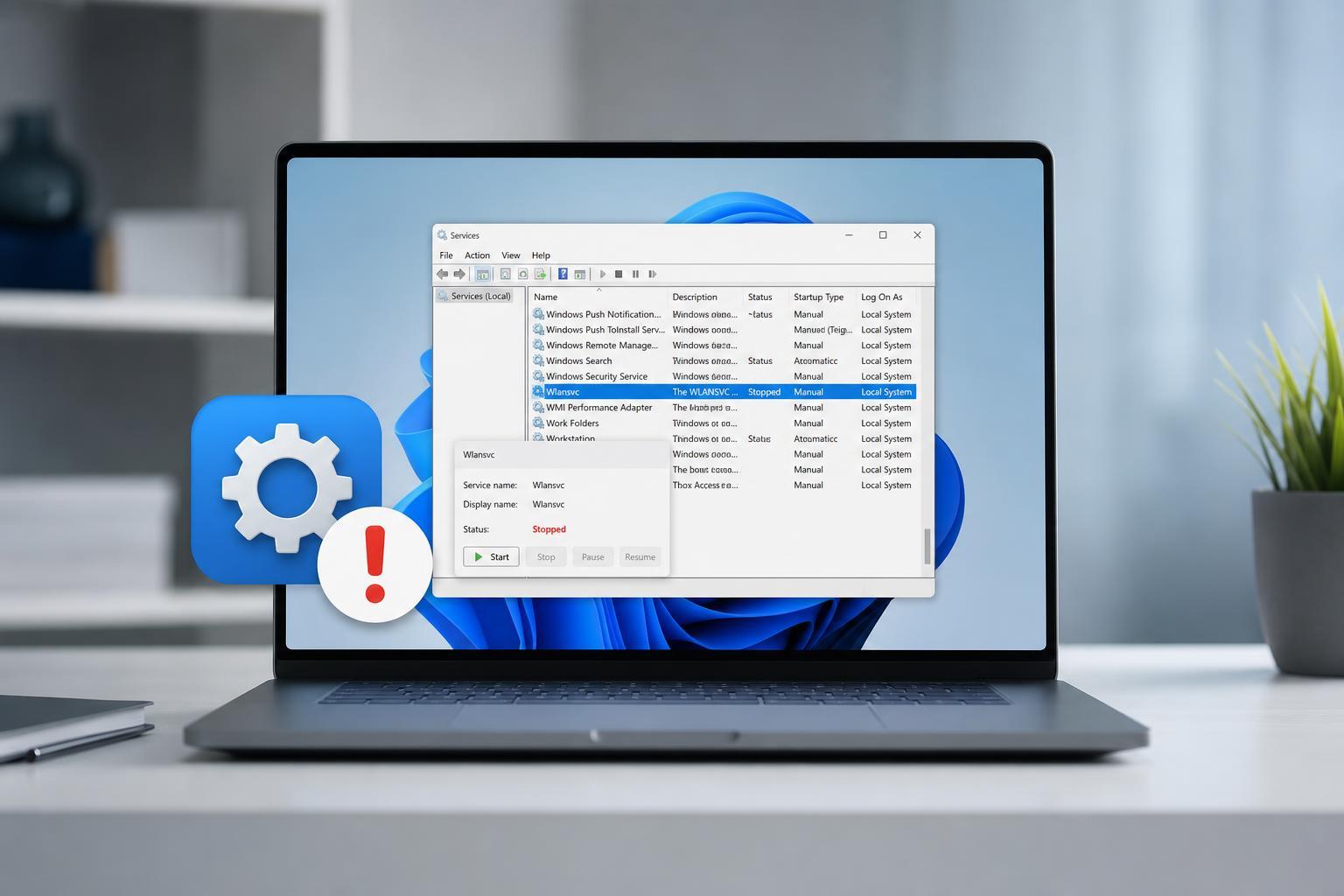
Fixing the “Wireless AutoConfig Service Not Running” Problem in Windows 11
Learn how to fix the Windows 11 “Wireless AutoConfig Service not running” error with clear steps, common causes, and practical troubleshooting fixes for Wi‑Fi problems.
 Windows
5 Ways to Restore Firewall Settings on Windows 11
Learn five practical ways to reset Windows 11 Firewall settings, including built-in reset options, Control Panel methods, PowerShell commands, and when to use each one.
 Windows
5 Ways to Fix a Yellow Tint on a Windows 11 Laptop Screen
Learn the most likely reasons a Windows 11 laptop screen looks yellow and how to fix it with simple display, color, and hardware checks.
 Windows
5 Fixes for a Monitor That Goes Black Randomly in Windows 11
Learn five practical ways to fix a Windows 11 monitor that goes black at random, from power settings and cable checks to display drivers and hardware troubleshooting.
 Windows
4 Ways to Fix OneDrive Personal Vault Missing in Windows
Learn four practical ways to fix OneDrive Personal Vault not showing on Windows, including account, app, and settings checks that help restore access.
 Windows
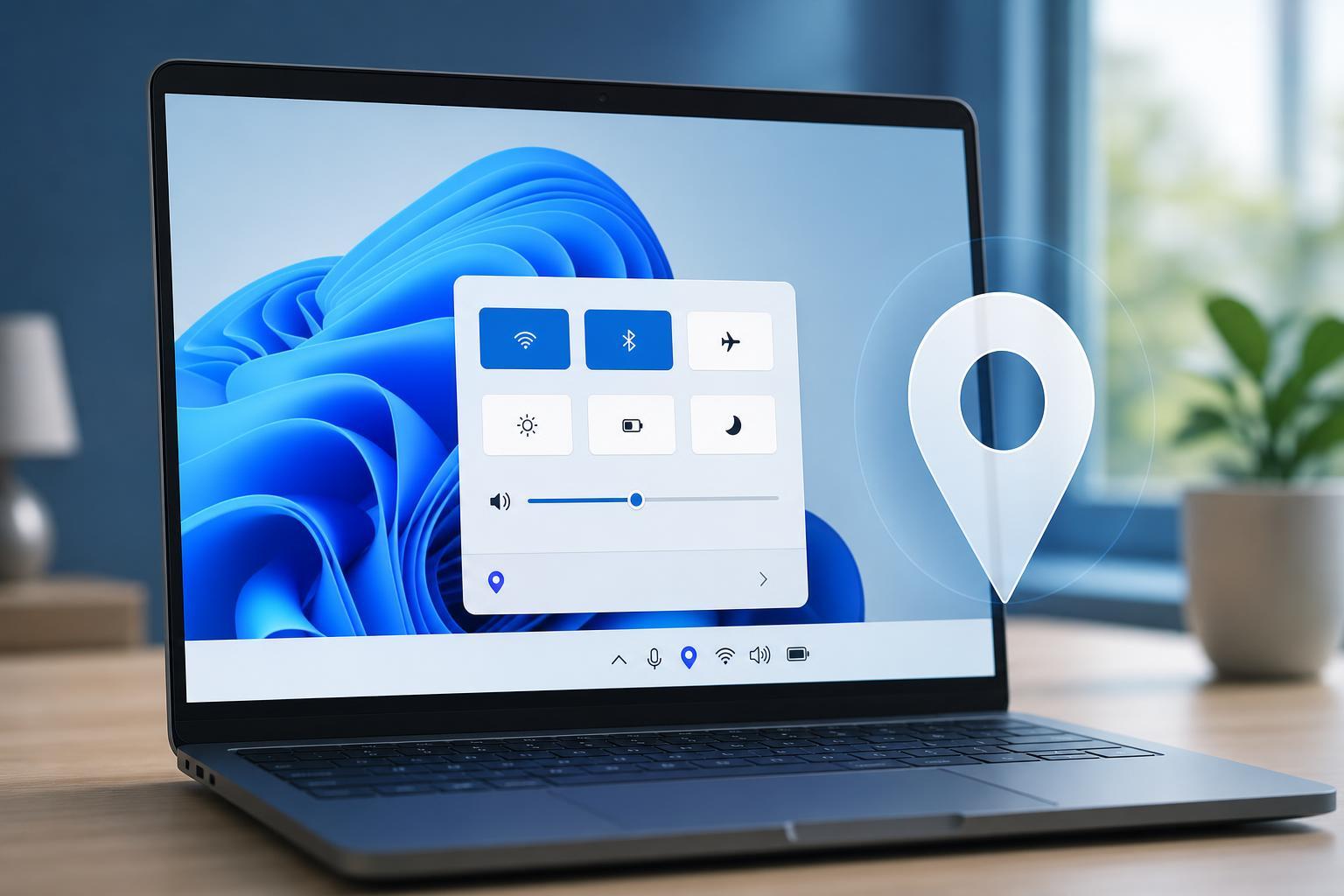
What “Your Location Is Currently in Use” Means in Windows
Learn what the Windows message “Your location is currently in use” means, why it appears, and how to find which app or service is accessing your location.
 Windows
5 Fixes for Microsoft Teams Typing Lag and Delayed Input
Learn five practical ways to fix Microsoft Teams delay when typing, including app performance issues, cache problems, hardware acceleration, and network-related causes.
 Windows
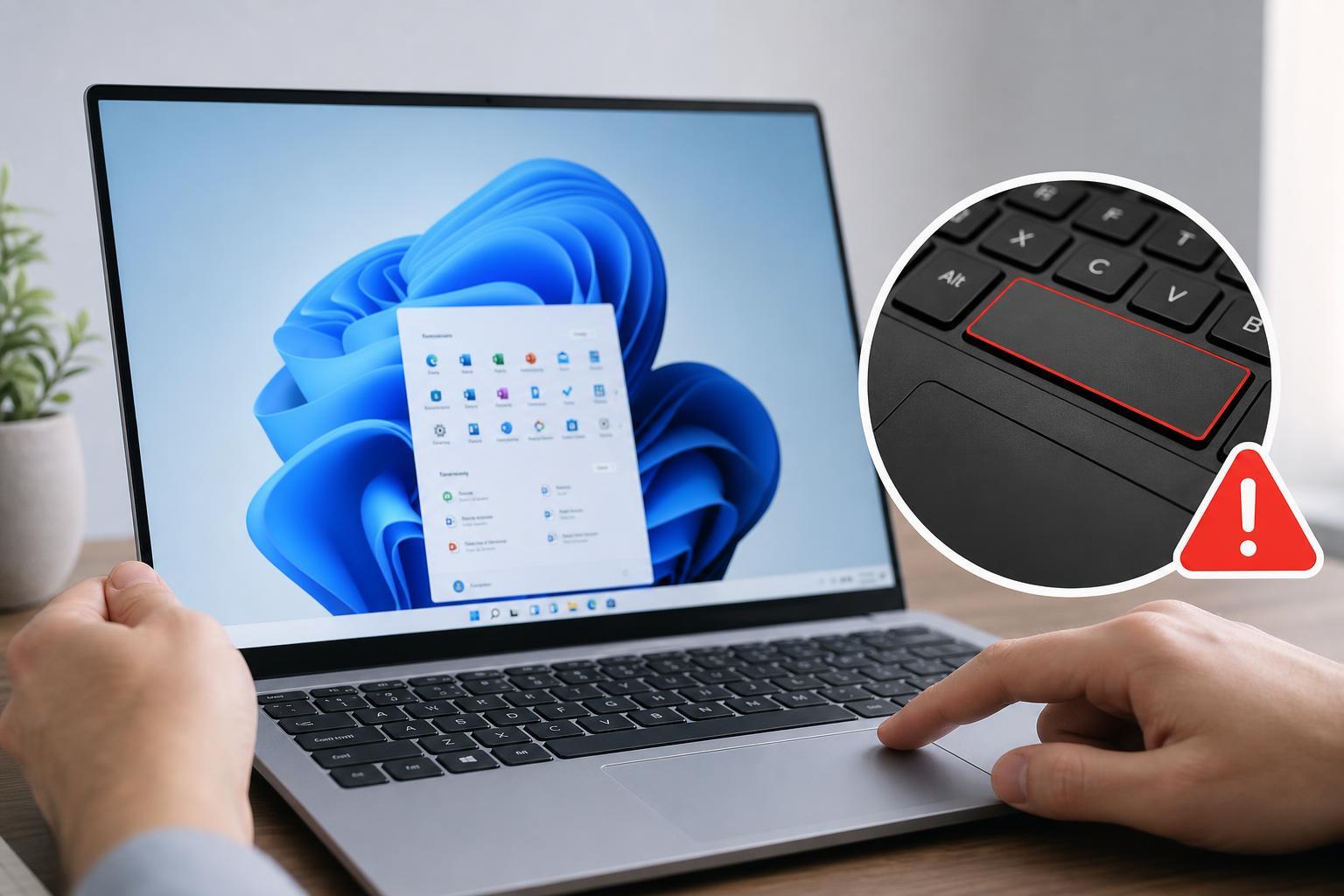
5 Fixes for a Spacebar That Stops Working in Windows 11
Learn five practical ways to fix a spacebar that is not working in Windows 11, from simple keyboard checks to driver and accessibility settings.
 Windows
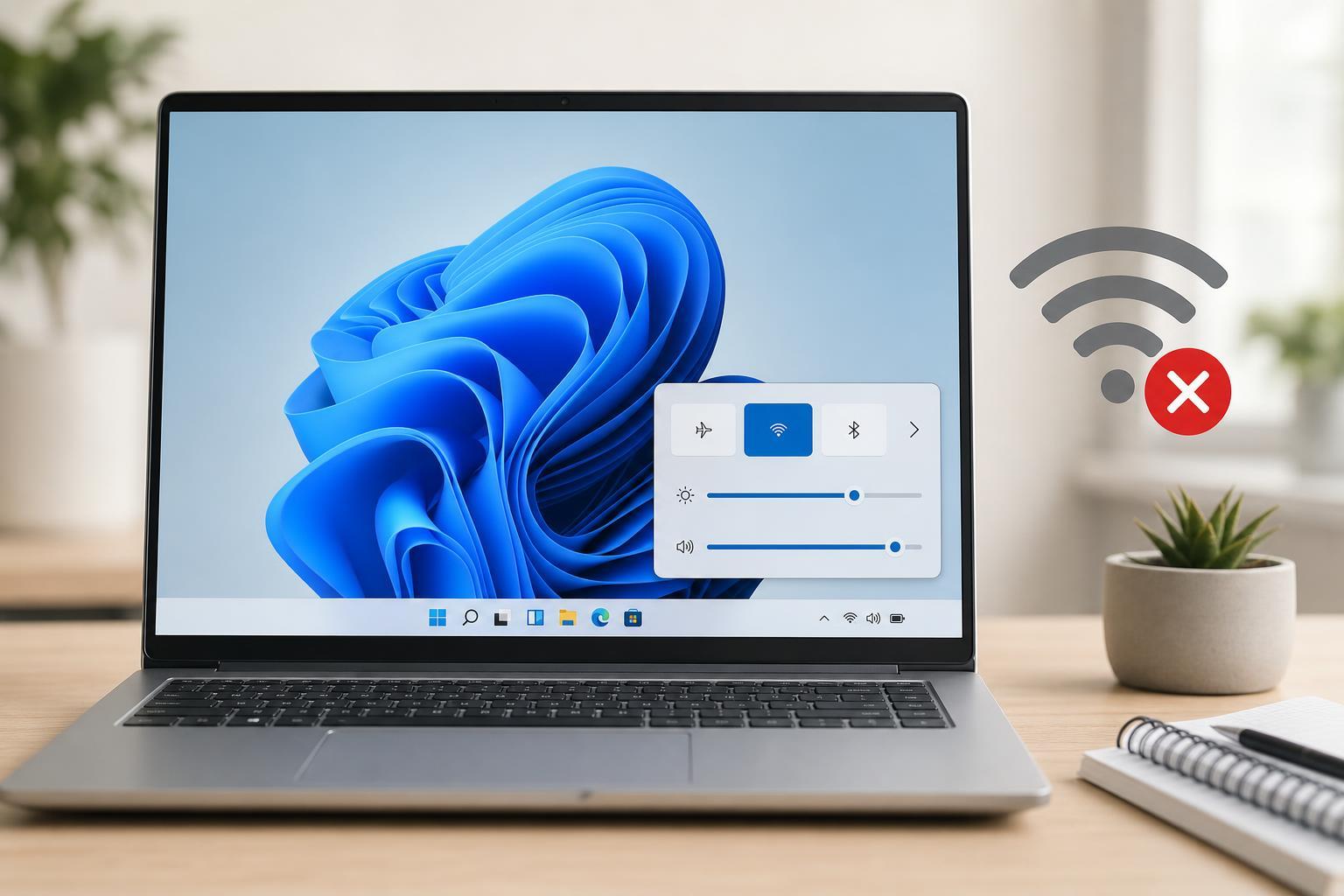
7 Fixes for Windows 11 Not Reconnecting to Wi‑Fi Automatically
Learn why Windows 11 may stop connecting to Wi‑Fi automatically and follow seven practical fixes to restore automatic reconnection, from saved network settings to adapter and power options.