 Windows
How to Fix Zoom When It Won’t Open on Windows 11 and 10
Learn three practical ways to fix Zoom when it refuses to launch on Windows 11 or Windows 10, including app repair, compatibility checks, and reinstalling Zoom.
 Windows
How to Fix the “Access Denied” Error in Steam on Windows
Learn four practical ways to fix the Steam “Access Denied” error on Windows, including permission issues, antivirus interference, file access problems, and app repair steps.
 Windows
How to Fix the “Your PC Did Not Start Correctly” Message in Windows 11
Learn what causes the Windows 11 “Your PC did not start correctly” message and how to fix it with safe, practical troubleshooting steps from simple repairs to recovery tools.
 Windows
10 Effective Ways to Fix Google Chrome Freezing or Crashing on Windows 10
Learn the most effective fixes for Google Chrome freezing or crashing on Windows 10, from extensions and hardware acceleration to profile issues, updates, and system checks.
 Windows
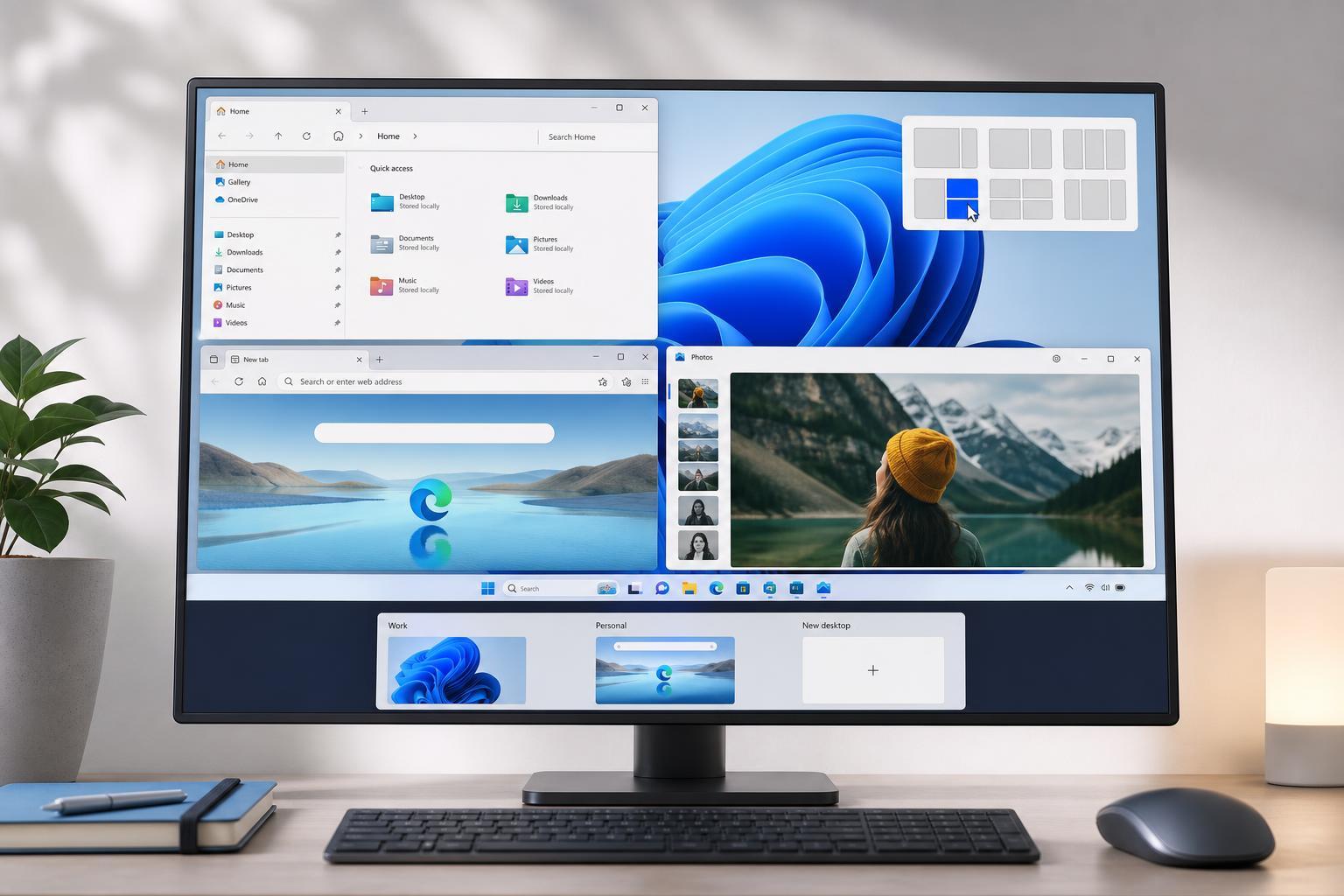
9 Practical Windows 11 Multitasking Tips and Tricks
Learn nine useful Windows 11 multitasking tips to manage windows, snap layouts, virtual desktops, shortcuts, and workflow tools more efficiently.
 Windows
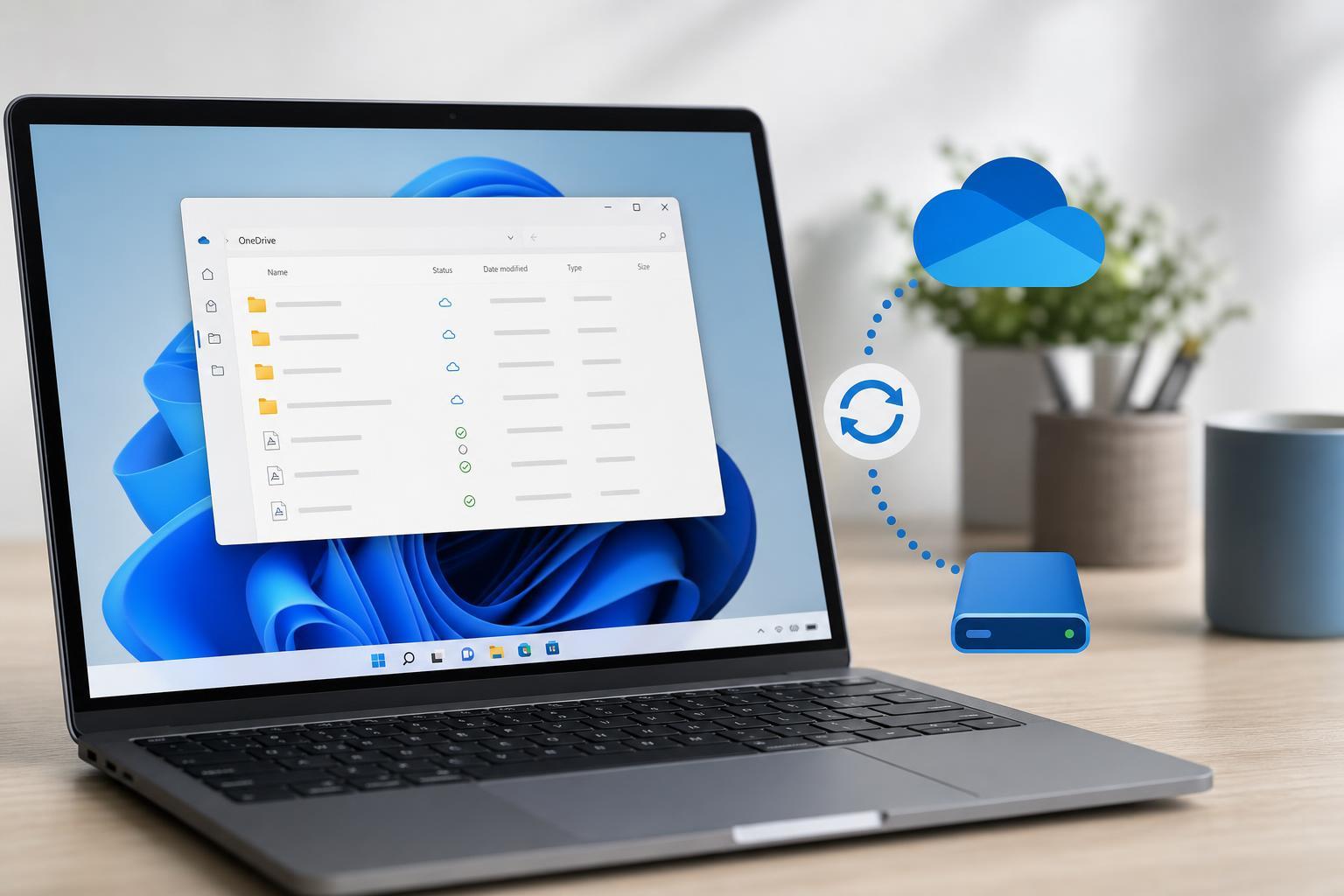
How to Free Up Storage Using OneDrive Files On-Demand
Learn how OneDrive Files On-Demand helps you save disk space in Windows, how to make files online-only, and when to keep important files stored locally.
 Windows
Access Android Storage Wirelessly from Windows 11
Learn how to connect your Android phone to Windows 11 over Wi‑Fi so you can browse files, transfer photos, and manage storage without a USB cable.
 Windows
How to Fix Roblox Lag on Windows: 4 Practical Solutions
Learn four practical fixes for Roblox lag on Windows, including graphics settings, network checks, driver updates, and background app cleanup to improve performance.
 Windows
4 Fixes for Command Prompt Randomly Opening in Windows 11
Learn why Command Prompt keeps popping up in Windows 11 and how to stop it with four practical fixes, including startup checks, scheduled tasks, malware scans, and system repairs.
 Windows
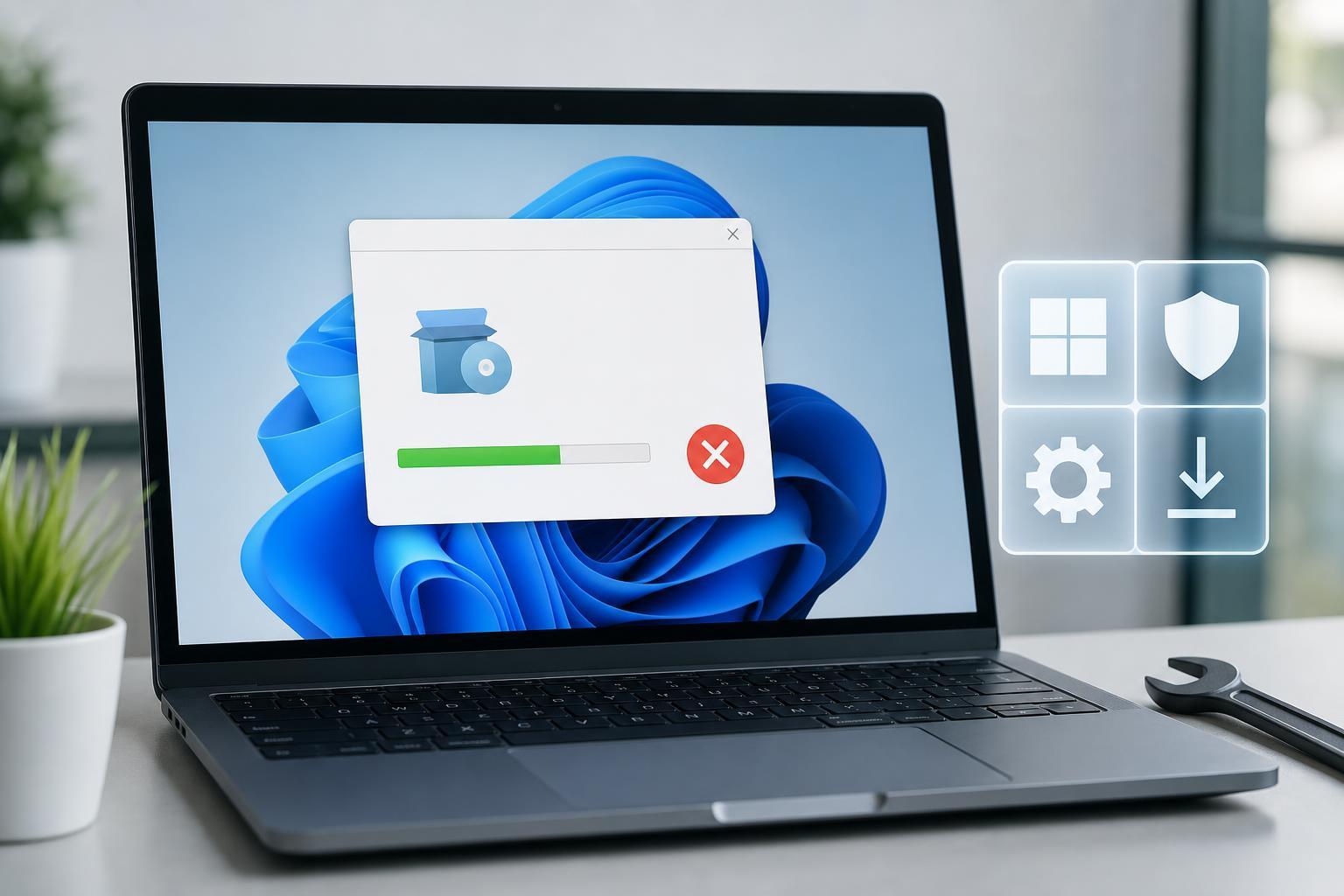
4 Ways to Fix Programs and Software That Won’t Install on Windows 11
Learn four practical ways to fix Windows 11 when you can’t install programs or software, including permission issues, compatibility settings, security blocks, and corrupted installers.
 Windows
How to Fix Microsoft Outlook “Out of Memory or System Resources” Errors on Windows
Learn five practical fixes for the Microsoft Outlook “Out of Memory or System Resources” error on Windows, including common causes, safer workarounds, and when to try deeper troubleshooting steps.
 Windows
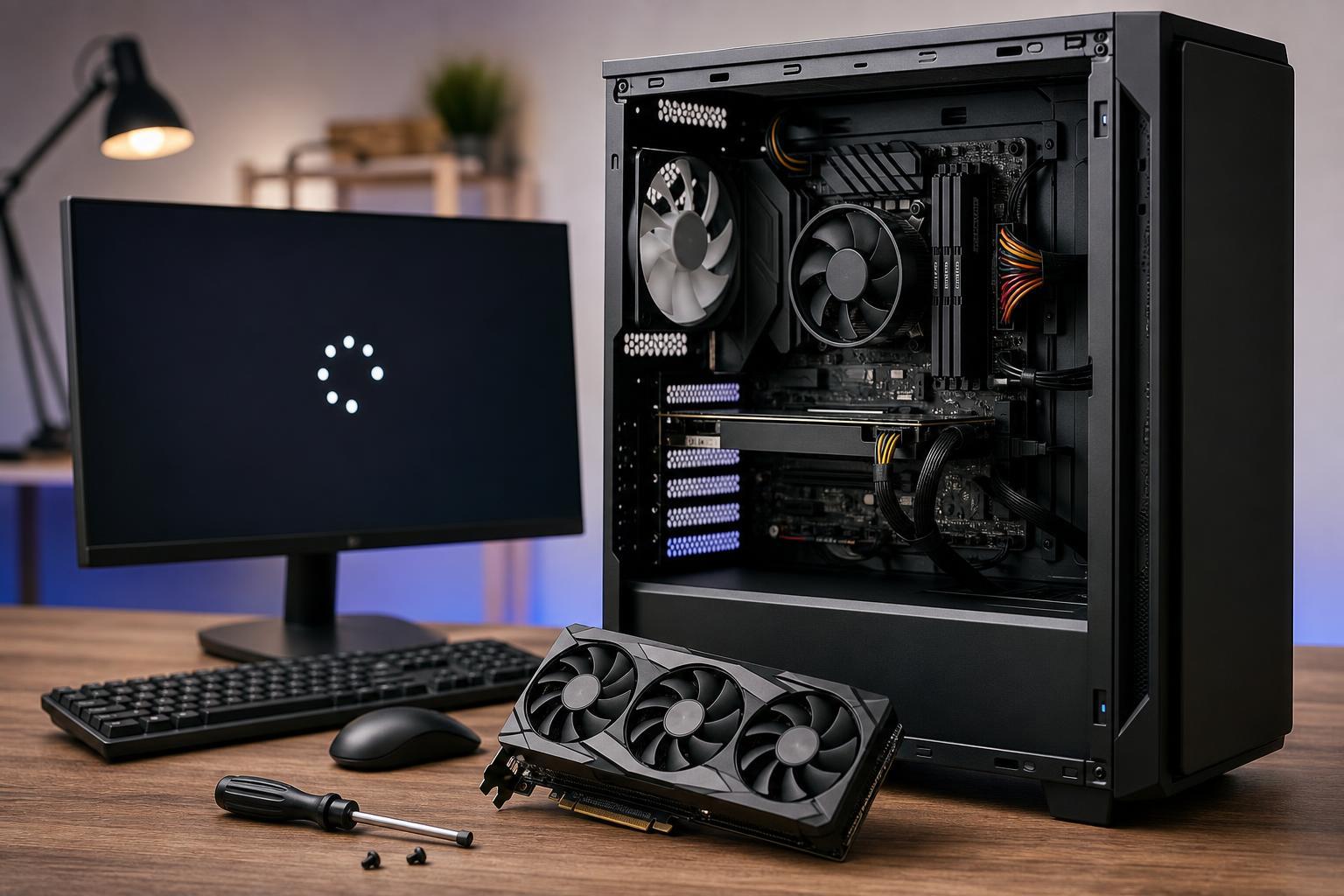
How to Fix a Windows PC That Won’t Boot After Installing a New GPU
Learn what to check if Windows will not boot after installing a new graphics card, including power, display, BIOS, driver, and compatibility issues, plus practical steps to get the PC running again.