 Windows
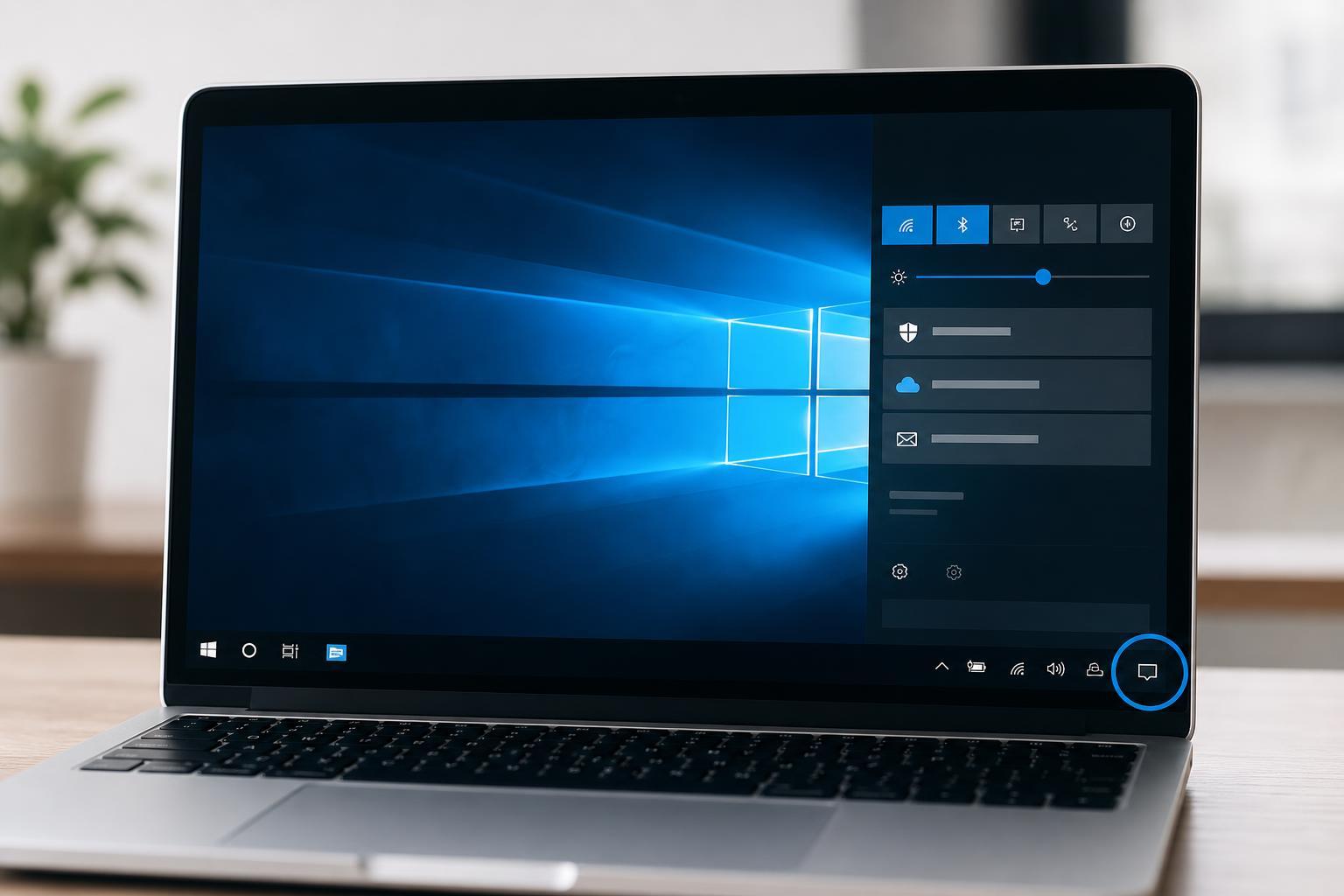
Windows 10 Action Center: What It Is and How to Use It
Learn what Action Center in Windows 10 does, how to open it, use notifications and Quick actions, and customize it for faster access to the settings you use most.
 Windows
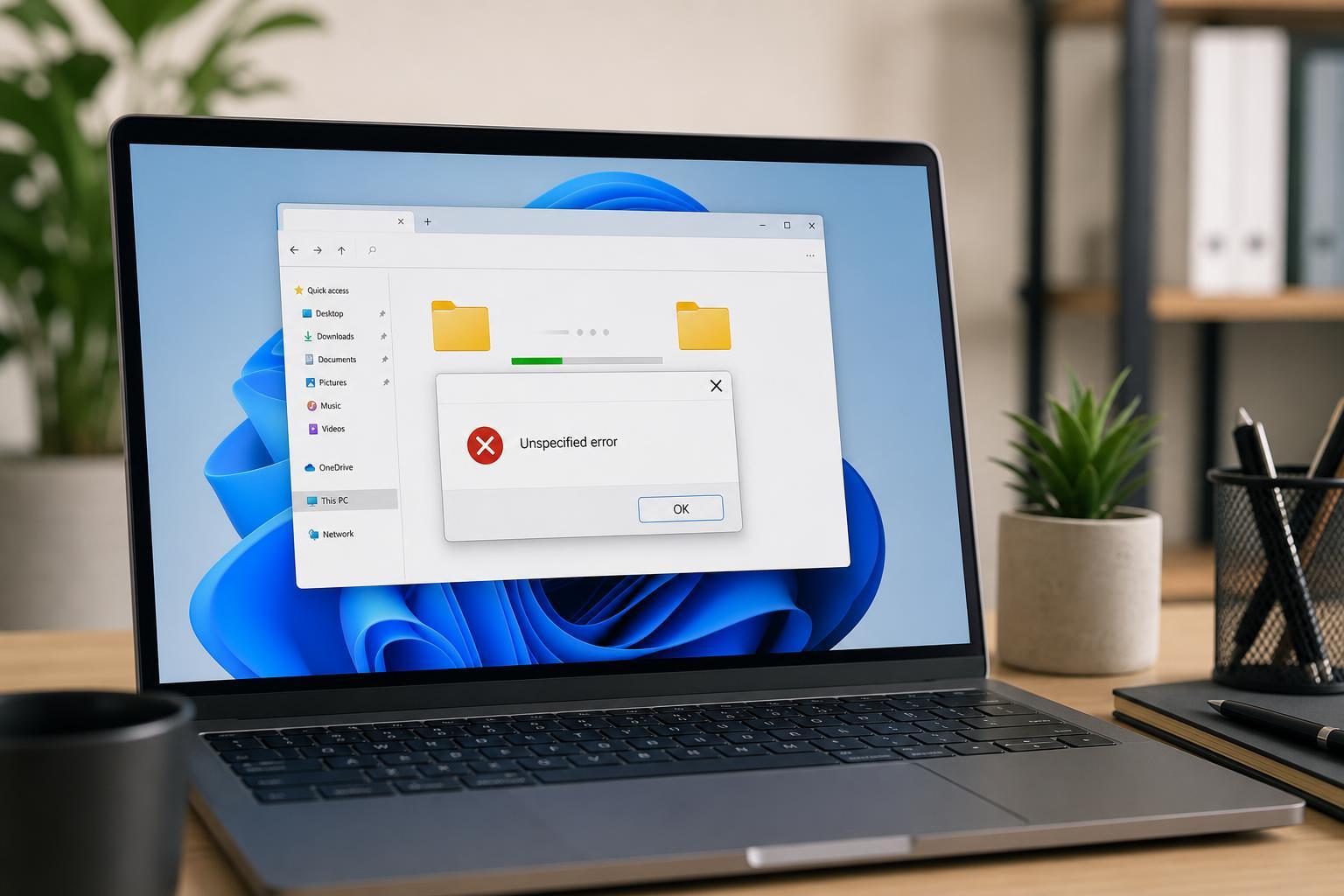
5 Ways to Fix “Unspecified Error” When Copying Files or Folders in Windows
Learn practical fixes for the Windows “Unspecified Error” that appears when copying files or folders, including permissions, file system issues, path problems, and drive errors.
 Windows
How to Fix a Microphone That Isn’t Working in VMware
Learn how to troubleshoot a malfunctioning microphone in VMware by checking host permissions, virtual machine settings, device connections, and guest OS audio configuration.
 Windows
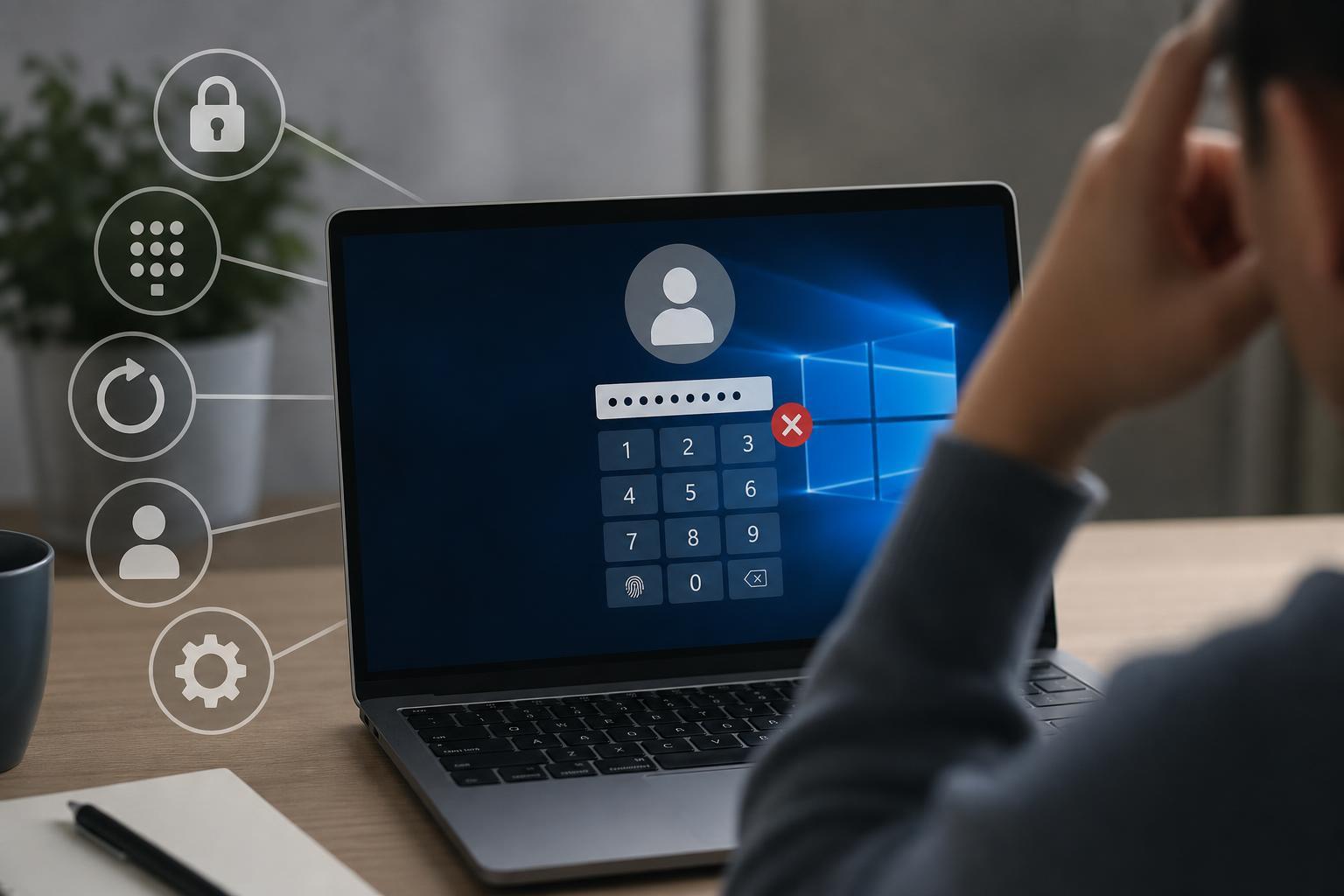
6 Ways to Fix Windows Sign-in PIN Problems When You Can’t Change It
Learn six practical ways to fix the Windows sign-in PIN issue when the change PIN option is unavailable, broken, or keeps failing. Includes account, Windows Hello, and system repair steps.
 Windows
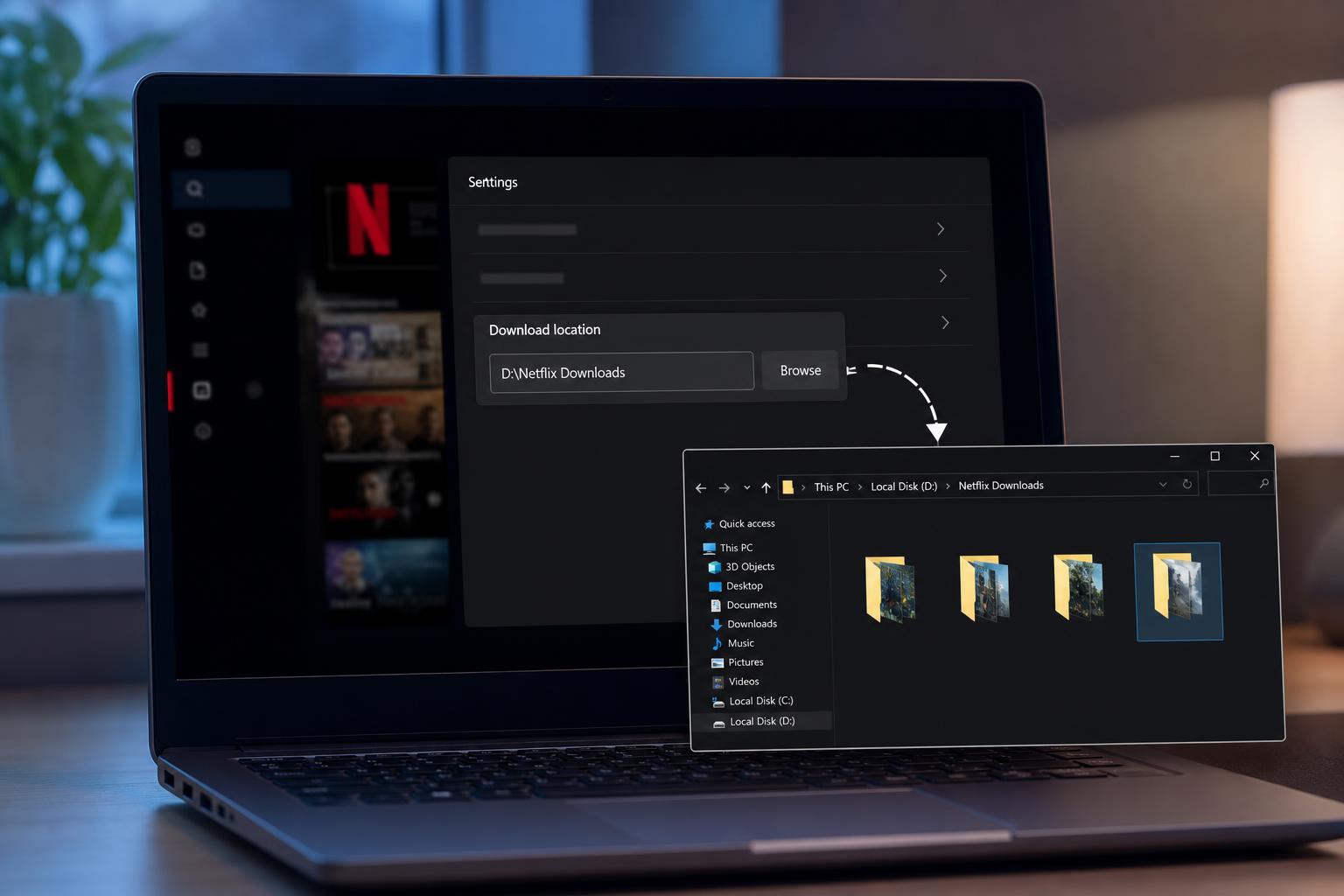
Changing the Netflix Download Folder on a Windows PC
Learn how to change where Netflix downloads are stored on a Windows PC, what the app allows, and what to do if you need to free up space or move downloads to another drive.
 Windows
How to Lock a Folder with a Password on Windows 11
Learn practical ways to password protect a folder on Windows 11, including built-in options, ZIP files, encryption, and safer methods for keeping files private.
 Windows
How to Stop Downloads From Opening Automatically in Google Chrome
Learn two practical ways to prevent downloaded files from opening automatically in Google Chrome and control what happens after a download finishes.
 Windows
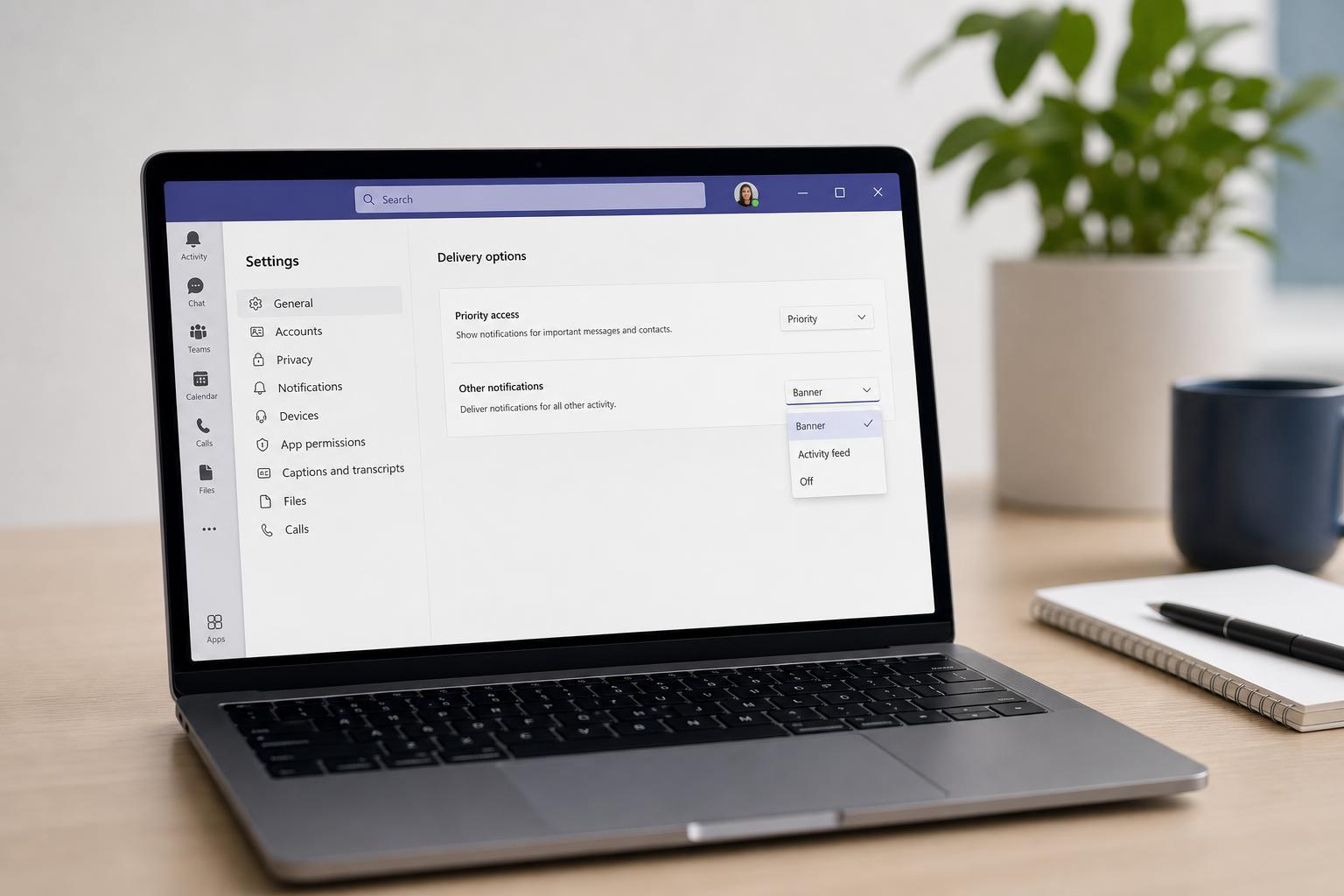
How to Change Delivery Options in Microsoft Teams
Learn how to adjust delivery options in Microsoft Teams so messages are handled the way you want, including read receipts, notification behavior, and related chat and meeting settings.
 Windows
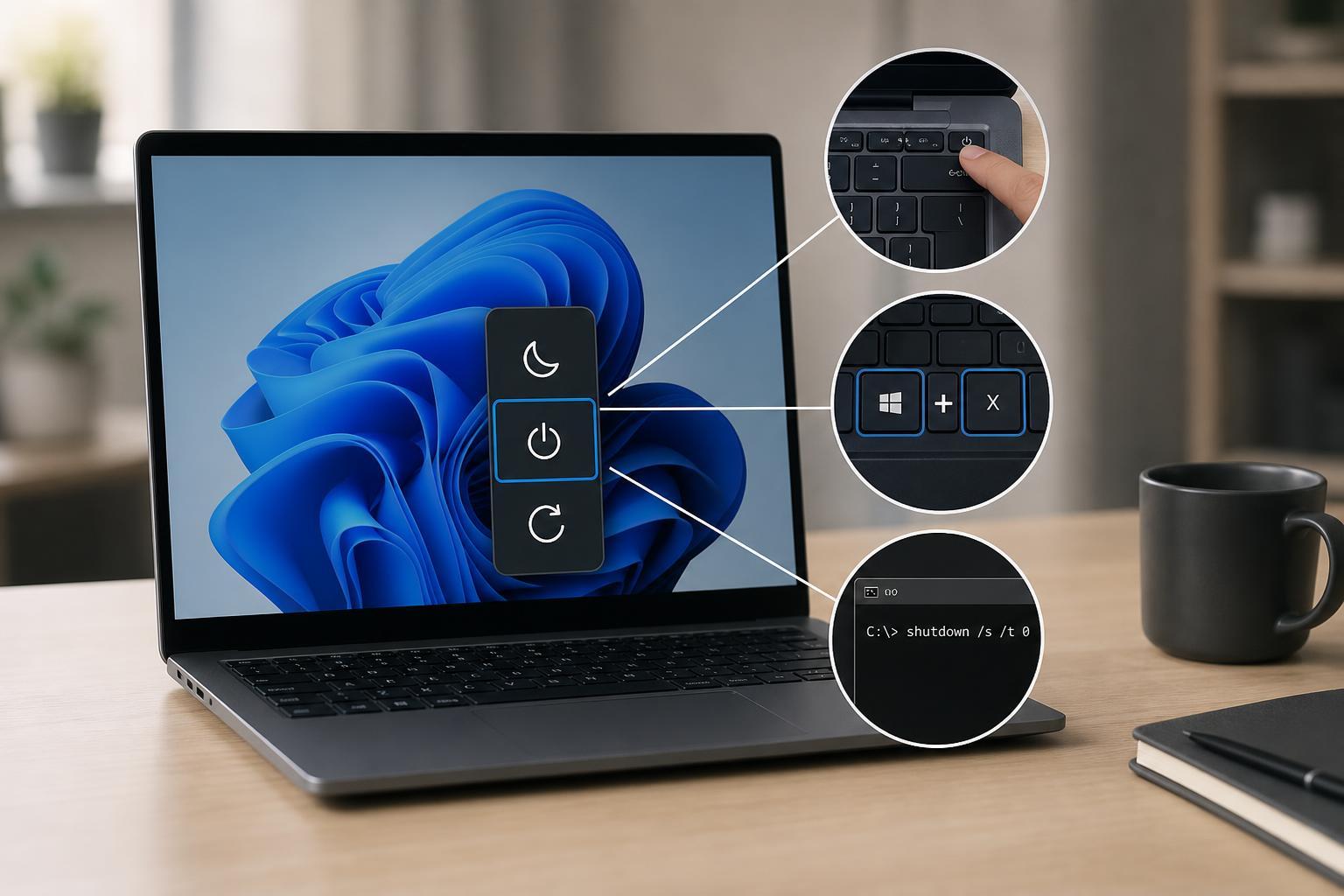
Ways to Shut Down Windows Without Using the Start Menu
Learn practical ways to shut down Windows when the Start menu is unavailable, including keyboard shortcuts, the Alt+F4 method, Command Prompt, and other quick options.
 Windows
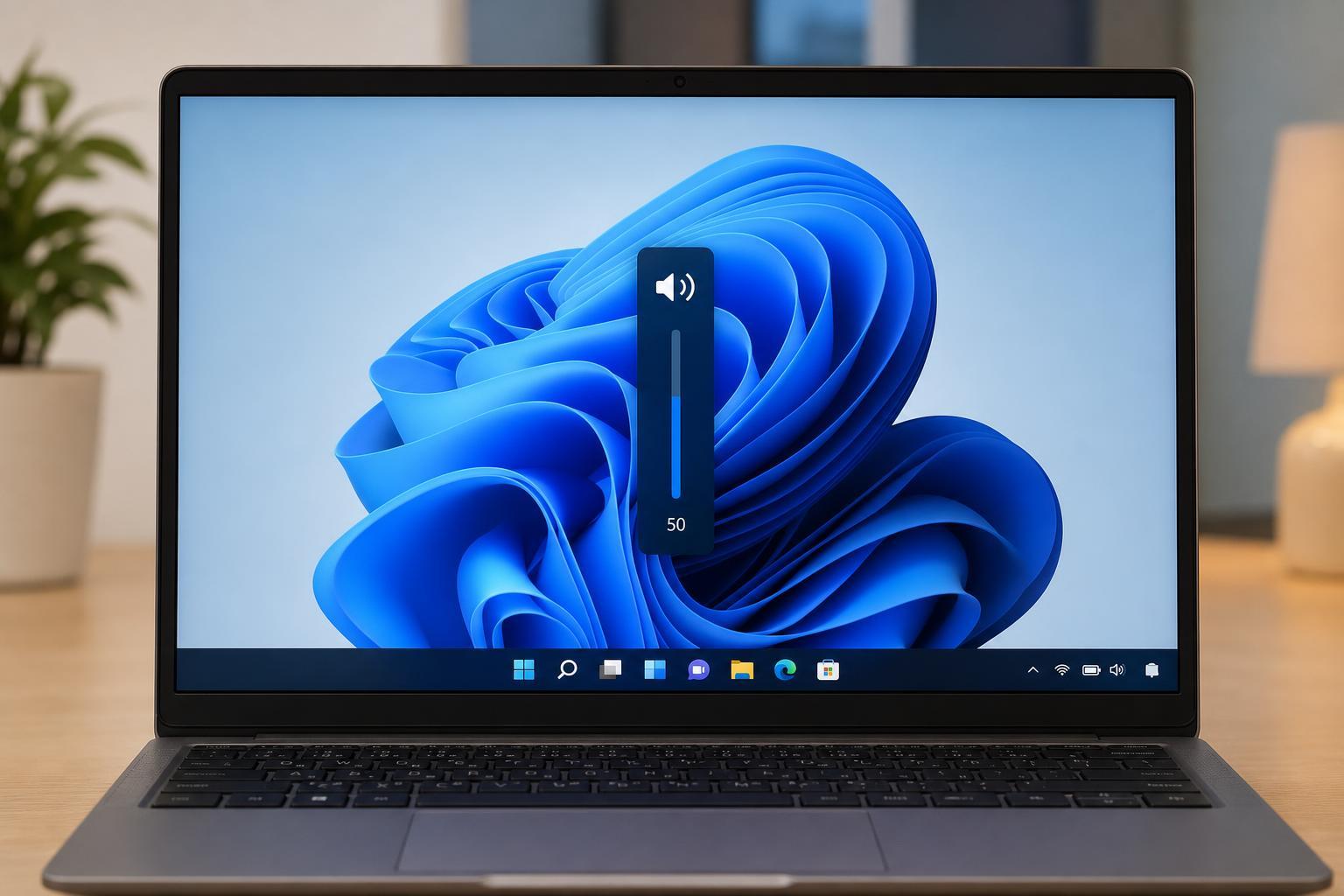
How to Fix a Volume Bar That Keeps Appearing in Windows
Learn why the Windows volume bar keeps popping up and how to fix it, including stuck keys, keyboard and audio driver issues, app conflicts, and system settings.
 Windows
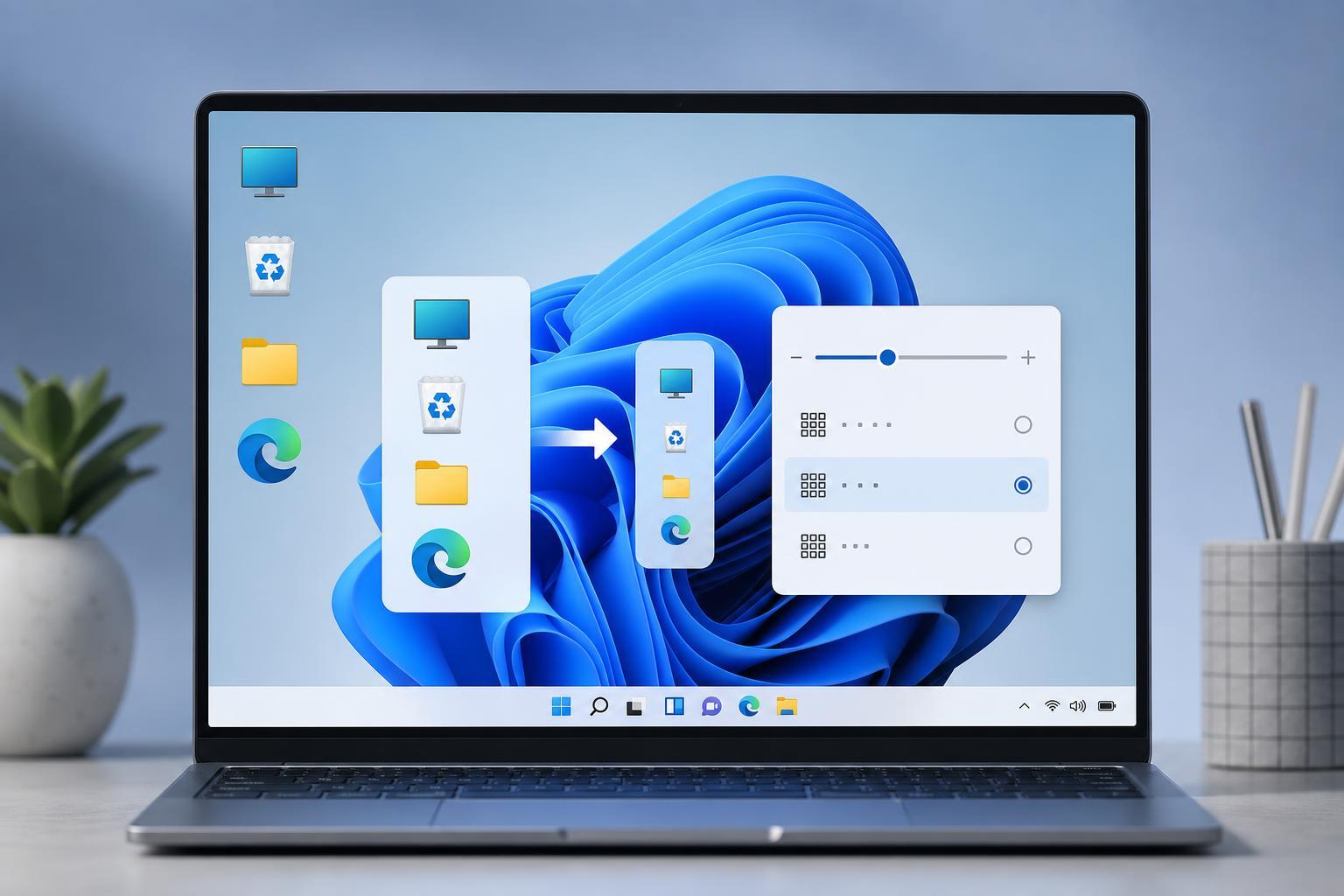
Ways to Make Desktop Icons Smaller in Windows 11
Learn how to shrink desktop icons in Windows 11 using built-in shortcuts, the right-click menu, and display scaling settings if the icons still look too large.
 Windows
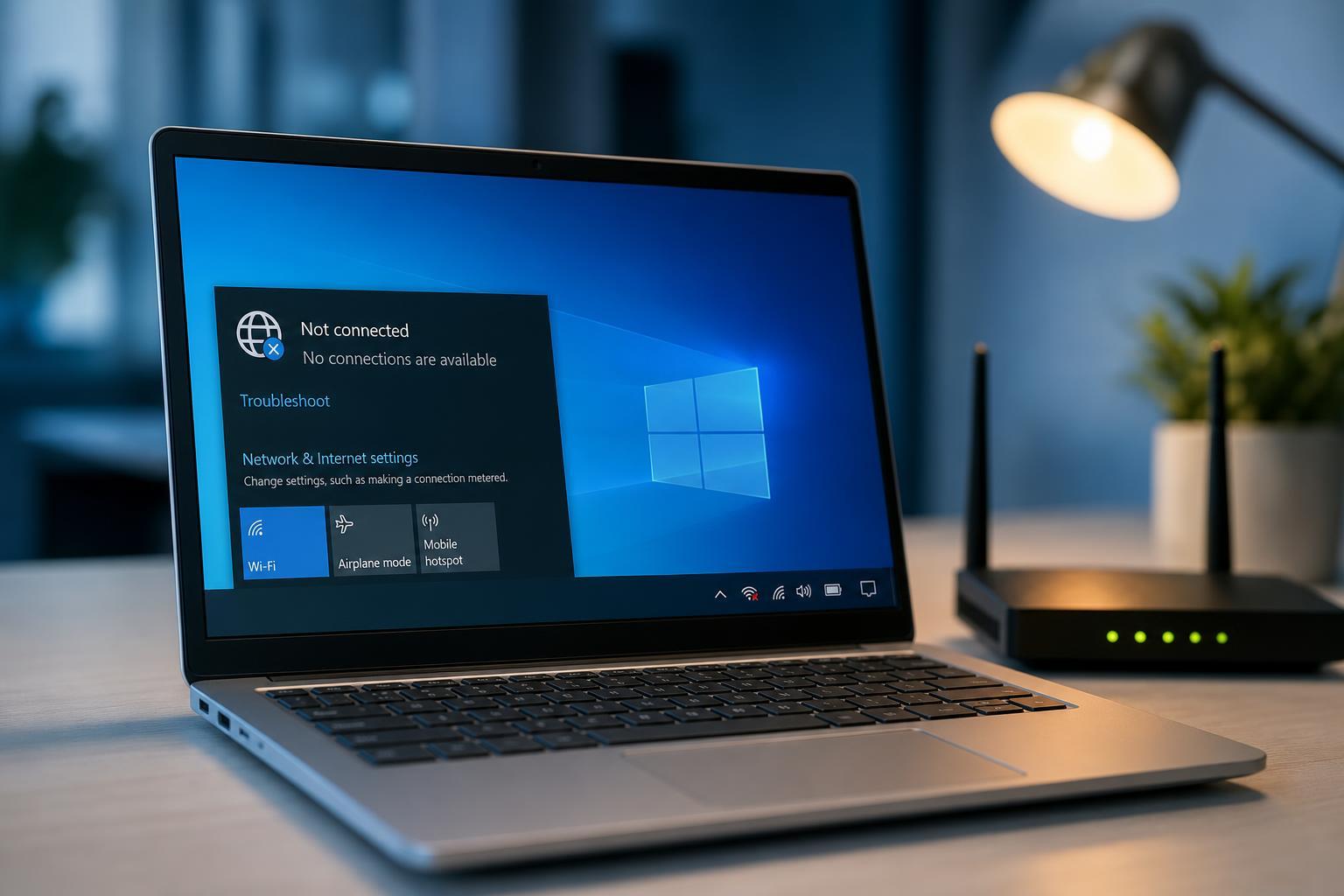
8 Fixes for Wi-Fi Not Connecting After Sleep in Windows 10
Learn how to fix Windows 10 when Wi-Fi stops connecting after sleep, with practical steps for power settings, drivers, adapters, and network resets.