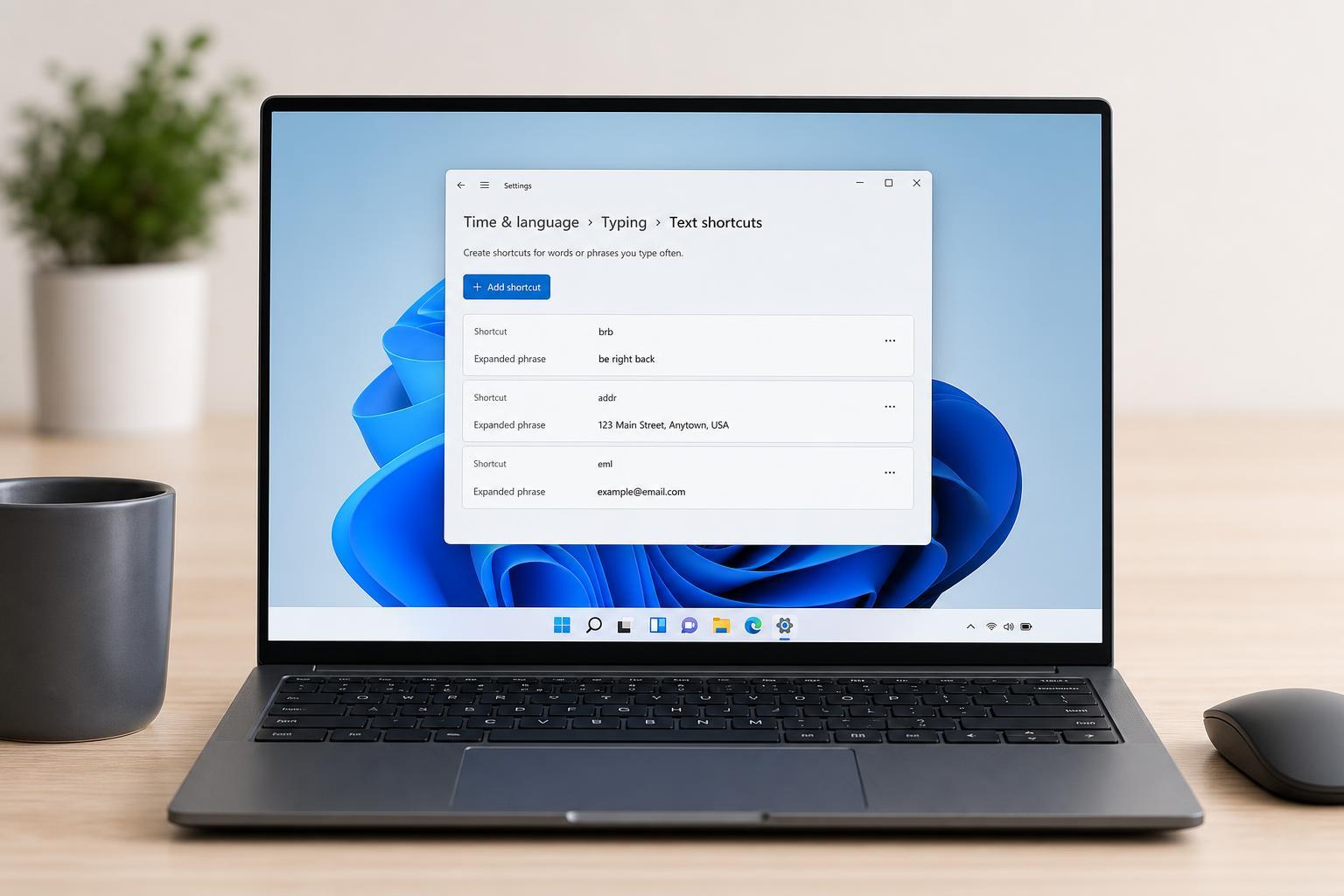
 Windows
How to Set Up Text Replacement on Windows
Learn how to create text replacement shortcuts on Windows using built-in options and third-party tools, plus how to choose the best method for typing faster.
 Windows
Fixing WhatsApp Desktop Sign-Outs on Windows
Learn why WhatsApp Desktop keeps logging you out on Windows and how to fix sync, update, permission, and device issues with practical troubleshooting steps.
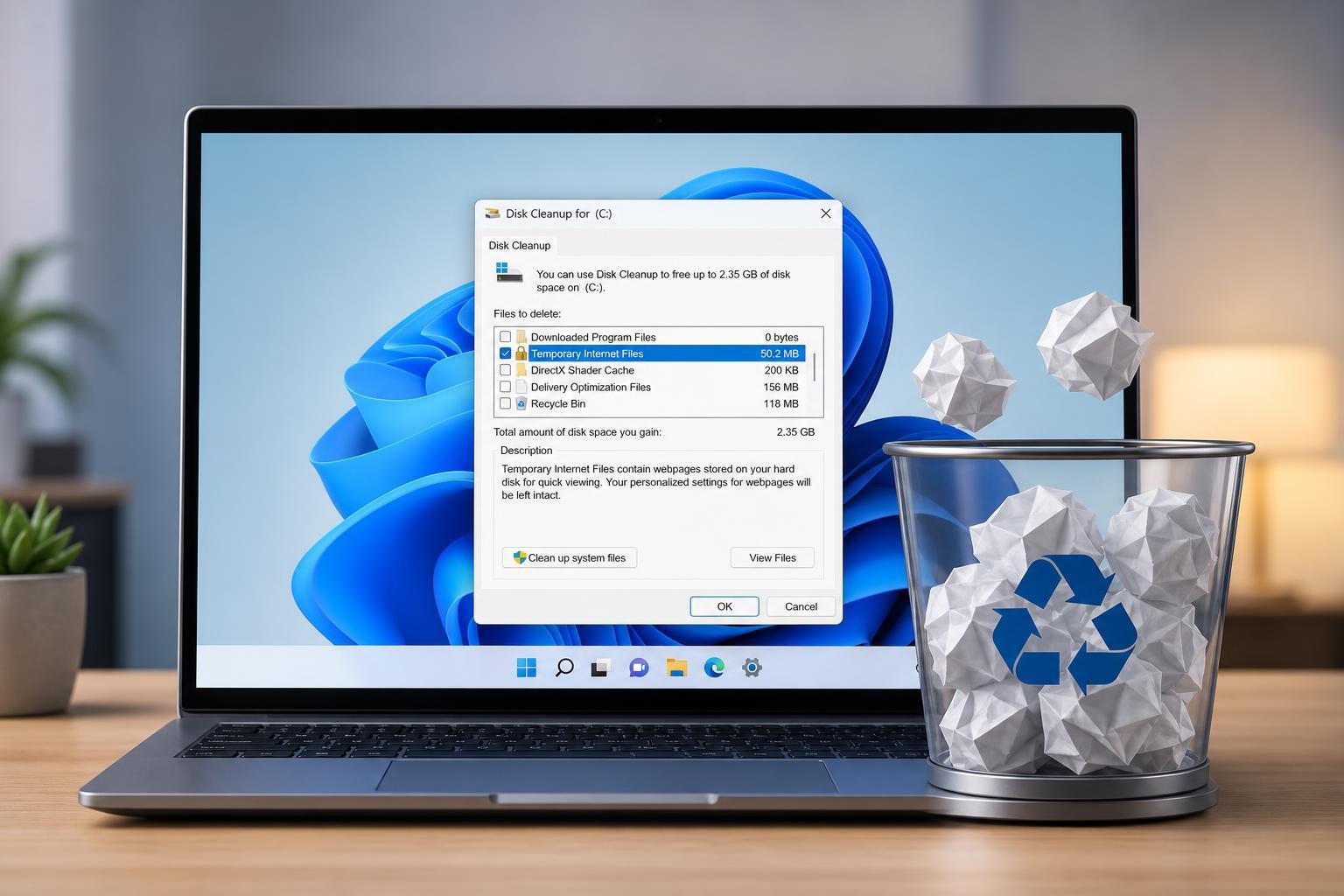 Windows
Clearing Cache Files in Windows 10 and Windows 11: A Practical Guide
Learn how to clear different types of cache files in Windows 10 and Windows 11, including temporary files, app caches, browser data, and update leftovers.
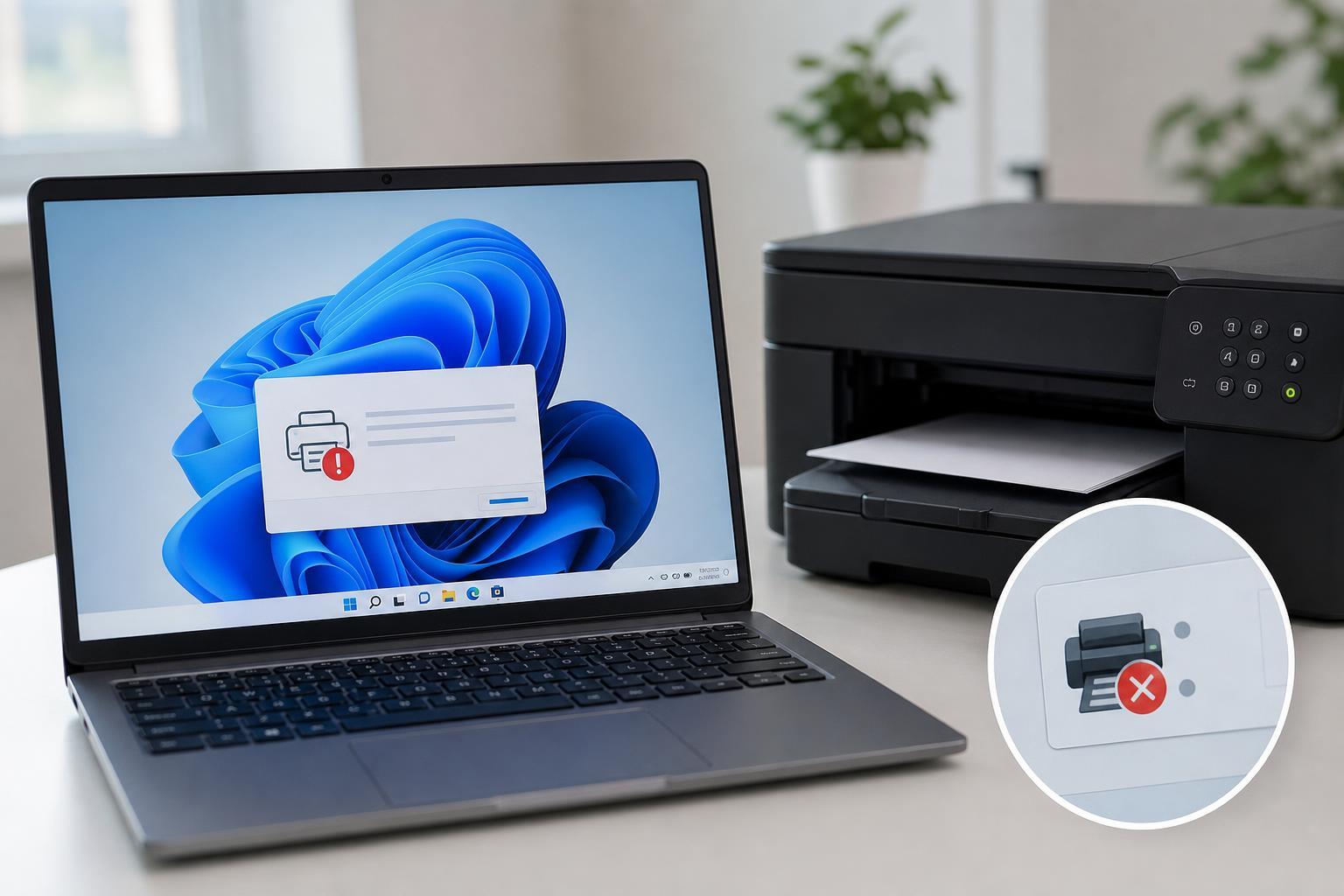 Windows
5 Ways to Fix the “Printer Driver Is Unavailable” Error in Windows 11
Learn five practical ways to fix the Windows 11 “Printer driver is unavailable” error, including driver updates, reinstalling the printer, and checking Windows settings.
 Windows
5 Fixes for Google Chrome Closing by Itself on Desktop
Learn the most effective ways to fix Google Chrome when it keeps closing automatically on a Windows or desktop computer, including common causes, settings checks, and troubleshooting steps.
 Windows
4 Ways to Fix File Explorer Getting Stuck on “Working on It” in Windows
Learn four practical fixes for when Windows File Explorer freezes on “Working on It,” including common causes, step-by-step solutions, and when to try deeper troubleshooting.
 Windows
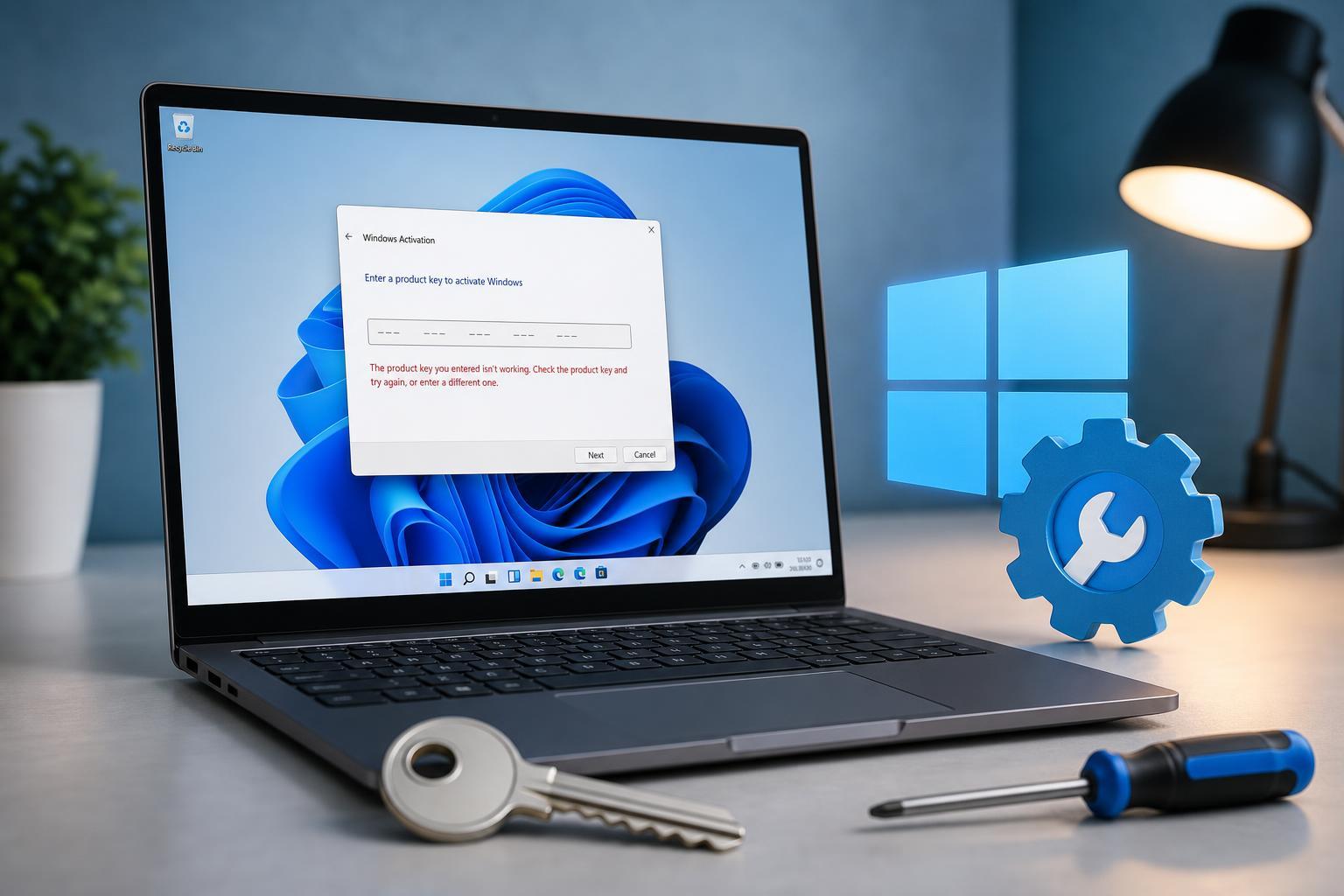
4 Ways to Fix a Windows 11 Activation Key That Isn’t Working
Learn the most effective fixes when a Windows 11 product key will not activate, including key checks, licensing issues, version mismatches, and activation troubleshooting.
 Windows
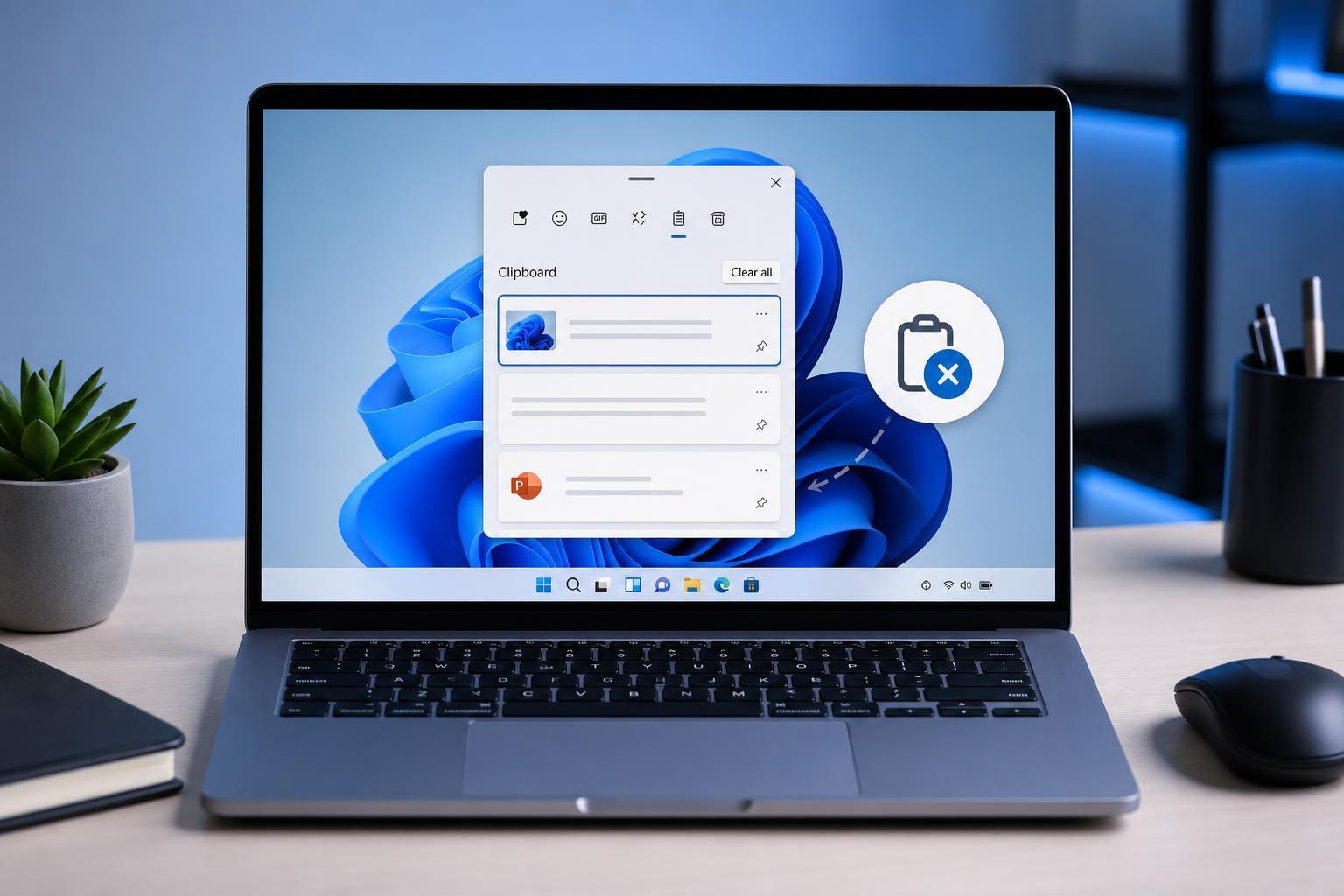
3 Easy Ways to Clear Clipboard History in Windows 11
Learn three simple ways to clear clipboard history in Windows 11, including removing individual items, clearing everything from Settings, and turning clipboard history off.
 Windows
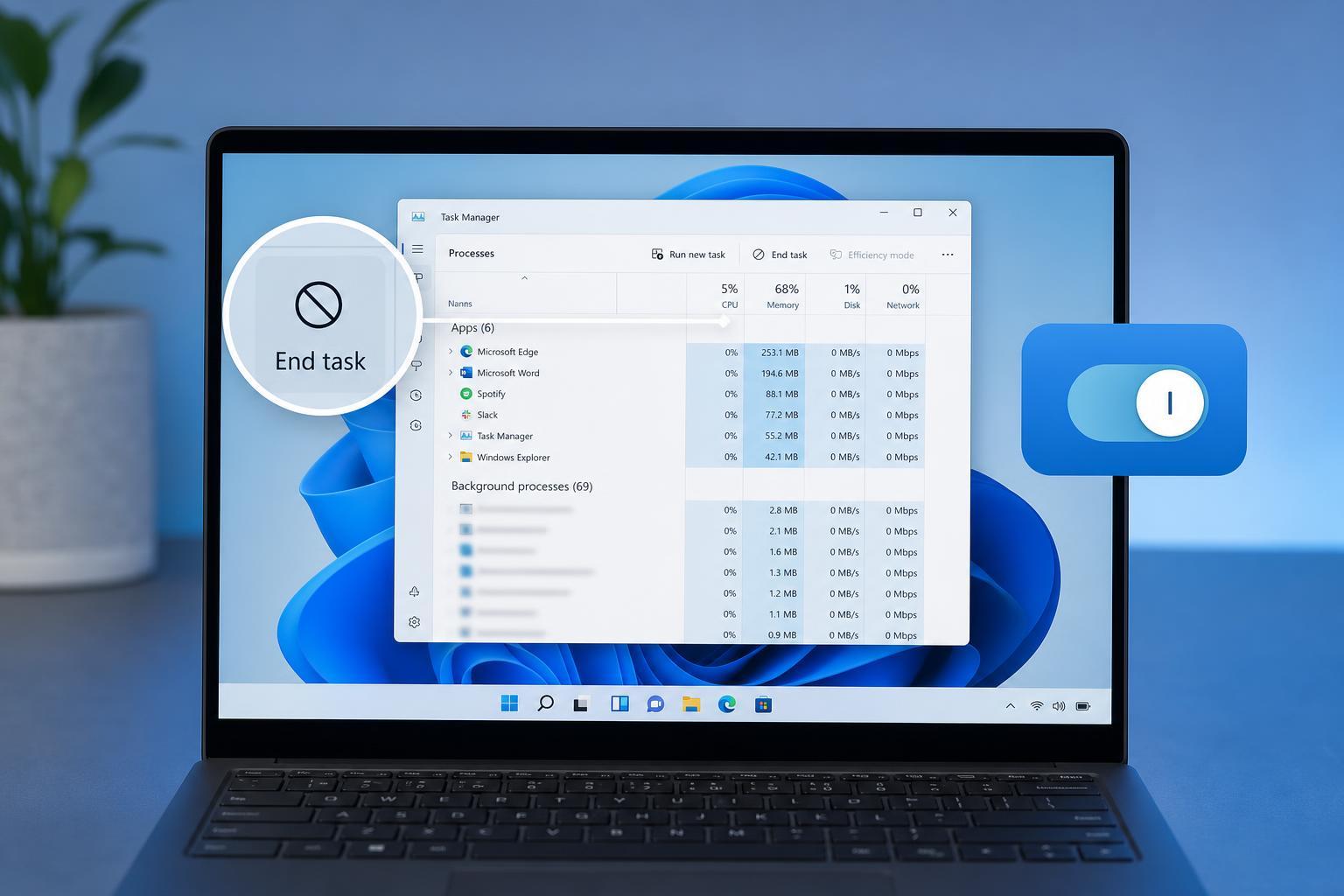
3 Easy Ways to Turn Off Background Apps in Windows 11
Learn three practical ways to disable background apps in Windows 11, including Settings, app permissions, and power-saving options to reduce CPU, battery, and data use.
 Windows
3 Ways to Fix Sticky Notes Not Working in Windows 11
Learn three practical ways to fix Sticky Notes when it stops opening, syncing, or responding in Windows 11, including reset, repair, and reinstall steps.
 Windows
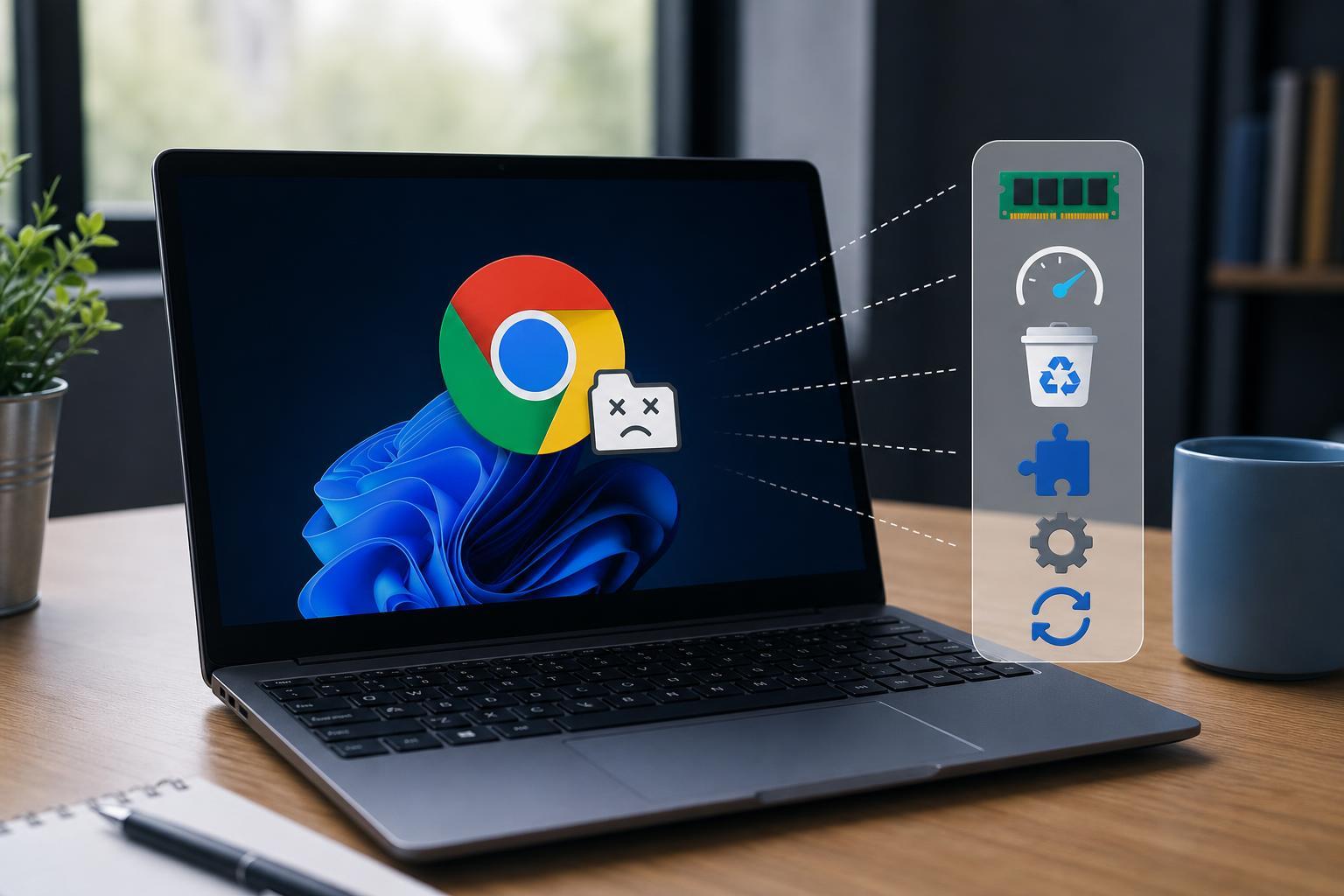
6 Ways to Fix Chrome’s “Out of Memory” Error on Windows
Learn the most effective ways to fix Google Chrome error code Out of Memory on Windows, including memory-hungry tabs, extensions, hardware acceleration, and browser settings.
 Windows
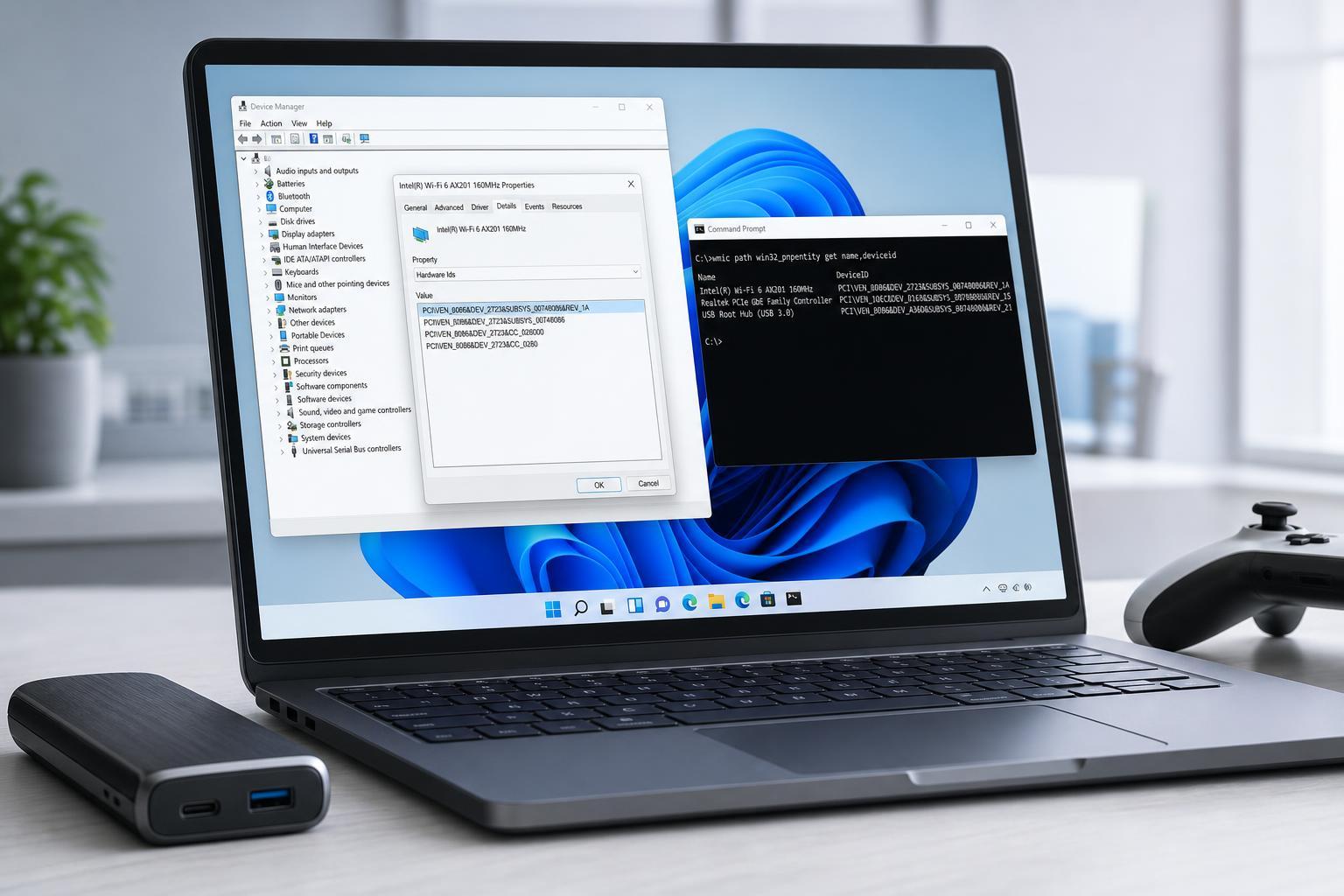
4 Fast Ways to Find a Device’s Hardware ID in Windows 11
Learn four quick ways to check a device’s hardware ID in Windows 11 using Device Manager, Properties, PowerShell, and Device Instance Path details.