 Windows
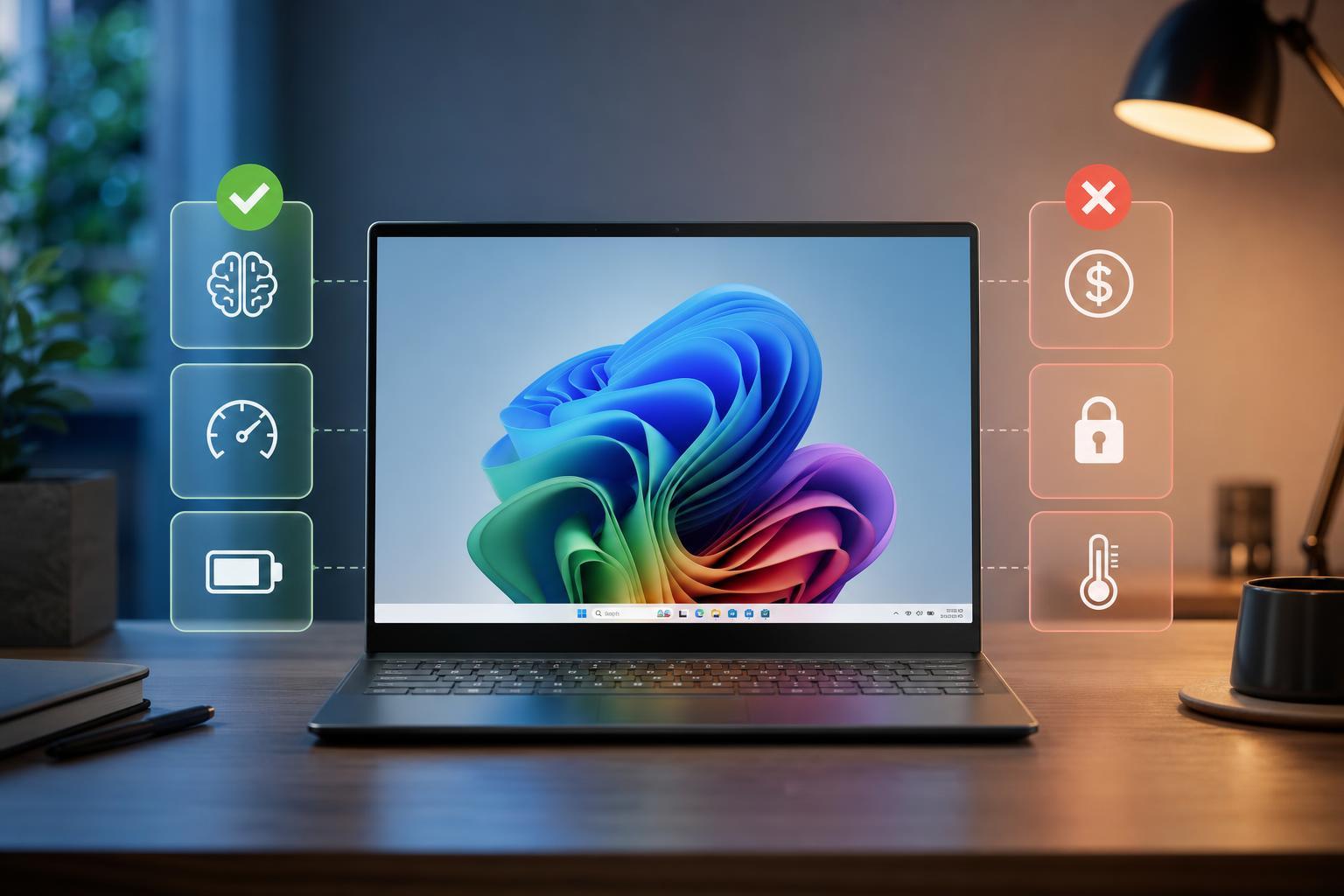
Microsoft Copilot+ PCs: The Real Pros and Cons You Should Know
Learn what Copilot+ PCs are, what they do well, where they fall short, and whether they make sense for your next Windows laptop or desktop.
 Windows
8 Ways to Fix “Your Device Is Missing Important Security and Quality Fixes” on Windows
Learn what causes the Windows Update message “Your device is missing important security and quality fixes” and how to fix it with practical steps, from update troubleshooting to reset and repair options.
 Windows
6 Ways to Open PowerShell with Administrator Rights in Windows 11
Learn six reliable ways to run PowerShell as an administrator in Windows 11, including Start menu, Run, Windows Terminal, Task Manager, File Explorer, and context menu methods.
 Windows
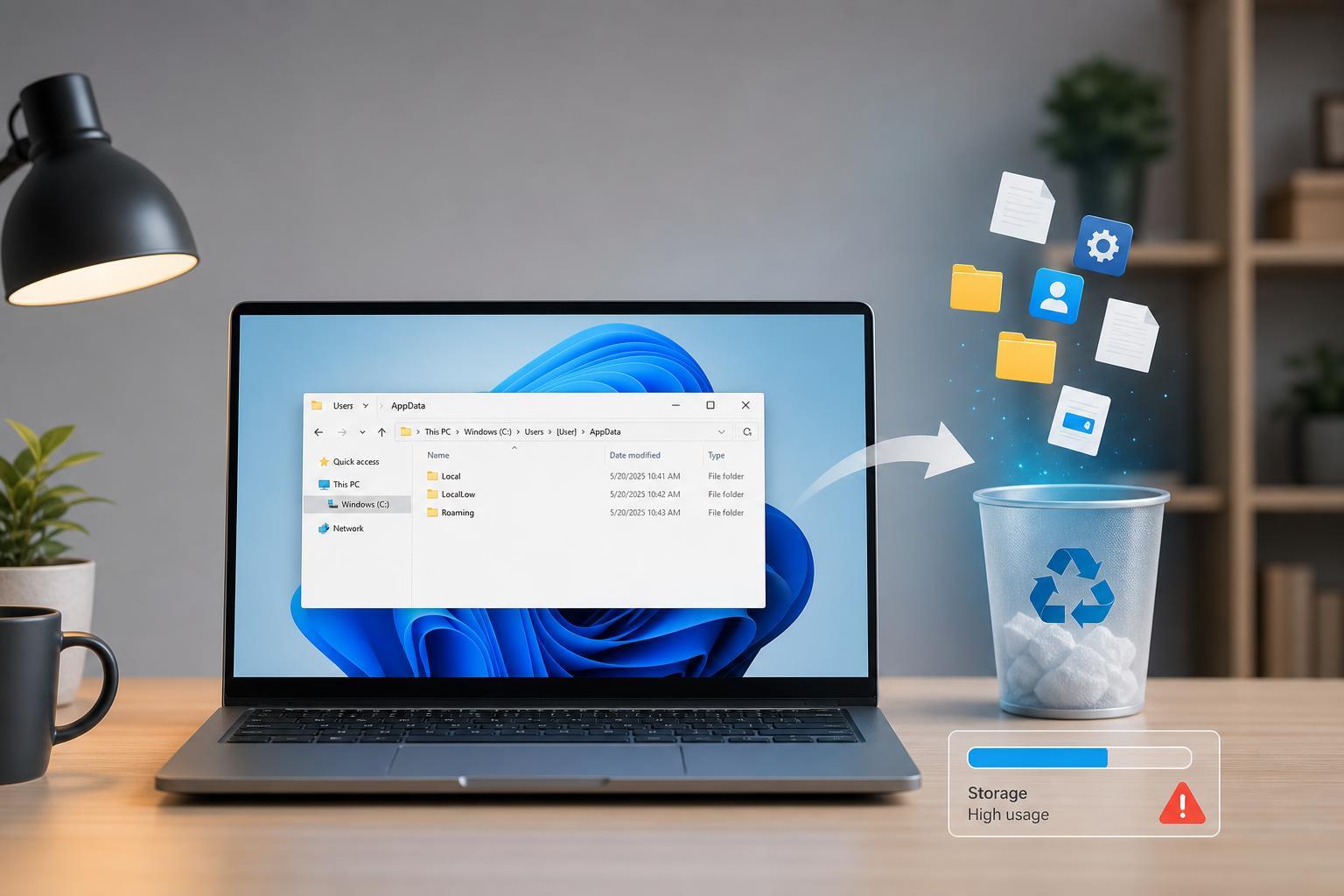
When the Windows AppData Folder Gets Too Large: When to Trim It and Why It Matters
Learn what the Windows AppData folder is, why it can grow so large, which parts are safe to clean, and how to trim it without breaking apps or losing important data.
 Windows
7 Fixes for Mozilla Firefox Download Failures on Windows 11
Learn how to troubleshoot Mozilla Firefox downloads that fail on Windows 11 with practical fixes for permissions, antivirus interference, storage issues, browser settings, and network problems.
 Windows
Thinking About Switching From Windows to Linux? Benefits, Drawbacks, and a Practical Guide
Learn the main pros and cons of moving from Windows to Linux, what to expect before switching, and how to decide whether Linux is the right fit for your PC and workflow.
 Windows
4 Ways to Fix Microsoft Teams Notifications That Won’t Disappear on Windows
Learn four practical fixes for Microsoft Teams notifications that stay stuck on Windows, including app settings, cache issues, and Windows notification problems.
 Windows
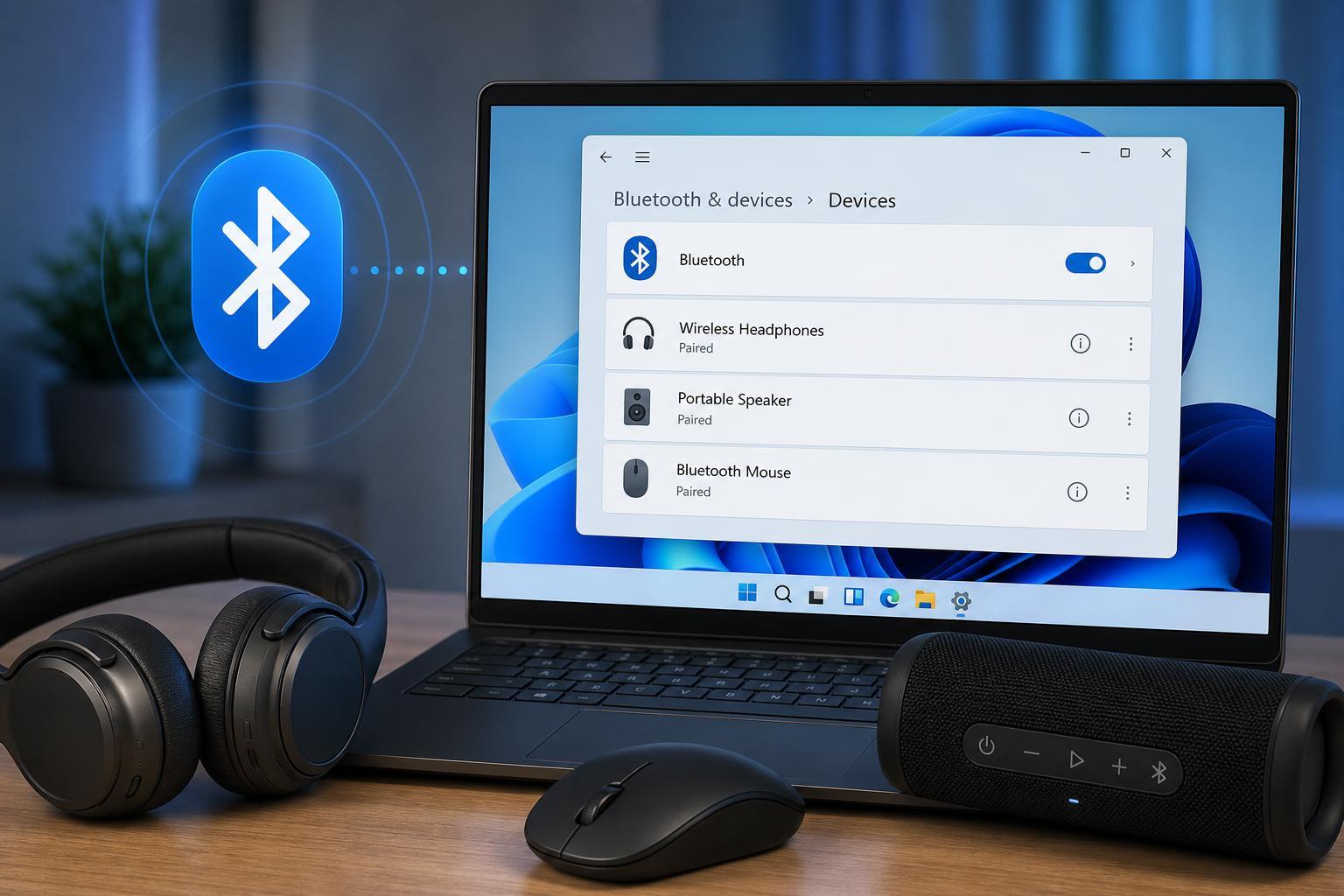
4 Ways to Fix a Bluetooth Device That Shows as Paired but Not Connected in Windows 11
Learn four practical ways to fix a Bluetooth device that is paired in Windows 11 but won’t connect, including common settings checks, device removal, driver fixes, and Windows troubleshooting steps.
 Windows
11 Practical Ways to Fix Dropbox Connection and Sync Problems on Windows 10
Learn 11 effective ways to fix Dropbox when it will not connect or sync on Windows 10, including network checks, app settings, permissions, and account-related fixes.
 Windows
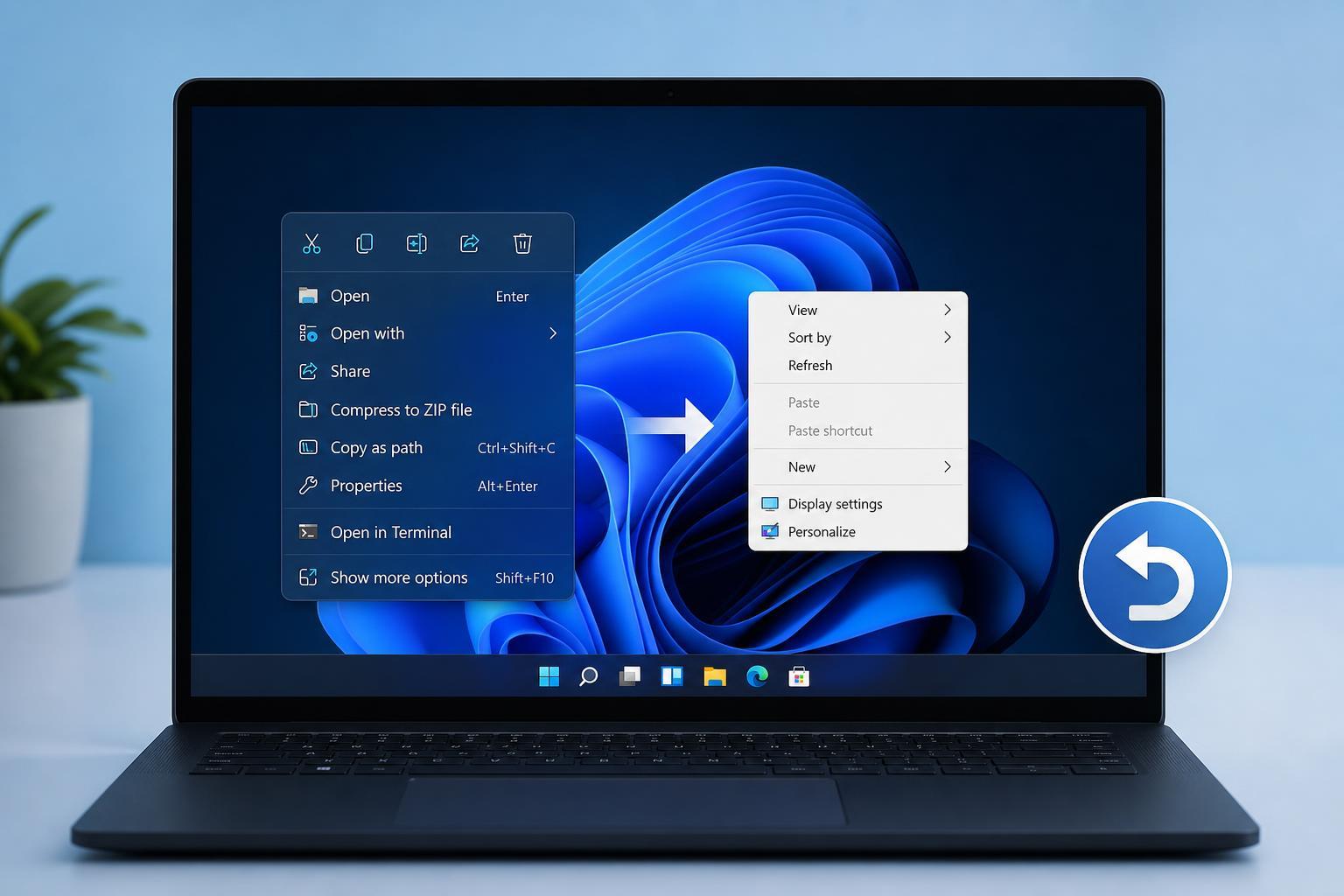
How to Bring Back the Classic Context Menu in Windows 11: 11 Steps and a Temporary Workaround
Learn how to restore the Windows 11 classic context menu with clear steps, plus a temporary workaround if you only need the old menu for a while.
 Windows
3 Reliable Ways to Fix the “Your Clock Is Ahead/Behind” Error in Google Chrome
Learn how to fix the Google Chrome error that says your clock is ahead or behind, including checking Windows date and time settings, syncing the clock, and troubleshooting certificate or browser issues.
 Windows
How to Fix Windows Backup and Restore When It Gets Stuck
Learn what to do when Windows Backup and Restore hangs or stops responding, including the most likely causes, practical fixes, and how to check whether the backup can be saved.