 Windows
Turn Off the User Account Control Prompt in Windows 11
Learn how to disable the User Account Control popup in Windows 11, what the setting does, and the security trade-offs to consider before turning it off.
 Windows
How to Fix “The Operation Failed” Error in Microsoft Outlook for Windows
Learn practical fixes for the Microsoft Outlook for Windows “The operation failed” error, including account issues, add-ins, profiles, permissions, and repair steps.
 Windows
The 3 Best Ways to Find and Remove Malware in Windows 11
Learn three effective ways to detect and remove malware in Windows 11, including Microsoft Defender, offline scanning, and trusted third-party tools.
 Windows
How to Turn Off Windows Defender Completely in Windows
Learn five practical ways to disable Windows Defender in Windows, including temporary and permanent options, plus the risks and when each method makes sense.
 Windows
Importing Web Data into Microsoft Excel: A Practical Guide
Learn how to bring tables, lists, and other data from websites into Microsoft Excel using built-in import tools, refreshable queries, and best practices for cleaning and updating web data.
 Windows
Updating DirectX on Windows 11: What You Need to Know
Learn how DirectX updates work on Windows 11, how to check your current version, and the safest ways to get the latest DirectX components for games and apps.
 Windows
11 Ways to Fix a Windows 10 Start Menu That Won’t Open
Learn practical ways to fix a Windows 10 Start Menu that won’t open, from simple shell fixes to system file repairs and Windows troubleshooting tools.
 Windows
Add a One-Click Print to PDF Button in Microsoft Excel on Windows 11
Learn how to create a custom Print to PDF button in Microsoft Excel on Windows 11 so you can save spreadsheets as PDFs faster and with fewer clicks.
 Windows
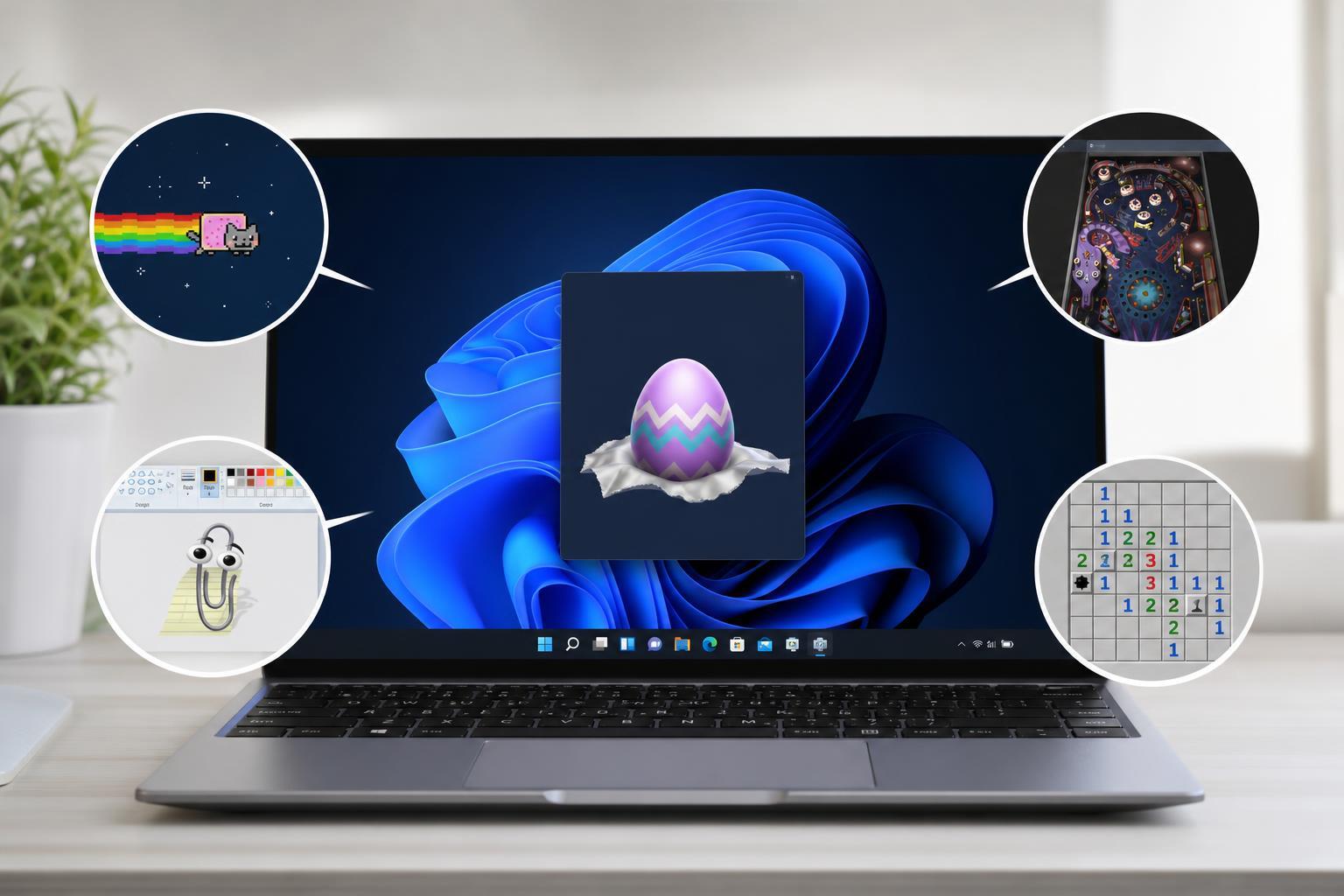
4 Hidden Easter Eggs You Can Find in Windows 11 and How to Open Them
Discover four hidden Windows 11 Easter eggs, where to find them, and what each one does. Learn simple steps to access these built-in surprises without changing anything important on your PC.
 Windows
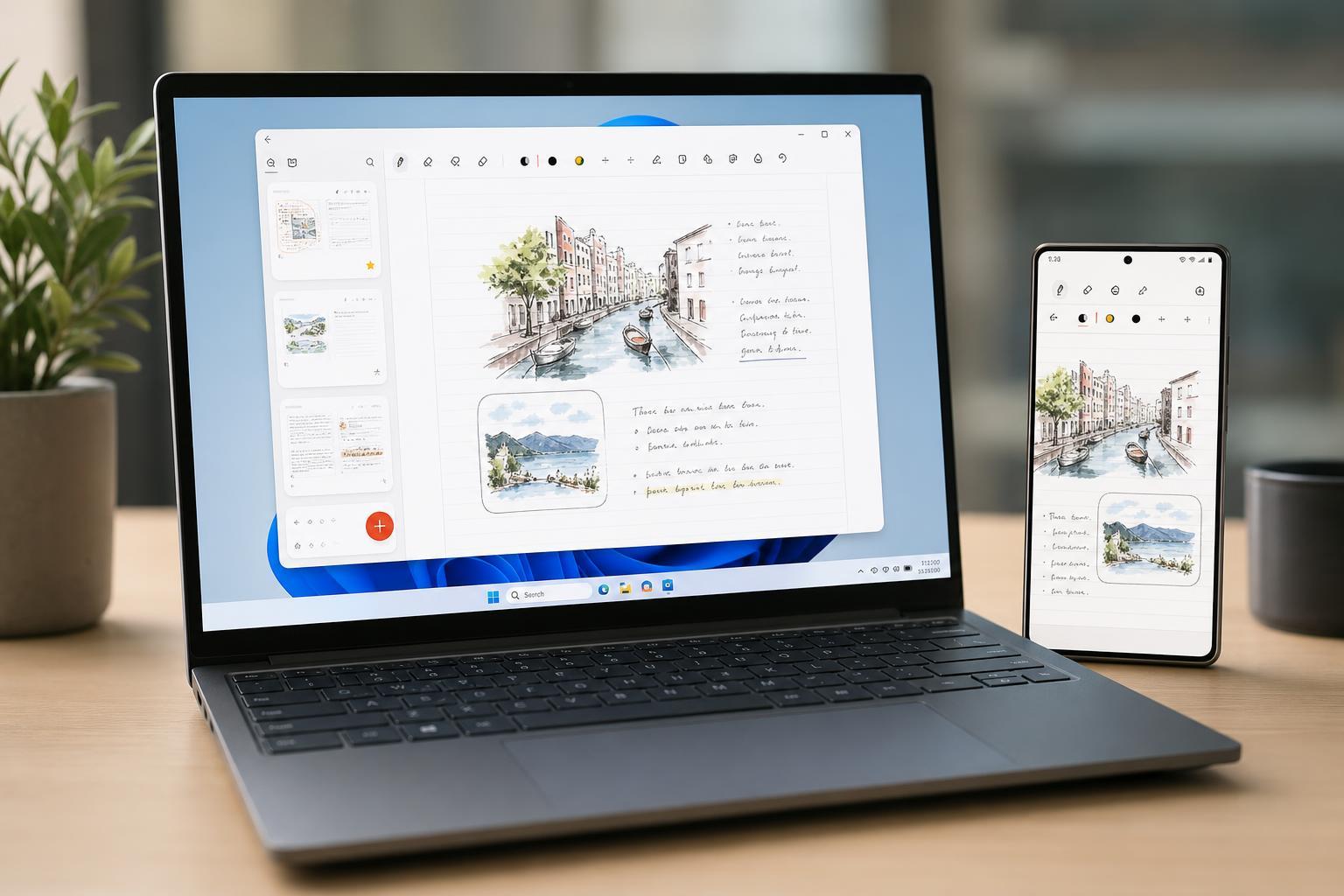
Accessing Samsung Notes on a Windows PC
Learn the practical ways to view Samsung Notes on Windows, including syncing through Samsung apps, using your Samsung account, and opening notes through compatible devices or exports.
 Windows
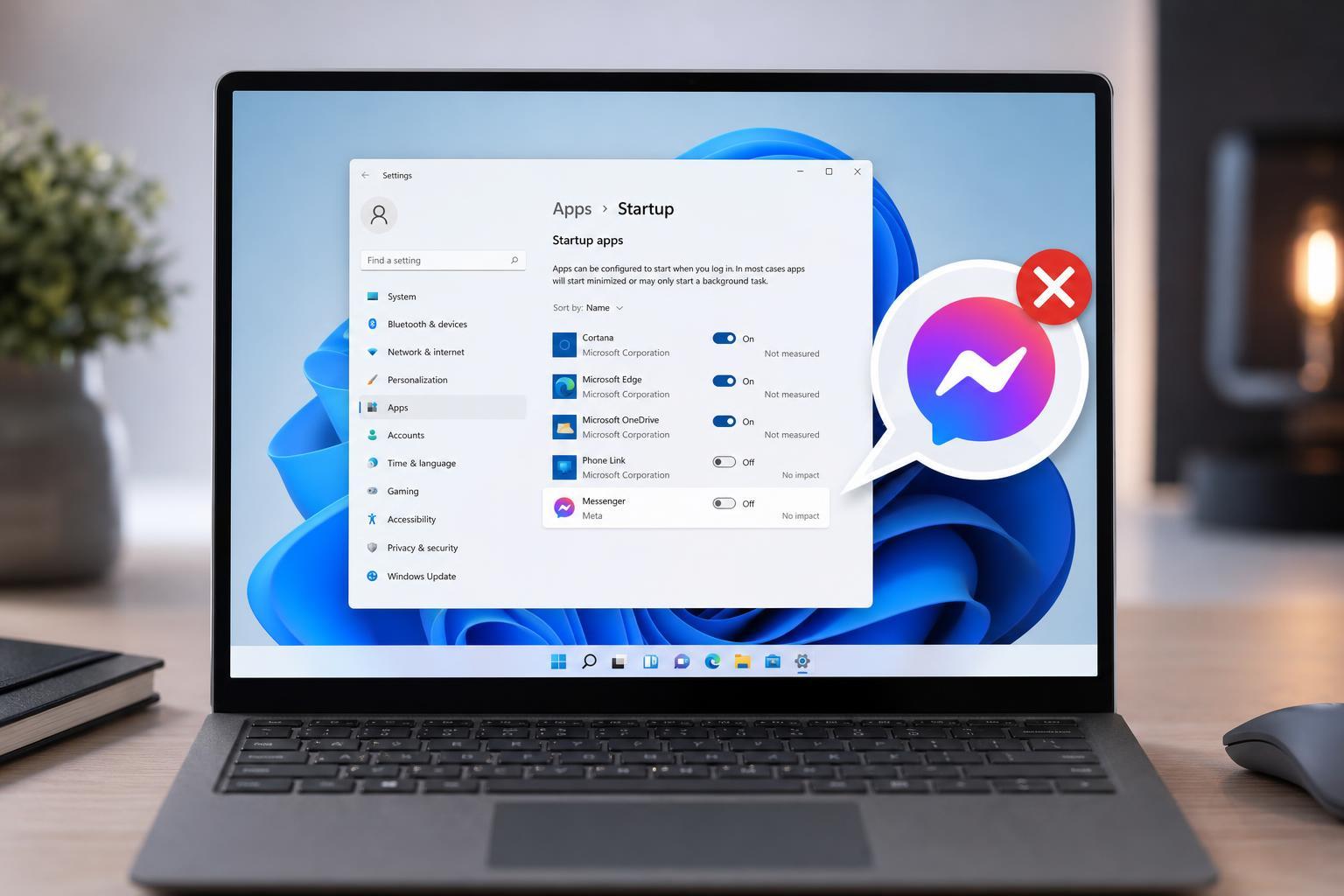
Prevent Facebook Messenger From Launching Automatically on Windows
Learn how to stop Facebook Messenger from opening at startup on Windows using startup settings, Task Manager, app options, and uninstall options if needed.
 Windows
How to Fix Zoom When It Won’t Open on Windows 11 and 10
Learn three practical ways to fix Zoom when it refuses to launch on Windows 11 or Windows 10, including app repair, compatibility checks, and reinstalling Zoom.