 Windows
Fixing Copy and Paste Problems in Google Chrome
Learn how to troubleshoot copy and paste not working in Chrome on Windows, including browser issues, extension conflicts, permissions, and system-level fixes.
 Windows
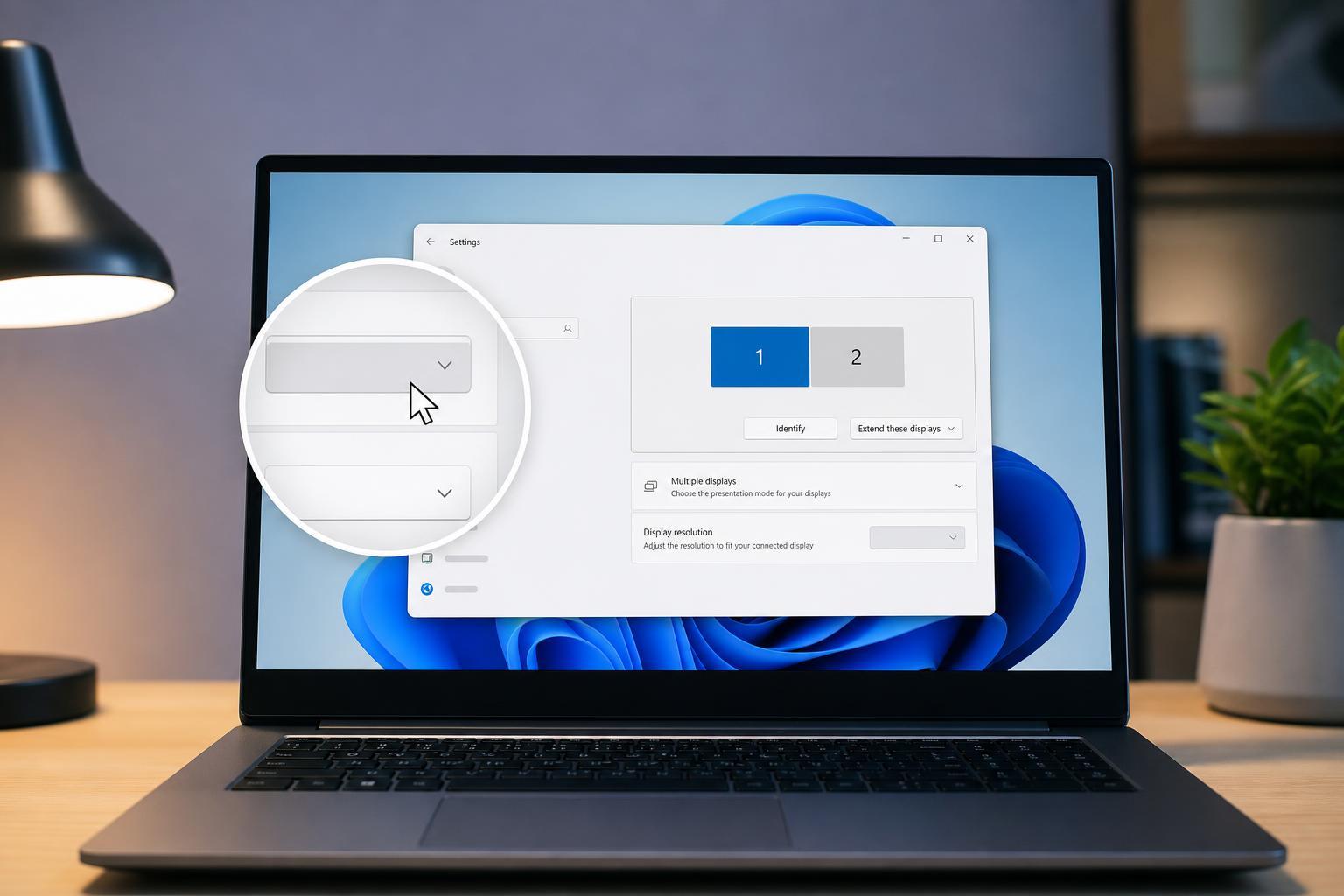
Fixing a Greyed-Out Display Resolution Option in Windows 11
Learn why the Display resolution setting may be greyed out in Windows 11 and how to fix it with practical troubleshooting steps for drivers, adapters, monitor limits, and display settings.
 Windows
7 Effective Ways to Fix Hogwarts Legacy Crashing on Windows 11
Learn practical ways to troubleshoot Hogwarts Legacy crashing on Windows 11, from graphics driver fixes and file repair to settings changes and compatibility checks.
 Windows
How to Fix the Windows Error “A Required Privilege Is Not Held by the Client”
Learn five practical fixes for the Windows error “A required privilege is not held by the client,” including permission checks, elevated access, sharing settings, and related system issues.
 Windows
Fixing the Windows 10 “This Action Is Only Valid for Products That Are Currently Installed” Error
Learn how to fix the Windows 10 installer and repair error “This action is only valid for products that are currently installed” by checking for missing programs, reinstalling the same version, and removing broken installer entries safely.
 Windows
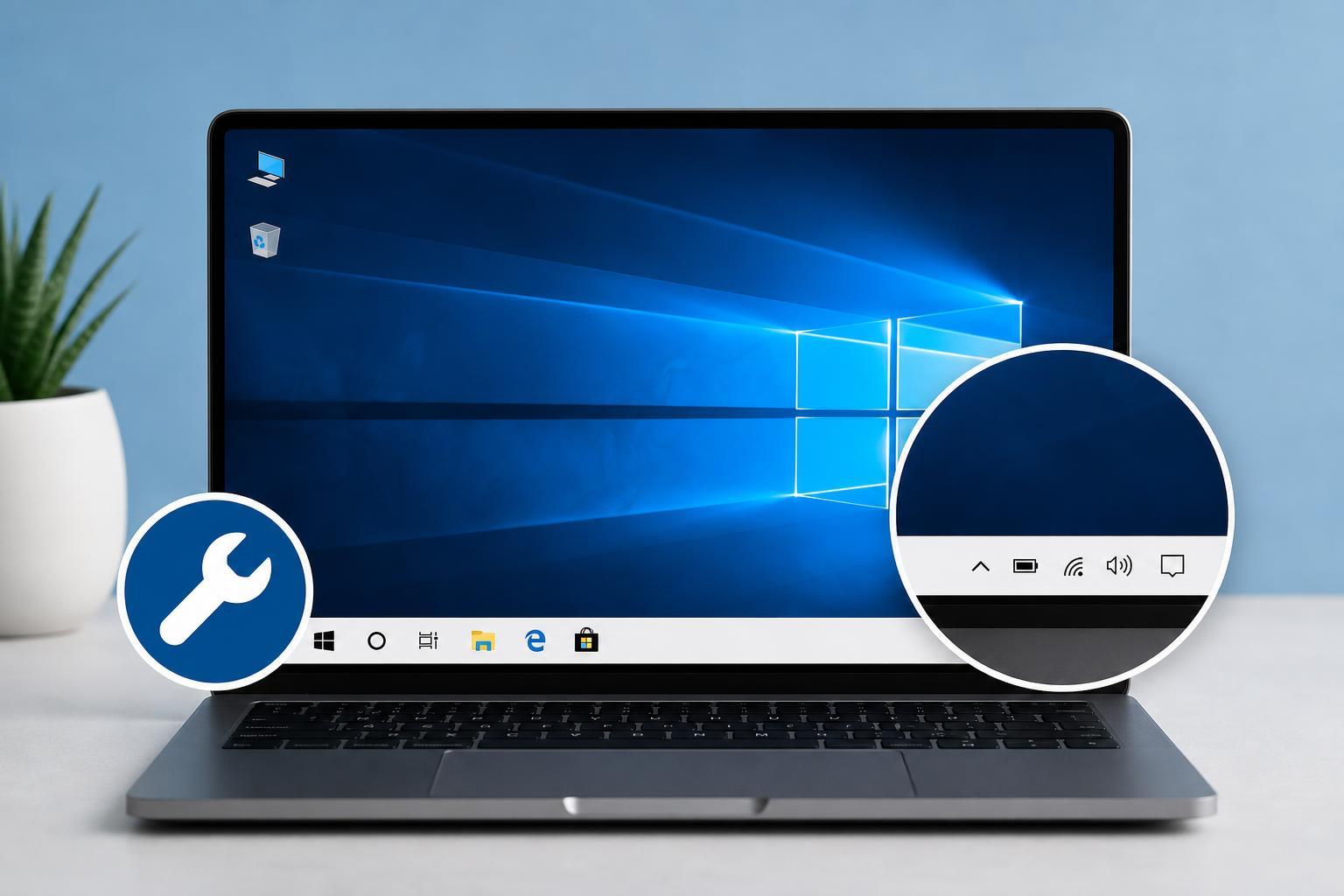
4 Reliable Ways to Fix a White Taskbar in Windows 10
Learn the most effective ways to fix a Windows 10 taskbar that has turned white, including personalization settings, color mode changes, driver checks, and system file repairs.
 Windows
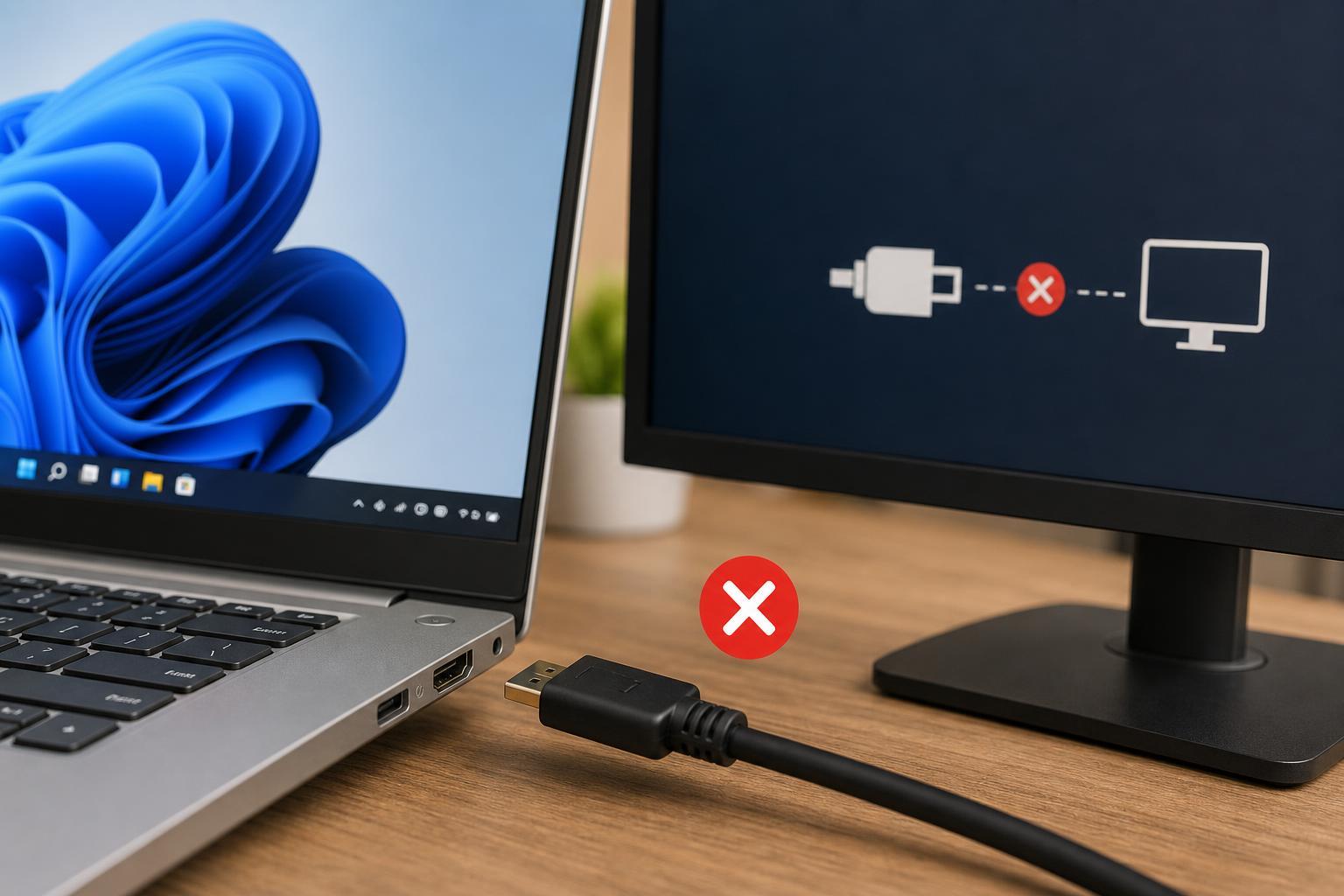
5 Fixes for a HDMI Port That Is Not Working in Windows 11
Learn practical ways to troubleshoot a Windows 11 HDMI port that is not working, from checking cables and display settings to updating drivers and testing hardware.
 Windows
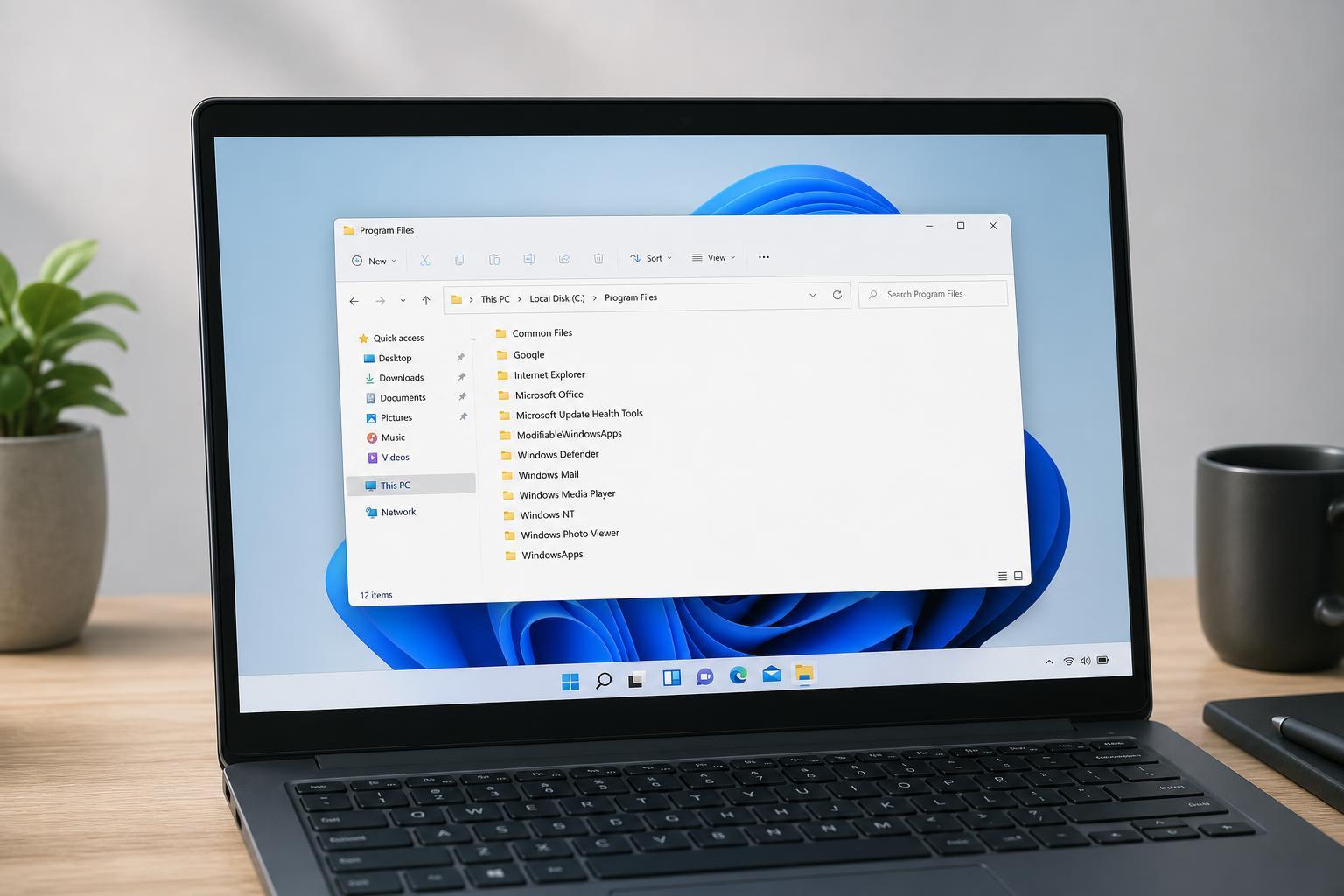
How to Find Where Apps and Programs Are Installed in Windows 11
Learn how to find the install location of apps and desktop programs in Windows 11 using Start, Settings, File Explorer, Task Manager, and shortcut properties.
 Windows
7 Fixes for Low Volume Issues in Windows 11
Learn seven practical ways to fix low volume on Windows 11, from checking app and system settings to updating drivers and audio enhancements.
 Windows
6 Ways to Fix the “Multiple Connections to a Server or Shared Resource” Error on Windows
Learn why Windows shows the “multiple connections to a server or shared resource by the same user” error and how to fix it using practical steps for shared folders, mapped drives, and network logins.
 Windows
How to Fix the “Something Didn’t Go as Planned” Error in Windows 11
Learn five practical fixes for the Windows 11 “Something didn’t go as planned” error, including common causes, step-by-step solutions, and when to use each one.
 Windows
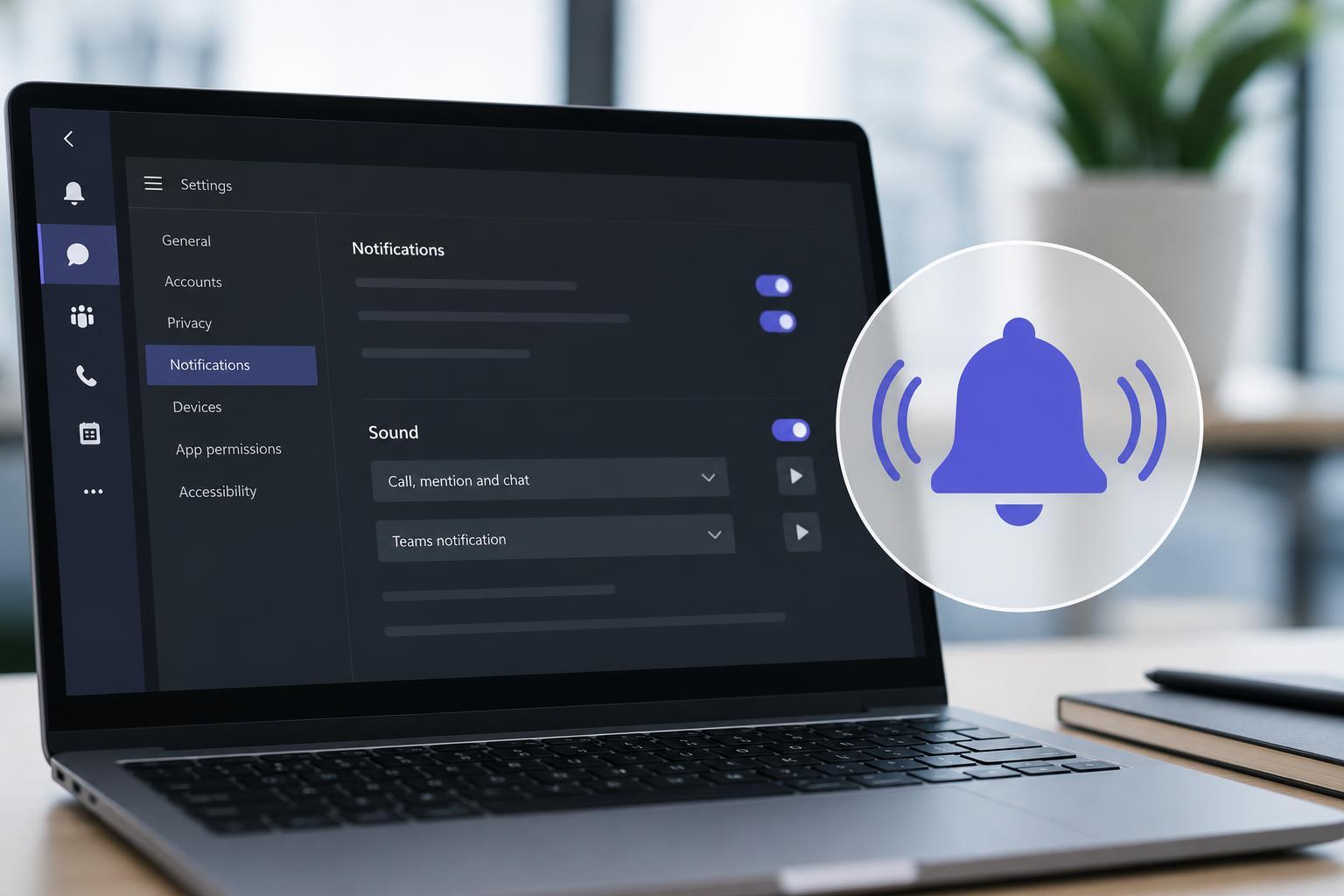
How to Restore Microsoft Teams Notification Sounds When They Stop Working
Learn how to fix Microsoft Teams notification sounds when alerts are silent, including app settings, Windows sound settings, device selection, and other common causes.