HDMI 2.0 and DisplayPort 1.4 are both widely used display connections, but they are not interchangeable in every situation. The better choice depends on what you are connecting, what resolution and refresh rate you want, and whether you care more about a monitor or a TV setup.
If you are building a gaming PC, upgrading a monitor, or trying to get the best picture from your graphics card, it helps to understand where each standard fits best instead of treating them as the same thing.
The Short Answer
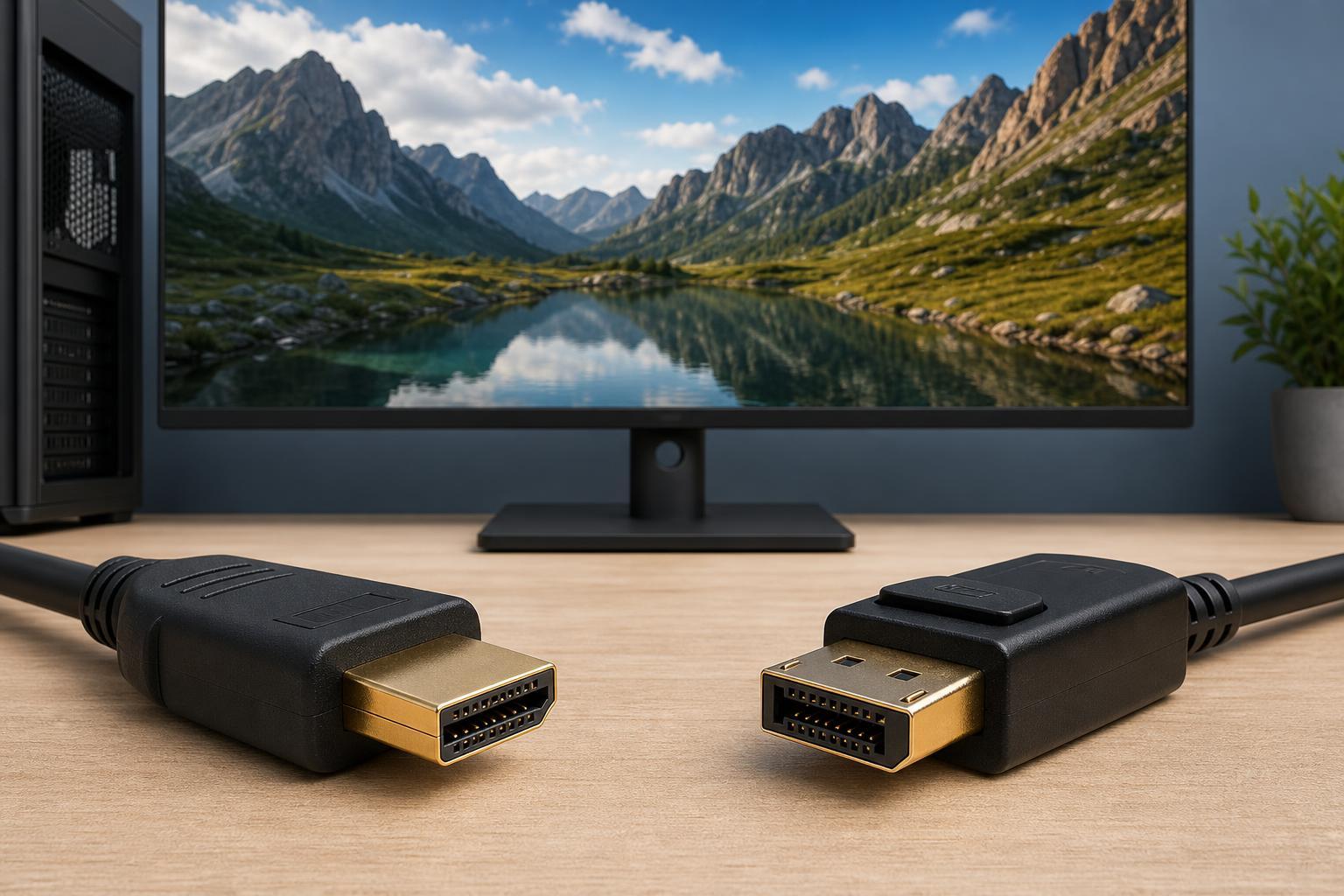
For most PC monitor setups, DisplayPort 1.4 is usually the better choice because it is more common on high-refresh-rate monitors and is often the easiest path to higher refresh rates at higher resolutions. HDMI 2.0 is still very useful, especially for TVs, consoles, and older monitors, but it is more limited if you want to push demanding PC display settings.
What HDMI 2.0 Is Best At
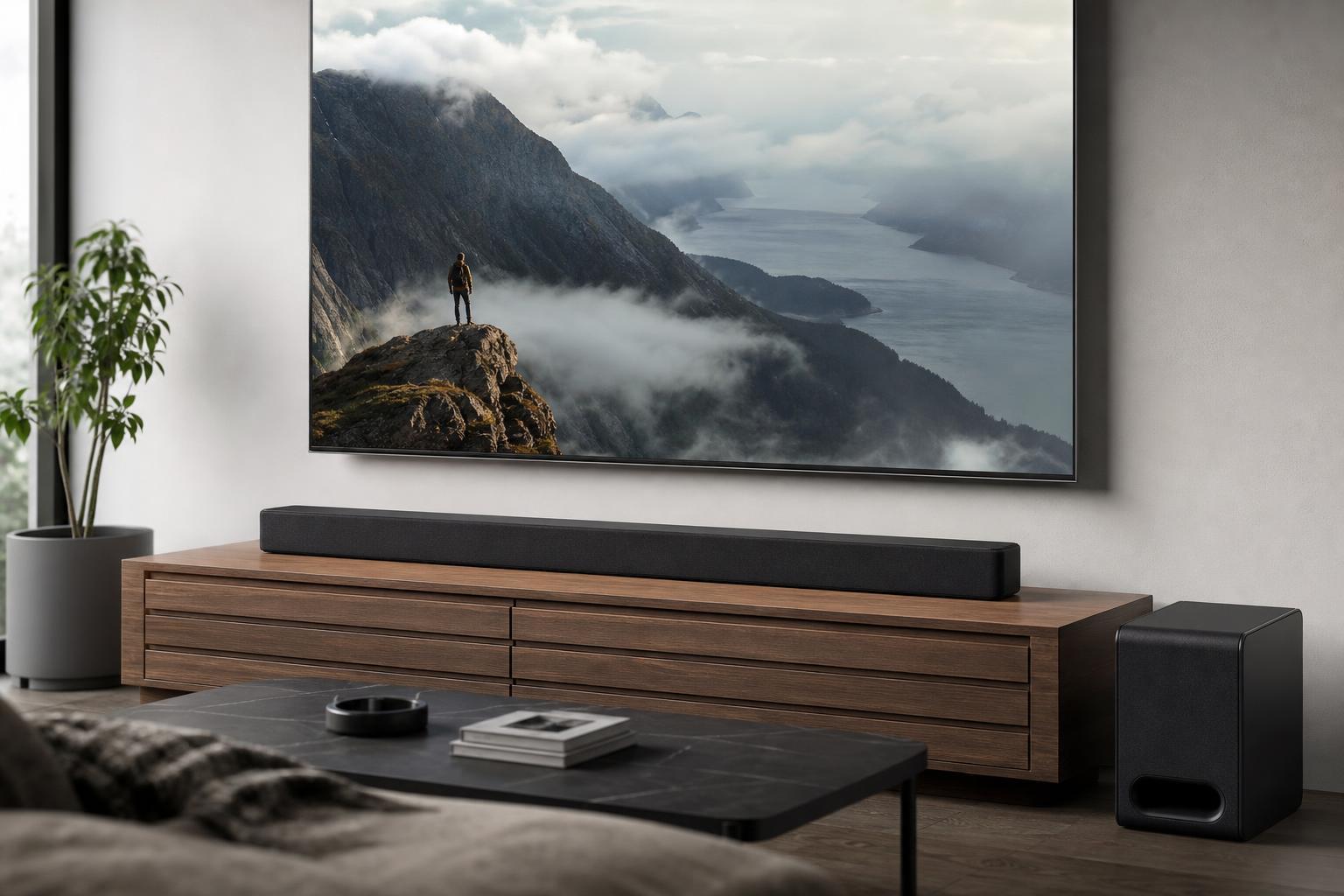
HDMI 2.0 is still a strong option for many displays because HDMI is the universal connector for TVs and a huge range of consumer electronics. If you are connecting a PC to a living-room TV, HDMI is usually the most practical choice simply because the TV almost certainly supports it.
- Widely supported on TVs, AV receivers, soundbars, and media devices
- Simple plug-and-play compatibility for living-room setups
- Good for 1080p and 4K at standard refresh rates
- Common choice for consoles and streaming hardware
HDMI 2.0 is perfectly capable for everyday use and many games, but it can become a limiting factor if you want very high refresh rates at higher resolutions on a PC monitor.
What DisplayPort 1.4 Is Best At
DisplayPort 1.4 is designed with PCs in mind. It is especially common on gaming and productivity monitors because it handles high refresh rates well and is often the preferred connection for adaptive sync features on PC displays.
- Common on desktop graphics cards and PC monitors
- Better suited to high-refresh-rate gaming
- Often the preferred connection for 1440p and 4K monitors
- A better fit for multi-monitor PC setups
If your monitor supports both HDMI 2.0 and DisplayPort 1.4, DisplayPort is often the safer choice for getting the monitor’s full advertised performance.
Resolution and Refresh Rate Differences
The most important practical difference between these two standards is not just resolution, but how much bandwidth they have for combining resolution with refresh rate. That combination matters because a display can support 4K, but not always 4K at a high refresh rate through every connection type.
- HDMI 2.0 is commonly used for 1080p and 1440p displays, and can do 4K at standard refresh rates
- DisplayPort 1.4 is better suited for high-refresh 1440p monitors and many 4K gaming monitors
- If you want the smoothest motion, refresh rate can matter more than resolution alone
- Some monitors restrict certain features to DisplayPort only or to one port type at specific settings
If you are choosing between the two for a gaming monitor, check the monitor’s manual or spec sheet carefully. Some displays advertise both ports, but only one of them may support the highest refresh rate at your chosen resolution.
Gaming: Which One Makes More Sense?
For gaming on a PC, DisplayPort 1.4 is usually the first port to try. It is commonly the better option for competitive gaming, high-refresh 1440p displays, and many high-end monitors. If you want the smoothest possible motion and your monitor supports it over DisplayPort, that is often the cleanest setup.
- Choose DisplayPort 1.4 for most gaming monitors
- Choose HDMI 2.0 if you are connecting to a TV or a device that only supports HDMI properly
- Use the connection your monitor recommends for its maximum refresh rate
- If you notice a missing refresh-rate option, try the other port type
Work, Media, and Everyday Use
For office work, browsing, video streaming, and general desktop use, either standard can be fine as long as it supports the resolution and refresh rate you want. The difference usually matters less if you are not chasing high refresh rates or advanced gaming settings.
- Use HDMI if the display is a TV or a simple all-purpose monitor
- Use DisplayPort if you want to keep the option open for future gaming or higher refresh rates
- Either is usually fine for 1080p office work
- For ultrawide or high-resolution PC monitors, DisplayPort is often the better long-term pick
Compatibility and Device Matching
The best cable standard is the one both devices support correctly. A monitor may have both HDMI 2.0 and DisplayPort 1.4, but your laptop or desktop graphics card might not offer both at the same level. In some cases, a laptop’s USB-C port may only output display video through an adapter or dock, which can also affect available refresh rates.
Which Cable Should You Pick?
- If you are connecting to a TV, choose HDMI 2.0.
- If you are using a gaming monitor on a desktop PC, choose DisplayPort 1.4 first.
- If you want the best refresh rate available on your monitor, check the monitor’s manual and use the port it specifies for that mode.
- If you are using a laptop, choose the port that matches the laptop’s output capability and your display’s supported input.
- If both work equally well for your current setup, choose the one that leaves you the most future upgrade room.
The Best Choice by Setup
- Home theater or console gaming: HDMI 2.0
- PC gaming monitor: DisplayPort 1.4
- Business desktop monitor: either one, depending on monitor support
- Ultrawide or high-refresh monitor: DisplayPort 1.4
- TV used as a PC display: HDMI 2.0
What to Check Before You Buy a Cable
Cable quality matters less than choosing the right standard, but a badly made or poorly rated cable can still cause problems. Before buying, confirm the resolution and refresh rate you actually need, then make sure the cable and ports match that requirement.
- Monitor input support
- Graphics card output support
- Target resolution and refresh rate
- Whether you need HDR or adaptive sync support
- Whether you need extra length for a desk or living-room setup
Choosing the Right Connection
If you want a simple rule, use HDMI 2.0 for TVs and living-room gear, and DisplayPort 1.4 for PC monitors, especially gaming monitors. That rule fits most real-world setups and avoids many of the common compatibility headaches.
When in doubt, check the display’s manual to see which port supports the highest refresh rate at your chosen resolution. That one detail is often more important than the connector shape itself.