
An 8K HDMI cable is not just for 8K TVs. The right cable can also help with 4K gaming at high refresh rates, smoother PC-to-monitor connections, and fewer signal problems over longer runs. But not every cable sold as “8K” is equally useful, and the best choice depends on how far you need to connect devices and what features you want to use.
Below are five of the best 8K HDMI cable types and styles to look for, along with the details that matter most when choosing one for a TV, gaming console, PC, sound system, or home theater setup.
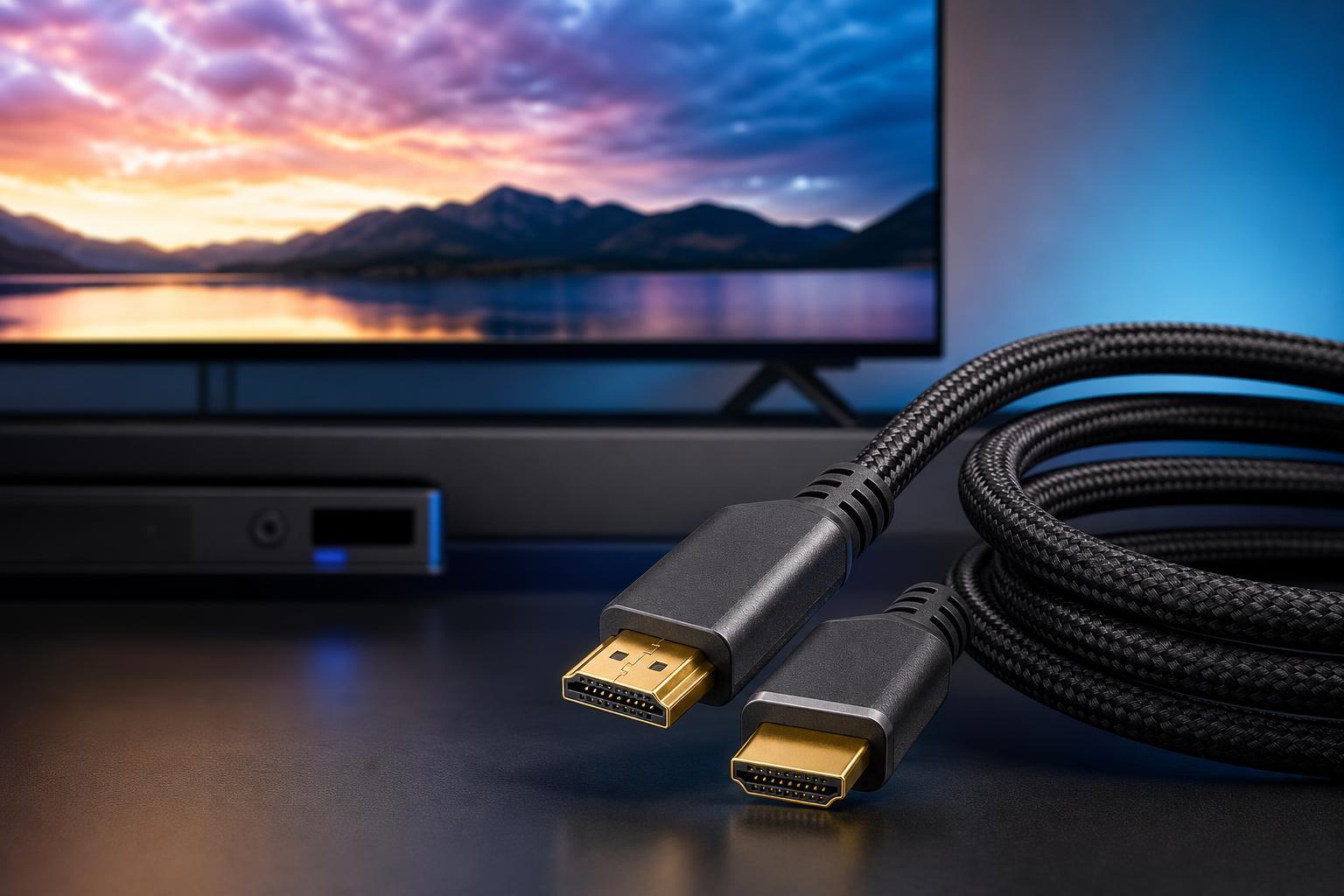
What Makes an HDMI Cable Good for 8K?
For an 8K setup, the cable should support the bandwidth required by modern HDMI 2.1 devices. In practice, that means you want a certified Ultra High Speed HDMI cable, not just a generic cable with an “8K” label printed on the packaging.
- Ultra High Speed HDMI certification for HDMI 2.1 features
- Reliable support for 4K at high refresh rates and 8K video
- Proper shielding to reduce interference and sparkly image dropouts
- A length that matches your setup without adding unnecessary signal risk
- Build quality that suits how often you unplug or move the cable
1. Certified Ultra High Speed HDMI Cable
A certified Ultra High Speed HDMI cable is the best all-around option because it is designed for the full HDMI 2.1 feature set. This is the cable to buy when you want the least guesswork and the widest compatibility with current hardware.
- Best balance of compatibility and performance
- Works well for 8K and high-refresh-rate 4K setups
- Usually includes certification labeling or scanning verification
- Ideal if you want one cable that can handle future device upgrades
2. Braided Ultra High Speed HDMI Cable
A braided cable is not automatically better for signal quality, but it often holds up better to bending, pulling, and daily use. If your setup gets adjusted often, a braided jacket can make the cable last longer.
- Good choice for desk setups and wall-mounted TVs
- Often easier to handle and route neatly
- Can resist wear better than thinner, cheaper cables
- Useful when the cable will be plugged and unplugged often
3. Long-Run 8K HDMI Cable
Long HDMI runs are where cable quality matters most. As length increases, the risk of instability also increases, so it is worth choosing a cable designed specifically for longer distances rather than stretching a standard short cable beyond its comfort zone.
- Better for living room and media room installs
- Useful when a source device sits across the room from the display
- Should have strong shielding and solid connectors
- May be passive or active depending on the length and design
4. Slim HDMI Cable for Tight Spaces
A slim HDMI cable can make cable management much easier when space is tight. These cables are easier to route around furniture and behind mounted displays, but they still need to be rated for Ultra High Speed use if you want 8K support.
- Helpful where standard thick cables are hard to bend
- Cleaner look in compact setups
- Easier to route through cable channels and behind stands
- Good option when you need flexibility more than ruggedness
5. Active or Fiber HDMI Cable
Active and fiber HDMI cables are worth considering when you need to send a high-bandwidth signal over a longer distance with fewer compromises. They are especially useful in advanced home theater installs or larger rooms.
- Designed to maintain signal quality over long distances
- Often lighter and thinner than heavy copper alternatives
- Can reduce image dropouts in demanding 8K or 4K120 setups
- May require attention to source and display direction on some models
How to Choose the Right 8K HDMI Cable
- Check what features your devices actually support, such as 8K, 4K120, VRR, ALLM, or eARC.
- Choose a certified Ultra High Speed HDMI cable when possible.
- Match the cable type to your setup length: standard for short runs, long-run or active cable for distance.
- Prefer reputable brands that clearly state certification and specs.
- Avoid buying based on “8K” alone if the packaging does not explain bandwidth or certification.
If your setup is short and simple, a certified Ultra High Speed HDMI cable is usually the easiest answer. If you are wiring a larger room or a more demanding AV system, the right long-run or fiber design can prevent problems that a basic cable may not handle reliably.
Common Mistakes to Avoid
- Assuming all 8K-labeled cables are certified
- Buying a cable that is too long for the job without needing it
- Using a cheap untested cable for 4K120 or 8K gaming
- Forcing a stiff cable into a tight bend behind a TV
- Ignoring directional labels on active or fiber cables
Which Type of 8K HDMI Cable Should You Buy?
For most people, a certified Ultra High Speed HDMI cable is the best first choice. If you want durability, choose a braided version. If you need a long connection, look for a long-run active or fiber cable. For tight spaces, a slim cable can make installation easier without giving up the right bandwidth rating.
The best 8K HDMI cable is the one that matches your devices, your distance, and your installation needs, while still being properly certified for modern HDMI features.





