
Home › Andrew Miller
FixerHow

Andrew Miller

Andrew covers Windows, software, troubleshooting, and practical tech guides for everyday users.

Andrew Miller
Technology Writer

Andrew Miller

Andrew covers Windows, software, troubleshooting, and practical tech guides for everyday users.

About Andrew Miller

Andrew Miller is a technology writer focused on making everyday technology easier to understand. He covers Windows, software, troubleshooting, online tools, and useful features that can help users get more from their devices. His guides focus on clear instructions and practical solutions without unnecessary technical complexity.

Latest articles by Andrew Miller

Virtual Machine Showdown: Performance, Features, and the Best Uses for Each
Virtual Machine Showdown: Performance, Features, and the Best Uses for Each

Compare popular virtual machines by speed, features, and ideal use cases so you can choose the right VM platform for Windows, Linux, testing, gaming, and development.

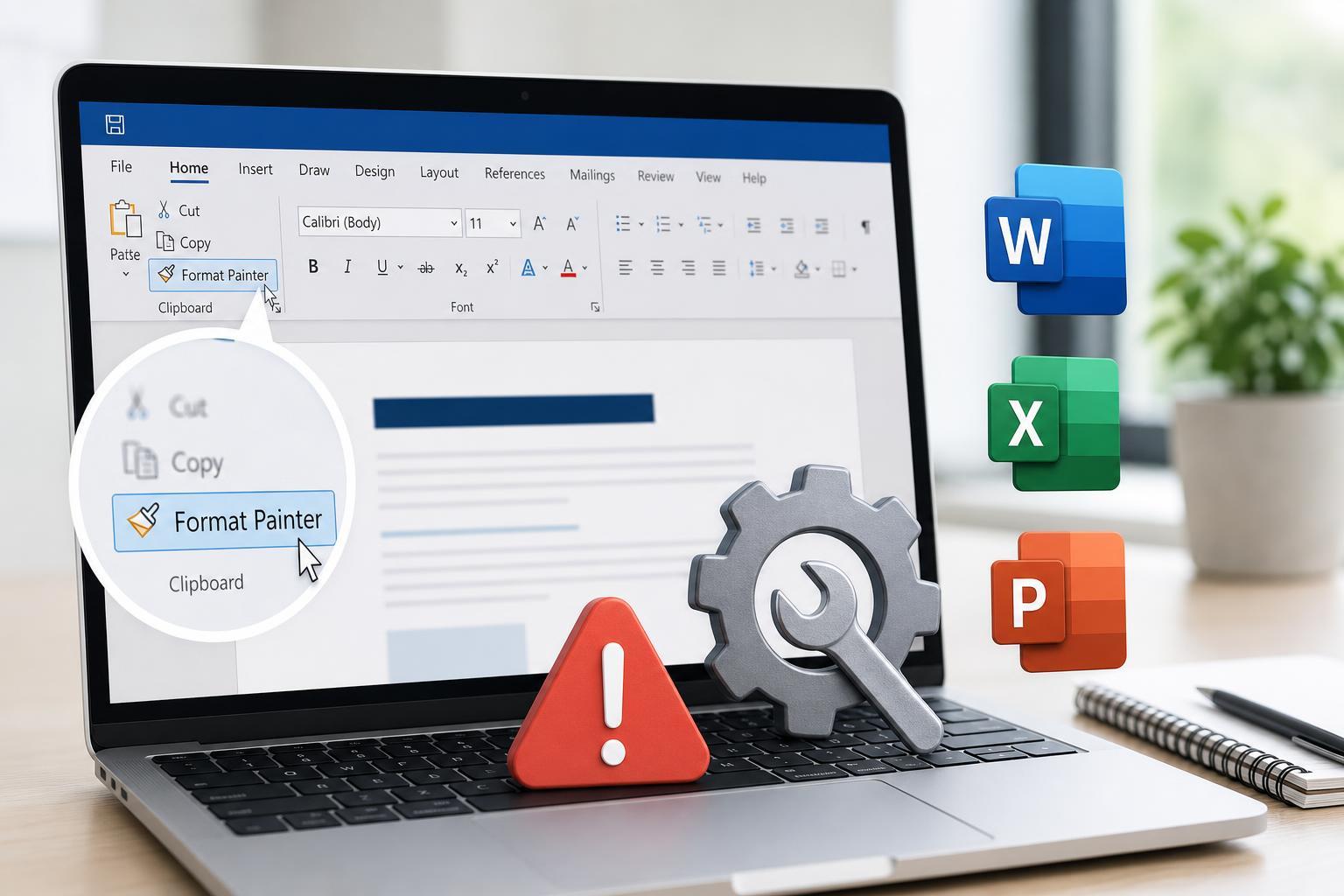
Fixing Format Painter in Microsoft Office When It Stops Working
Fixing Format Painter in Microsoft Office When It Stops Working

Learn why Format Painter may stop working in Microsoft Office and follow practical fixes for Word, Excel, and PowerPoint to get it working again.

How to Fix a Google Chrome Download Stuck at 100%

How to Fix a Google Chrome Download Stuck at 100%

Learn why a Google Chrome download may appear stuck at 100% and how to fix it with practical steps for Windows, browser, and network-related causes.

Microsoft Teams Error Code 42b: What It Means and How to Fix It

Microsoft Teams Error Code 42b: What It Means and How to Fix It

Learn what can trigger Microsoft Teams error code 42b and follow practical fixes to get Teams signing in and working again on Windows and other devices.

Optional Diagnostic Data: What It Is and Whether You Need It Running
Optional Diagnostic Data: What It Is and Whether You Need It Running

Learn what optional diagnostic data is in Windows, what information it can collect, how it differs from required data, and whether you need it turned on or running.

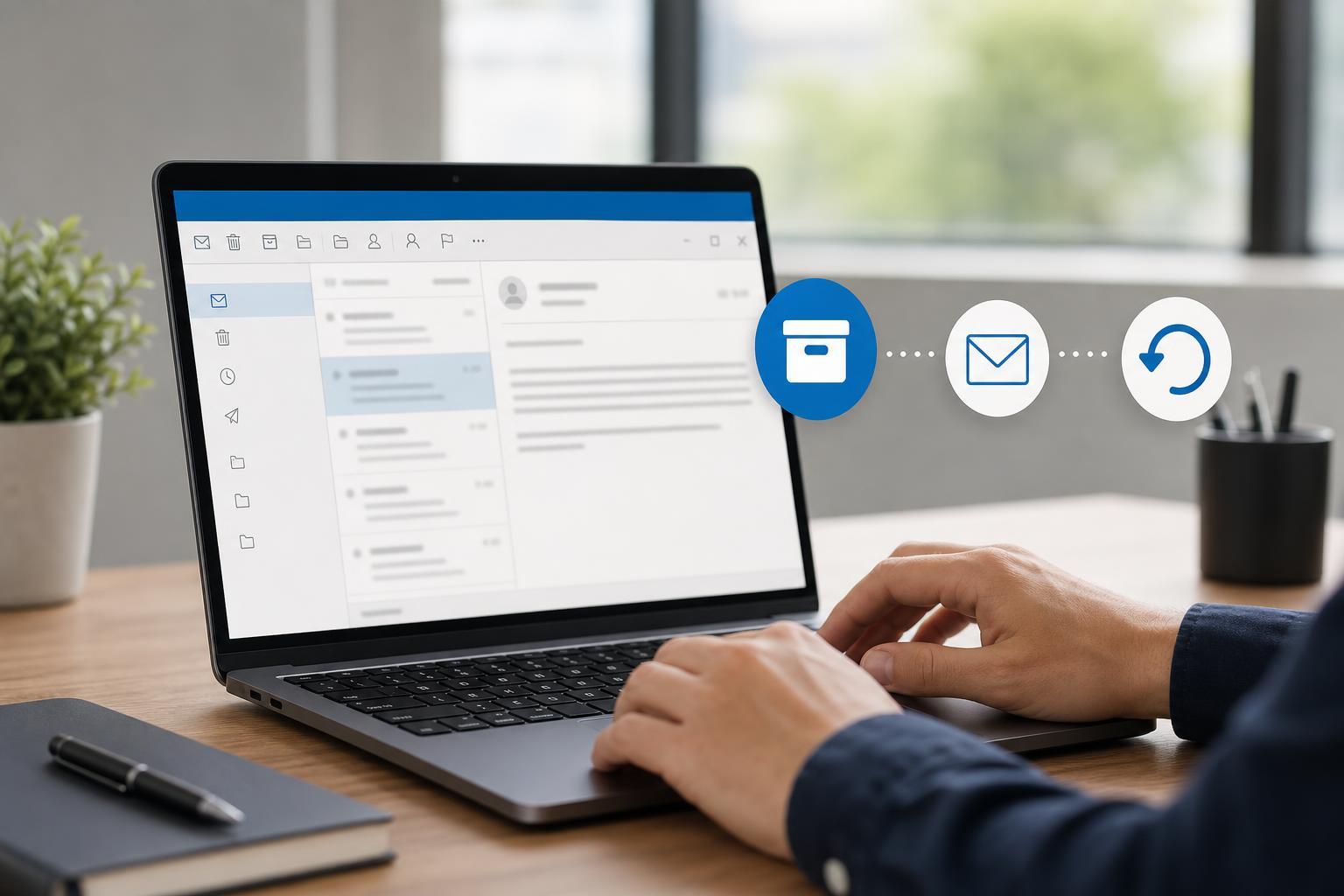
How to Find and Restore Archived Emails in Outlook
How to Find and Restore Archived Emails in Outlook

Learn how to recover archived emails in Outlook, including where archived messages are stored, how to search for them, and how to move them back to your inbox or another folder.

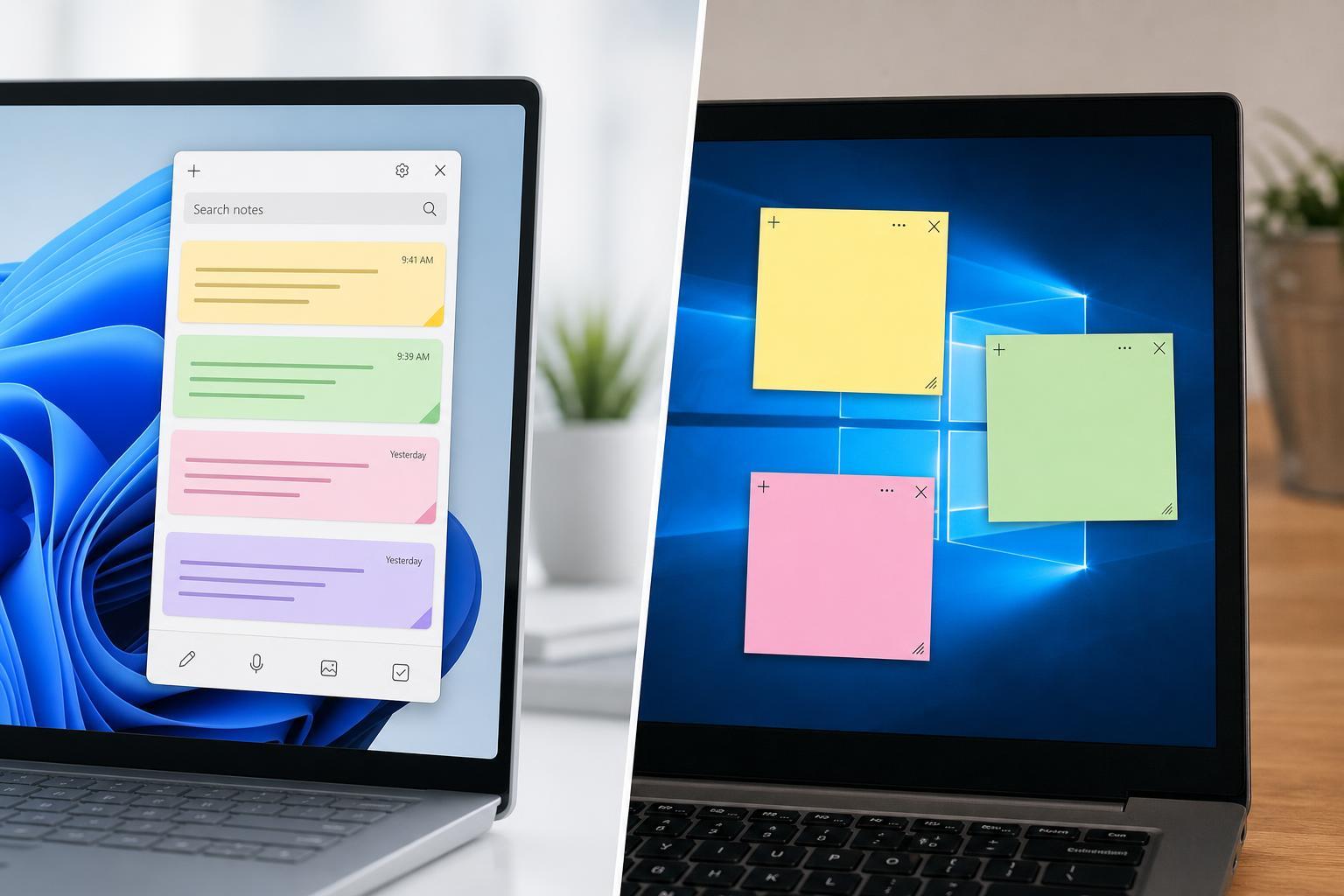
New Sticky Notes vs. Classic Sticky Notes: What’s Different?

New Sticky Notes vs. Classic Sticky Notes: What’s Different?

Learn the differences between the new Sticky Notes app and the classic version in Windows, including features, syncing, access, and which one is better for your workflow.

Why Microsoft Authenticator Shows the Wrong Location and How to Fix It

Why Microsoft Authenticator Shows the Wrong Location and How to Fix It

Learn why Microsoft Authenticator may display the wrong sign-in location and how to correct location mismatches, improve accuracy, and verify whether the prompt is legitimate.

Fast Startup Problems in Windows: When to Turn It Off and How to Do It
Fast Startup Problems in Windows: When to Turn It Off and How to Do It

Learn what Windows Fast Startup does, the common issues it can cause, when disabling it makes sense, and the exact steps to turn it off safely.

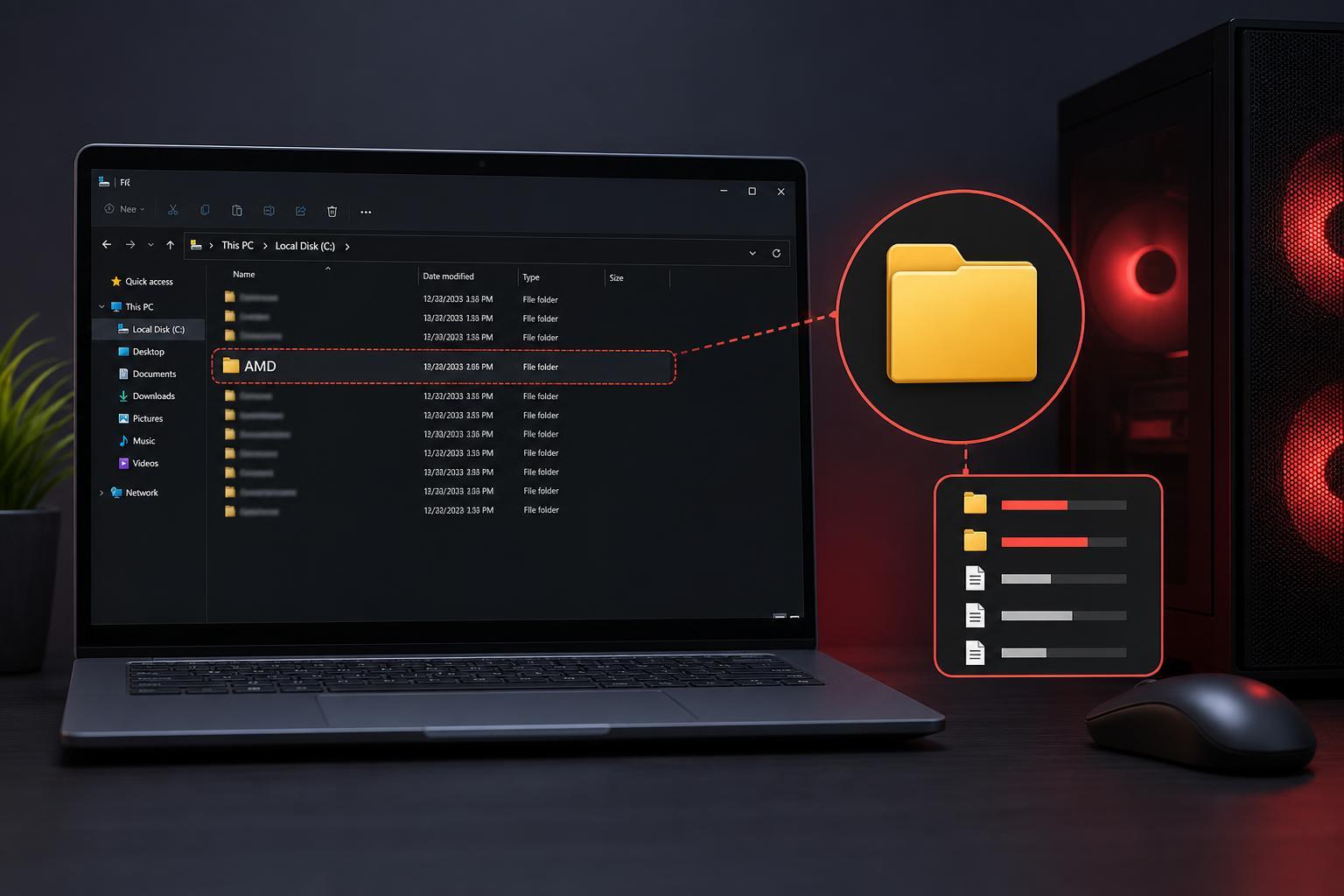
Why the AMD Folder Keeps Growing and How to Safely Reduce It
Why the AMD Folder Keeps Growing and How to Safely Reduce It

Learn why the AMD folder on Windows can become very large, what files it usually contains, and which cleanup steps are safe if you want to free up disk space without breaking AMD drivers or software.

Windows 11 25H2: Common Problems and How to Fix Them
Windows 11 25H2: Common Problems and How to Fix Them

Learn the most common Windows 11 25H2 issues, what usually causes them, and the practical fixes to try first before moving to advanced troubleshooting.

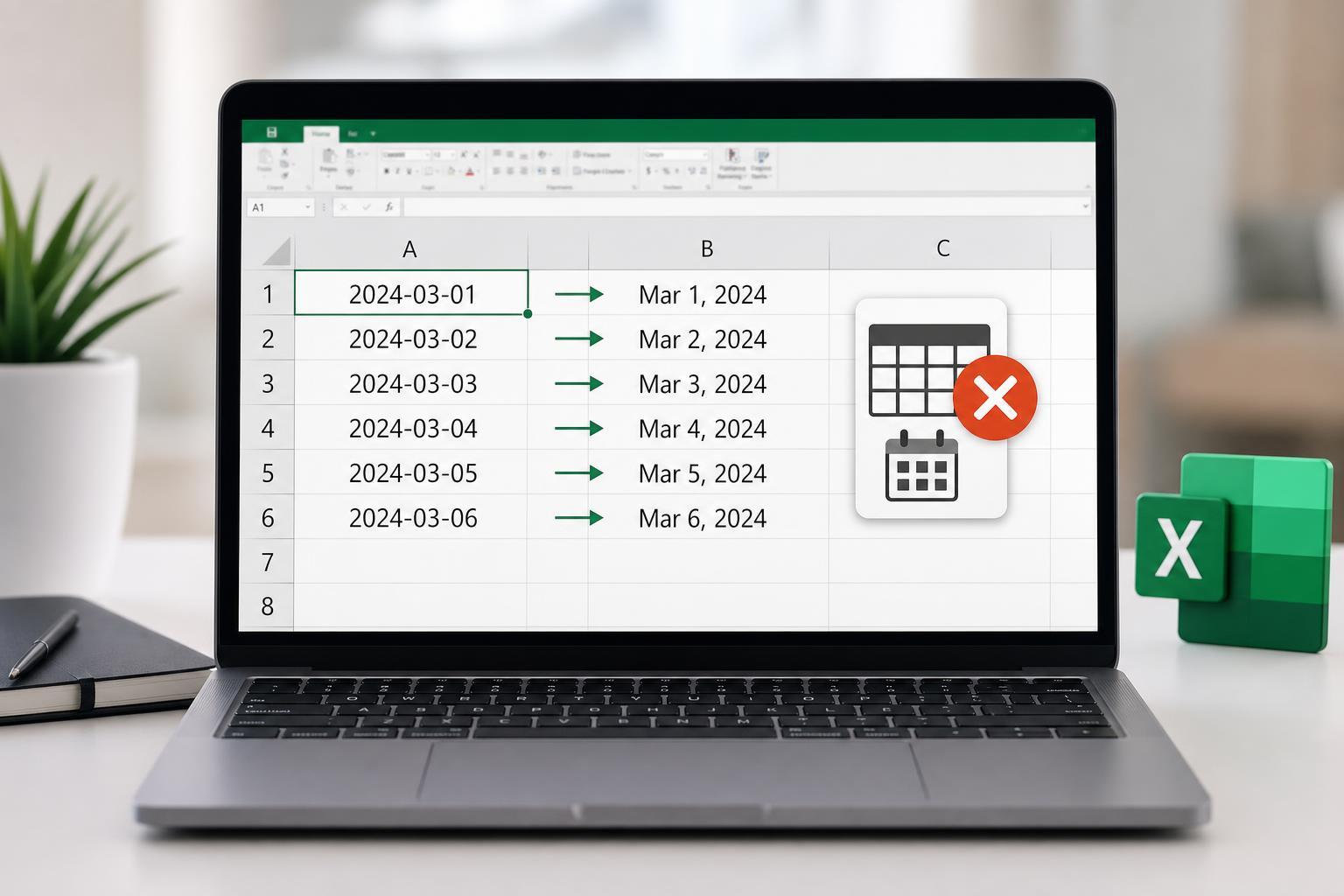
How to Prevent Excel from Converting Numbers into Dates Automatically

How to Prevent Excel from Converting Numbers into Dates Automatically

Learn why Excel autoformats some entries as dates and how to stop it using formatting changes, prefixes, formulas, and paste options.