
A good USB-C SD card reader is one of those small accessories that can save a lot of time. Whether you are moving photos from a camera, offloading video from a drone, or just need an easy way to read SD cards on a laptop or tablet, the right reader makes the process faster and less frustrating.
The best USB-C SD card readers are not all the same. Some are compact and travel-friendly, some offer both SD and microSD slots, and others are built for faster transfers or more demanding workflows. Below are six solid choices, along with what each one is best for.
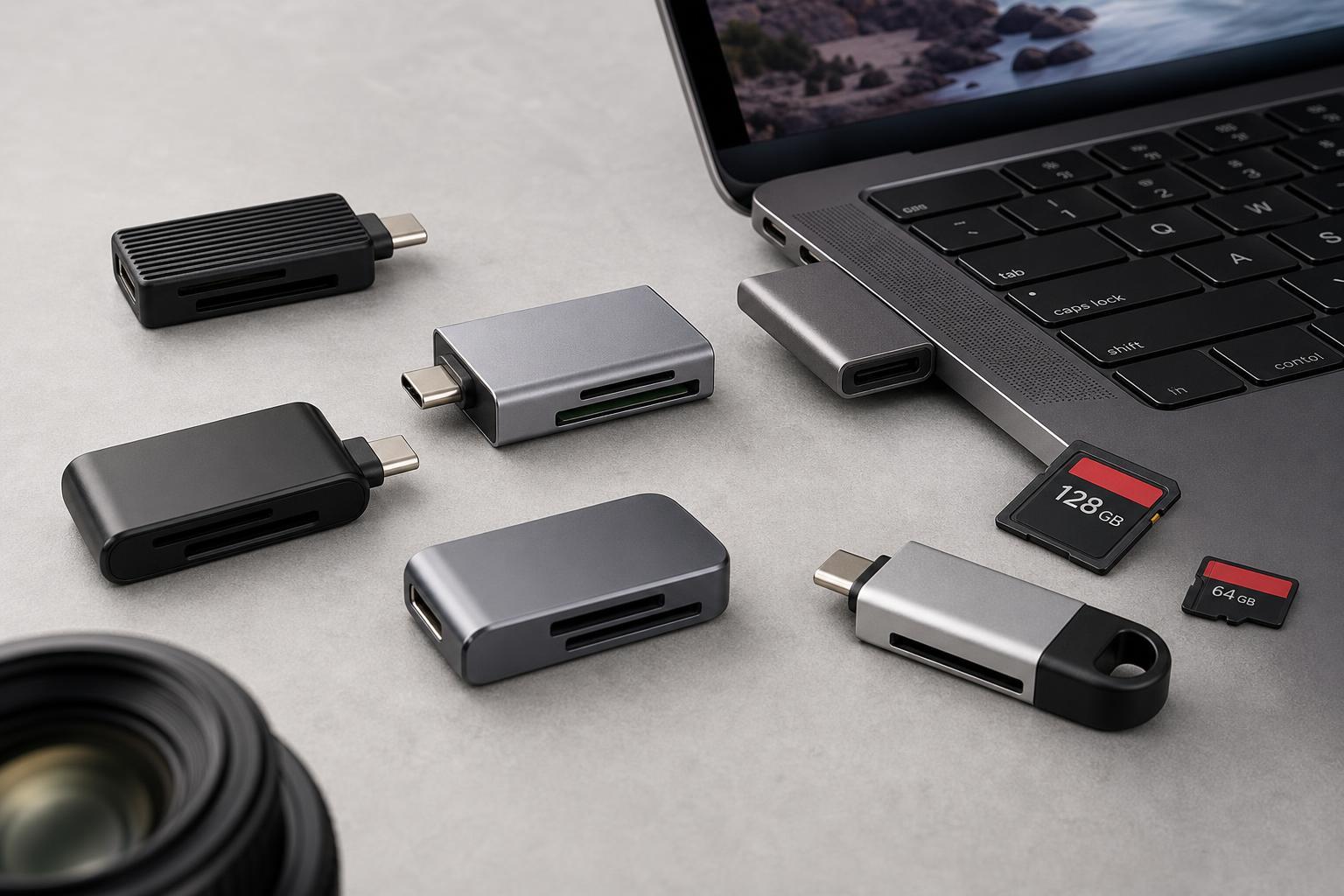
1. Anker USB-C Card Reader
Anker’s USB-C card readers are popular because they keep things straightforward. They are usually compact, easy to carry, and designed for common SD and microSD use without extra setup. If you mainly want a reader for cameras, phones, or general file transfers, this kind of no-fuss design is often all you need.
Anker readers are a strong pick if you want something small enough to keep in a laptop bag or camera pouch. They are especially convenient for people who switch between Windows laptops, Macs, and USB-C tablets.
2. SanDisk ImageMate PRO USB-C Reader
The SanDisk ImageMate PRO line is aimed at people who handle camera media regularly. It is a good fit if you want a reader from a brand closely tied to flash storage and memory cards. Many buyers prefer this type of reader because it feels like a natural match for SD cards used in cameras, action cams, and drones.
This is a practical choice for creators who want a reader that is easy to recognize, easy to pack, and suited to regular transfers rather than unusual formats or niche workstation needs.
3. UGREEN USB-C SD Card Reader
UGREEN makes a lot of useful USB accessories, and its USB-C card readers are often chosen for their balance of price and features. Many models support both SD and microSD cards, which makes them handy if you use multiple devices or regularly move files from different card types.
This is a sensible option for students, home users, and photographers who want an affordable reader that still feels well thought out. If you need a reader that can live on a desk or in a laptop sleeve without costing much, this is a strong category to consider.
4. Apple USB-C to SD Card Reader
Apple’s own USB-C to SD Card Reader is a good fit for MacBook owners who prefer an official accessory. It is especially appealing if you want something that blends into an Apple setup and avoids compatibility concerns. The design is minimal, and the focus is on reliable SD card access rather than extra features.
This reader is a practical choice for people who mostly work with full-size SD cards and want a product from the same ecosystem as their laptop or tablet.
5. Lexar Professional USB-C Dual-Slot Reader
Lexar’s professional readers are designed with heavier media use in mind. A dual-slot layout is useful if you regularly move files from both SD and microSD cards, or if you want one reader that can handle different devices without adapters. For content creators, that convenience matters more than flashy extras.
If you often transfer large photo libraries or video clips, a professional-grade reader can be worth it for the smoother workflow and stronger build quality. It is a better fit than a basic travel reader when media handling is part of your daily routine.
6. Kingston Nucleum or Similar USB-C Hub With SD Reader
If you do not just need an SD card reader and also want HDMI, USB-A, charging, or Ethernet, a USB-C hub with an SD slot can be a smarter purchase than a standalone reader. Kingston and similar accessory makers offer hubs that combine card reading with other useful ports.
This type of device is especially useful for ultrabooks and tablets with limited built-in ports. It is not the most compact option, but it can replace several separate adapters and make a desk setup much cleaner.
How to Choose the Right USB-C SD Card Reader
The best reader for you depends on how you use SD cards. A basic compact reader is often enough for casual transfers, while creators and frequent travelers may want better build quality, dual slots, or a hub-style design.
- Choose a single-purpose reader if you want the smallest and simplest option.
- Choose a dual-slot reader if you use both SD and microSD cards.
- Choose a hub if you need extra ports as well as card reading.
- Choose an official adapter if you prefer maximum compatibility with a specific device ecosystem.
- Choose a professional reader if you move large files often and want a sturdier workflow-focused accessory.
Things to Check Before You Buy
- Card type support: Make sure the reader matches the cards you actually use, especially if you need microSD support.
- USB-C compatibility: Confirm it works with your laptop, tablet, or phone, and not just with one platform.
- Transfer speed: A reader cannot improve a card beyond its own limits, but a poor reader can slow things down.
- Build quality: If it will travel in a bag, a sturdier case and better connector design can help it last longer.
- Port layout: Some readers leave less room next to other USB-C devices, especially on slim laptops.
Which Type of Reader Is Best for You?
If you want the simplest answer, the best USB-C SD card reader is the one that matches your workflow. Casual users usually do well with a compact reader from Anker, UGREEN, or SanDisk. Mac users may prefer Apple’s official adapter. Creators who handle cards every day may benefit more from a dual-slot professional reader from Lexar. And if you want to save desk space, a hub with built-in card reading can be the most practical option.
In other words, the best reader is not just the one with the most features. It is the one that fits how you actually transfer files, carry your gear, and connect to your devices.





