
A Bluetooth adapter is the easiest way to use wireless headphones with a TV that does not support Bluetooth audio, or when you want better sound quality and lower latency than the TV’s built-in wireless features provide. The right adapter can make late-night viewing more comfortable, reduce audio delay, and give you more control over how your TV sound is sent to headphones.
Below are six strong Bluetooth adapter options to consider, along with the features that matter most when pairing headphones with a TV. Since TV setups vary a lot, the best choice depends on whether you want the simplest plug-and-play solution, support for two headphones at once, or the lowest possible lip-sync delay.
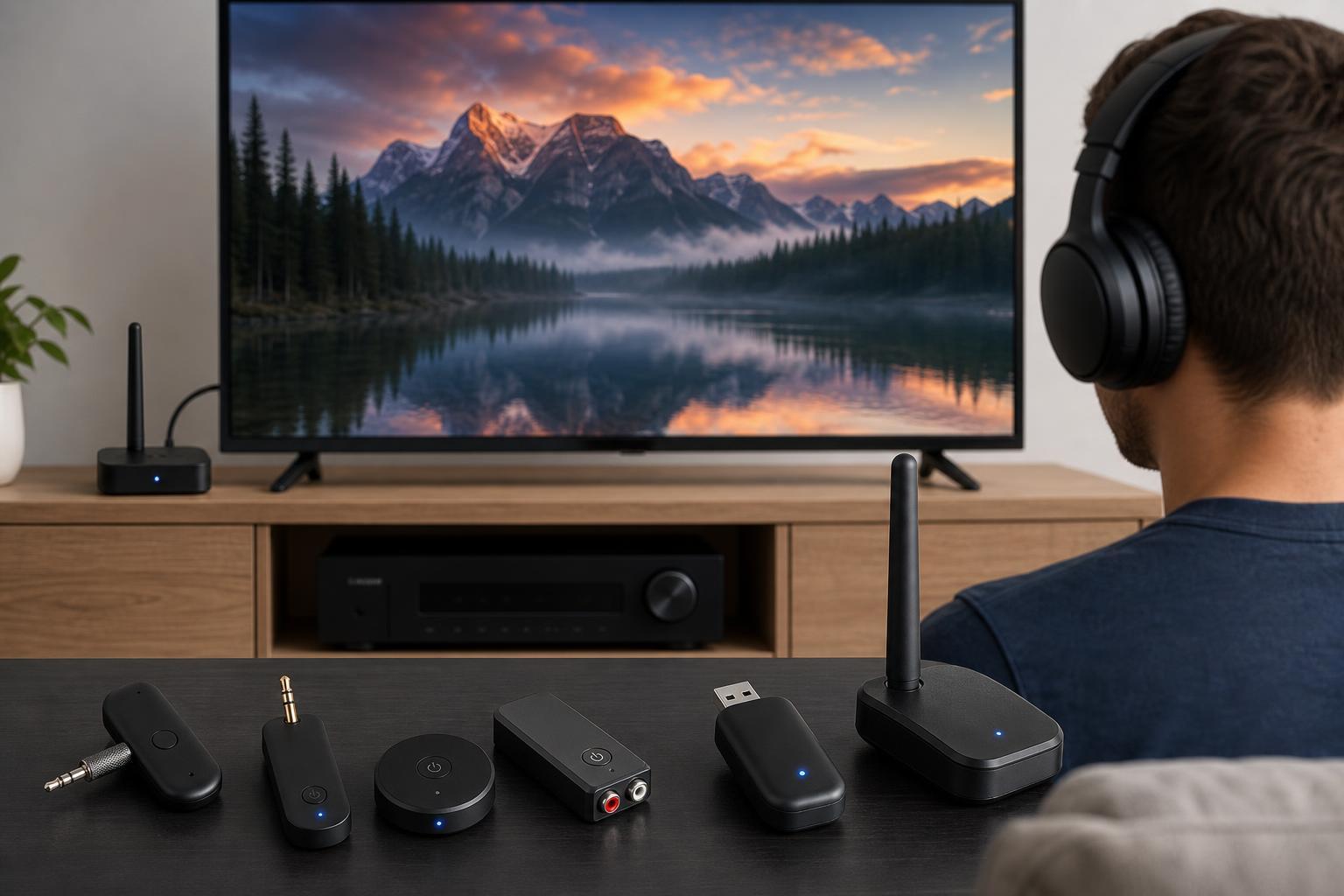
What to Look for in a TV Bluetooth Adapter
Not every Bluetooth adapter is a good fit for TV use. Some are designed mainly for phones or PCs, while others are built specifically for audio output from a television, soundbar, or streaming box.
- Low-latency support: Look for aptX Low Latency or another low-delay mode if you want to minimize the gap between speech and lip movement.
- TV-friendly input: Make sure the adapter can connect through your TV’s optical, 3.5 mm, RCA, USB, or audio output port.
- Dual headphone support: Useful if two people want to watch together without sharing one headset.
- Pass-through support: Some adapters let audio continue to a soundbar or speakers while also sending it to headphones.
- Easy power: USB-powered adapters are usually simpler for a TV setup than units that need a separate wall charger.
- Good range: A stronger wireless signal helps if you sit far from the TV or move around while listening.
1. Avantree Oasis Plus
The Avantree Oasis Plus is one of the most popular TV-focused Bluetooth adapters because it is built for low-delay audio and works well in living room setups. It is especially useful if you want to connect headphones to a TV through optical or analog audio and avoid obvious lip-sync problems.
- Supports optical, AUX, and RCA inputs
- Designed for low-latency headphone use
- Useful long-range performance for bigger rooms
- Often chosen for straightforward TV-to-headphone setups
If your TV has an optical output, this kind of adapter is usually a very clean solution. It is also a good choice if you want something dedicated to TV audio instead of a general-purpose Bluetooth transmitter.
2. TaoTronics Bluetooth 5.0 Transmitter and Receiver
TaoTronics adapters have often been popular for people who want a budget-friendly transmitter that can also work in receiver mode. That flexibility makes it useful if you want one device for both your TV and another audio setup.
- Dual transmitter/receiver functionality
- Common support for optical and 3.5 mm connections
- Compact design for easy placement near a TV
- Good entry-level option for casual headphone listening
This style of adapter is often best for simpler setups where you do not need premium range or advanced pass-through features. For many users, it provides a practical way to get wireless audio without spending much.
3. 1Mii B06TX
The 1Mii B06TX is a strong choice if you want a TV Bluetooth transmitter with clear audio support and low-latency features. It is designed around home entertainment use and is often a better fit for TVs than generic Bluetooth dongles.
- Works with optical, AUX, and RCA connections
- Supports low-latency audio with compatible headphones
- Easy to use in a living room or bedroom setup
- Typically aimed at home audio rather than travel use
4. Avantree Audikast Plus
The Avantree Audikast Plus is a good pick if you care about using two headphones at once. It is often chosen for shared TV viewing because it can send audio to multiple headphones without requiring a complicated setup.
- Dual-link support for two headphones
- TV-focused design
- Optical and AUX input options
- Useful for night-time viewing with a partner or family member
If you regularly watch TV with another person, dual pairing can be more valuable than extra features you may never use. Just remember that both headphones should be compatible with the adapter’s Bluetooth profile for the smoothest result.
5. Twelve South AirFly Pro
The Twelve South AirFly Pro is best known as a portable Bluetooth adapter for travel, but it can also be used with a TV if you want a small, simple transmitter. Its strength is portability rather than full home-theater flexibility.
- Very compact and easy to carry
- Simple setup for quick headphone pairing
- Useful for travel and temporary TV listening
- Good choice when desk or shelf space is limited
This is a convenient option if you do not want a larger box near your TV. However, if you need optical input, dual headphone support, or more advanced home audio features, a larger TV-specific adapter may be better.
6. Creative BT-W3
The Creative BT-W3 is a different kind of option because it is often used with USB devices and gaming systems, but it can also be useful in some TV setups with USB audio support. It is especially worth considering if your TV or media device can output audio over USB and you want a compact low-latency transmitter.
- Small USB-based transmitter
- Designed with low-latency audio use in mind
- Convenient for modern devices with USB audio support
- Useful in mixed entertainment setups
How to Choose the Right One for Your TV
The best adapter depends on your TV ports, your headphones, and how sensitive you are to delay. A model that works perfectly on one TV may be awkward on another.
- Check your TV audio outputs first. Optical output is often the easiest and most reliable connection for a Bluetooth transmitter.
- Confirm whether your headphones support low-latency modes. Matching adapter and headphone features helps reduce audio lag.
- Decide whether you need one headphone or two. Dual-link support is useful, but not necessary for solo viewing.
- Think about placement. If the adapter will sit behind the TV, a larger range and stronger signal can help.
- Choose a power method that fits your setup. USB-powered adapters are often easiest if your TV has an available USB port that stays powered while the TV is on.
Common Setup Problems to Avoid
Even a good adapter can behave poorly if the setup is not matched to the TV and headphones. Most issues come from connection type, codec mismatch, or power behavior rather than from the adapter itself.
- Using the wrong TV output, such as an output that is not active for audio
- Pairing with headphones that do not support low-latency playback
- Placing the adapter too far behind thick furniture or metal objects
- Expecting simultaneous speaker and headphone playback without pass-through support
- Using an adapter mode that was meant for receiving audio instead of transmitting it
Which Adapter Is Best for You?
If you want the safest all-around choice for TV headphone listening, a dedicated home audio transmitter like the Avantree Oasis Plus or 1Mii B06TX is often the easiest place to start. If you need two headphones, the Avantree Audikast Plus stands out. If portability matters most, the AirFly Pro is the most convenient. For a more flexible budget option, a transmitter/receiver model like the TaoTronics unit can make sense, while the Creative BT-W3 is best when your TV or media device supports USB audio properly.
The key is to match the adapter to the way you actually watch TV. A strong low-latency transmitter with the right input is usually better than a feature-packed model that does not fit your TV ports or listening habits.





