
RGB LED backlights can make a monitor or TV setup look cleaner, feel more immersive, and reduce the harsh contrast between a bright screen and a dark room. The best options are not just about color effects — they also vary in brightness, control method, installation style, and whether they work better for desks or living rooms.
Below are five strong RGB LED backlight options to consider, along with the practical details that matter when choosing one for your screen size, room layout, and preferred way to control the lights.
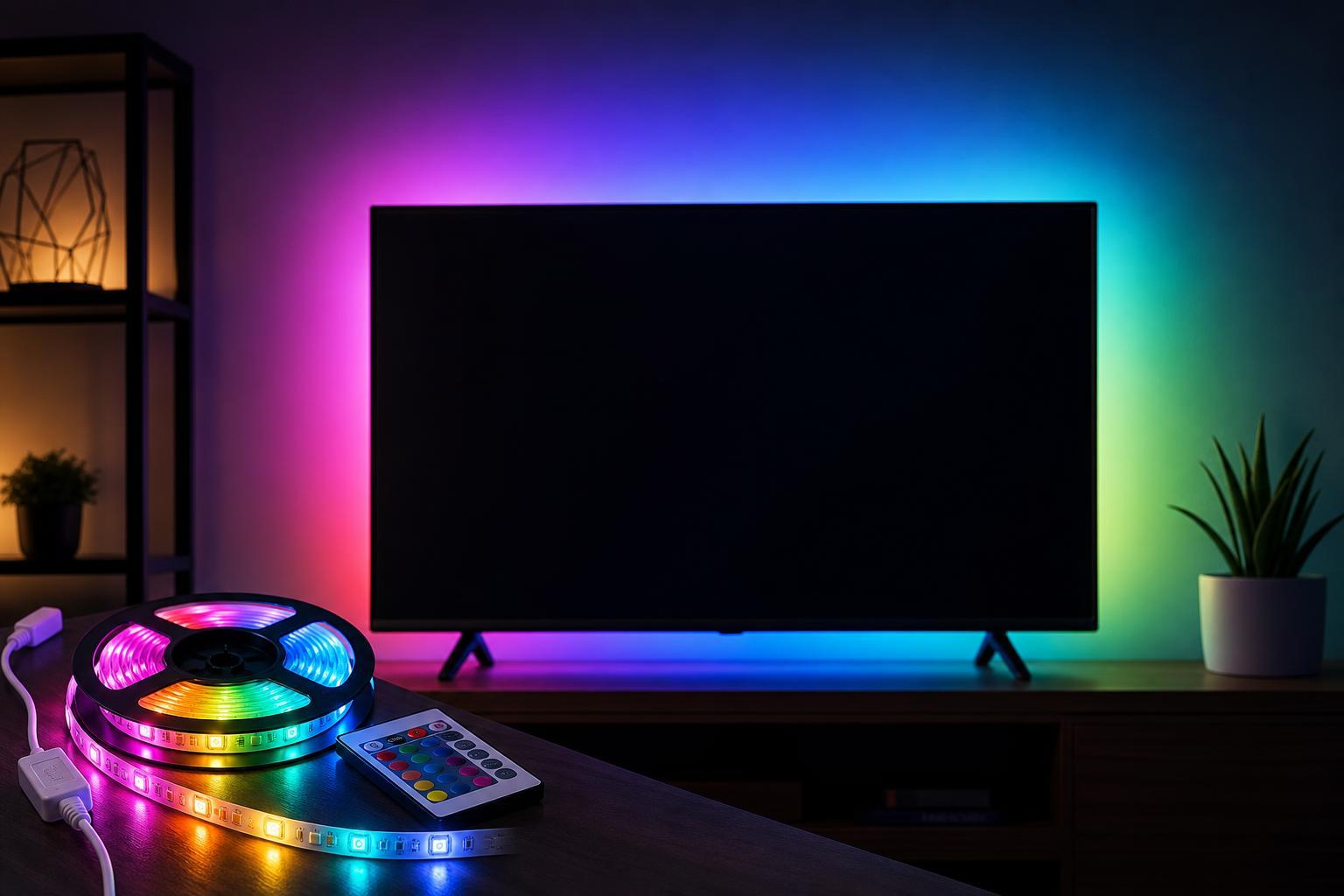
What to Look for in a Monitor or TV Backlight
Before choosing a backlight, think about where you will use it and how you want to control it. A good strip should be easy to install, bright enough to glow behind the screen without shining directly into your eyes, and long enough to fit your display without awkward gaps.
- Screen size and perimeter length: Make sure the strip is long enough for your monitor or TV, especially for larger displays.
- Control method: Some backlights use a remote, while others work through a phone app, USB power, or smart home systems.
- Power source: USB-powered models are convenient for desks, while plug-in versions may suit TVs and larger rooms better.
- Adhesive quality: Weak adhesive is one of the most common frustrations, especially on warm TVs or textured monitor backs.
- Sync features: Some lights are simple static RGB strips, while others offer music sync, scenes, or app-based color control.
1. Govee RGBIC TV Backlight
Govee’s RGBIC backlight options are a strong pick if you want colorful ambient lighting with app control and lots of customization. RGBIC strips can display multiple colors along the same strip at once, which gives them more visual variety than basic single-color strips.
This type of backlight is especially useful if you like changing scenes, adjusting brightness from your phone, or creating a more premium-looking setup without needing a complicated installation. It is a good choice for people who want the lighting to be a visible part of the room’s style, not just a simple glow behind the screen.
2. Philips Hue Play Gradient Lightstrip
Philips Hue Play Gradient Lightstrip is one of the most refined options for people already invested in the Hue ecosystem. It is designed for TVs and wider displays, and its gradient effect can create a very smooth color blend behind the screen.
The main advantage here is integration. If you already control your lighting with Hue, this lightstrip can feel like a natural extension of the same system. It is not the cheapest option, but it is a strong choice when design quality and ecosystem compatibility matter more than budget.
3. LIFX Lightstrip
LIFX Lightstrips are a good fit for users who want bright, colorful lighting and app-based control without relying on a separate hub. Depending on the model, they can offer strong color performance and flexible placement for desks, shelves, or TV backs.
LIFX products are often appealing because they focus on easy wireless control and strong color output. That makes them a practical choice if you want to switch effects often or combine the backlight with other smart lighting in the same room.
4. Nexillumi RGB TV Backlight
Nexillumi backlights are often a budget-friendly choice for people who want simple ambient lighting without paying for a premium smart-light ecosystem. They usually include easy controls, straightforward installation, and enough brightness for casual use behind a monitor or medium-sized TV.
A product like this makes sense when you want the visual effect more than advanced smart-home integration. It is especially practical for users who just want a remote-controlled strip that works out of the box and does not require a lot of setup time.
5. Tenmiro LED Strip Lights for TVs
Tenmiro LED strip lights are another affordable option that can work well for TVs and monitors when you mainly want colorful background lighting. They are commonly chosen for their simple controls, easy installation, and broad availability.
This kind of backlight is a sensible pick if you are decorating a bedroom, game room, or dorm and do not need advanced app features. It gives you the core benefit of bias lighting — a softer, more ambient viewing environment — at a lower cost than premium alternatives.
Which One Should You Buy?
- Choose Govee if you want strong app control and a more feature-rich RGB effect.
- Choose Philips Hue if you already use Hue lights and want a premium, coordinated setup.
- Choose LIFX if you want bright color output and hub-free smart control.
- Choose Nexillumi if you want a good balance of low cost and easy setup.
- Choose Tenmiro if you want a basic, affordable way to add RGB lighting behind a screen.
Installation Tips for Better Results
- Clean the back of the monitor or TV before sticking on the strip so the adhesive bonds properly.
- Plan the layout first, especially around corners, ports, and vents.
- Avoid blocking ventilation holes or airflow paths on the display.
- Test the lighting before final placement so you can confirm the strip length and brightness level.
- Use cable clips or ties if the power lead hangs where it will be visible from the front.
Is RGB the Same as Bias Lighting?
Not exactly. Bias lighting is usually a neutral or white light placed behind a screen to reduce eye strain and improve perceived contrast. RGB backlights are more about style and atmosphere, although many people still find them comfortable for watching TV or gaming in darker rooms.
If your main goal is picture accuracy and eye comfort, a white or adjustable-temperature backlight may be better. If your goal is mood lighting and a more dramatic setup, RGB is the better fit.
A Quick Buying Checklist
- Measure your screen before ordering.
- Decide whether you want app control, remote control, or a simple plug-and-play strip.
- Check whether the kit includes enough adhesive support for your surface.
- Think about whether you want subtle ambient light or brighter, animated effects.
- Match the product to the room: desk setups usually need different lighting than large living-room TVs.





