
A good Apple HomeKit smart plug lets you control lamps, fans, coffee makers, and other small appliances from the Home app or with Siri. The best options are easy to set up, reliable on your Wi‑Fi network, and responsive when you create automations.
If you want to build a HomeKit setup without replacing every device in your house, a smart plug is one of the simplest places to start. Below are four solid HomeKit-compatible smart plugs worth considering, along with the features that make each one a strong choice.
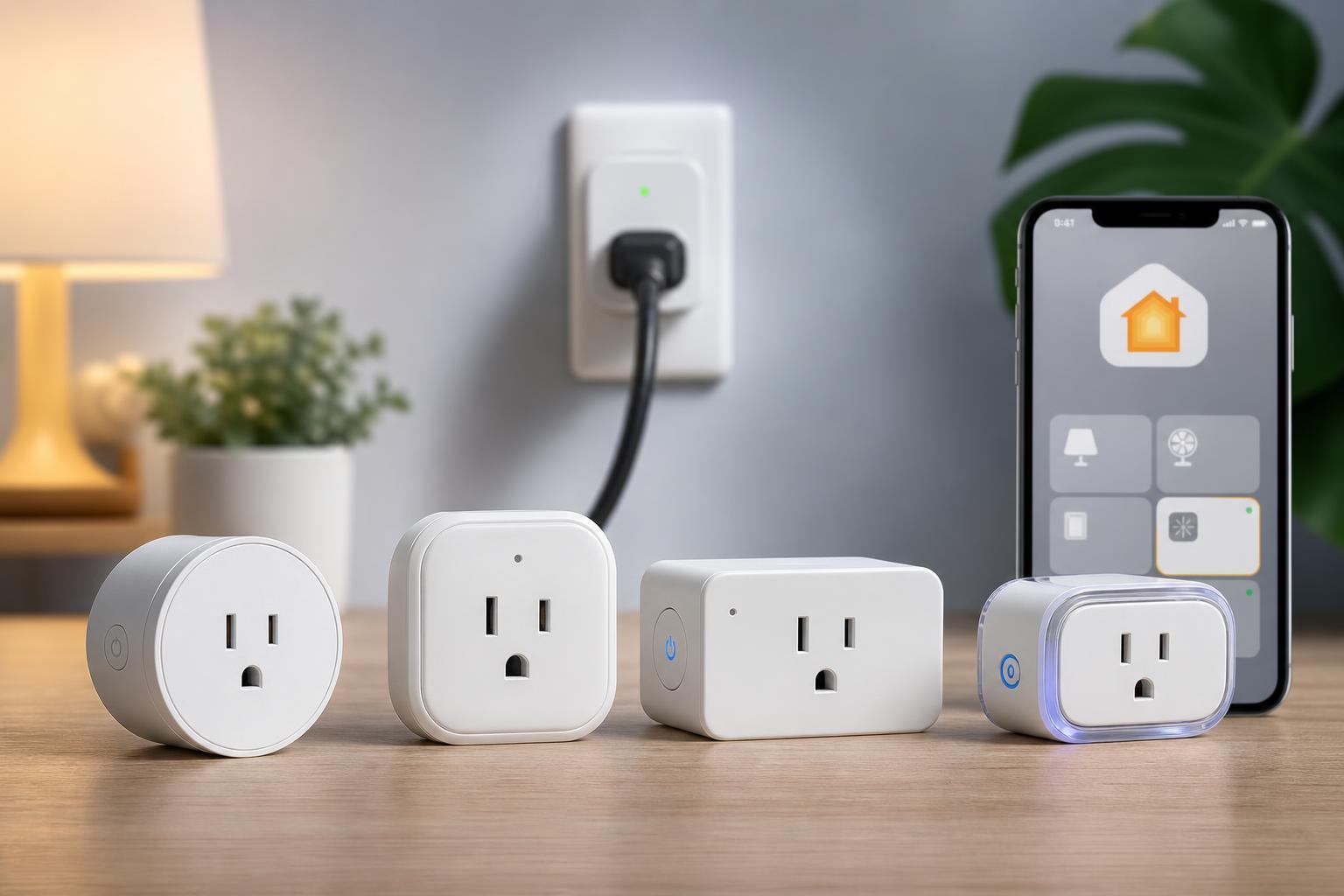
1. Eve Energy
Eve Energy is one of the most recognizable HomeKit smart plugs because it is designed with Apple users in mind. It works through the Home app and supports Siri voice control, so you can turn devices on and off without opening a separate app.
A major advantage is that HomeKit-focused accessories like Eve Energy typically fit neatly into Apple’s automation workflow. That makes it a strong choice if you want a plug that feels native to the Home app rather than something that depends heavily on a third-party service.
2. meross Smart Plug Mini
The meross Smart Plug Mini is a popular option for people who want HomeKit compatibility without paying premium prices. It is compact, which can matter a lot if you are plugging it into a crowded power strip or wall outlet with limited space.
It is a practical pick for simple automations such as scheduling a lamp to turn on at sunset or shutting off a fan at bedtime. For many households, that is exactly what a smart plug needs to do: stay dependable and stay out of the way.
3. TP-Link Kasa Smart Wi-Fi Plug
TP-Link’s Kasa line is often recommended because it is easy to set up and widely used. Some Kasa models support Apple HomeKit, while others rely on the Kasa app alone, so it is important to check the specific model before purchasing.
For the right HomeKit-compatible version, the appeal is simple: quick control, useful scheduling, and a brand that many people already trust for smart home devices. It can be a good fit if you want a plug that feels familiar and practical rather than overly specialized.
4. Wemo Smart Plug with HomeKit Support
Belkin’s Wemo smart plugs have long been common in HomeKit setups. They are generally aimed at users who want basic, dependable smart plug features rather than a long list of extras. That makes them a sensible option for lamps, holiday lights, and small appliances.
If your main goal is to add Siri control and Home app scheduling to a few devices, Wemo is often easy to understand and quick to use. That simplicity is part of the appeal.
What to Look for in a HomeKit Smart Plug
- HomeKit compatibility: Make sure the exact model works with Apple Home, not just the brand name.
- Compact design: A bulky plug can block the second outlet on a wall socket or power strip.
- Local control: HomeKit-friendly devices often respond faster and keep working better within your home network.
- Energy monitoring: Useful if you want to track how much power a device uses, though not every model includes it.
- Matter support: Some newer plugs may support Matter, which can make them easier to use across different ecosystems, including Apple Home.
- App quality: A separate app can help with advanced scheduling, firmware updates, or troubleshooting.
How to Choose the Right One for Your Home
- Decide whether you want a premium Apple-focused plug or a cheaper option for basic automation.
- Check whether you need energy monitoring, since not every HomeKit smart plug includes it.
- Look at the size of the plug if you plan to use it beside other cords or adapters.
- Confirm the exact HomeKit or Matter support for the specific model, not just the product family.
- Choose the plug that matches your main use case, whether that is a lamp, fan, seasonal lights, or a small appliance.
Which HomeKit Smart Plug Is Best?
For the best overall Apple-friendly experience, Eve Energy is often the strongest pick. If you want a lower-cost option, meross is worth a look. If you prefer a familiar mainstream brand, check the specific TP-Link Kasa model carefully, since support varies. Wemo remains a straightforward choice for simple HomeKit automations.
The best smart plug for you is the one that fits your setup, your budget, and the kind of devices you actually want to automate. For most people, that means choosing the model that offers the easiest Home app setup and the most reliable everyday performance.





