
A Fire TV Stick factory reset can leave the remote unpaired, and in some cases the remote may refuse to reconnect afterward. This usually comes down to a battery issue, the remote being out of range or in the wrong state, or the Fire TV Stick needing a fresh pairing attempt using the right method.
The fixes below start with the simplest checks and move to the most effective recovery steps when the remote still will not pair.
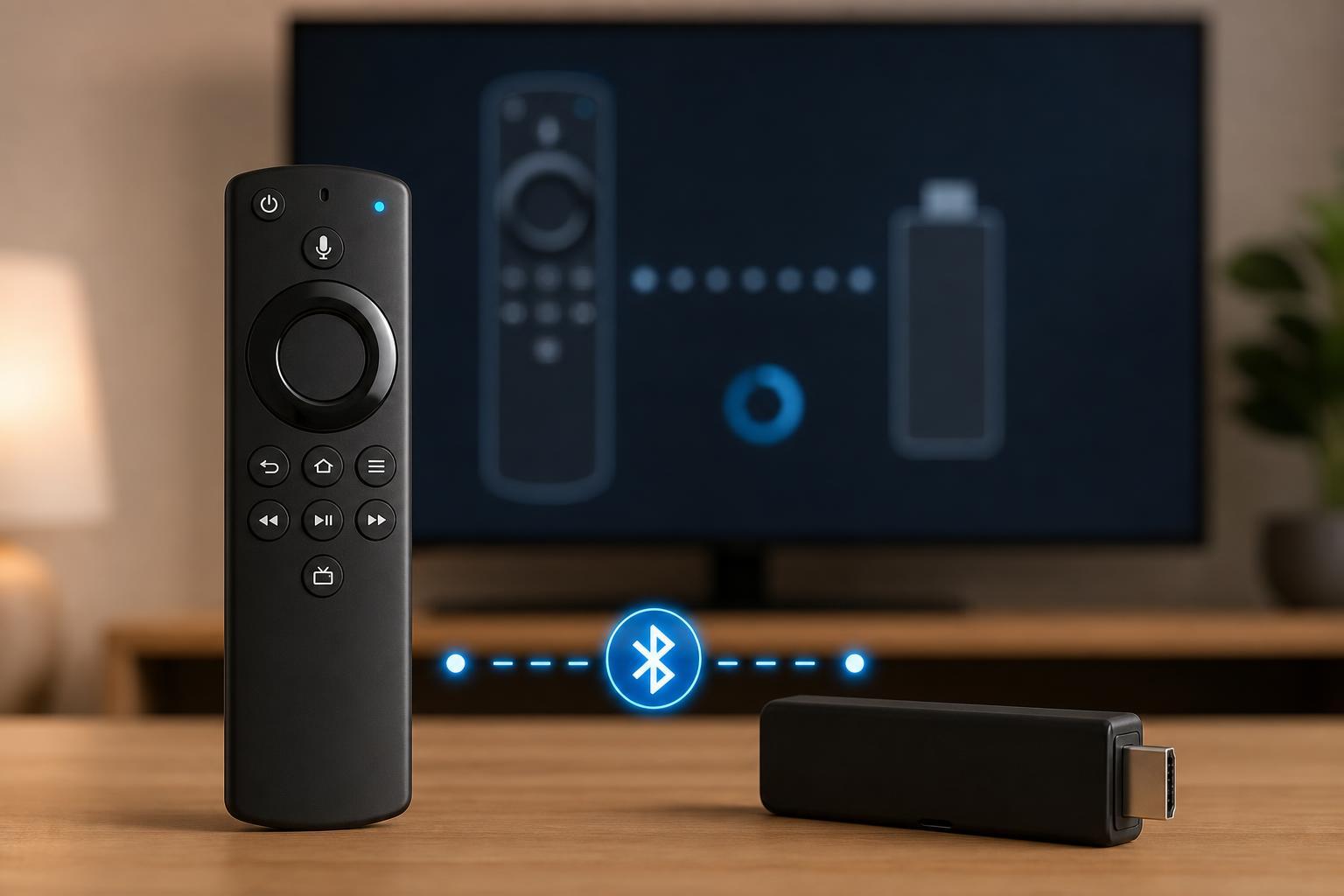
1. Check the Remote Batteries and Basic Pairing Conditions
Before trying anything more involved, make sure the remote actually has enough power to enter pairing mode. Weak batteries are one of the most common reasons a Fire TV remote seems dead after a reset.
- Replace both batteries with fresh ones, even if the remote still lights up occasionally.
- Install the batteries in the correct orientation.
- Remove the batteries for 30 seconds, then reinstall them to fully reset the remote.
- Move close to the Fire TV Stick during pairing, ideally within a few feet.
- Make sure there are no objects blocking the Fire TV Stick’s signal path.
2. Re-Pair the Remote Using the Correct Button Sequence
If the remote has power, the next step is to force it back into pairing mode. Fire TV remotes usually need to be held near the device while a specific button combination is pressed.
- Unplug the Fire TV Stick from power for 30 seconds, then plug it back in.
- Wait until the Fire TV home screen or setup screen appears.
- Hold the Home button on the remote for about 10 to 20 seconds.
- Watch for a pairing message or blinking light on the remote.
- If nothing happens, repeat the process while standing closer to the Fire TV Stick.
If your remote has a microphone or voice button instead of a standard Home button layout, the exact pairing method can vary slightly by model. The Home button method is still the most common starting point.
3. Use the Fire TV App or an Alternative Remote to Finish Setup
If the physical remote still will not pair, you can often regain control with the Fire TV mobile app or another compatible remote. This is especially helpful after a factory reset when the device is waiting at the setup screen.
- Install the Fire TV app on a phone or tablet.
- Connect the mobile device to the same Wi-Fi network that the Fire TV Stick uses, if possible.
- Open the app and select your Fire TV device.
- Use the on-screen remote controls to navigate the Fire TV setup.
- Once the Fire TV Stick is connected and updated, try pairing the physical remote again.
If you already have another Alexa Voice Remote, a compatible TV remote, or a universal remote that works with Fire TV, use that to finish setup first. Completing setup can sometimes restore normal remote pairing behavior.
If the Remote Still Will Not Pair
When the first three fixes fail, the problem is usually one of these: the remote itself is faulty, the Fire TV Stick needs a software update, or the device’s pairing memory is stuck after the reset.
- Try pairing the remote with a different Fire TV Stick or Fire TV device if available.
- Check whether the Fire TV Stick works with a different remote.
- Leave the Fire TV Stick plugged in for a few minutes after setup in case it is still loading updates.
- Inspect the remote for physical damage or battery corrosion.
- If the remote is a third-party model, confirm that it is actually compatible with Fire TV Stick.
Which Fix Should You Try First?
Start with fresh batteries, then move on to the Home-button pairing method, and finally use the Fire TV app or another remote if the stick is stuck during setup. In most cases, one of those three paths restores control without needing replacement hardware.





