
Saving a post on Instagram lets you keep it for later without downloading it or notifying the creator. It is one of the simplest ways to organize posts you want to revisit, whether it is a recipe, a product, a tutorial, or an inspiring photo.
If you have ever wondered what actually happens when you tap the bookmark icon, this guide explains where saved posts go, who can see them, and how the feature works in practice.
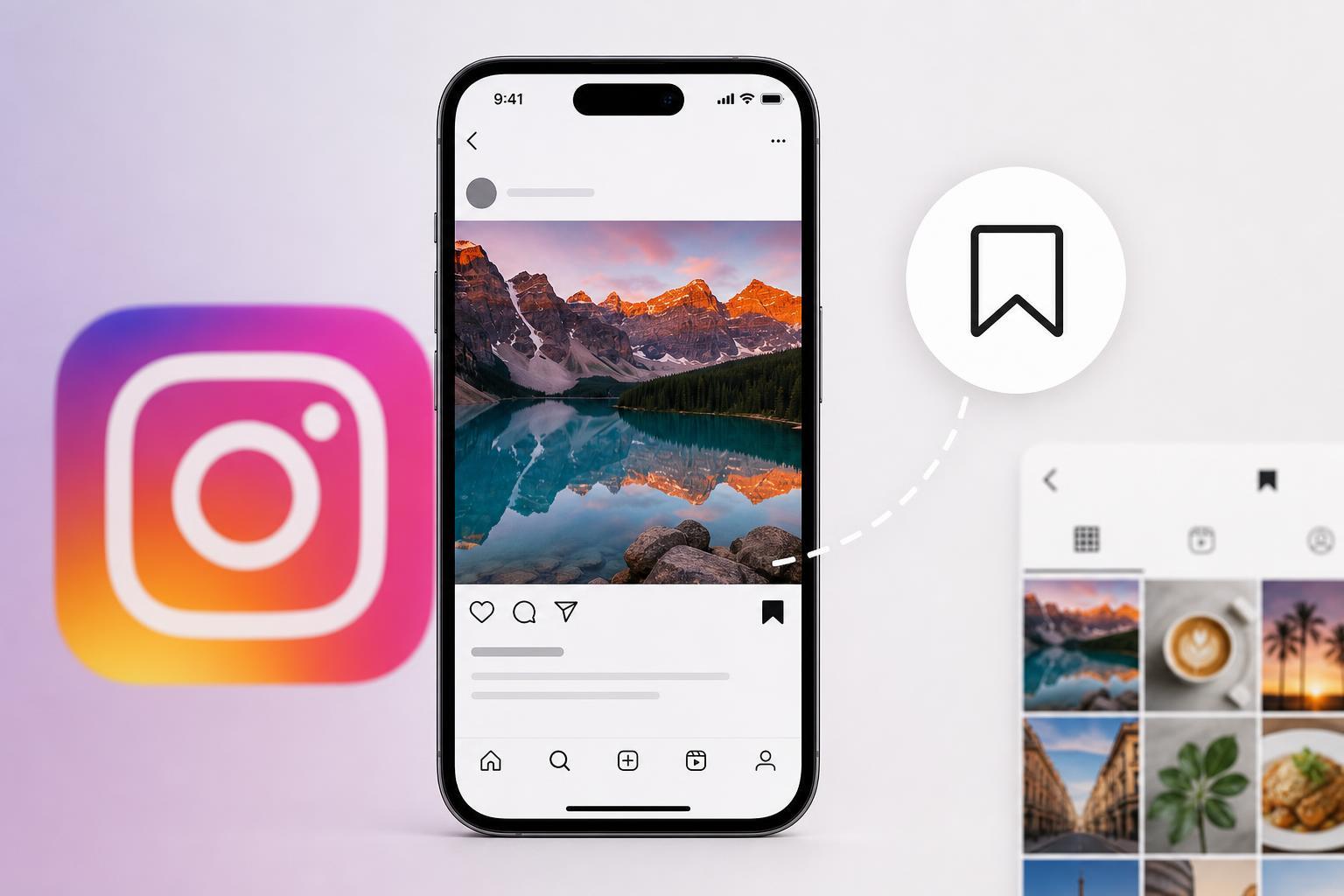
What Saving a Post Actually Does
When you save a post on Instagram, it is added to your private Saved area inside the app. The post stays on Instagram, but you create a personal shortcut to it so you can find it again later without searching through your feed or remembering the account name.
Saving does not copy the post to your phone, and it does not create a public list. It simply tells Instagram that you want quick access to that post in the future.
Where Saved Posts Go
Saved content is stored in the Saved section of your Instagram profile. From there, you can browse everything you have bookmarked and, if you want, organize posts into collections.
- Open Instagram and go to your profile.
- Tap the menu icon in the top right corner.
- Choose Saved.
- Browse your saved posts or open a collection if you have created one.
If you save a lot of content, collections are especially useful. They let you group posts by topic, such as travel ideas, recipes, gaming setup inspiration, or home repair tips.
Who Can See That You Saved a Post?
In normal use, no one else can see your saved posts. Instagram does not publish your saved list, and other users cannot browse your bookmarks.
- The post creator does not get a notification that you saved it.
- Your followers cannot view your Saved section.
- Only you can access your saved posts from your account.
How Saving Is Different From Liking, Sharing, and Bookmarking
It is easy to confuse saving with other Instagram actions, but each one does something different.
- Like: Shows appreciation and may be visible on the post depending on Instagram’s current display format.
- Share: Sends the post to another person or adds it to your Story if allowed.
- Save: Stores the post privately for your own later use.
- Bookmark icon: The button you tap to save the post.
What Happens for the Person Who Posted It
From the creator’s point of view, a save can matter because it may show that the post was useful or interesting, but they usually cannot see who saved it. In some accounts, especially business or creator accounts, Instagram may show aggregate insights that include saves as a performance metric.
That means the creator may see that a post was saved a certain number of times, but not the identity of the people who saved it.
How to Save a Post on Instagram
- Find the post you want to keep.
- Tap the bookmark icon below the post.
- If you want to organize it immediately, press and hold the bookmark icon and choose a collection.
- The post will now appear in your Saved area.
Can You Remove a Saved Post?
Yes. Unsaving a post removes it from your Saved list, but it does not affect the original post on Instagram.
- Open the post you previously saved.
- Tap the bookmark icon again to remove it from Saved.
- If the post was in a collection, it will disappear from that collection too.
A Quick Way to Think About It
Saving is best understood as a private personal library inside Instagram. You are not downloading the post, bookmarking it publicly, or sending it to the creator. You are simply telling Instagram, “I want to find this again later.”
That makes the feature ideal for keeping track of posts you may want to reference, buy, cook, watch, or try later without cluttering your likes or your messages.
Common Questions About Saved Posts
- Do saved posts disappear if the creator deletes them? Yes, if the original post is removed, it will no longer be available in Saved.
- Can I save reels and videos too? Yes, Instagram allows saving many types of content, including posts and reels.
- Can I make my Saved list public? No, Instagram keeps it private.
- Does saving use storage on my phone? Not in the same way as downloading a file does, because the content remains on Instagram.





