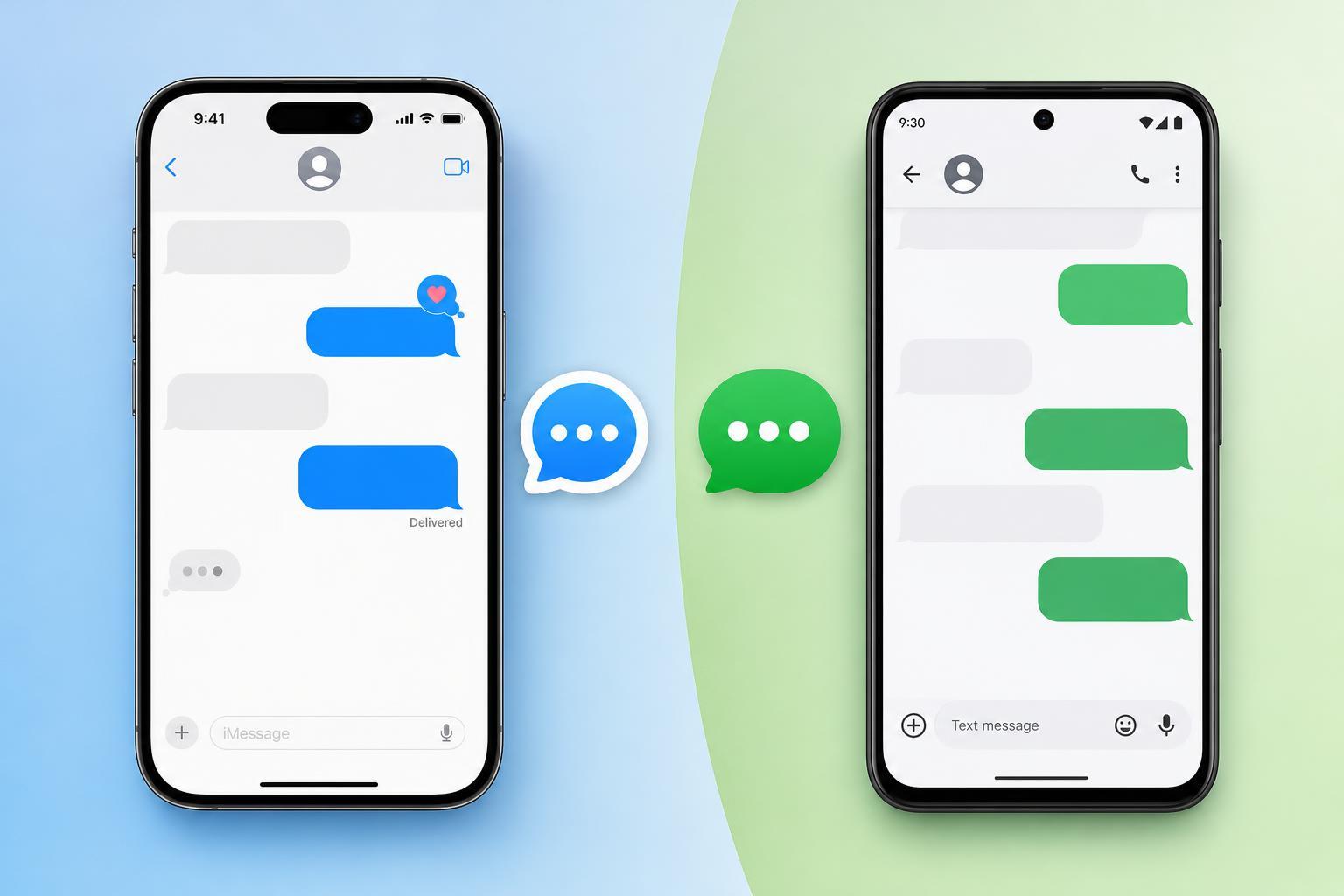
iMessage and text message are often used like they mean the same thing, but they are different systems. On an iPhone, you may see messages sent as blue bubbles or green bubbles, and that color usually tells you which service is being used.
Understanding the difference helps you know why a message may not send, why some chats have extra features, and why not everyone can use iMessage.
The Short Version
- iMessage is Apple’s messaging service and works only between Apple devices.
- Text message usually means SMS or MMS, which works across different phones and carriers.
- iMessage uses the internet or mobile data, while SMS uses your cellular texting plan.
- iMessage supports features like read receipts, typing indicators, reactions, and higher-quality media.
- SMS is more universal, but it has fewer features and depends more on your carrier.
What iMessage Is
iMessage is Apple’s own messaging system for iPhone, iPad, Mac, and Apple Watch. It works through Apple’s servers instead of the traditional carrier SMS network.
When you send an iMessage, it is usually delivered as a blue bubble in the Messages app. It can send to another Apple device as long as both devices have iMessage turned on and an internet connection is available.
What a Text Message Is
A text message usually refers to SMS, and sometimes MMS. These are the older universal messaging standards used by mobile carriers.
SMS is mainly for plain text. MMS is used when you send photos, videos, group images, or other media through the carrier network.
Unlike iMessage, SMS and MMS are not tied to Apple devices. They can be sent between almost any mobile phone, which is why they are still important.
How to Tell the Difference on an iPhone
- Open the Messages app.
- Look at the color of the message bubble.
- Blue usually means iMessage.
- Green usually means SMS or MMS text message.
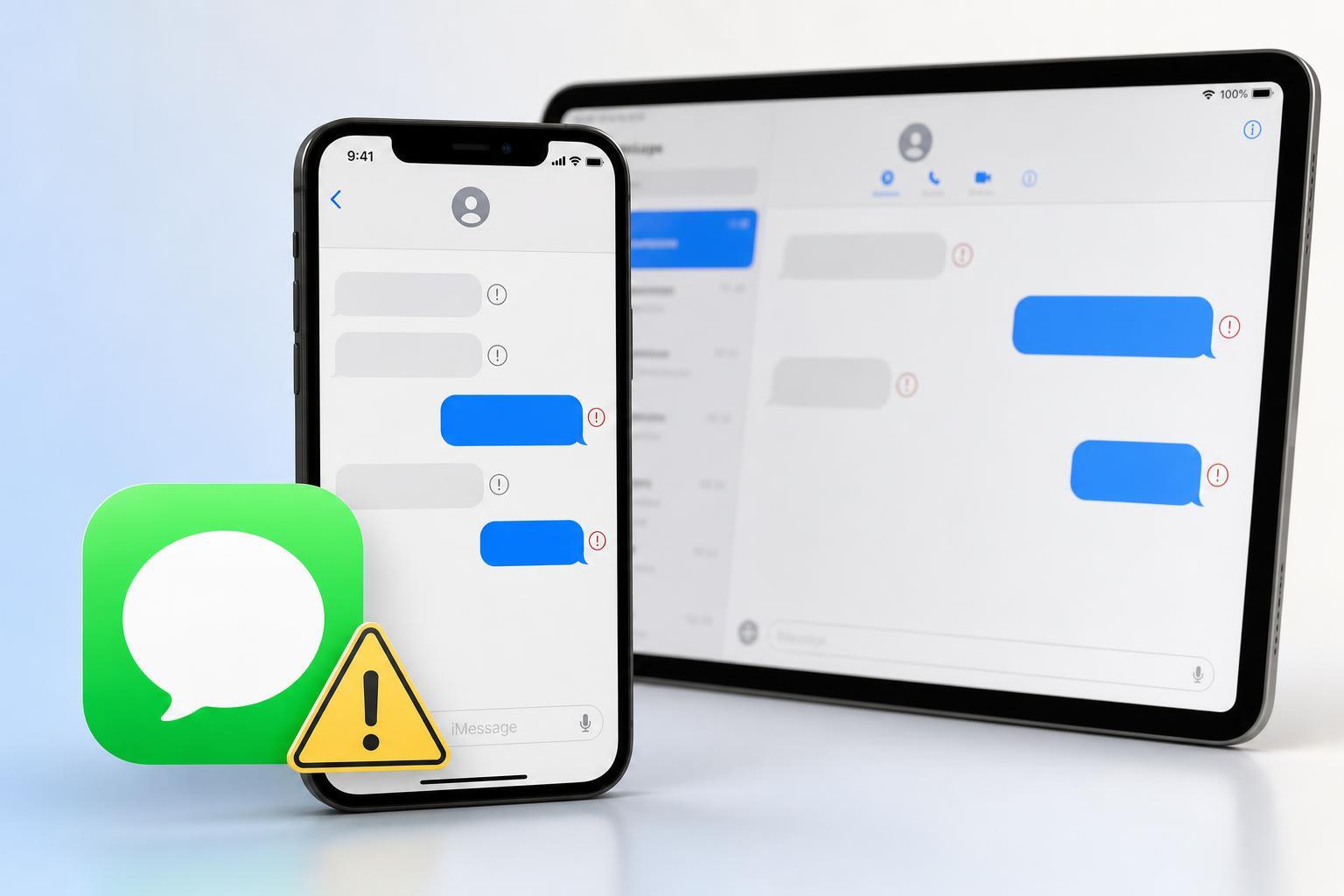
- If a message fails to send or switches from blue to green, your iPhone is likely falling back to SMS.
Feature Differences
- Delivery method: iMessage uses the internet; SMS uses your carrier’s texting network.
- Device support: iMessage is Apple-only; SMS works across iPhone, Android, and most mobile phones.
- Read receipts: available in iMessage and optional; not standard in SMS.
- Typing indicators: available in iMessage; generally not part of SMS.
- Media quality: iMessage usually preserves better quality than MMS, which may compress images and video.
- Group chats: iMessage group chats have more features and better syncing between Apple devices.
- Encryption: iMessage supports end-to-end encryption between Apple devices; standard SMS does not.
Does iMessage Use Data?
Yes. iMessage uses Wi-Fi or mobile data to send messages. If you are connected to Wi-Fi, it usually does not use your cellular text messages at all.
That means iMessage can still work even if your carrier texting service is limited, as long as you have internet access. However, if data is unavailable, iMessage may not send until a connection returns.
When a Message Turns Green
A green bubble usually means your iPhone sent the message as SMS or MMS instead of iMessage. This can happen for several reasons:
- The recipient is not using an Apple device.
- The recipient has iMessage turned off.
- Your iPhone does not have an internet connection.
- Apple’s iMessage service is temporarily unavailable.
- The message includes content that is being sent as MMS rather than iMessage.
Which One Is Better?
Neither one is always better. iMessage is better if you and the other person both use Apple devices and want modern chat features. SMS is better when you need maximum compatibility and want to reach almost any phone.
If you message people on different platforms, SMS remains the universal fallback. If your conversations stay within the Apple ecosystem, iMessage is usually the more capable option.
Common Misunderstandings
- iMessage is not the same as regular texting, even though it appears inside the same Messages app.
- A blue bubble does not always mean the other person has your number saved; it only means the message was sent through iMessage.
- Green bubbles are not necessarily broken messages; they are often just standard carrier texts.
- You do not need to pay extra for iMessage itself, but it does use internet data if you are not on Wi-Fi.
- SMS can still be useful even if it feels older, because it works on almost any phone.
Which One Should You Use?
In most cases, you do not choose manually. Your iPhone decides whether to send iMessage or SMS based on the recipient and your connection. If both users have Apple devices and iMessage is available, it sends as iMessage. Otherwise, it uses text messaging.
If you want to avoid accidental SMS charges on a limited plan, check your iPhone settings and make sure iMessage is enabled. If you are trying to message someone who does not use Apple devices, SMS is the format that will work.