
IMEI and IMSI are two phone-related numbers that get mentioned a lot in mobile troubleshooting, carrier setup, and device security. They sound similar, but they identify different things and are used in different parts of the mobile network.
If you have ever checked a phone’s settings, contacted your carrier, or reported a lost device, understanding IMEI vs. IMSI can save time and help you know which number actually matters for the problem you are trying to solve.
The Short Version
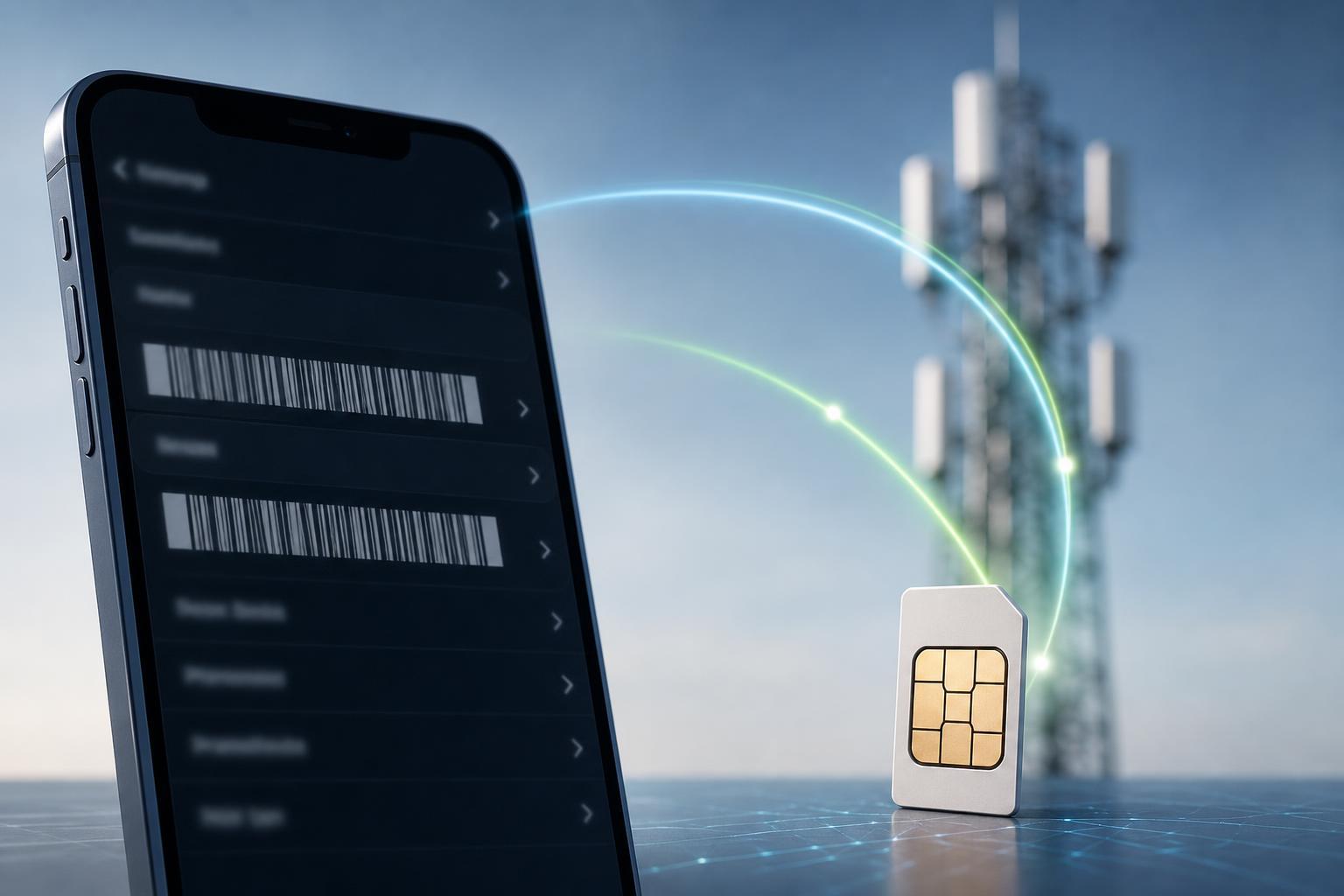
The IMEI identifies the physical device. The IMSI identifies the subscriber on the mobile network. In simple terms, the IMEI is tied to the phone itself, while the IMSI is tied to the SIM or cellular account that connects to the network.
What Is an IMEI?
An IMEI is a unique number assigned to a mobile device with cellular hardware, such as a phone or tablet. Carriers and manufacturers use it to identify the device on the network.
Because the IMEI belongs to the device, it does not normally change when you swap SIM cards. That makes it useful for actions that need to identify the handset itself, such as blacklisting a stolen phone or checking whether a device is eligible for use on a network.
What Is an IMSI?
An IMSI is a number stored on the SIM card or embedded SIM profile that identifies the subscriber on the mobile network. It tells the network which account or subscriber identity is requesting service.
Unlike the IMEI, the IMSI is associated with the SIM rather than the device. If you move the SIM to another phone, the IMSI generally moves with it because the subscriber identity is still the same.
IMEI vs IMSI: The Main Differences
- IMEI identifies the device; IMSI identifies the subscriber or SIM profile.
- IMEI is usually fixed to the handset; IMSI changes if you use a different SIM or eSIM profile.
- IMEI is useful for device blocking and network compatibility checks; IMSI is useful for subscriber authentication.
- IMEI is visible on the phone itself; IMSI is usually handled by the SIM and carrier system.
- A phone can have one IMEI per cellular radio, while an IMSI is tied to a specific mobile subscription.
Where You Can Find the IMEI
- Dial *#06# on most phones to display the IMEI instantly.
- On iPhone, open Settings, tap General, then About.
- On Android, open Settings, then look under About phone or Status, depending on the device.
- Check the SIM tray, phone box, or purchase receipt, since many devices print the IMEI there.
- If the phone is damaged or will not power on, the retail box or carrier records may still show the IMEI.
Where You Can Find the IMSI
The IMSI is not usually displayed as openly as the IMEI. In many cases, you will not need to look it up manually because the carrier and SIM handle it during network authentication.
- Your mobile carrier can often view the IMSI tied to your subscription.
- Some SIM management tools or advanced phone diagnostics can show it, but this is less common for everyday users.
- In many cases, the IMSI is embedded in the SIM card or eSIM profile and is not something you routinely need to enter yourself.
How They Are Used in Real Life
The IMEI is commonly used when a carrier needs to identify a specific device. This can help with warranty support, device activation, blacklist checks, and network restrictions.
The IMSI is used when the network needs to recognize a subscriber. It helps the carrier verify that the SIM or eSIM profile belongs to an active account and that the user is allowed to connect.
- Lost or stolen phone: IMEI is the key number.
- Switching SIM cards to a new phone: IMSI changes with the SIM, IMEI stays with the device.
- Troubleshooting carrier account issues: IMSI may matter more.
- Checking if a phone is blocked or reported stolen: IMEI is usually checked.
Does Changing the SIM Change the IMEI?
No. Changing the SIM or eSIM profile does not change the IMEI because the IMEI is part of the device identity. What changes is the IMSI, since that number is tied to the subscriber identity on the SIM.
Can IMEI or IMSI Be Cloned or Spoofed?
Both numbers can be targets for abuse, but they serve different purposes and have different protections. IMEI tampering is illegal in many places and is often associated with stolen devices or fraud. IMSI-related attacks can involve SIM cloning or interception techniques, which is why carriers use additional security measures.
Which One Should You Give to Support?
- If the issue is about the phone itself, give the IMEI.
- If the issue is about your cellular line, SIM, or account authentication, the carrier may ask for IMSI-related information.
- If you are reporting theft, use the IMEI.
- If you are activating a phone or checking compatibility, the IMEI is usually the first number to provide.
Why These Numbers Matter for Security
The IMEI helps carriers identify and block specific devices, which is important when a phone is lost or stolen. The IMSI helps verify subscriber access, which is part of how mobile networks decide whether to allow service.
Together, they help the mobile network distinguish between the device and the user’s subscription. That distinction is one reason phones can be moved between SIM cards without replacing the handset, and why a blocked device may still show service-related errors even if the SIM itself is valid.
Bottom Line
IMEI is the device’s identity number. IMSI is the subscriber’s identity number. If you remember just one thing, remember this: IMEI = phone, IMSI = SIM or subscriber. That simple distinction covers most practical situations you will run into.





