
Instagram lets you mention people in Stories, but a standard @mention sticker is always visible. If you want to credit someone, prompt a reply, or make a quiet reference without putting a big tag on the Story itself, there are a few workarounds you can use. The best method depends on whether you want the mention to stay hidden, be nearly invisible, or simply avoid cluttering the design.
Can You Really Hide an Instagram Story Mention?
Not completely. Instagram does not offer a true “hidden mention” option for Stories. If you add a normal mention sticker, viewers can see it. However, you can make the mention effectively invisible by shrinking it, moving it off the main content, or using another method such as mentioning someone in a reply, message, or caption elsewhere.
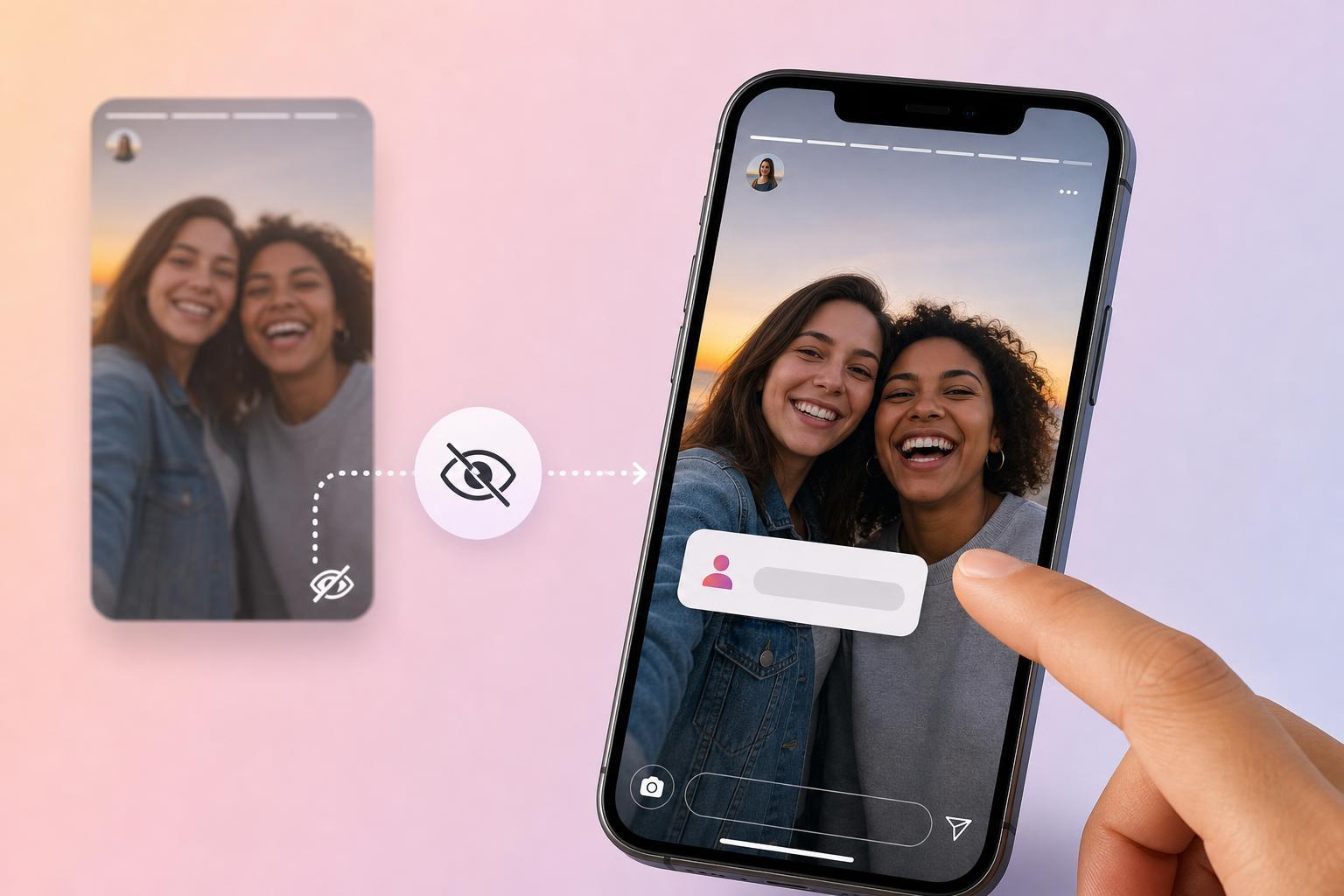
Best Ways to Mention Someone Without Making It Obvious
- Use the @mention sticker, then shrink it as much as possible and place it over a busy or dark part of the Story so it blends in.
- Type the mention in a small text box, reduce the text size, and position it near the edge where it is less noticeable.
- Send the person the Story through Direct Message and mention them in the message instead of placing the tag on the Story itself.
- If your goal is only credit, add their name in the caption of the post version of the content rather than on the Story image.
- Use a close-up crop or design element to cover the mention area if you are posting a still image and want the Story to look clean.
How to Make a Story Mention Look Invisible
- Create your Story as usual and add the photo or video you want to post.
- Tap the sticker icon and choose the @mention sticker, or type @ followed by the username in the text tool.
- Enter the account name you want to mention.
- Pinch the mention to shrink it as small as possible.
- Drag it to a low-contrast area such as a shadow, patterned background, or the edge of the frame.
- If needed, rotate it slightly so it blends into the design instead of standing out.
- Preview the Story before posting to check whether the mention is still readable.
What People Will Still Be Able to See
- A normal mention sticker is always visible to viewers.
- A tiny mention may still be readable if someone taps or zooms in.
- If the tagged account reshared the Story, the mention could be easier to spot.
- People can often view the account name if the Story is screenshotted or opened carefully.
If Your Goal Is Privacy, Use a Different Method
If you do not want the other person’s name to appear on the Story at all, the cleanest option is usually to avoid tagging them in the Story itself. Instead, you can message them privately, mention them in the DM you send with the Story, or credit them in the caption of a feed post that is separate from the Story.
- Use Direct Message to tell the person you posted it.
- Add credit in the caption of an Instagram feed post instead of the Story.
- Tag them in a reply or comment if the content was originally posted elsewhere.
- Post the Story without a mention and contact them separately if the mention is only for notification.
Common Problems and What They Mean
- The mention keeps showing up too clearly: it is too large or placed on a plain background, so shrink it more or move it into a busier part of the image.
- The username does not appear in suggestions: check the spelling, make sure the account is active, and confirm you are connected enough for Instagram to suggest it.
- The person does not get notified: their notification settings may be off, or the mention may not have been added correctly.
- The Story looks cluttered after adding a mention: use a darker background, a smaller font, or a separate credit method instead.
Choosing the Right Approach
If you want the person to be notified, use a tiny mention or text mention and place it discreetly. If you want the Story to stay visually clean, the best option is often to skip the Story mention entirely and send the credit or notification another way. That is the only reliable method if you need the name to remain out of sight.