
If you use both Facebook and Instagram, it is easy to assume you can simply log into one service with the other. In most cases, that is not how Meta accounts work. Facebook and Instagram can be linked for sharing and account management, but they usually still keep separate login details unless you set up account center features.
This guide explains what is actually possible, how to connect the accounts, and what to do if you are trying to get into Facebook from Instagram or manage both accounts more smoothly.
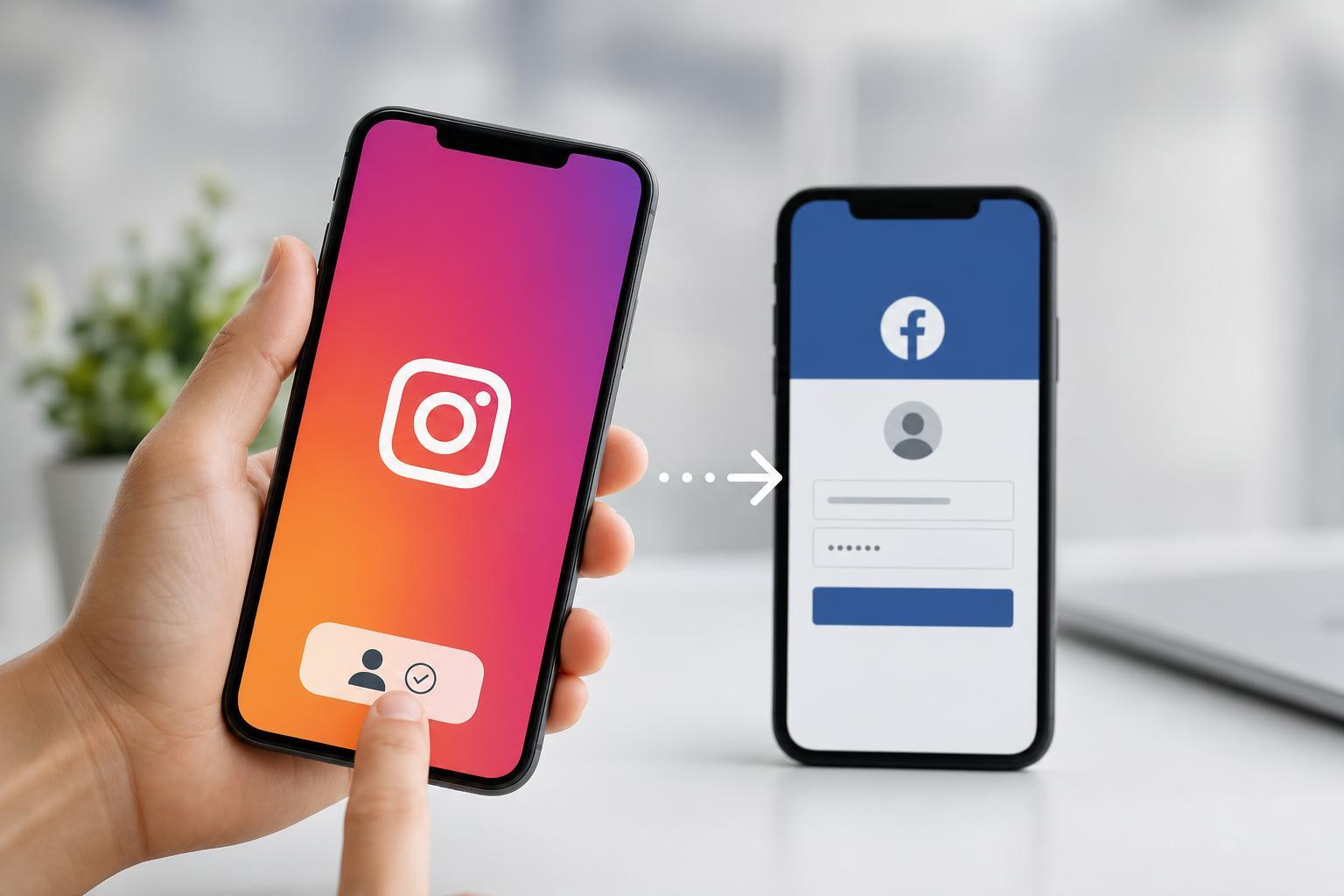
Can You Log Into Facebook Directly With Instagram?
Usually, no. Facebook and Instagram are separate accounts, even though both are owned by Meta. Linking them does not normally mean that your Instagram username and password will work as a Facebook login.
What linking does do is let Meta connect the accounts for features like cross-posting, shared settings, and account recovery options in some cases. If you are trying to access Facebook, you will typically still need your Facebook email or phone number and Facebook password.
What You Need Before You Try
- A Facebook account you already own or can recover
- An Instagram account that is already logged in
- Access to the email address or phone number tied to your Facebook account
- The Facebook app, Instagram app, or a browser
How to Link Facebook and Instagram Accounts
If your goal is to connect the accounts so you can manage them together, use Meta's Accounts Center.
- Open Instagram and go to your profile.
- Tap the menu icon, then open Settings and privacy.
- Find Accounts Center.
- Choose Add accounts and select Facebook.
- Sign in to your Facebook account when prompted.
- Confirm the linking options you want to use.
You can also start from Facebook and link Instagram from the same Accounts Center area. Once connected, Meta can share certain profile and login-related features depending on your settings.
If You Are Trying to Access Facebook From Instagram
If you are already signed in to Instagram and want to open your Facebook account, the simplest path is usually to use Accounts Center and confirm whether Facebook is linked. If it is, you may be able to switch between accounts inside Meta apps more easily, but you still may not get into Facebook without verifying your identity or entering your Facebook login details.
- Open Instagram and check Accounts Center.
- Look for Facebook under linked accounts.
- If it is connected, try opening Facebook through the Meta app switcher or account menu.
- If prompted, enter your Facebook password or complete a verification step.
- If you do not remember the Facebook password, use Facebook's password recovery options.
How to Log In to Facebook the Normal Way
If linking is not enough, use the standard Facebook sign-in page or app.
- Open Facebook in the app or in a browser.
- Enter the email address or phone number linked to your Facebook account.
- Enter your password.
- If you do not know the password, choose Forgot password? and follow the recovery steps.
- Use your email inbox or phone number to verify the account if Facebook asks you to.
Common Problems When Facebook and Instagram Are Linked
- Instagram and Facebook are linked, but login still fails because each account has its own password
- The Facebook account is connected to a different email address than the one you expected
- Two-factor authentication is enabled on Facebook
- The Facebook account has been temporarily locked for security checks
- You are signed into the wrong Instagram profile or Meta account center
What to Do If You Forgot Your Facebook Password
- Go to Facebook's login screen.
- Tap or click Forgot password?
- Enter the email address or phone number associated with your Facebook account.
- Choose a recovery method sent by email or text.
- Create a new password once you verify your identity.
When Linking Accounts Does Help
Linking Facebook and Instagram is useful if you want to manage pages, post to both platforms, or keep related business and personal accounts organized. It is less useful if your goal is to bypass Facebook login entirely, because that is generally not how Meta account authentication works.
What This Means in Practice
If your question is literally whether you can type your Instagram login into Facebook, the answer is usually no. If your question is whether connecting the two accounts can make access and management easier, the answer is yes.
For most users, the best approach is to link the accounts in Accounts Center, make sure the correct Facebook login details are saved, and use Facebook's recovery tools if you ever lose access.





