
Snapchat can show birthday information for friends who have added their birthday to their profile. If you want to check birthdays, the app gives you a few places to look, but the exact options depend on whether the friend has chosen to share that information.
This guide explains where to find birthdays on Snapchat, how birthday notifications work, and what to do if you cannot see a friend’s birthday.
Where Snapchat Shows Birthdays
Snapchat does not have a single public birthday directory. Instead, birthday details may appear in a few places inside the app when a friend has enabled birthday sharing.
- In a friend’s profile, if they have a birthday set and chosen to share it
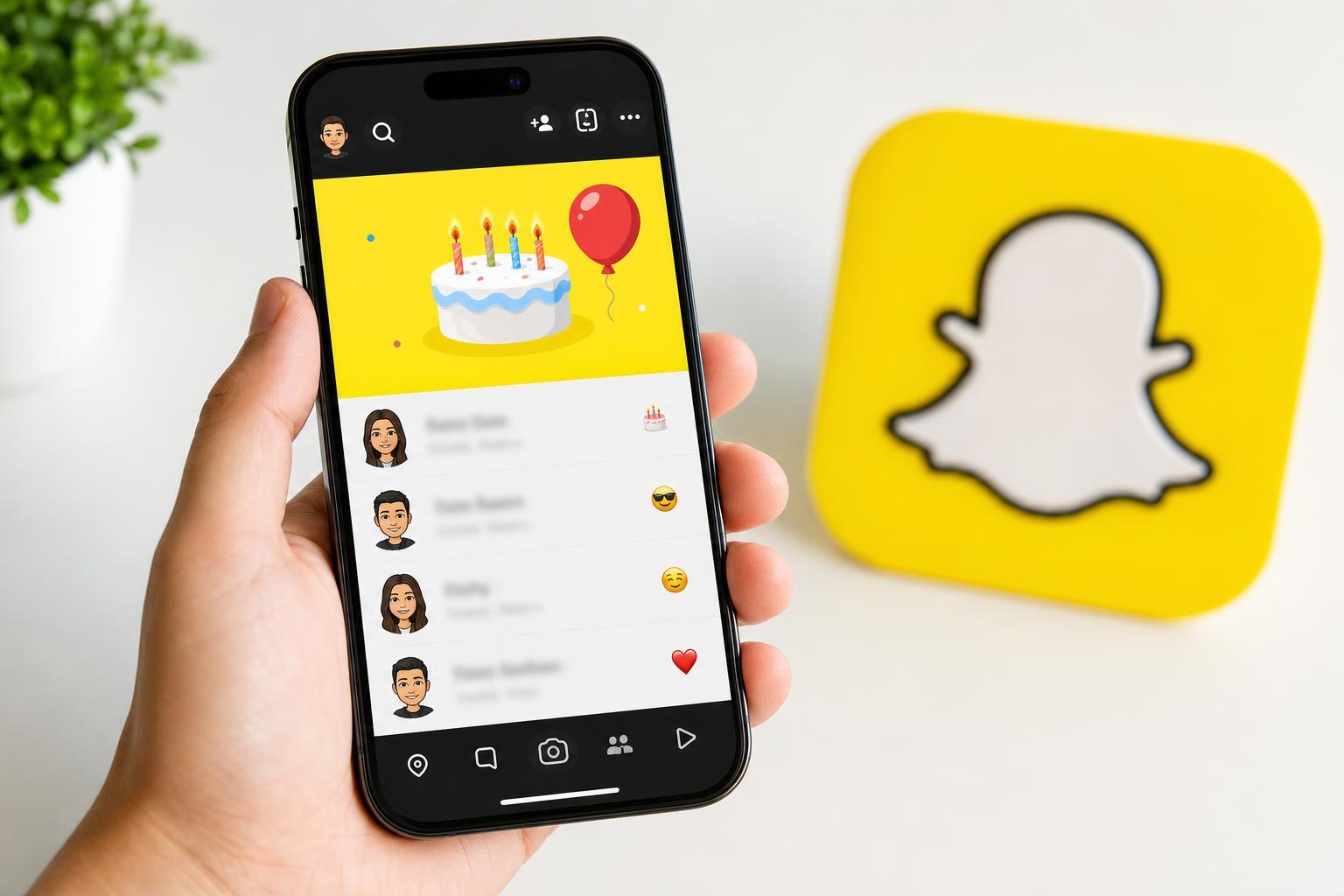
- In the Chat screen, where a birthday cake or birthday-related prompt may appear on their special day
- In the Friends list or birthday notifications, if Snapchat is reminding you about upcoming birthdays
Check a Friend’s Profile
- Open Snapchat and go to the Chat screen or Friends list.
- Tap the friend’s name to open their profile.
- Look for birthday-related details such as a birthday cake icon or a birthday message.
- If you do not see anything, the person may not have shared their birthday with you, or they may not have entered it in Snapchat.
Look for Birthday Notifications
Snapchat may show birthday reminders when a friend’s birthday arrives. These reminders are usually easier to spot than profile details, especially if you have many friends.
- A chat prompt when you open that friend’s conversation
- A notification on the Chat or Friends screen
- A birthday emoji, cake icon, or other celebration marker next to their name
Why You Might Not See a Birthday
There are several common reasons a birthday does not appear on Snapchat:
- The friend has not entered their birthday in Snapchat
- They have not chosen to share it with you
- You are looking at the wrong profile or conversation
- Your app version is outdated and the birthday feature is not displaying correctly
Check Your Own Birthday Settings
If you are trying to make your own birthday visible to friends, you can review your Snapchat profile settings and confirm that your birthday is entered correctly.
- Open Snapchat and tap your profile icon.
- Go to Settings.
- Look for the Birthday section or profile settings related to your date of birth.
- Make sure the birthday is correct and that any birthday-sharing option you want is enabled.
If Snapchat Still Does Not Show Birthdays
If you expected to see a birthday but nothing appears, try these checks:
- Open the friend’s profile again later in the day
- Confirm that you are still friends on Snapchat
- Update Snapchat from the App Store or Google Play
- Check whether the friend has birthday sharing turned on
If birthday information still does not appear, the most likely reason is that the other user has kept it private or has not added it at all. Snapchat does not let you view hidden birthday details just by searching for them.
What to Remember About Snapchat Birthdays
Birthday viewing on Snapchat is limited by privacy settings, so you will only see birthdays that have been shared through the app. The best place to look is a friend’s profile or their chat thread on the day of the birthday.





