
Leaving a WhatsApp group can feel awkward, especially if you do not want to trigger questions or attention. WhatsApp does not let you leave a group completely invisibly, but there are a few practical ways to reduce how obvious it is and, in some cases, avoid a loud exit altogether.
This guide explains what WhatsApp shows to other members, the best ways to leave quietly, and a few alternatives if you want to stop seeing messages without formally exiting right away.
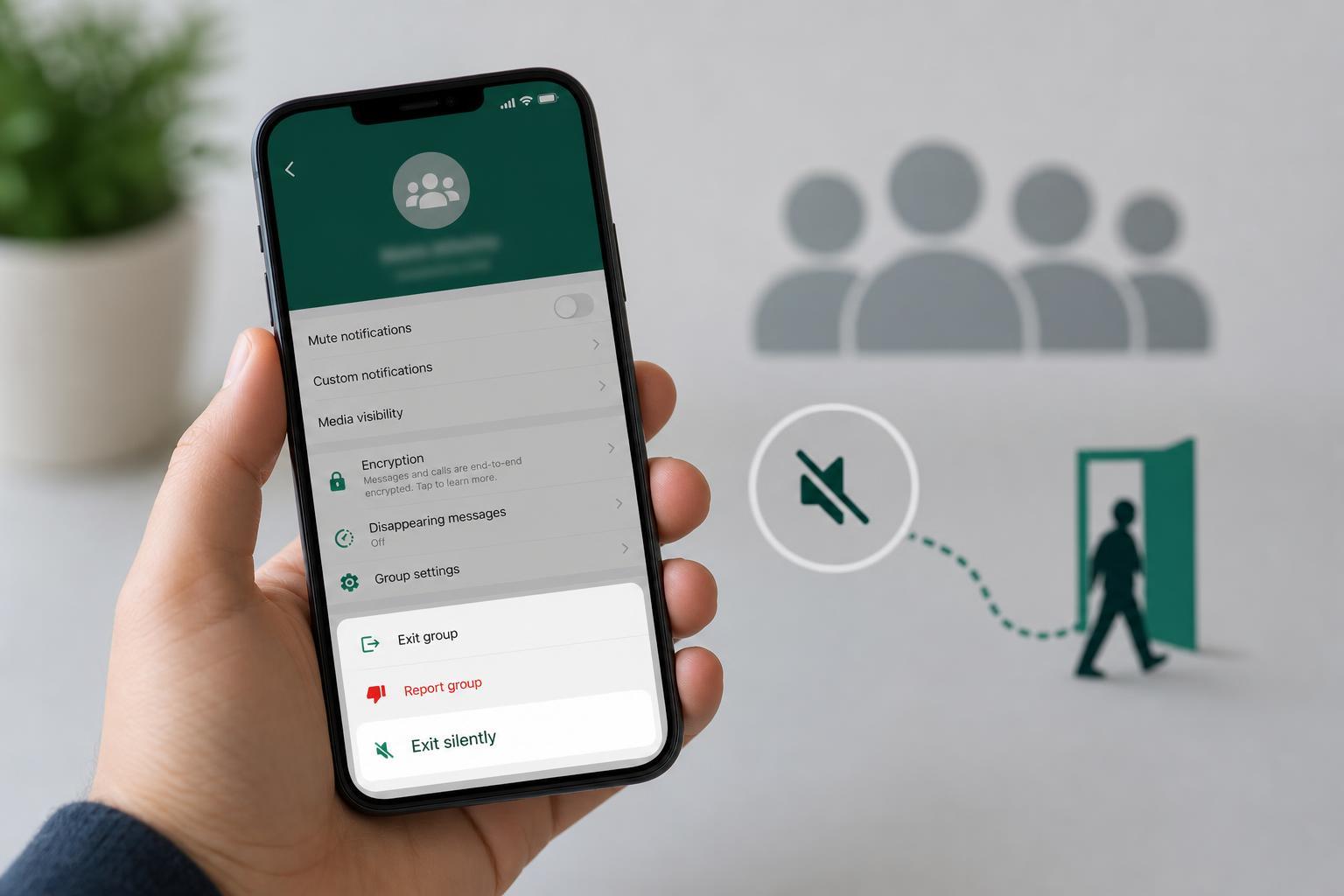
What Happens When You Leave a WhatsApp Group
In most WhatsApp groups, leaving the group creates a system message saying that you left. Group members can usually see this in the chat. That means there is no true “secret leave” option for standard WhatsApp group chats.
What you can do instead is limit how noticeable your exit is. The best approach depends on whether you want to stop receiving messages, avoid a long conversation, or simply make your departure less obvious.
The Quietest Way to Leave a WhatsApp Group
- Open the WhatsApp group chat you want to leave.
- If the group is active, wait for a quieter moment rather than leaving in the middle of a busy conversation.
- Tap the group name at the top to open Group Info.
- Scroll down and select Leave group.
- Confirm the action when prompted.
This is the standard method, and on a normal group it will still create a leave notice. However, leaving when the chat is quiet can make the departure less disruptive and less likely to draw immediate attention.
Ways to Make Your Exit Less Noticeable
- Leave at a time when the group is busy or inactive, so your departure is less likely to spark conversation.
- Mute the group first if you want to reduce notification noise before you leave.
- Archive the chat if you are unsure about leaving immediately and just want it out of sight for now.
- Remove or minimize your profile photo and name only if you also want to reduce future recognition in older chat history, though this does not hide the leave notice.
If You Only Want to Stop Seeing the Group
Sometimes leaving is more drastic than you need. If your goal is simply to stop constant notifications, muting or archiving may be enough for a while.
- Mute notifications for 8 hours, 1 week, or always.
- Archive the chat to keep it off your main chat list.
- Turn off group notifications in your phone settings if the alerts are still too distracting.
Can You Leave Without Anyone Seeing It?
For regular WhatsApp groups, not really. If the group is small and active, members may notice immediately. If it is large or inactive, they may never pay attention to the system message.
The only practical workaround is to reduce visibility rather than eliminate it. That means choosing the right time, avoiding a dramatic send-off, and deciding whether you actually need to leave or just silence the chat.
If Someone Asks Why You Left
You do not owe the group a detailed explanation. A short, polite response is usually enough if anyone asks later.
- Keep it simple: "I’m cutting down on group chats."
- If appropriate, say you are reducing notifications.
- If the group is for work, school, or family, offer another contact method if needed.
A Better Option for Some Groups
If the group matters but the notifications or discussion are the problem, consider leaving only after changing your notification settings first. That gives you time to see whether a quieter version of participation works before you make a final decision.
- Mute the group.
- Archive it.
- Wait a few days to see if you actually miss it.
- If not, leave the group later when it is less active.
This approach is especially useful for family groups, class chats, and community groups where a sudden exit may be noticed.





