
Facebook Messenger does not clearly tell you when someone has restricted you, so figuring it out usually means looking for a pattern of clues. The signs are subtle, and some of them can also happen for harmless reasons like privacy changes, notifications being turned off, or the person simply being offline.
This guide explains the most reliable signs to watch for, what each one means, and how to avoid confusing a restriction with blocking or other Messenger settings.
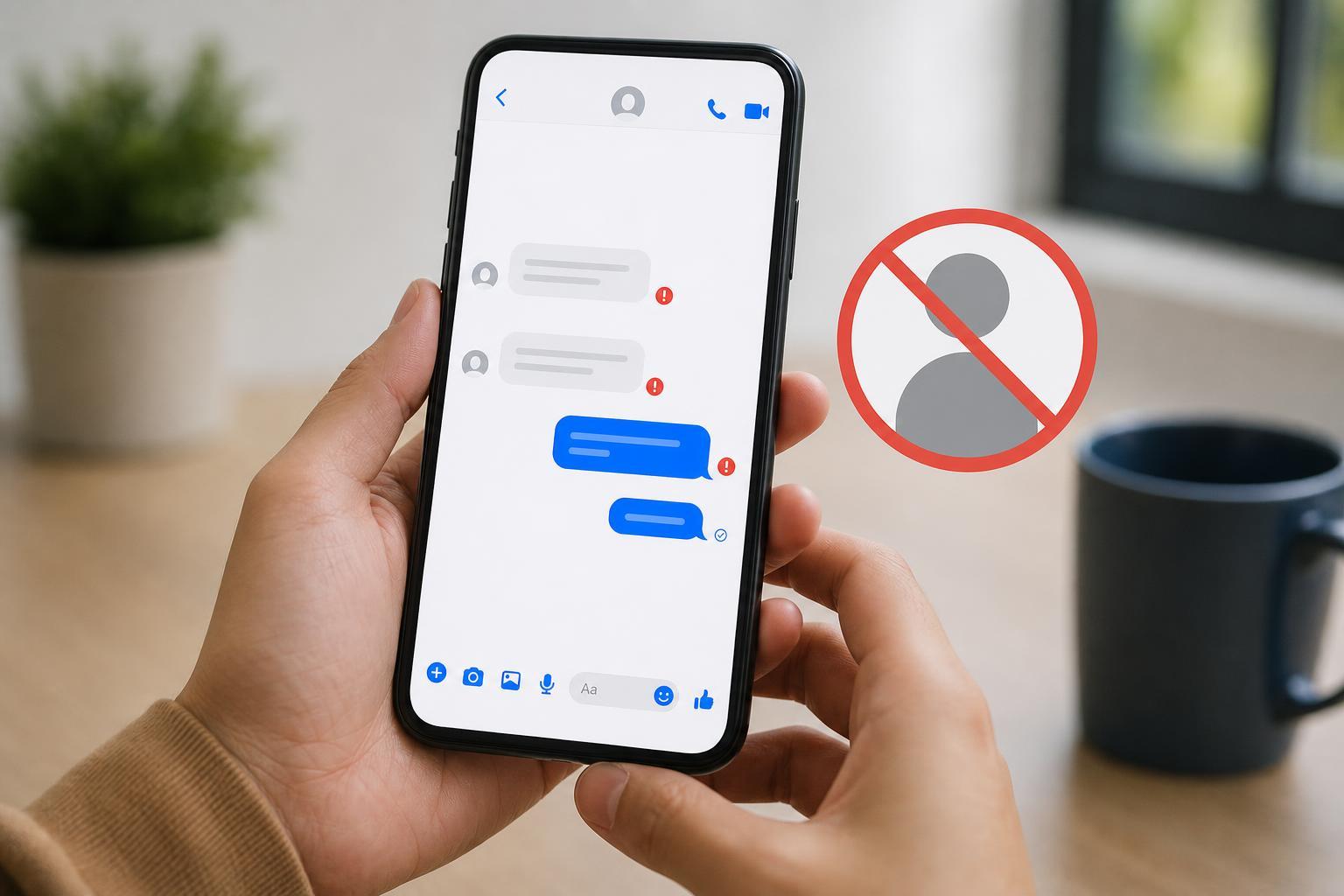
What “Restricted” Means on Facebook Messenger
On Facebook Messenger, restricting someone is different from blocking them. A restriction usually limits how visible your messages and activity appear to the other person. It is a softer privacy boundary, so the person can still be in contact with you in some cases, but they may not see your messages or online status in the normal way.
Common Signs You May Have Been Restricted
- Your messages stay on “Sent” but do not show a stronger delivery status for a long time.
- You can no longer see the person’s active status or last active time, even though you used to.
- They appear less responsive than before, but the chat still opens normally.
- Seen receipts stop appearing when they previously did.
- Profile photo, status, or activity details seem limited compared with before.
Check the Message Status Carefully
The status next to your message is one of the most useful clues. If your message remains at Sent for a long time and never seems to move forward, that can suggest limited visibility. However, it can also happen if the other person has not opened Messenger, has poor internet access, or has turned off delivery/seen indicators in a way that affects how the chat looks.
Compare Active Status and Read Receipts
- Open your conversation with the person.
- Check whether their active status or last active time is visible.
- Send a normal message and wait to see whether delivery or seen indicators change.
- Compare this with older conversations where you know the person was active.
- If the status disappeared suddenly and your messages no longer show normal progress, restriction becomes more likely.
If the person’s active status is hidden, that alone does not prove anything. Many users turn off activity status for privacy, and that setting can hide their online presence from everyone rather than from one person in particular.
Look for Changes Compared With Previous Chats
The strongest clue is a change in behavior. If someone used to reply quickly, showed active status, and consistently marked messages as seen, then a sudden and lasting change may point to a privacy adjustment or restriction. If those signs disappeared only for you while the person still interacts normally with others, that makes a restriction more plausible, but it still is not guaranteed.
How to Tell the Difference Between Restricted, Muted, and Blocked
- Restricted: Messages may still be sent, but visibility and interaction signals can be limited.
- Muted: The person still receives your messages, but they do not get notifications from the chat.
- Blocked: Messages usually do not go through normally, and you may lose access to profile details or chat behavior changes more dramatically.
- Privacy settings: The person may have hidden active status or tightened message settings without targeting you specifically.
A Practical Way to Check Without Guessing
- Send one normal message and wait a reasonable amount of time.
- Check whether the chat shows normal delivery and seen behavior.
- See whether the person’s active status is visible to you.
- Review whether the person’s profile appears different than before.
- If every sign points the same way over time, treat it as a likely restriction rather than a confirmed one.
There is no built-in Messenger screen that definitively tells you, “You have been restricted.” The safest approach is to treat it as a privacy possibility unless you have strong evidence otherwise.
What You Should Not Do
- Do not send repeated messages to test the status, since that can come across as pushy.
- Do not create alternate accounts to investigate someone’s privacy choices.
- Do not confront the person based on one uncertain clue.
- Do not assume malicious intent when the issue may simply be a setting change.
What to Do Next
If you think you may have been restricted, the best response is usually to respect the other person’s privacy and avoid overanalyzing every Messenger signal. If the conversation matters, you can try communicating through another normal channel only if that is appropriate and respectful. If not, it is usually best to leave it alone and focus on the fact that Messenger privacy settings are not always obvious.





