
Facebook Messenger lets you control whether other people can see when you are active or recently online. If you want to hide your Active Status from someone, the process depends on how specific you want the privacy change to be. Messenger gives you a global Active Status setting, but it does not offer a built-in way to hide from only one person while staying visible to everyone else.
That means you can either turn Active Status off for everyone, or use workarounds like restricting, ignoring, or blocking a person if you need stronger privacy. The right option depends on whether you want a temporary break, a quieter inbox, or complete separation.
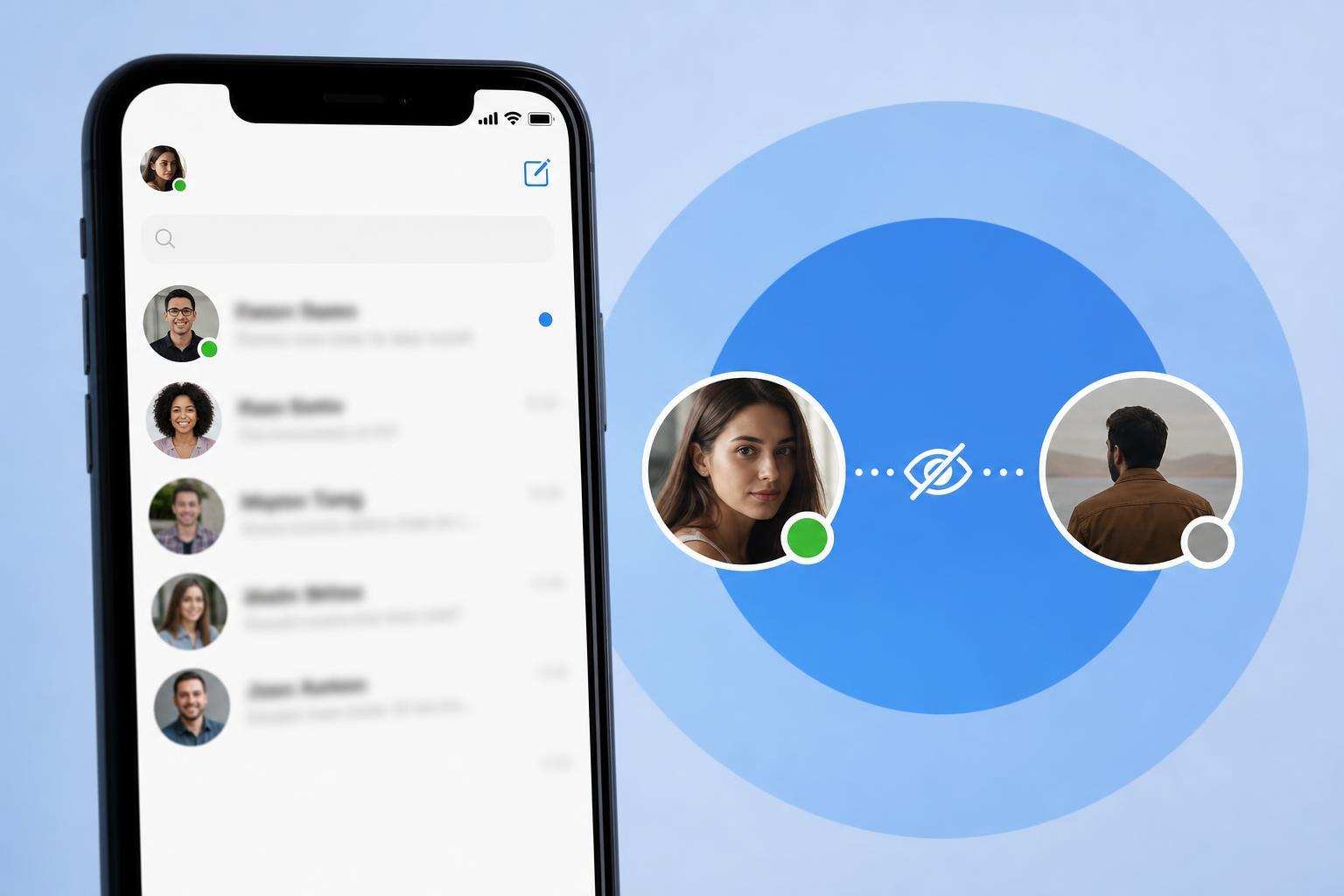
What Facebook Messenger Active Status Does
Active Status shows other people that you are online or were recently active in Messenger or Facebook. Depending on the app and device, people may see a green dot or a recent activity indicator next to your name.
If Active Status is on, people you message or who can view your chat availability may notice when you are online. If it is off, you generally appear offline, but you will also lose the ability to see other people’s Active Status.
Turn Off Active Status for Everyone
If you want the simplest privacy option, you can disable Active Status completely. This is the standard way to stop people from seeing when you are online in Messenger.
- Open the Messenger app or go to Messenger in a web browser.
- Tap your profile picture or account menu.
- Open Active Status or Active Status preferences.
- Turn off Show when you’re active.
- Confirm the change if prompted.
Once this is turned off, your contacts should no longer see you as active. Keep in mind that Messenger may take a short time to update the change across devices.
If You Only Want to Avoid One Person
Because Messenger does not support hiding Active Status from one person alone, you need to choose a different approach if your goal is selective privacy.
- Restrict the person if you want to limit unwanted contact without fully blocking them.
- Ignore the conversation if you want messages moved out of your main inbox.
- Block the person if you want the strongest separation and do not want them to contact you on Messenger.
- Turn off Active Status globally if you mainly want to avoid being seen online by everyone.
Restricting Someone in Messenger
Restricting is useful when you do not want someone to see when you are active or make it obvious that you have read their messages, but you also do not want the more obvious step of blocking them.
Depending on your Messenger version, restricted chats may move out of your main inbox, and the person may have a harder time telling when you are available. The exact behavior can vary by app version and platform.
- Open the chat with the person.
- Tap their name or the info icon at the top of the conversation.
- Look for Restrict or Limit options in the privacy controls.
- Confirm the change.
Blocking as the Strongest Option
Blocking someone on Messenger prevents them from messaging you and usually removes most ways they can interact with you through Messenger. If you want to make sure a specific person cannot see your availability or contact you, this is the most decisive option.
Use blocking only if you are comfortable with the relationship impact. It is a stronger action than hiding Active Status and can be difficult to reverse socially, even though you can unblock the person later.
- Open the chat with the person you want to block.
- Tap their name or profile at the top of the chat.
- Choose Block or Block on Messenger.
- Select the blocking option that fits your needs and confirm it.
How to Check Whether Active Status Is Off
After changing the setting, open Messenger and look for the Active Status indicator in your settings. If the switch is off, you should not appear active to others.
If someone still seems able to tell when you are online, check these common causes:
- You turned Active Status off in one app but not another device where you are still signed in.
- Messenger has not synced the change yet.
- You are seeing activity from old chat timestamps, not a live online indicator.
- The person is noticing when you respond quickly, not a status badge.
Privacy Limitations You Should Know
Even with Active Status turned off, Messenger privacy is not the same as disappearing completely. People can still see message timestamps, delivery status, and your replies if you send them.
Also, if you have a Facebook and Messenger account linked, privacy settings may feel split across the two apps. It helps to check both apps if something does not behave as expected.
Which Option Should You Use?
If you want the easiest and most dependable answer, turn off Active Status for everyone. If you only want to reduce contact with one person, use Restrict first, and use Block if you need stronger separation.
- Hide from everyone: turn off Active Status.
- Reduce contact with one person: restrict the chat.
- Stop messages and visibility completely: block the person.
That is the key limitation to remember: Facebook Messenger does not currently offer a true hide-active-status-from-one-person-only setting. You have to choose between global privacy and stronger person-specific controls.





