
Facebook drafts can be easy to lose track of because the app does not keep them in the same place across every feature. A draft might be a saved post, a reel, a story, or a message depending on where you started creating it.
This guide explains how to find drafts on Facebook using both mobile and desktop, what kinds of drafts Facebook actually saves, and what to do if you cannot find one.
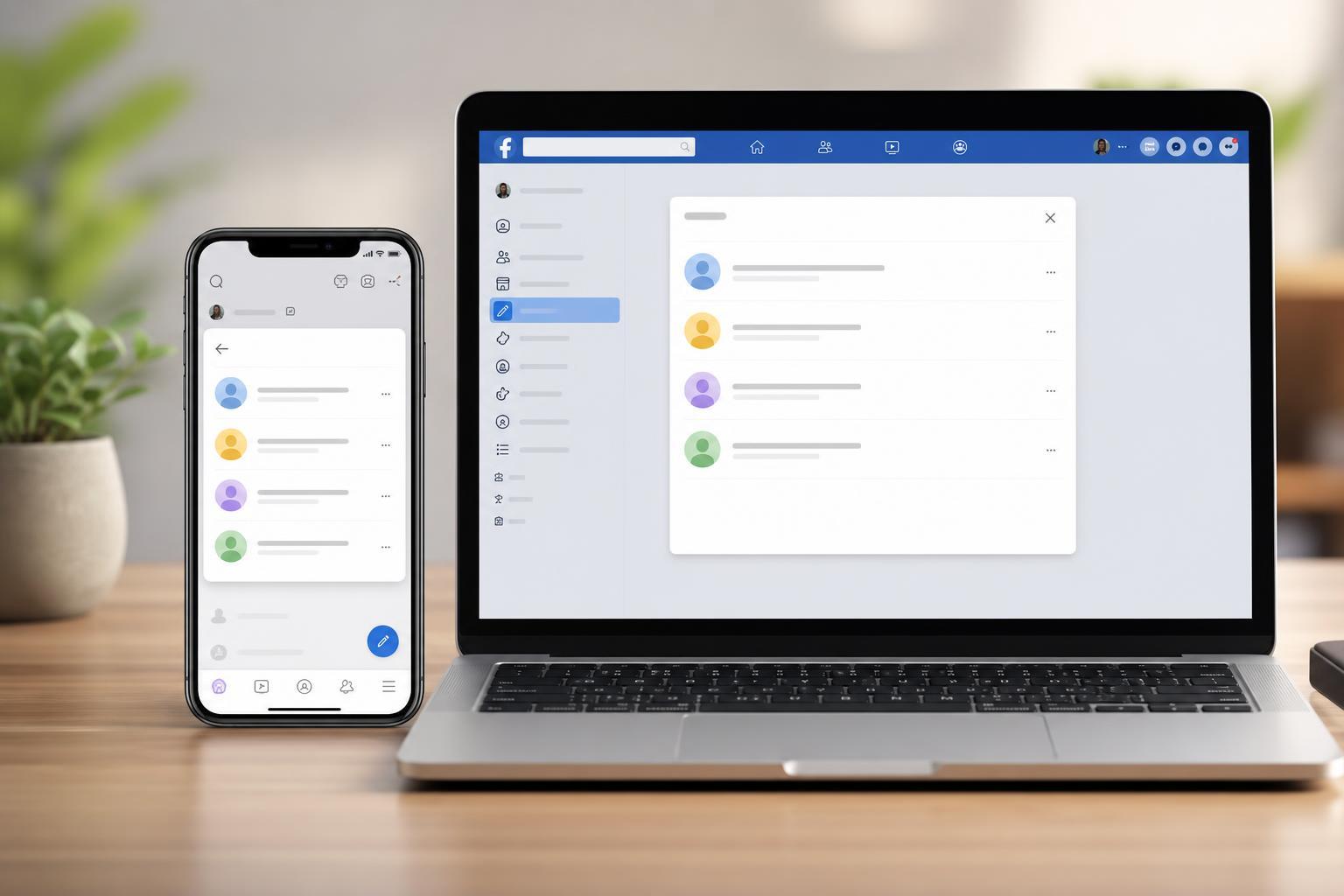
What Facebook Actually Saves as a Draft
Before looking for drafts, it helps to know that Facebook does not have one universal draft folder. Drafts are usually saved only inside the specific feature you were using when you left it unfinished.
- Draft posts in the Facebook app
- Story drafts on mobile
- Reel drafts on mobile
- Some unpublished content in Pages tools or Meta Business tools
- Message drafts are usually saved in Messenger, not in the main Facebook feed
How to Find Post Drafts on Facebook Mobile
If you started writing a post in the Facebook mobile app and backed out before publishing, the app may save it as a draft.
- Open the Facebook app on your phone.
- Tap the menu or create-post area, depending on your app layout.
- Start a new post as if you were going to publish something.
- Look for a prompt such as "Your draft was saved" or a Drafts option.
- If Facebook saved the draft, open it from the prompt or the editing screen and continue writing.
How to Find Story Drafts on Facebook Mobile
Story drafts are stored separately from post drafts. If you created a story and exited before posting it, check the story creation area.
- Open the Facebook app.
- Tap Create Story or enter the story composer.
- Look for a Drafts section or a saved draft tile.
- Tap the draft to reopen it and finish editing before posting.
How to Find Reel Drafts on Facebook Mobile
Facebook Reels can also be saved as drafts on mobile, but they are stored inside the reel creation flow rather than in your main profile or feed.
- Open the Facebook app.
- Tap Reels or Create Reel.
- Look for Drafts, Saved drafts, or a draft thumbnail in the reel editor.
- Select the draft to continue editing and publishing it.
How to Find Drafts on Facebook Desktop
For most personal Facebook use, desktop has very limited draft support. You may be able to continue a draft only if Facebook kept it in the same composer window or inside a Page tool.
- Open the same post, Page, or group composer you originally used.
- Check whether the text or media is still there in the creation window.
- If you are using a Facebook Page, open Meta Business Suite or Page publishing tools and check for saved drafts or scheduled posts.
- If you were writing a long post in the browser, look for browser restore options only if the tab was recently closed and the draft was not cleared.
Where to Check if a Facebook Draft Seems Missing
If you cannot find a draft, it may not have been saved at all, or it may be stored in a different part of Facebook than you expected.
- The exact composer you used, such as a profile post, group post, story, or reel
- Messenger, if the draft was actually a message
- Meta Business Suite or Page publishing tools for Pages
- A different device if you started the draft on another phone or tablet
- The app after an update, which can sometimes move or clear unfinished content
Why You May Not See a Draft on Desktop
A draft can disappear from desktop for several common reasons. Facebook may not have saved it, the feature may not support drafts on the web version, or the draft may only exist on mobile.
- You closed the browser or tab before Facebook finished saving
- You used a feature that does not sync drafts between mobile and desktop
- You were editing a Page post in a different publishing tool
- Browser cookies or site data were cleared
- The draft was tied to a session on another device
How to Avoid Losing Facebook Drafts
Facebook drafts are not always dependable, so it helps to use a few habits that reduce the chance of losing unfinished content.
- Save important text in your phone notes or a document app before posting
- Use the same device and same app session when possible
- Avoid clearing app data or browser cookies until you are finished
- For Page content, use Meta Business Suite so drafts are easier to manage
- Copy longer captions into a separate notes app before adding them to Facebook
What to Do If You Still Cannot Find It
If the draft is not appearing anywhere, the most practical step is to recreate it from saved notes, screenshots, or media still on your device. Facebook does not provide a universal recovery tool for missing personal drafts.
Quick Summary
- Mobile is the most likely place to find Facebook drafts.
- Drafts are stored inside the feature you were using, not in one universal folder.
- Desktop support is limited for personal drafts but better for Page publishing tools.
- If a draft is missing, it may never have been saved or may only exist on another device.





