
Laptop battery life claims can be hard to interpret because two laptops with similar advertised runtimes may perform very differently in real use. If you want to avoid buying a machine that dies too quickly, you need to look beyond marketing numbers and estimate battery life from the specs and hardware choices that actually affect power consumption.
This guide shows you how to make a realistic battery-life estimate before you buy, what spec sheet details matter most, and where manufacturers’ claims can be misleading.
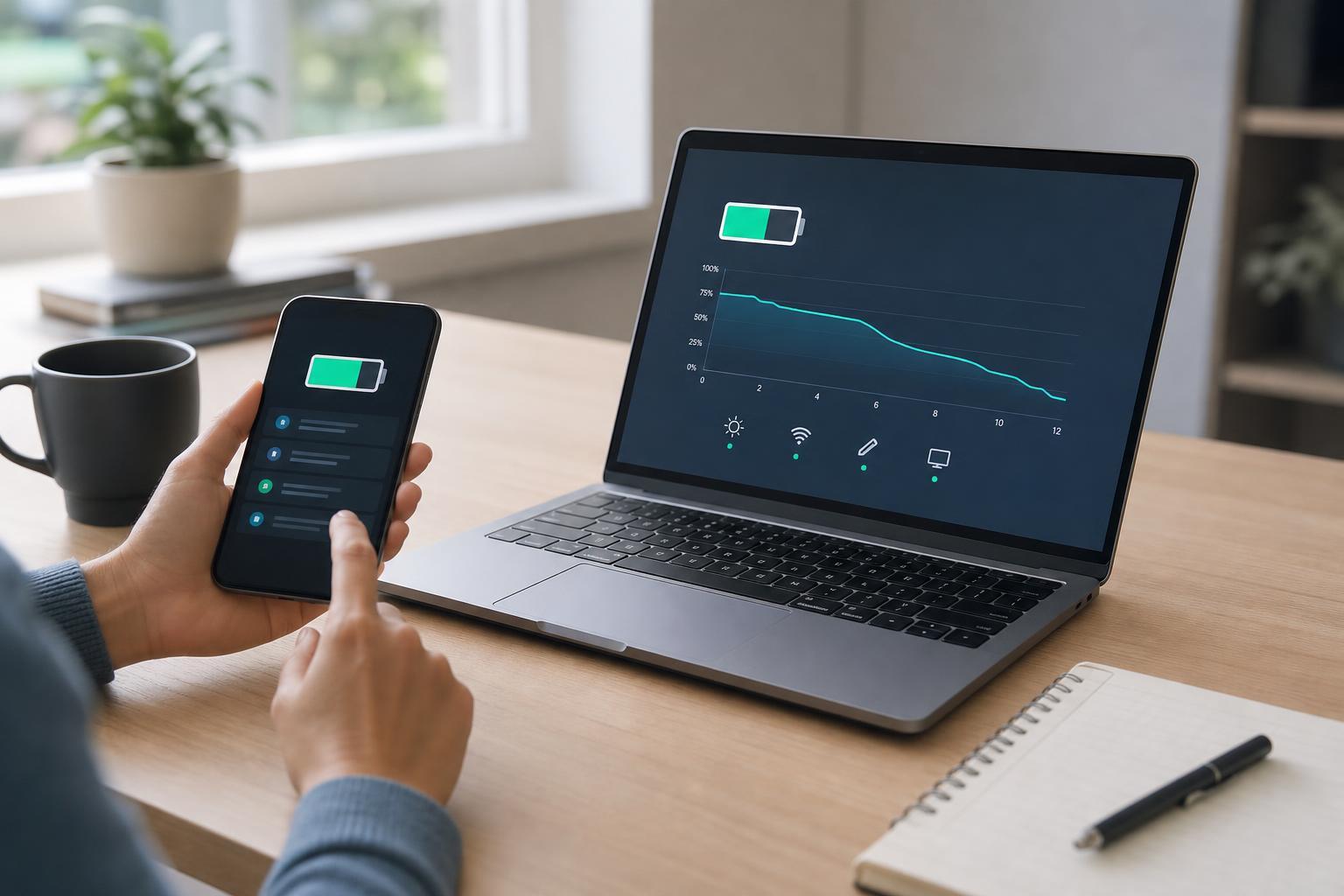
Start With the Battery Size, But Do Not Stop There
The battery capacity is usually listed in watt-hours (Wh). In general, a larger Wh rating means the laptop can store more energy and should last longer, but capacity alone does not tell the full story. A power-hungry laptop with a large battery can still last less time than an efficient laptop with a smaller one.
When comparing laptops, use Wh as your starting point. If one model has a 56Wh battery and another has a 76Wh battery, the second one has a clear advantage all else being equal. The problem is that all else is rarely equal, so you need to keep checking the other parts of the spec sheet.
Check the Processor Family and Power Class
The CPU has a major impact on battery life. In many cases, modern low-power chips can deliver much better real-world battery life than older high-performance processors, even if the laptops look similar on paper.
- Look for U-series, Ryzen U-series, or other low-power mobile processors if battery life is a priority.
- Be cautious with H-series, HX-series, or high-performance chips in thin laptops, since they usually draw more power.
- Newer generations often improve efficiency even when performance is similar.
- Integrated graphics usually use less power than a dedicated GPU for light everyday work.
Pay Close Attention to the Display
The screen is often one of the biggest battery drains in a laptop. A bright, high-resolution, high-refresh-rate display can reduce battery life significantly, especially if you plan to use the laptop away from a charger.
- Higher brightness levels use more power.
- 4K and other very high-resolution panels generally consume more power than Full HD panels.
- OLED displays can be efficient in dark content, but may use more power with bright or mostly white screens.
- High refresh rates such as 120Hz or 144Hz can shorten battery life compared with 60Hz panels.
- Touchscreens usually consume a bit more power than non-touch displays.
Use Manufacturer Battery Claims Carefully
Laptop makers often publish battery life claims based on light test conditions, such as low brightness, video playback, or simplified web browsing. Those numbers can be useful for comparison, but they are usually best-case estimates rather than what most people will see in normal use.
- Treat vendor battery claims as upper-bound estimates, not promises.
- Check what test they used: video playback, web browsing, or productivity workloads can produce very different results.
- If one brand gives a vague claim like ‘up to 15 hours’ without explaining the test, be skeptical.
- Comparing claims only works if the test conditions are similar.
Look for Independent Reviews With Real Battery Tests
Independent reviews are one of the best ways to estimate real battery life before buying. Good reviewers usually test brightness, usage pattern, wireless settings, and workload in a consistent way, which makes the results more meaningful than marketing claims.
- Search for reviews of the exact laptop model, not just the product family.
- Look for a battery test that matches your likely use: video streaming, office work, or mixed browsing.
- Check whether the test was run at a fixed brightness level, usually around a practical indoor setting.
- Compare results from more than one source if possible, especially for popular models.
- Watch for notes about power modes, refresh rate, or GPU switching, since these settings can change the result a lot.
Estimate Battery Life Yourself From Simple Math
If you know the battery size and have a rough idea of the laptop’s power draw, you can make a basic estimate. Divide the battery capacity in watt-hours by the average watt usage to get an approximate runtime. For example, a 60Wh battery at an average draw of 10 watts could last about 6 hours.
This is only an estimate, because laptops do not draw power at a steady rate. The screen brightness, CPU workload, Wi-Fi use, storage activity, and background tasks all change the average draw. Still, the calculation is useful for comparing models if you have a consistent assumption.
Compare Features That Usually Improve Efficiency
A few hardware and design choices often point toward better battery life, especially in everyday productivity use.
- Efficient integrated graphics instead of a dedicated GPU
- LPDDR memory, which is often more power-friendly than standard laptop memory
- Smaller, lower-resolution displays
- Adaptive refresh rate or the ability to switch down to 60Hz
- A laptop designed around portability rather than gaming or workstation performance
- Good sleep and standby behavior, especially for frequent carry-around use
Watch Out for Features That Can Drain Battery Faster
Some attractive features make a laptop less efficient in daily use, especially if you rely on battery power for long stretches.
- Dedicated graphics hardware that stays active more often than expected
- Very bright or HDR-capable displays
- Large high-speed storage and multiple internal drives in some systems
- Lots of background software from the manufacturer
- Peripherals connected through USB-C docks or external displays, which can increase power draw
Use Your Own Workload as the Benchmark
The best estimate is the one that matches how you actually plan to use the laptop. A machine that lasts eight hours for writing and browsing may only last four hours if you spend time in video calls, editing photos, or running games.
- Light use: web browsing, email, documents, and note-taking
- Moderate use: many browser tabs, office apps, video calls, and music
- Heavy use: photo editing, coding with builds, multitasking, and creative apps
- Very heavy use: gaming, 3D work, video editing, and sustained CPU/GPU load
A Practical Buying Checklist
Before you buy, compare these items together instead of focusing on a single headline number.
- Battery capacity in watt-hours
- Processor class and generation
- Display type, resolution, brightness, and refresh rate
- Presence of a dedicated GPU
- Independent review results for the exact model
- Your expected workload and brightness level
- Whether the laptop is known for good standby and sleep behavior
If two laptops are close in price and performance, the one with the more efficient screen, lower-power processor, and stronger independent battery results is usually the safer choice.
How to Make the Final Call
A good battery estimate is usually a range, not one fixed number. For example, a laptop might realistically offer 7 to 9 hours for light work, 5 to 6 hours for mixed use, and far less under heavy load. That range is more useful than an optimistic marketing claim because it reflects how the laptop will behave in normal conditions.
If you want the most dependable estimate before buying, prioritize exact-model reviews, compare battery capacity, and look closely at the screen and processor. Those factors usually tell you much more than the advertised battery life on the product page.





