
If you want Instagram to stop using your phone number, you can remove it from your account settings. This is useful if you want more privacy, want to use a different number, or simply prefer to manage your account through email instead.
The exact steps are a little different depending on whether you use the Instagram app or the web version, but the process is straightforward once you know where to look.
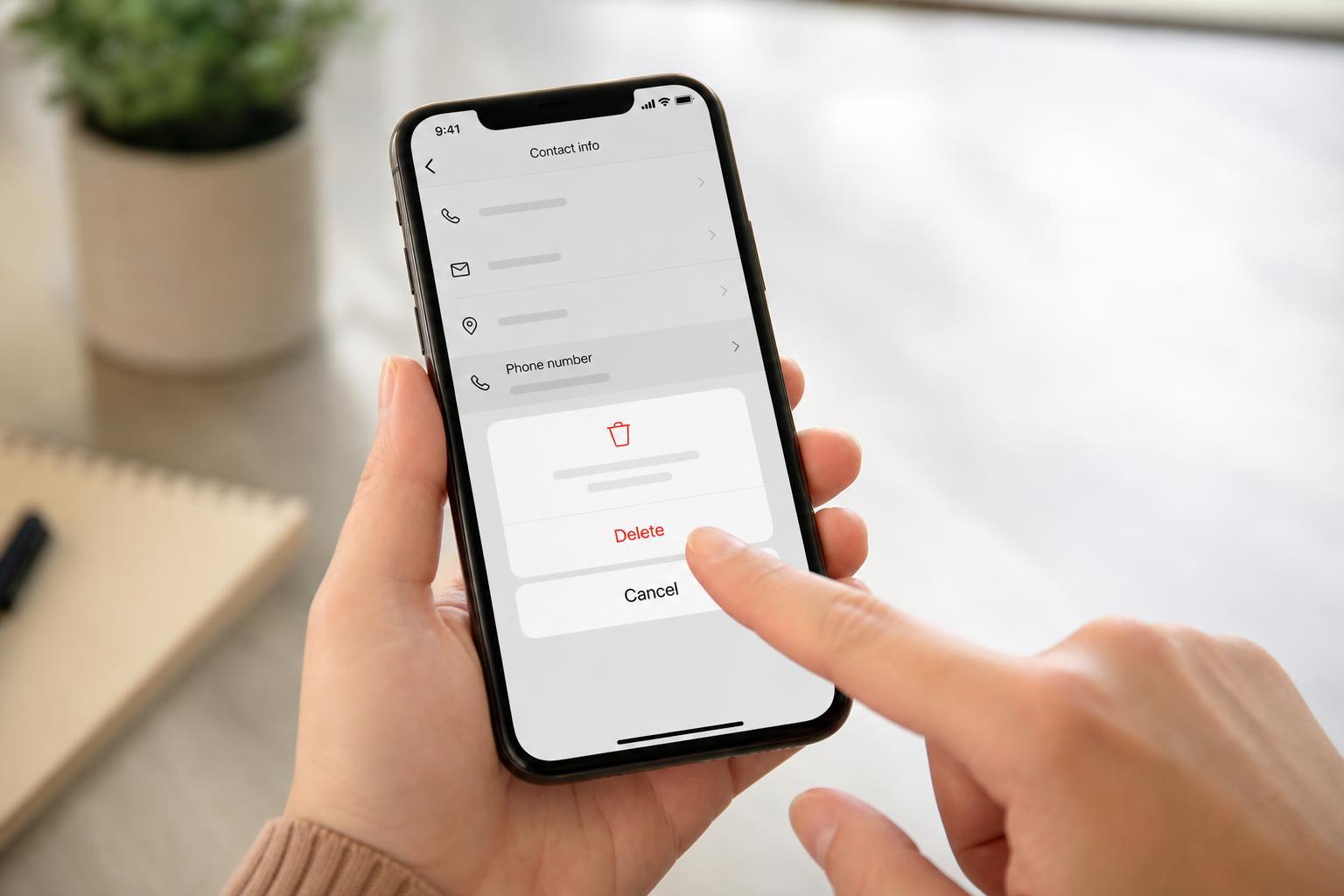
Before You Remove Your Number
Instagram may use your phone number for account recovery, two-factor authentication, login alerts, and finding your account if someone has your contact saved. If you remove it, make sure your email address is current and accessible.
Remove Your Phone Number in the Instagram App
- Open Instagram and go to your profile.
- Tap the menu icon, then open Accounts Center.
- Select Personal details.
- Open Contact info.
- Tap your phone number.
- Choose Remove phone number or delete the number from the contact details section.
- Save your changes if Instagram asks you to confirm them.
Remove Your Phone Number on Instagram Web
- Go to Instagram in a browser and sign in.
- Click More or your profile menu, then open Settings.
- Select Accounts Center.
- Open Personal details.
- Click Contact info.
- Select your phone number and remove it.
- Confirm the change if prompted.
If Instagram does not show a remove option, it may want you to add an email address first, or it may already be using the number as part of security verification.
What to Do If Instagram Won't Let You Remove It
- Add and verify an email address first, then try removing the phone number again.
- Check whether two-factor authentication is using your number and switch it to an authentication app or backup codes.
- Make sure the phone number is not still needed for account recovery or login confirmation.
- Update the Instagram app if the menu options are missing or not working properly.
Will Removing Your Number Affect Your Account?
In most cases, removing your phone number will not delete your account or stop you from using Instagram. You may still be able to log in with your username, password, and email address. However, some features may be less convenient, especially if you previously used SMS-based security or recovery.
If You Want to Replace the Number Instead
- Open Accounts Center.
- Go to Personal details and then Contact info.
- Add the new phone number before deleting the old one.
- Verify the new number if Instagram sends a code.
- Remove the old number after the new one is confirmed.
Check Your Security Settings Afterward
After removing your number, it is a good idea to confirm that your email address is correct and that two-factor authentication still works. If you rely on SMS codes, consider switching to an authenticator app so you are not tied to a phone number.





