
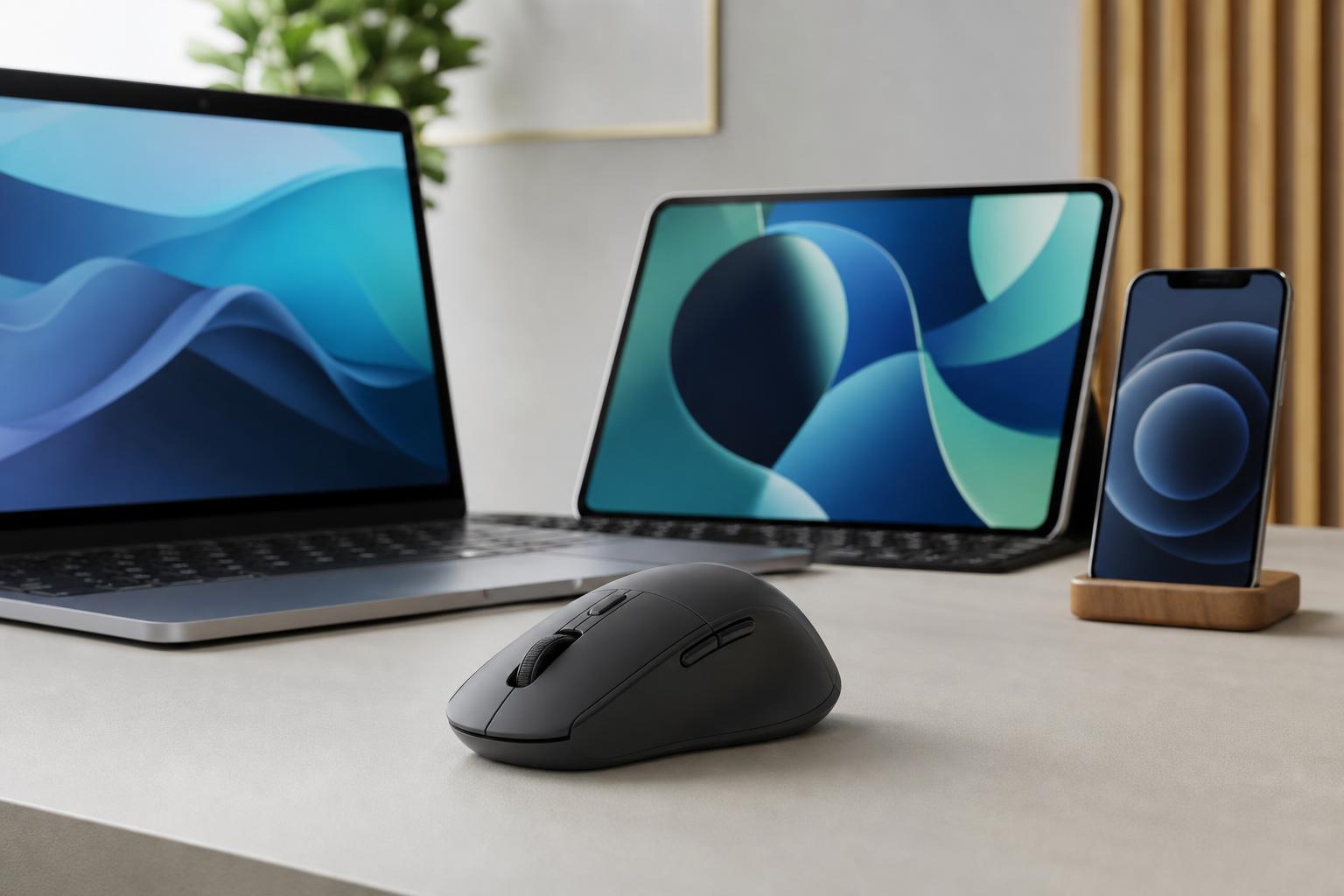
A wireless mouse with multi-device connectivity can save a lot of time if you regularly switch between a laptop, desktop, tablet, or even multiple computers. Instead of pairing and unpairing accessories, you can move between devices with a button press, a toggle, or software-based switching.
This roundup focuses on six wireless mice that make multi-device use practical for work, travel, and everyday productivity. The best choice depends on how you switch devices, whether you need Bluetooth, a USB receiver, or both, and how much comfort or customization you want.
What to Look for in a Multi-Device Wireless Mouse
- Easy switching between devices, ideally with a dedicated button or gesture
- Bluetooth support, a USB receiver, or both, depending on your setup
- Reliable cursor tracking on the surfaces you actually use
- Comfortable shape for your hand size and grip style
- Battery life that matches how often you travel or work away from a charger
- Software support if you want custom buttons, sensitivity control, or app profiles
1. Logitech MX Master 3S
The Logitech MX Master 3S is one of the most popular choices for people who use more than one computer regularly. It supports multiple devices and lets you switch quickly between them, which is ideal if you work on a desktop and laptop during the day or move between a work and personal system.
It stands out for its comfortable shape, strong customization options, and productivity-focused controls. The extra buttons and scroll wheel make it especially useful for spreadsheets, editing, browsing, and general multitasking.
2. Microsoft Surface Precision Mouse
The Surface Precision Mouse is a strong option for users who spend most of their time in Windows and want a clean, business-friendly design. It supports multi-device use, making it easy to move between systems without constantly reconnecting.
Its shape is comfortable for long sessions, and the controls are arranged in a way that feels natural for productivity work. It is a good choice if you want a mouse that looks understated but still offers more flexibility than a basic wireless model.
3. Logitech Signature M650 / M650 L
The Logitech Signature M650 line is a practical choice for people who need dependable wireless use without paying for premium productivity extras. Depending on the version and configuration, it can be a good fit for switching between devices while staying compact and easy to carry.
It is especially appealing if you want a straightforward mouse for office work, school, or home use. The M650 family focuses on comfort, quiet clicks, and convenience rather than advanced controls.
4. Dell Premier Multi-Device Wireless Mouse
Dell’s Premier Multi-Device Wireless Mouse is designed for users who split time between several computers and want a dependable, professional tool. It supports multi-device connectivity and is well suited to office environments where stable pairing matters more than flashy features.
This type of mouse is a good fit if you need practical switching and don’t want to spend time managing a complicated setup. It usually appeals to people who care about comfort, precision, and consistent day-to-day use.
5. HP 635 Multi-Device Wireless Mouse
The HP 635 Multi-Device Wireless Mouse is made for portable productivity. It is a sensible option if you work in different places and need a mouse that can connect to more than one device without making the process feel difficult.
Its compact design makes it easy to toss into a bag, and its multi-device support is useful for people who alternate between a primary computer and a secondary device throughout the day.
6. Logitech Pebble M350 / M350s
The Logitech Pebble series is a good fit for people who value portability and quiet operation. It is slim, easy to carry, and works well for users who need a mouse that can handle multiple devices without taking up much space.
This is not the most feature-rich mouse on the list, but it is one of the most practical if you need something simple for commuting, hybrid work, or casual use across different devices.
Which One Should You Choose?
- Choose the Logitech MX Master 3S if you want the best overall productivity mouse with premium multi-device control.
- Choose the Microsoft Surface Precision Mouse if you mainly use Windows and want a polished office mouse.
- Choose the Logitech Signature M650 if you want a more affordable everyday option.
- Choose the Dell Premier Multi-Device Wireless Mouse if you need a business-friendly mouse for several PCs.
- Choose the HP 635 if portability matters more than advanced controls.
- Choose the Logitech Pebble M350 or M350s if you want a slim, quiet mouse for travel or mixed-device use.
Before You Buy
- Check whether the mouse connects by Bluetooth, USB receiver, or both.
- Make sure your devices support the same connection method.
- Look for a switching method that matches how you work.
- Consider shape and size if you use the mouse for long periods.
- Check whether software is required for advanced functions.
- Confirm that the mouse supports the operating systems you plan to use.
A Quick Way to Narrow It Down
If you spend most of your day at a desk and switch between computers often, start with the MX Master 3S or Surface Precision Mouse. If portability is more important, the Pebble series or HP 635 makes more sense. For a balanced everyday option, the Signature M650 is usually the easiest place to start.





