
If your phone, tablet, or laptop no longer has a headphone jack, a USB-C to 3.5mm adapter lets you keep using wired headphones, earbuds, microphones, and aux cables. The right adapter can make a big difference in audio quality, call clarity, compatibility, and durability.
This guide covers six of the best USB-C to headphone jack adapters in 2024, along with the features that matter most so you can choose the right one for your device and listening habits.
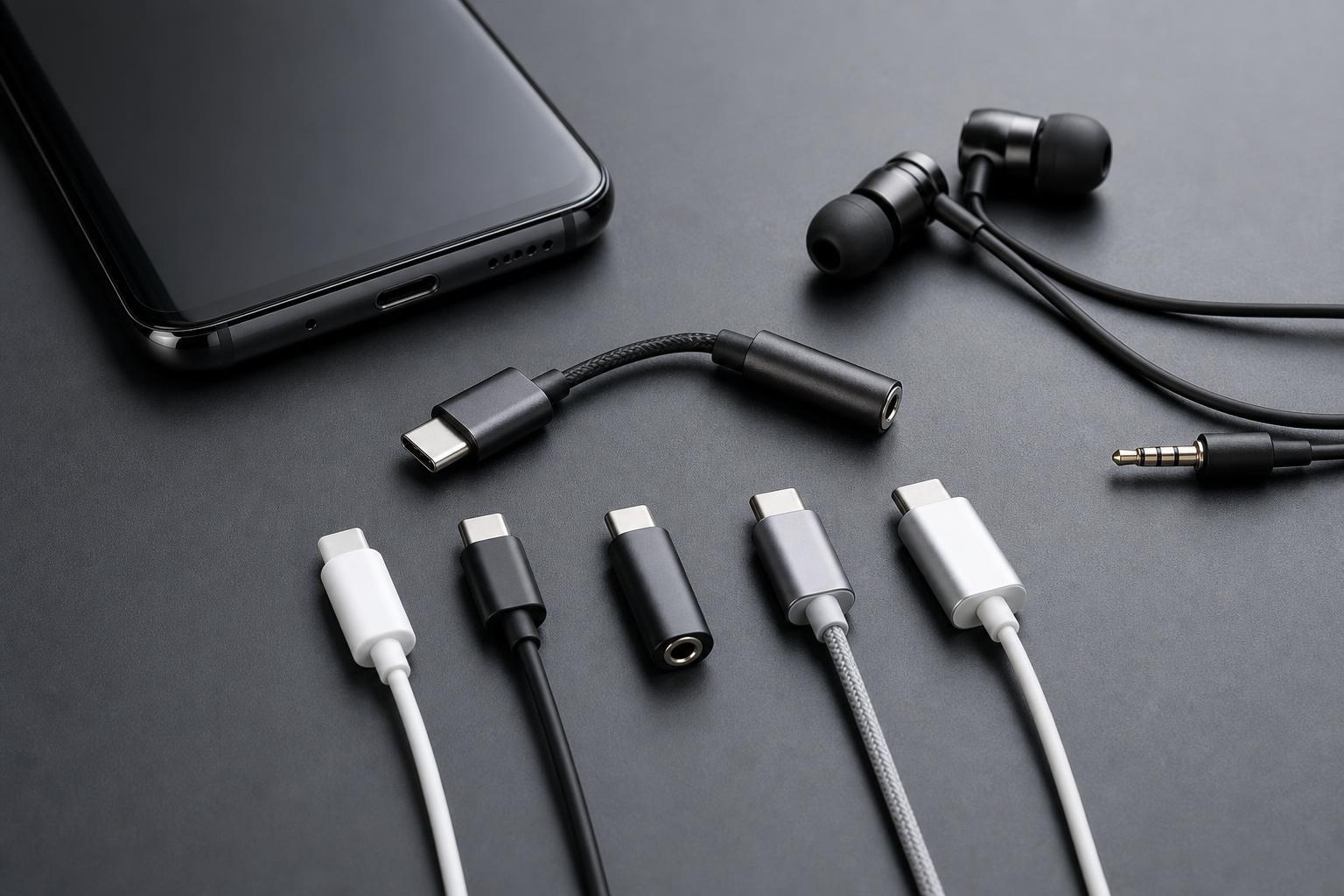
What to Look for in a USB-C to 3.5mm Adapter
Not every USB-C audio adapter works the same way. Some are simple passive adapters that only work with devices that already support analog audio over USB-C, while others include a built-in digital-to-analog converter, often called a DAC. That difference affects compatibility, sound quality, and price.
- Compatibility with your device: Some adapters are made for phones, others for laptops, tablets, or gaming handhelds.
- DAC support: A built-in DAC is important for devices that need active digital audio conversion.
- Microphone support: If you plan to make calls or use a headset mic, make sure the adapter supports it.
- Build quality: Braided cables, aluminum housings, and reinforced connectors usually last longer.
- Hi-res audio support: Useful if you care about better-than-basic sound quality, especially with good wired headphones.
- Charging passthrough: Some USB-C adapters include a second USB-C port so you can listen and charge at the same time.
1. Apple USB-C to 3.5 mm Headphone Jack Adapter
Apple’s adapter is one of the most widely recommended options because it is compact, simple, and generally works well with a broad range of devices. It includes a built-in DAC, so it can handle digital audio from USB-C devices that do not provide analog output support.
Its biggest strengths are consistency and portability. It is tiny enough to stay in a pocket or bag, and it is usually a safe choice if you just want something that works without a lot of setup.
2. Google USB-C to 3.5mm Headphone Adapter
Google’s adapter is another simple, well-known option with good general compatibility. It is designed for USB-C devices and includes audio conversion hardware, so it can work even when the device itself does not support analog audio over USB-C.
It is a good pick if you want a no-frills adapter from a major brand and do not need extra features like charging passthrough or multiple ports.
3. UGREEN USB-C to 3.5mm Audio Adapter
UGREEN makes several USB-C audio adapters, and many of them are popular because they combine solid build quality with broad support for headphones and headsets. Many versions also support microphones and inline controls, which makes them practical for calls, meetings, and gaming chat.
This is often a strong middle-ground option if you want something better built than the cheapest dongles but do not want to pay premium-brand pricing.
4. Anker USB-C to 3.5mm Adapter
Anker is known for practical accessories with decent build quality, and its USB-C audio adapters are usually no exception. These adapters are typically compact, sturdy, and easy to use with both headphones and earbuds.
Anker’s appeal is mostly in reliability. If you want a simple adapter that can live in a backpack, laptop sleeve, or jacket pocket without feeling fragile, it is a sensible choice.
5. Samsung USB-C to 3.5mm Adapter
Samsung’s own adapter is a strong choice for Galaxy users who want a straightforward solution for wired headphones. Using a first-party accessory can reduce the chance of compatibility issues, especially with features like inline controls and headset microphones.
It is also a sensible option if you want something designed with Samsung devices in mind rather than relying on a generic adapter with inconsistent behavior.
6. Belkin USB-C to 3.5mm Audio Adapter
Belkin’s USB-C audio adapters are often positioned as higher-end accessories, with emphasis on compatibility and build quality. They are a good option if you want a cleaner, more polished feel than the cheapest alternatives.
Belkin can be a good choice for people who regularly switch between devices and want a trusted accessory brand rather than a budget dongle that may only work reliably in certain setups.
Which One Should You Choose?
- Choose Apple if you want a tiny, dependable all-rounder.
- Choose Google if you mainly use Android and want a simple, reputable option.
- Choose UGREEN if you want strong value and good feature support.
- Choose Anker if durability and portability matter most.
- Choose Samsung if you use a Galaxy phone and want a first-party accessory.
- Choose Belkin if you prefer a premium-feeling adapter from a major accessory brand.
Common Problems to Check Before You Buy
- No sound at all: The adapter may not support your device model or may not include a DAC.
- Microphone not working: The adapter may only support headphones, not headset input.
- Low volume: Some adapters are not ideal for high-impedance headphones.
- Static or dropouts: This can happen with low-quality adapters or loose USB-C connections.
- Charging conflict: If you need to charge and listen at the same time, look for a dual-port adapter instead.
A Quick Buying Checklist
- Confirm your device needs an active DAC-based adapter.
- Check whether your headphones use only audio or also need a microphone.
- Look for strong build quality if the adapter will stay plugged in often.
- Decide whether you need a simple dongle or one with charging passthrough.
- Prefer a brand with clear compatibility information for your device.





