
A network video recorder (NVR) is the heart of an IP camera security system. It stores footage, manages your cameras, and often gives you the easiest way to view live video, play back recordings, and expand your setup later.
The best NVR for your IP cameras depends on how many cameras you have, whether you want built-in storage or custom hard drives, and which features matter most to you, such as remote viewing, motion alerts, or PoE support.
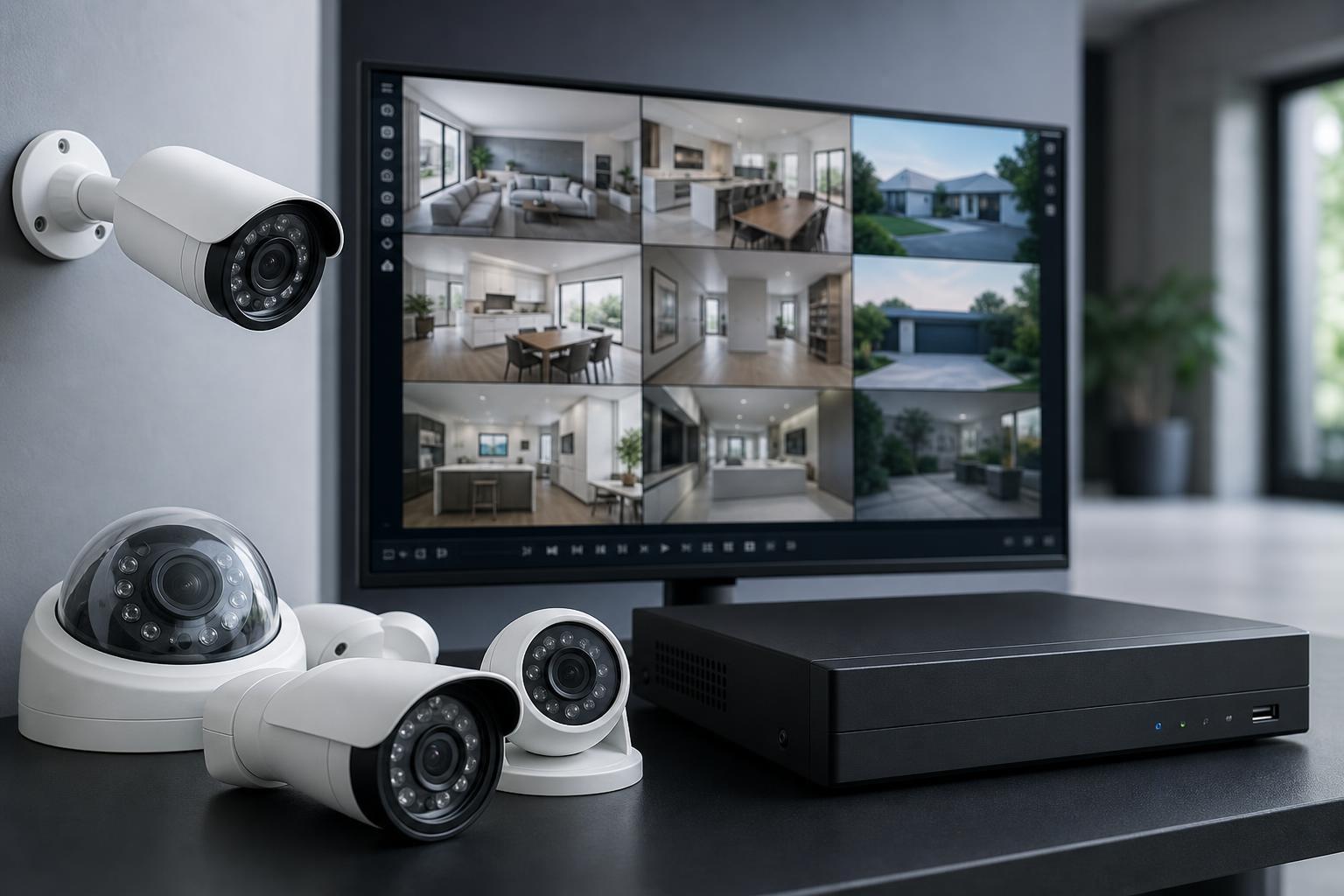
What to Look for in an NVR for IP Cameras
Before choosing a model, it helps to know which features actually matter. A good NVR should match your cameras now and leave room to grow later.
- Camera channel count: Make sure the NVR supports at least as many cameras as you plan to use, with a little extra headroom if possible.
- PoE support: Power over Ethernet lets the NVR power cameras through the same cable used for video, which simplifies installation.
- Storage support: Check whether the NVR includes a hard drive, supports one drive or multiple drives, and what maximum storage it can handle.
- Camera compatibility: Many NVRs work best with ONVIF-compliant IP cameras, but some brands support only their own cameras or work best with them.
- Video resolution: Match the NVR to the resolution of your cameras so it can record at full quality.
- Remote access: If you want to view footage on a phone or browser, confirm that the companion app and remote login features are reliable.
- Playback and search tools: Useful NVRs make it easy to find motion events, specific time periods, or clips from a particular camera.
The 6 Best Network Video Recorders for IP Cameras
The Reolink RLN8-410 is a strong choice if you want an easy-to-manage NVR for a small or medium camera system. It is especially appealing if you are already using Reolink IP cameras, since setup and camera discovery are typically simple.
It is a practical option for users who want local recording, app-based remote viewing, and a system that does not require a lot of network configuration to get started.
- Good fit for users who want a clean setup process
- Works especially well in Reolink-based systems
- Useful for home surveillance and small office monitoring
- Supports local recording with remote access through the app
Hikvision NVRs are common in larger surveillance installations because they are widely deployed and often offer flexible camera support. The DS-7600 series is a solid choice when you need a dependable recorder for several IP cameras and want features suited to more advanced security setups.
These units are often a good fit for installers or users who already know they want a more traditional security-system style of NVR with strong recording and playback controls.
- Suitable for multi-camera systems
- Often used in professional-style installations
- Good if you want a more advanced surveillance workflow
- Useful when you need dependable 24/7 recording
Dahua NVRs are a popular choice for people who want to build a system that can grow over time. The NVR4xxx family includes models aimed at different camera counts and storage needs, which makes it easier to choose something that fits a larger installation.
These NVRs are often selected for businesses, larger homes, and users who want stronger management tools and broader scaling potential than a basic consumer recorder.
- Good for systems that may expand later
- Useful for larger properties and business use
- Often chosen for more advanced recording management
- Supports a range of IP camera setups
If you already use UniFi networking equipment, a UniFi Protect NVR can be a very convenient choice. It fits naturally into the UniFi ecosystem and gives you a centralized place to manage cameras alongside your other network hardware.
This is one of the best options for people who value a polished interface and easy administration more than maximum camera-brand flexibility.
- Best for existing UniFi users
- Good management experience through the UniFi Protect interface
- Useful for homes and businesses that want a unified ecosystem
- Simplifies camera administration when paired with UniFi gear
The Amcrest NV4108E-HS is a practical budget option for people who want local recording without paying for a premium ecosystem. It is often attractive to users who already own Amcrest cameras or want a more affordable recorder for compatible ONVIF cameras.
For smaller installations, it offers the core features most people need: live viewing, recording, playback, and app access, without adding unnecessary complexity.
- Good entry-level choice for cost-conscious buyers
- Works well for smaller camera systems
- Useful for basic local recording and playback
- Can be a better value when you only need standard surveillance features
ANNKE PoE NVR systems are designed to make installation easier by combining recording and camera power in one unit. That can be especially helpful if you want to avoid separate switches or power adapters for each camera.
This makes them a sensible option for homeowners and small businesses that want a more plug-and-play approach to IP camera surveillance.
- Very convenient for first-time security system buyers
- PoE design reduces cabling complexity
- Good for straightforward home and small office use
- Often easier to install than mixed-component systems
Which NVR Is Best for Your Setup?
The right choice depends less on brand and more on how you plan to use your cameras.
- Choose Reolink if you want a simple system and already use Reolink cameras.
- Choose Hikvision if you want a traditional security NVR for a larger or more professional setup.
- Choose Dahua if you want room to expand and care about advanced surveillance features.
- Choose UniFi Protect if your network already uses UniFi gear.
- Choose Amcrest if you want a lower-cost recorder for a smaller system.
- Choose ANNKE if you want an easier PoE-based installation.
Important Buying Tips Before You Decide
- Match the NVR to your cameras' resolution and bitrate so it can record smoothly without dropping quality.
- Check the number of PoE ports if you want a direct plug-in installation, or confirm support for external PoE switches if you plan to use one.
- Confirm camera compatibility, especially if you are mixing brands.
- Look at storage expansion carefully, since security footage can fill a drive much faster than expected.
- Make sure the mobile app, browser access, or desktop software works the way you want before committing to a system.
The Bottom Line
The best NVR for IP cameras is the one that fits your camera brand, storage needs, and installation style. For many users, that means choosing a recorder that is easy to set up now but still has enough capacity for future cameras and longer retention times.
If you want the simplest path, start with the NVR that best matches your camera ecosystem. If you want flexibility, focus on channel count, storage support, and compatibility first.





