
A good G-Sync monitor can make games feel smoother by reducing screen tearing and stutter when your frame rate changes. But not every G-Sync display is aimed at the same kind of gamer. Some are built for competitive play, others for larger immersive setups, and some focus on giving you the best value for the money.
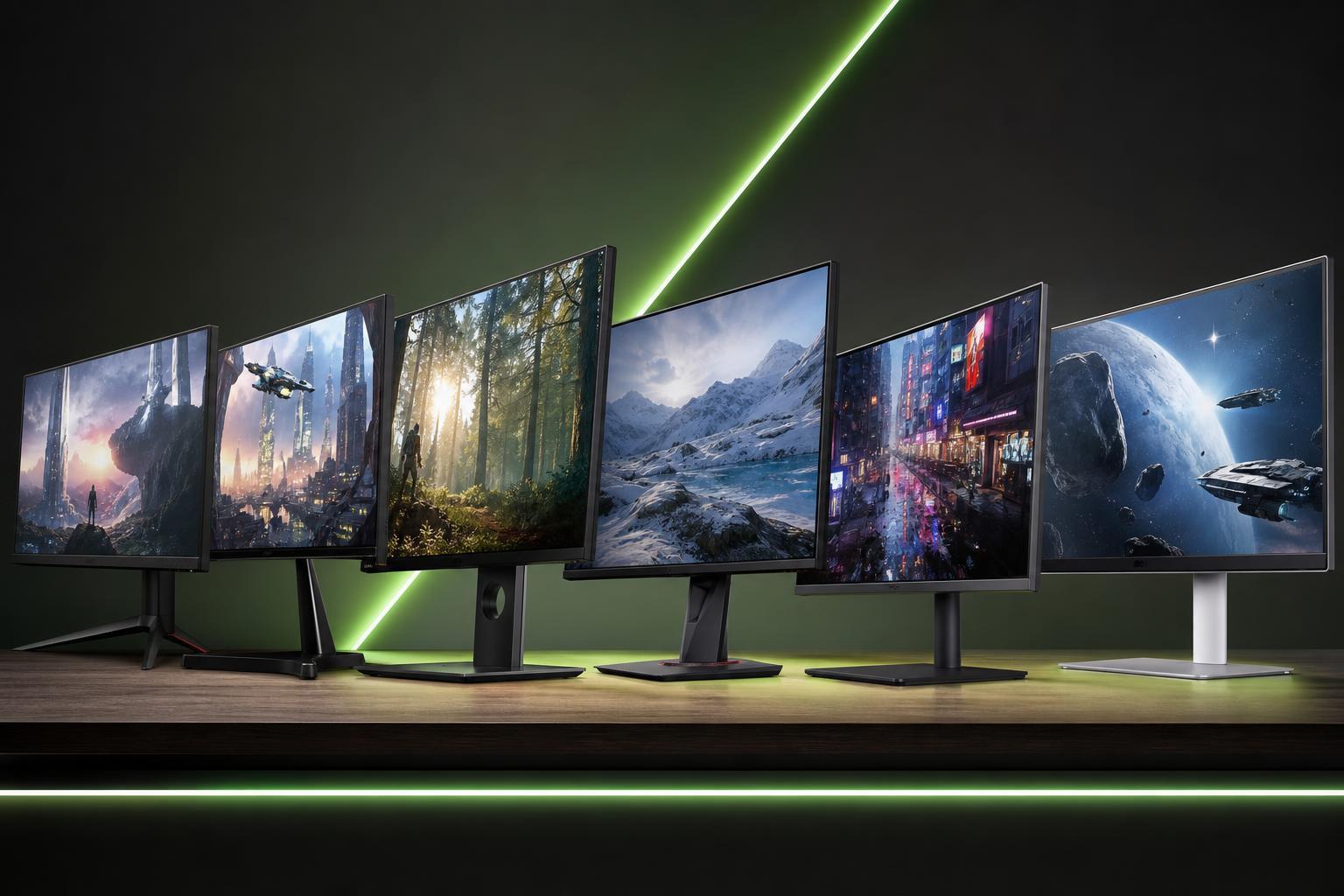
This guide covers six of the best G-Sync monitors for different budgets in 2023, along with the features that matter most so you can choose the right one for your PC and your games.
What to Look for in a G-Sync Monitor
Before picking a monitor, it helps to know that “G-Sync” can mean different things. Some monitors have native G-Sync hardware, while many others are G-Sync Compatible and work through Adaptive Sync. Both can provide smooth gameplay, but the exact experience depends on the monitor, GPU, and the games you play.
- Refresh rate: Higher refresh rates help motion look smoother, especially in fast-paced games.
- Resolution: 1080p is easier to drive at high frame rates, while 1440p and 4K look sharper but need more GPU power.
- Panel type: IPS panels usually offer better color and viewing angles, while VA panels can provide stronger contrast and OLED offers excellent response times and deep blacks.
- Screen size: Larger screens improve immersion, but a smaller display can be better for competitive gaming.
- Ports: Make sure the monitor has the connections you need, especially DisplayPort for full adaptive sync support on many PCs.
- Ergonomics: Height, tilt, swivel, and pivot adjustments can make long gaming sessions more comfortable.
1. Best Overall: ASUS ROG Swift PG279QM
The ASUS ROG Swift PG279QM is one of the strongest all-around G-Sync gaming monitors for players who want top-tier responsiveness without jumping to 4K pricing. Its 27-inch 1440p format is a sweet spot for fast gaming, and the high refresh rate makes it especially appealing for esports and competitive titles.
This model is best for players who want premium motion handling, strong image quality, and a display that can keep up with powerful gaming PCs.
2. Best Value: Gigabyte M27Q
The Gigabyte M27Q is a popular pick for gamers who want a strong balance of price, features, and performance. It gives you a sharp 27-inch 1440p image and a fast refresh rate that works well for both single-player and multiplayer gaming.
It is a great choice if you want a monitor that feels modern and capable without moving into premium pricing. The overall package is attractive for players upgrading from a basic 1080p display.
3. Best Budget Option: Acer Nitro XF243Y
If you want the lowest-cost path into smooth adaptive-sync gaming, the Acer Nitro XF243Y is a solid choice. Its 1080p resolution is easier for midrange graphics cards to handle, which means you can often reach higher frame rates with less strain on your system.
This makes it a practical pick for budget builds, especially if you mostly play competitive games where high refresh rate matters more than ultra-high resolution.
4. Best for 4K Gaming: LG 27GN950-B
The LG 27GN950-B is a strong option for gamers who want the sharpness of 4K without giving up too much on gaming performance. At 27 inches, the high pixel density makes games look crisp, and the fast panel keeps it suitable for modern gaming setups.
A 4K G-Sync display like this is best paired with a powerful graphics card. If your PC can handle it, the visual clarity is excellent for open-world games, story-driven titles, and general use outside gaming too.
5. Best Ultrawide: Alienware AW3423DWF
The Alienware AW3423DWF is a premium ultrawide monitor aimed at gamers who want a more immersive experience. Its wide aspect ratio makes racing games, open-world titles, and cinematic single-player games feel especially expansive.
Its display technology also gives it excellent contrast and very fast response behavior, which is a big advantage for players who want both immersion and responsiveness in one screen.
6. Best for Competitive Play: BenQ Zowie XL2546K
The BenQ Zowie XL2546K is built with esports in mind. It focuses on speed, clarity, and practical gaming features rather than flashy extras. If your priority is minimizing motion blur and keeping gameplay as clean as possible in fast shooters, this style of monitor makes a lot of sense.
It uses a smaller 24.5-inch 1080p layout that many competitive players prefer because it keeps everything within a comfortable viewing area and makes it easier to track action quickly.
Which G-Sync Monitor Is Right for You?
- Choose 1080p if you want the easiest performance target and play mostly competitive games.
- Choose 1440p if you want the best balance of sharpness, price, and performance.
- Choose 4K if you have a powerful GPU and want the clearest image quality.
- Choose ultrawide if immersion matters more than pixel-perfect competitive clarity.
- Prioritize refresh rate if you play fast shooters, and prioritize image quality if you play single-player or cinematic games.
A Few Smart Buying Tips
- Check whether the monitor is native G-Sync or G-Sync Compatible.
- Match the monitor to your graphics card so you can actually take advantage of its refresh rate.
- Make sure your desk space and viewing distance fit the screen size.
- Look for a good stand or VESA support if you care about ergonomics.
- If you play a lot of competitive games, low response time and high refresh rate matter more than resolution.
Choosing the Right Budget Tier
If you are building a budget gaming PC, a good 1080p G-Sync Compatible monitor often makes more sense than spending extra on 4K support you cannot fully use yet. If you already have a strong graphics card, moving to 1440p or 4K can give you a more noticeable upgrade in image quality.
For many gamers, the most sensible upgrade path is 1080p for entry-level systems, 1440p for the best overall value, and 4K or ultrawide for higher-end setups and more specialized preferences.





