
A good power strip does more than add extra outlets. The best energy-efficient models help reduce standby power waste, make it easier to shut off groups of devices, and still protect your gear from electrical surges.
If you want to cut down on phantom power use without giving up safety, this guide explains what to look for in a power strip with surge protection and which options make the most sense for different setups.
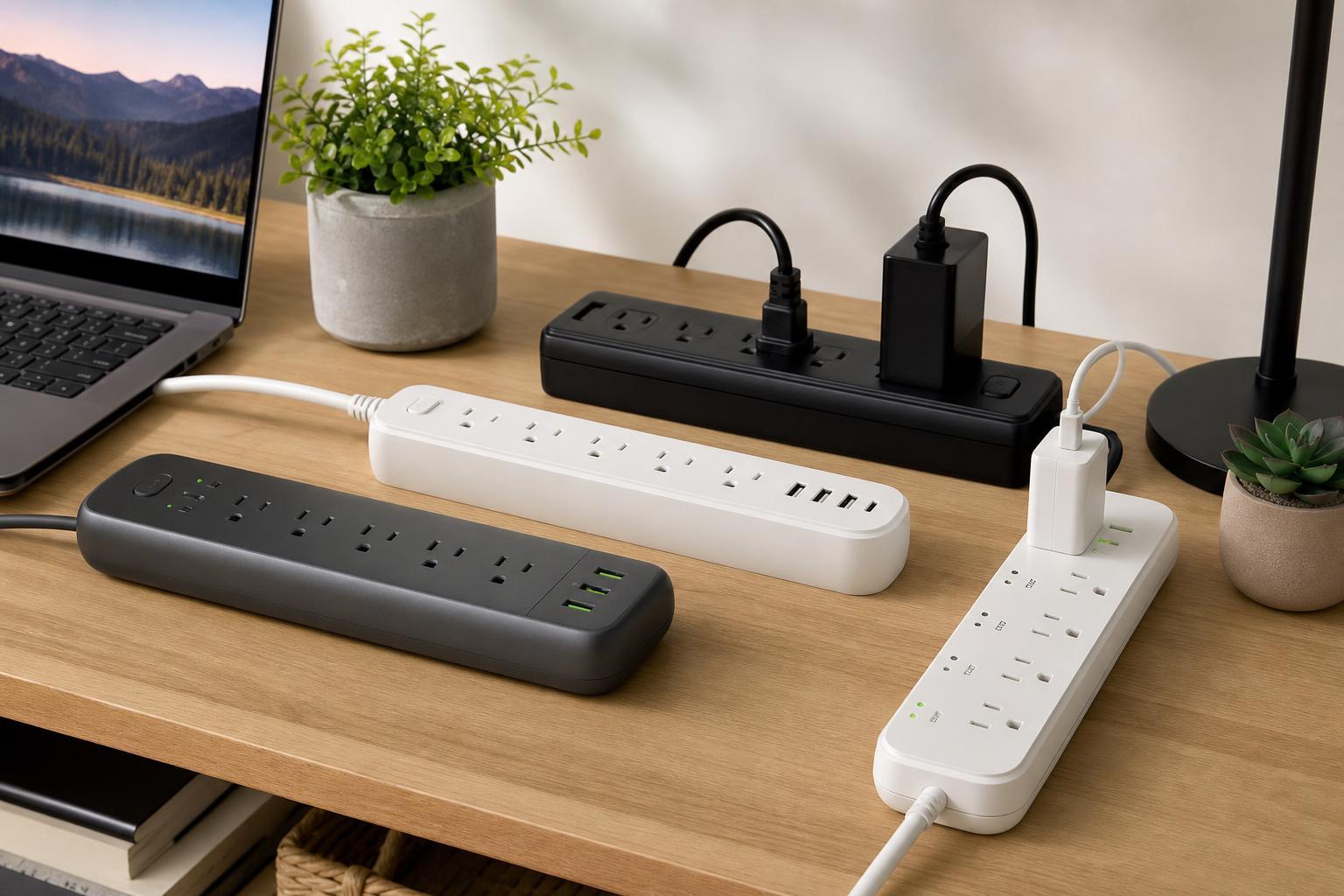
What Makes a Power Strip Energy Efficient?
An energy-efficient power strip is usually designed to help you avoid leaving devices in standby mode when they are not needed. That often means individual switches, master-controlled outlets, or automatic shutdown features that cut power to accessories when a main device turns off.
The energy savings come from reducing phantom load, also called standby power. This is the small amount of electricity many devices draw even when they are not actively being used.
Why Surge Protection Still Matters
If you are buying a power strip for a computer, TV, console, or home office, surge protection is not optional. It helps absorb spikes in voltage that can damage electronics during lightning events or power fluctuations.
A strip with energy-saving features but no real surge protection may save a little electricity, but it will not do much to protect connected devices. Look for both features together if you want the best overall value.
The 5 Best Types of Energy-Efficient Power Strips with Surge Protection
- Master-controlled power strips: These are ideal for desks and entertainment centers. You plug a main device, such as a PC or TV, into the master outlet, and accessory outlets turn off when the main device is shut down. This helps stop printers, speakers, monitors, and consoles from drawing power all day.
- Individual switched outlet strips: Each outlet has its own switch, so you can shut off only the devices you are not using. This is a simple and practical choice if you want control without needing any special automation features.
- Smart power strips: These use timers, motion sensors, current sensing, app control, or scheduling to reduce wasted power automatically. They are useful if you want convenience and energy savings together, especially in home offices or media rooms.
- Advanced surge-protection strips with USB charging: These are good when you need to power several low-draw devices and also charge phones, tablets, or accessories. They can reduce the need for separate chargers, which helps keep outlet use organized.
- Whole-workstation power strips with spacing and filtering: These are designed for PCs, monitors, docking stations, speakers, and external drives. Wider outlet spacing and better protection make them especially useful for crowded setups where bulky adapters are a problem.
Best For
How to Choose the Right One
- Check the surge protection rating. A higher joule rating generally means the strip can absorb more energy before it wears out, although the exact number you need depends on your setup.
- Look for an indicator light. A protected status light helps confirm that the surge protection circuit is still active.
- Match the outlet layout to your plugs. Wide adapters, power bricks, and chargers can block neighboring outlets if the spacing is too tight.
- Decide how much automation you want. If you prefer simplicity, individual switches may be enough. If you want more convenience, master-controlled or smart models make more sense.
- Make sure it is rated for your use case. A power strip built for light office electronics may not be the best choice for higher-load devices or heavily used entertainment systems.
Common Mistakes to Avoid
- Assuming all surge protectors are energy efficient
- Plugging high-power appliances into a strip not designed for them
- Choosing a model with too few spaced outlets for your adapters
- Ignoring the protection light and using a strip long after surge protection has worn out
- Buying a strip only for price and ending up with weak protection or inconvenient outlet placement
How These Power Strips Help in Real Use
In a computer setup, a well-chosen strip can let you shut down the monitor, speakers, printer, and charging bricks when the PC is off. In a living room, it can reduce standby drain from a TV, console, soundbar, and streaming accessories with one switch or automation rule.
That makes these strips useful not only for power savings, but also for everyday convenience. Fewer devices left running in standby means less clutter, less waste, and simpler control over your electronics.
Buying Checklist
- Surge protection included
- Outlet spacing suitable for your plugs
- Enough outlets for your setup
- On/off control that matches your needs
- Protection indicator light
- Appropriate cord length
- UL-style safety listing or equivalent certification where available
Choosing the Best Option for Your Setup
If you want the simplest answer, choose a master-controlled surge protector for a desk or entertainment center. If you want more control over individual devices, go with a strip that has separate switches. If convenience is the priority, a smart power strip may be worth the extra cost.
The best energy-efficient power strip is the one that matches how you actually use your devices. The right design will save power, keep your setup organized, and protect your electronics at the same time.





