If you want a browser that feels fast on an older laptop, low-end desktop, or busy work PC, RAM and CPU usage matter a lot. The browser that looks light at first can still slow down under real-world use, especially once you open multiple tabs, watch video, or run several extensions.
The short answer is that there is no single browser that always uses the least resources in every situation. On Windows, the lightest browser for you depends on how many tabs you keep open, whether you use extensions, and what websites you visit. But some browsers are consistently better than others for low memory use and modest CPU load.
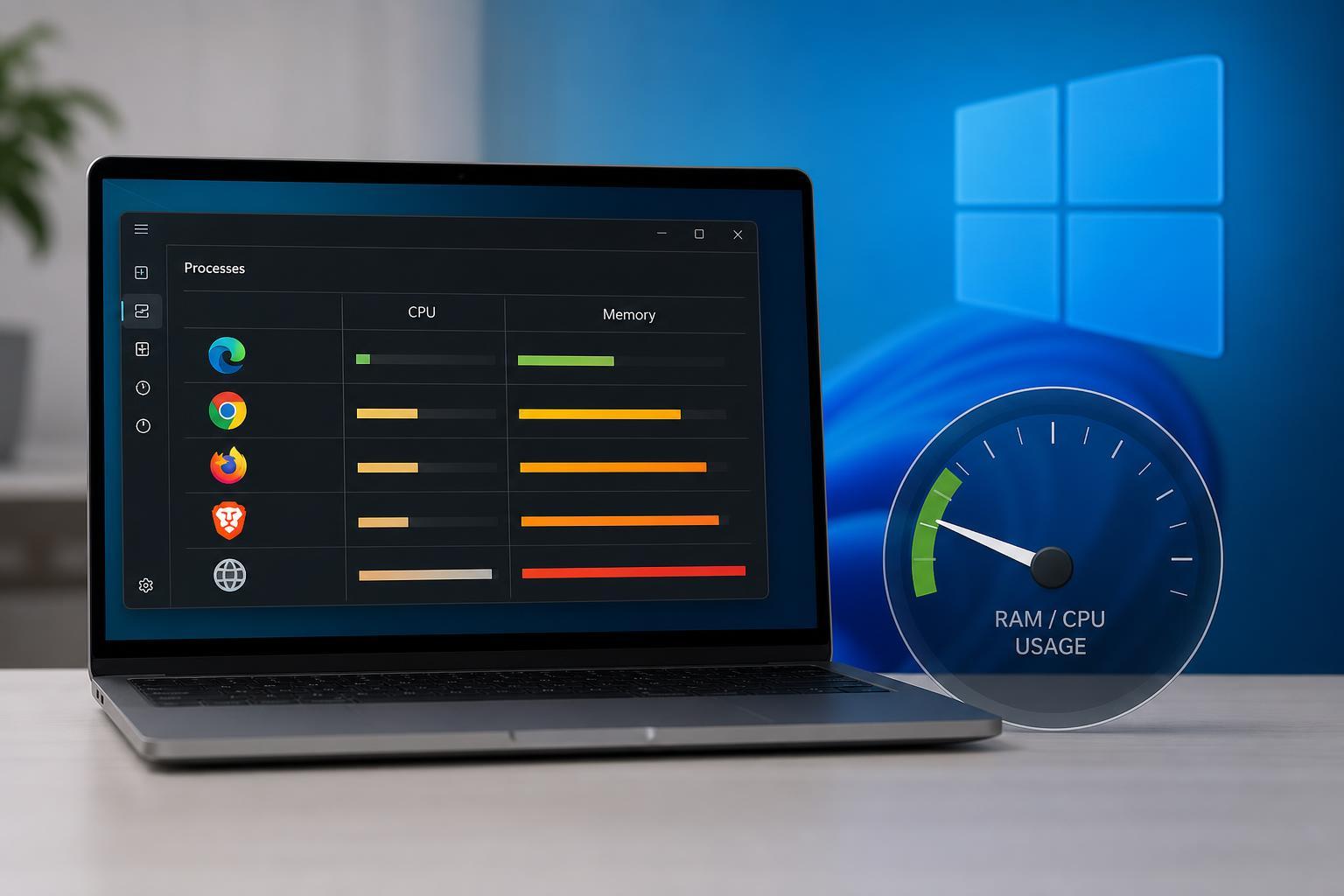
The Short Answer
If your main goal is the lowest RAM and CPU usage on Windows, lean toward browsers built for efficiency rather than feature-heavy ecosystems. In many cases, Microsoft Edge, Brave, and Firefox can all be good choices, but they behave differently depending on the workload.
- Microsoft Edge is often very efficient on Windows because it is tightly integrated with the operating system and uses Sleeping Tabs to reduce background load.
- Brave can be light during normal browsing because it blocks ads and trackers by default, which can reduce page weight and CPU use.
- Firefox is often a strong choice for balanced performance, especially if you want good tab handling without the heavier feel of some Chromium-based browsers.
- Google Chrome is usually not the lightest option, especially if you keep many tabs or extensions open, although it can still be fast on powerful PCs.
What Usually Uses the Least RAM and CPU?
For a single light browsing session, Brave and Edge often compare very well, with Firefox also remaining competitive. If you compare browsers after opening the same pages, the winner can change based on the websites themselves. News sites, video sites, and heavily scripted pages can make any browser look much heavier than simple text pages.
How the Main Browsers Compare on Windows
Microsoft Edge is one of the strongest candidates for Windows users who want lower resource usage without giving up compatibility. It benefits from Windows integration and includes features like Sleeping Tabs, which can reduce memory use in inactive tabs. Edge can still become heavy with many extensions or demanding websites, but it often performs well out of the box.
Brave is based on Chromium, but its built-in blocking of ads, trackers, and many third-party scripts can reduce page load weight. In practice, that often helps with CPU usage on ad-heavy sites. RAM use is not always the absolute lowest, but Brave can feel very efficient because it loads less junk in the first place.
Firefox is a solid choice if you want a browser that does not follow the exact Chromium path. It can be very competitive in memory use, especially on systems where you avoid too many extensions. Firefox can also be easier on some older machines than a heavily customized Chrome setup.
Google Chrome is usually the least attractive choice if your only goal is minimizing RAM and CPU use. It is fast and widely compatible, but it often becomes resource-hungry with many tabs and extensions. On a strong PC you may not notice, but on limited hardware it can be more demanding than the alternatives.
What Affects Browser RAM and CPU Most?
- Number of open tabs: More tabs usually means more memory use, even if they are not active.
- Extensions: Ad blockers, password managers, shopping tools, and productivity add-ons can add load.
- Video playback: Streaming video is a common cause of high CPU and GPU usage.
- Website design: Heavy scripts, ads, animations, and trackers can dramatically increase resource use.
- Browser settings: Features like preloading, background sync, and startup pages can raise RAM and CPU use.
- Hardware acceleration: This can reduce CPU use on some systems, but on buggy drivers it may cause problems instead of helping.
How to Measure Which Browser Is Lightest on Your PC
The best browser for you is the one that stays light with your actual habits. A browser that wins in a benchmark may not be the same browser that feels best once you open your normal sites and extensions.
- Close unnecessary apps so you can compare browsers more clearly.
- Open the same set of websites in each browser.
- Use Task Manager to check Memory and CPU usage after the pages finish loading.
- Keep the tabs open for a few minutes and watch whether usage stays steady or keeps climbing.
- Repeat the test with your usual extensions enabled, because extensions can change the result a lot.
How to Reduce Browser Resource Use Without Changing Browsers
If you like your current browser, you may not need to switch. A few settings and habits can lower RAM and CPU use enough to make a big difference.
- Remove extensions you do not actually use.
- Keep fewer tabs open, or use tab groups and bookmarks to save pages for later.
- Turn off autoplay for video where the browser allows it.
- Disable unnecessary startup behavior and background running.
- Use an ad blocker if you visit ad-heavy websites, since ads can be expensive to load.
- Clear out old sites, cached data, and extensions if the browser has become sluggish over time.
Which Browser Should You Choose?
If you want the simplest answer, start with Microsoft Edge on Windows, then compare it with Brave and Firefox using your normal tabs and extensions. Edge is often the most efficient default choice on Windows. Brave is a strong option if you want built-in blocking that can reduce page load overhead. Firefox is a good alternative if you want a lightweight-feeling browser with a different engine and solid everyday performance.
- Choose Edge if you want strong Windows integration and good efficiency with minimal setup.
- Choose Brave if you want fewer ads and trackers and often browse heavy websites.
- Choose Firefox if you want a balanced browser that can stay efficient without relying on Chromium.
- Avoid judging by launch speed alone, since a browser can open quickly and still become heavy once you start browsing.
Bottom Line
On Windows, Microsoft Edge is often the best starting point for low RAM and CPU usage, with Brave and Firefox close behind depending on the sites you visit. Chrome is usually not the lightest option, especially on lower-end systems or when you keep many tabs open. The real winner is the browser that stays efficient with your own extensions, websites, and tab habits.