
WhatsApp Channels and Telegram Channels both let you broadcast updates to a large audience, but they are built around different ecosystems and different styles of communication. If you are trying to choose one for announcements, community updates, or content sharing, the differences matter more than they first appear.
This guide breaks down how WhatsApp Channels and Telegram Channels compare in privacy, reach, admin tools, message features, and the kinds of audiences each platform tends to suit best.
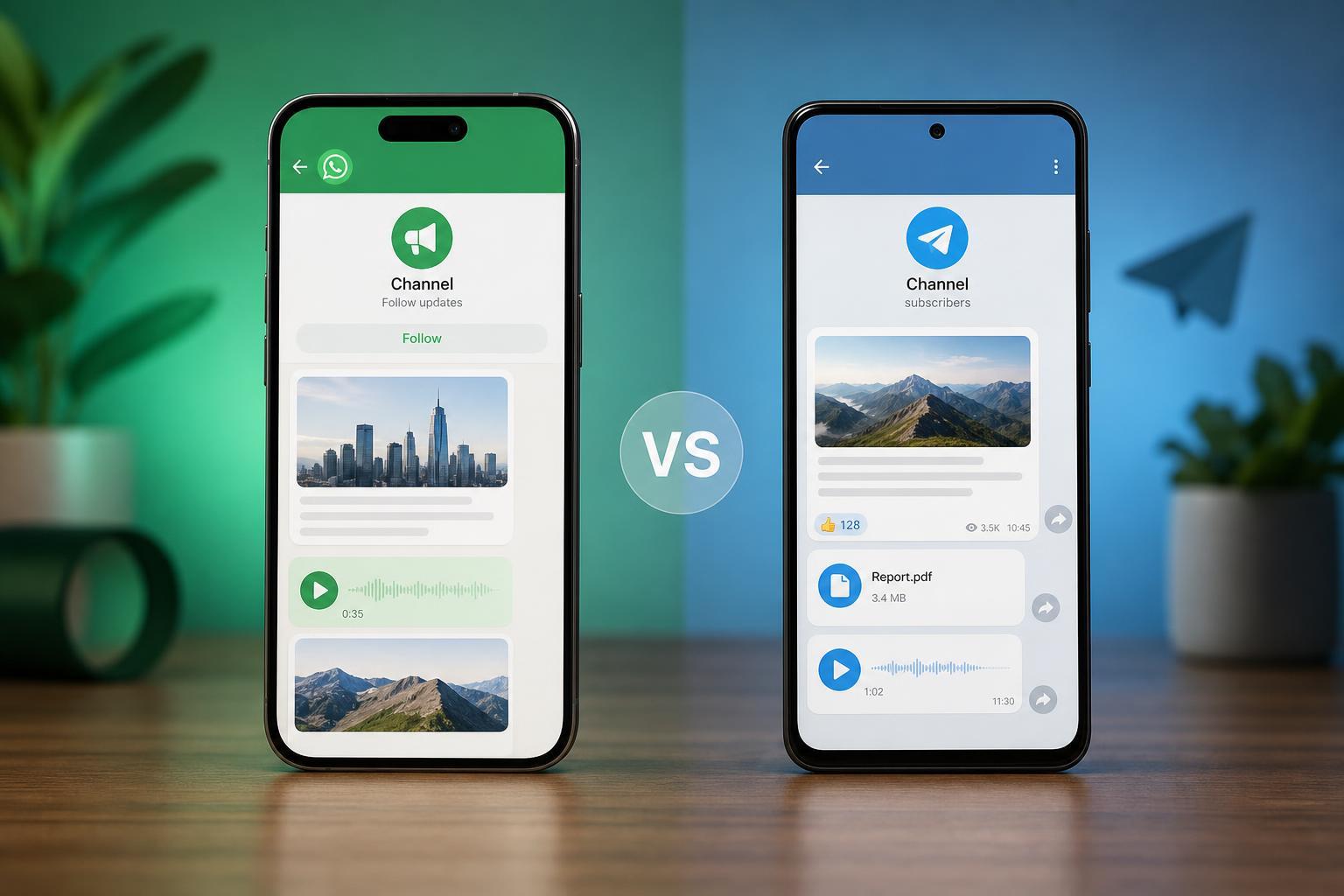
What Each Channel Type Is Designed to Do
A channel is mainly a one-to-many broadcast tool. Unlike a group chat, the creator or admins post updates and followers primarily receive them. That makes channels useful for news, product updates, creator announcements, and community broadcasts where you do not want constant back-and-forth replies.
WhatsApp Channels are built into WhatsApp, so they fit naturally into a messaging app that many people already use every day. Telegram Channels are part of Telegram’s broader feature set, which has long been popular for large public broadcasts, communities, and automated updates.
The Biggest Differences at a Glance
- WhatsApp Channels are tied to WhatsApp’s contact-heavy ecosystem, while Telegram Channels are often easier to discover and scale publicly.
- Telegram Channels usually offer more advanced admin and automation options.
- WhatsApp Channels keep follower privacy stronger by design, which can matter for personal brands and businesses that want a simpler follower experience.
- Telegram tends to be more flexible for large public distribution, while WhatsApp is more familiar for direct mobile messaging audiences.
- Both support one-way broadcasts, but Telegram generally has more features around formatting, bots, and channel management.
Audience Reach and Discovery
Telegram Channels are often easier to grow publicly because Telegram has long supported searchable public channels, invite links, and broader discovery patterns. If your goal is to build a large audience around a topic, Telegram tends to feel more open and broadcast-focused.
WhatsApp Channels are more private by default and more closely connected to the app’s personal messaging environment. That can make them feel less open to public discovery, but it can also make them more approachable for users who already trust WhatsApp and check it frequently.
Privacy and Follower Visibility
Privacy is one of the clearest differences between the two platforms. On WhatsApp Channels, followers do not usually see each other’s identities, which helps keep the audience discreet. That can be useful for users who want to follow updates without exposing their account to everyone else.
Telegram Channels can also hide subscriber identities from other followers, but Telegram’s broader ecosystem tends to feel more public and feature-rich. In practice, Telegram is often used where public visibility, large memberships, and external sharing are part of the plan.
Posting Tools and Content Formatting
Telegram Channels usually give admins more flexibility when it comes to message formatting, media handling, polls, and automation through bots. That makes Telegram attractive for creators or teams that want more control over how content appears and how it is delivered.
WhatsApp Channels are simpler. They are designed for quick updates, announcements, photos, short videos, and links without overwhelming the user. The simplicity is part of the appeal, especially if the channel is meant to be easy to maintain and easy for followers to consume.
Admin Control and Automation
Telegram stands out for advanced administration. It is commonly used with bots, automated posting tools, scheduled publishing, and more granular channel management. If you run a content pipeline or need repeated posting workflows, Telegram is usually the more capable platform.
WhatsApp Channels are more limited by comparison. That limitation is not necessarily a weakness if you want a simple channel with minimal maintenance, but it does matter if you need a lot of automation or multi-person publishing control.
How Followers Interact With Channels
Channels are not the same as groups. In both apps, followers mainly receive posts rather than participate in open discussion. That helps keep channels focused and prevents the broadcast feed from becoming noisy.
Telegram can blur the line a little more because it supports a broader set of community tools around channels, bots, and linked discussion spaces. WhatsApp Channels are more intentionally restrained, which keeps the experience cleaner but less expandable.
Media, Links, and Message Limits
Both platforms support sharing images, videos, voice-related content in some form, and links, but Telegram usually offers more flexibility in how content is composed and distributed. It is often the better choice for channels that rely on large posts, repeat publishing, or mixed media layouts.
WhatsApp Channels are more compact and mobile-first. That makes them easy to scan, but it can also mean fewer options when you want a highly structured post format.
- Choose WhatsApp if you want short, simple updates that feel native to a messaging app.
- Choose Telegram if you want more control over formatting, automation, and larger publishing workflows.
- Choose either if your main goal is one-way announcements rather than discussion.
Business and Creator Use Cases
For businesses, WhatsApp Channels can be a good fit when the audience is already active on WhatsApp and the goal is to send updates in a familiar environment. This can work well for product notices, store updates, local announcements, or community communication.
Telegram Channels often suit creators, publishers, tech communities, and brands that want a more open content channel with stronger admin tools. They are especially useful when you need to publish often, automate parts of the workflow, or manage a very large follower base.
Which One Should You Choose?
- Choose WhatsApp Channels if you want a simple, private, mobile-friendly broadcast space with minimal setup.
- Choose Telegram Channels if you want stronger publishing tools, automation, and a more scalable public broadcast model.
- Choose both if your audience is split across platforms and you want to match the channel to the way each audience prefers to receive updates.
- Avoid overcomplicating it if you only need basic announcements; the simplest platform is usually the one you will actually keep using.
Bottom Line
WhatsApp Channels and Telegram Channels solve the same basic problem, but they do it in different ways. WhatsApp is simpler, more private, and closer to everyday messaging. Telegram is more flexible, more powerful for admins, and usually better for large-scale broadcasting.
If you want a channel that feels easy and familiar, WhatsApp is often the better starting point. If you want more control and a broader publishing toolkit, Telegram is usually the stronger choice.





