
Blocking someone on Instagram changes what they can see and do on your account, but it does not remove every trace of your past interactions. If you are wondering whether they can still find your profile, send messages, or see your posts, the answer depends on how Instagram handles blocking across profiles, DMs, comments, and search.
This guide explains what happens when you block someone, what they can still access, what changes for you, and a few important limitations to know before you use the block button.
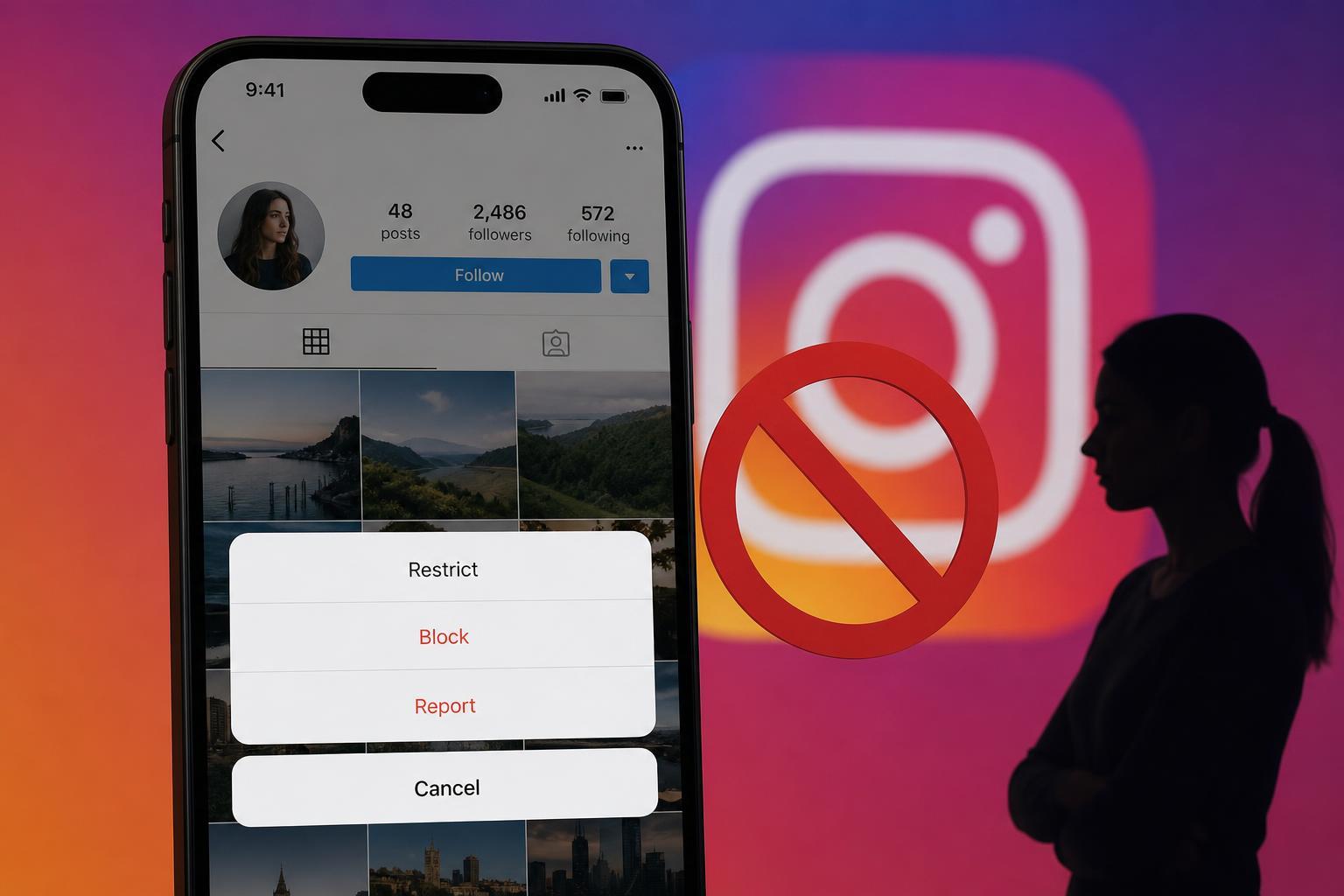
What Blocking Someone Does on Instagram
When you block a person on Instagram, they are prevented from interacting with your account in most normal ways. Instagram removes their ability to follow you, view your content in the usual way, message you through your profile, or easily find your account through search. The block is meant to make your account unavailable to that person.
- They can no longer follow your account.
- They cannot see your posts, stories, or reels from your profile if your account is public or private.
- They cannot send you new direct messages from that account.
- They are removed from your followers list if they were following you before.
- They usually cannot find your profile in Instagram search as easily as before.
What They Can Still See
Blocking is strong, but it is not the same as erasing all previous contact. In some cases, a blocked person may still see things that are already outside your direct control, such as old messages in a chat thread or content shared elsewhere. The exact experience can vary depending on how they access Instagram and whether your content was shared or saved before the block.
- Old messages in an existing chat may still be visible on their side.
- If someone else shares your post or story, they may still encounter it through that person.
- Content you posted publicly before the block may have been seen or captured already.
- If they are logged out, they may still be able to encounter your profile in indirect ways, depending on Instagram's current behavior and search indexing.
What Happens to Direct Messages
Blocking affects direct messages in a way that can be confusing. The existing chat thread may remain in both accounts, but new messages from the blocked person will not reach you. In many cases, if you unblock them later, the previous conversation does not automatically restore the same follow or interaction status it had before.
Does Blocking Remove Followers or Likes?
If the blocked person was following you, Instagram removes them from your followers list. They also stop following you automatically. Likes and comments they placed on your content may disappear from your profile, but the behavior can vary depending on Instagram's current interface and whether the content is still available.
- Their follow relationship with you is removed automatically.
- Their access to your new posts and stories is cut off.
- Past likes and comments may no longer show on your profile.
- Any saved or shared copies outside your account are not affected by the block.
Can They Tell You Blocked Them?
Instagram does not always send a direct notification saying, 'You were blocked.' However, the blocked person may figure it out if they can no longer find your profile, open your posts, send you messages, or follow you again. In practice, blocking is obvious once they try to interact with your account.
Blocking vs Restricting vs Removing a Follower
These three options do different jobs, and it helps to choose the right one for your goal. Blocking is the strongest option and is best when you want to cut off access completely. Restricting limits what someone can do without fully blocking them. Removing a follower only stops a person from following you if your account is private or removes them from your follower list, but it does not stop them from trying to interact in other ways.
- Block: cuts off profile access and interaction as much as Instagram allows.
- Restrict: reduces visibility and interaction without a full block.
- Remove follower: stops a specific follower from following you, but does not prevent future contact in the same way.
What Happens if You Unblock Them Later
If you unblock someone, they do not automatically become your follower again. They will need to search for your account and follow you again if your profile is private, or follow/visit your profile again if it is public. Any previous messages or comments may still be in Instagram's system, but the relationship between your accounts does not simply return to how it was before.
Things to Check Before You Block Someone
If your goal is privacy, safety, or peace of mind, it helps to think about the full effect before using the block button. In some situations, you may also want to change your profile settings, limit story replies, or review message controls so the person cannot easily come back through another route.
- Decide whether you want a full block or a less obvious limit like Restrict.
- Check whether your account is public or private, since that affects who can still try to view your content.
- Review your message settings if you want to control who can contact you.
- Consider reporting the account if the behavior is abusive, threatening, or spammy.
- If needed, hide your story from specific people in addition to blocking them.
When Blocking Is the Right Choice
Blocking is usually the right move when you want to end unwanted contact quickly and clearly. It is especially useful for harassment, repeated unwanted messaging, spam accounts, or situations where you simply do not want a person to have access to your Instagram presence anymore.
What This Means in Practice
In most cases, blocking someone on Instagram means they lose access to your account, your content, and direct contact with you through that account. They may still see old chat history or content already shared elsewhere, but they should no longer be able to interact with your profile in the normal way. If your main goal is privacy or stopping contact, blocking is one of the strongest tools Instagram offers.





