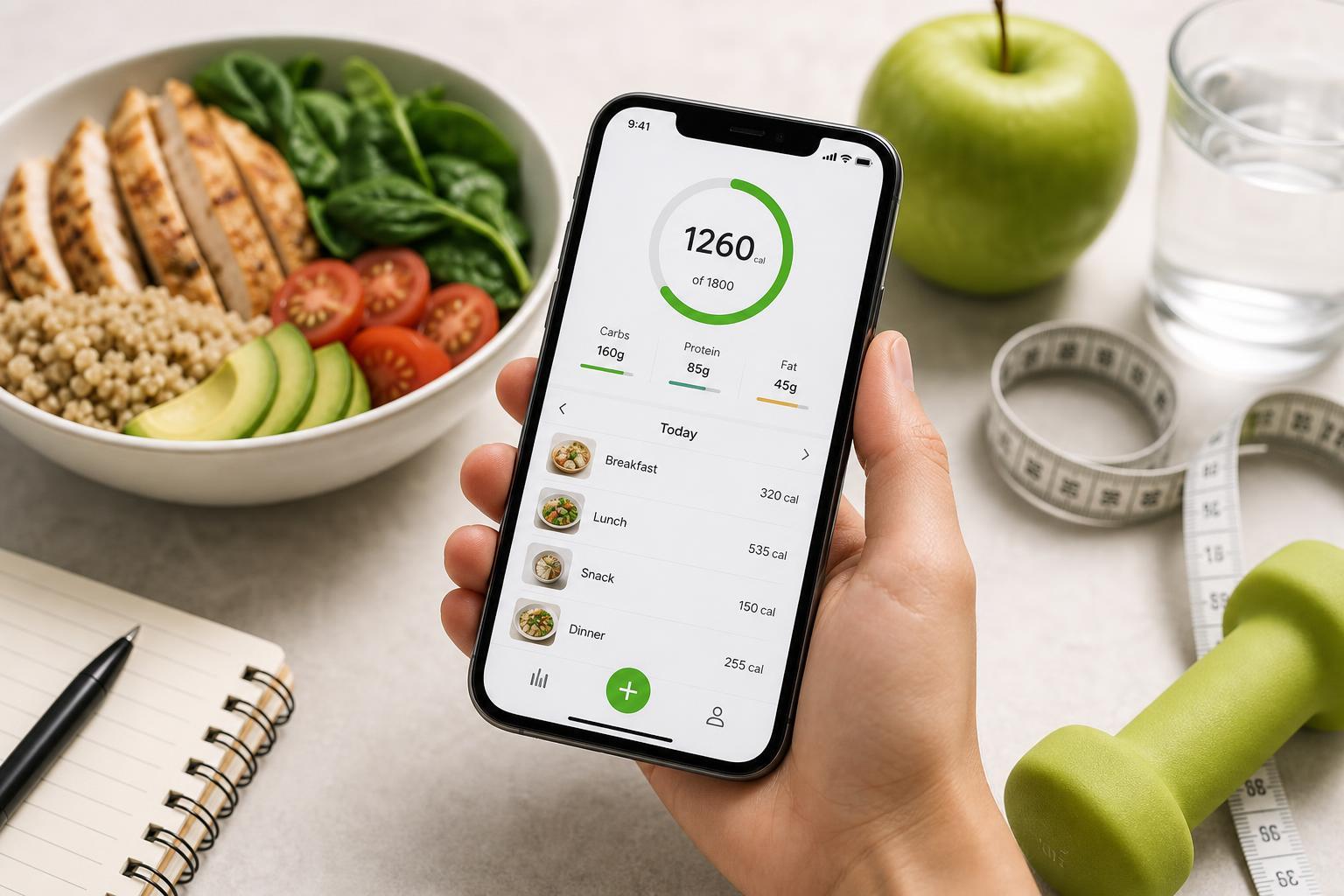
Free calorie counter apps can make it much easier to track meals, watch portions, and stay consistent with a diet or fitness plan. The best app for you depends on how much detail you want, whether you care about barcode scanning, and how much you want to automate the process.
Here are five of the best free calorie counter apps for iPhone, along with what each one does well and who it is best suited for.
1. MyFitnessPal
MyFitnessPal is one of the most widely used calorie counter apps for iPhone, and its biggest strength is how easy it is to log food quickly. It has a large searchable food database, barcode scanning, recipe logging, and the ability to track calories, macronutrients, and exercise.
The free version is enough for basic calorie tracking and weight management. It is a strong choice if you want something that can grow with you as your goals become more detailed.
- Large food database
- Barcode scanner for packaged foods
- Tracks calories, macros, and exercise
- Useful if you also use a fitness tracker
2. Lose It!
Lose It! focuses on making calorie tracking straightforward. The app is designed so you can set a goal, enter your food, and stay on track without spending too much time navigating menus. It also includes barcode scanning and meal logging in the free version.
This app works well for beginners because it feels less cluttered than some more detailed nutrition apps. If you want a lighter-weight experience that still covers the essentials, Lose It! is worth trying first.
- Simple interface
- Good for beginners
- Barcode scanning support
- Helpful goal-based tracking
3. Cronometer
Cronometer is the best option on this list if you want more than just calorie counting. It provides detailed nutrient breakdowns and is especially useful for users who want to track protein, fat, carbs, and a wider range of micronutrients.
The free version is very capable, especially if you prefer accuracy and detailed food data over a flashy interface. It is a strong fit for people following specific diets or anyone who wants to pay closer attention to nutrition quality.
- Very detailed nutrient tracking
- Good for macro and micronutrient monitoring
- Useful for structured diets
- Strong choice for accuracy-focused users
4. FatSecret
FatSecret is a solid free option with a straightforward calorie counter, food diary, and exercise log. It also includes community features, which can be helpful if you like encouragement or want to compare progress with others.
The app covers the essentials without being overly complicated. It is a practical choice if you want a free calorie counter that handles more than just food entries, but you do not need premium-level analytics.
- Food and exercise diary
- Weight tracking
- Community support features
- Simple and practical free version
5. SparkPeople Calorie Counter
SparkPeople’s calorie counter is aimed at users who want more than a food diary. Along with calorie logging, it includes tools for tracking exercise, progress, and healthy habits. The interface is a bit more old-school than some newer apps, but the core tracking features are useful.
This is a good option if you like having health and weight-loss tools in one place and do not mind a less modern design. It is especially useful for people who want a broad wellness app rather than a calorie counter alone.
- Tracks food, exercise, and progress
- Helpful for habit-based weight loss
- Broad wellness focus
- Free tools cover basic tracking needs
How to Choose the Right Free Calorie Counter App
The best app depends on what matters most to you. If you want the easiest all-purpose option, MyFitnessPal and Lose It! are usually the first apps people try. If you want deeper nutrition data, Cronometer is the strongest choice. If you want a more community-driven experience, FatSecret may fit better. If you want an all-around health tracker, SparkPeople is worth a look.
- Choose MyFitnessPal if you want a large food database and flexible tracking.
- Choose Lose It! if you want a simple app that is easy to use every day.
- Choose Cronometer if detailed nutrition data matters to you.
- Choose FatSecret if you want a basic tracker with community features.
- Choose SparkPeople if you want calorie tracking combined with broader wellness tools.
What to Look for in a Calorie Counter App on iPhone
- Fast food logging
- A barcode scanner for packaged foods
- A reliable food database
- Support for calories and macros
- Simple daily reporting
- Optional exercise and weight tracking
- A clean interface you will actually use
For most people, the best calorie counter is the one you can update consistently. A huge feature list is less important than an app that makes logging meals quick and painless.
Which App Should You Start With?
If you are not sure where to begin, start with Lose It! or MyFitnessPal. They are the most approachable options for general calorie tracking on iPhone. If you already know you want detailed nutrition tracking, go straight to Cronometer. The right app is the one that matches your habits, not just the one with the most features.