
Instagram offers more than one account type, and the choice matters more than many people expect. A personal account is built for everyday sharing and privacy, while a professional account adds tools for creators, businesses, and people who want to track performance or promote content.
If you are deciding whether to stay with a personal account or switch to a professional one, it helps to understand what changes, what stays the same, and which option fits your goals best.
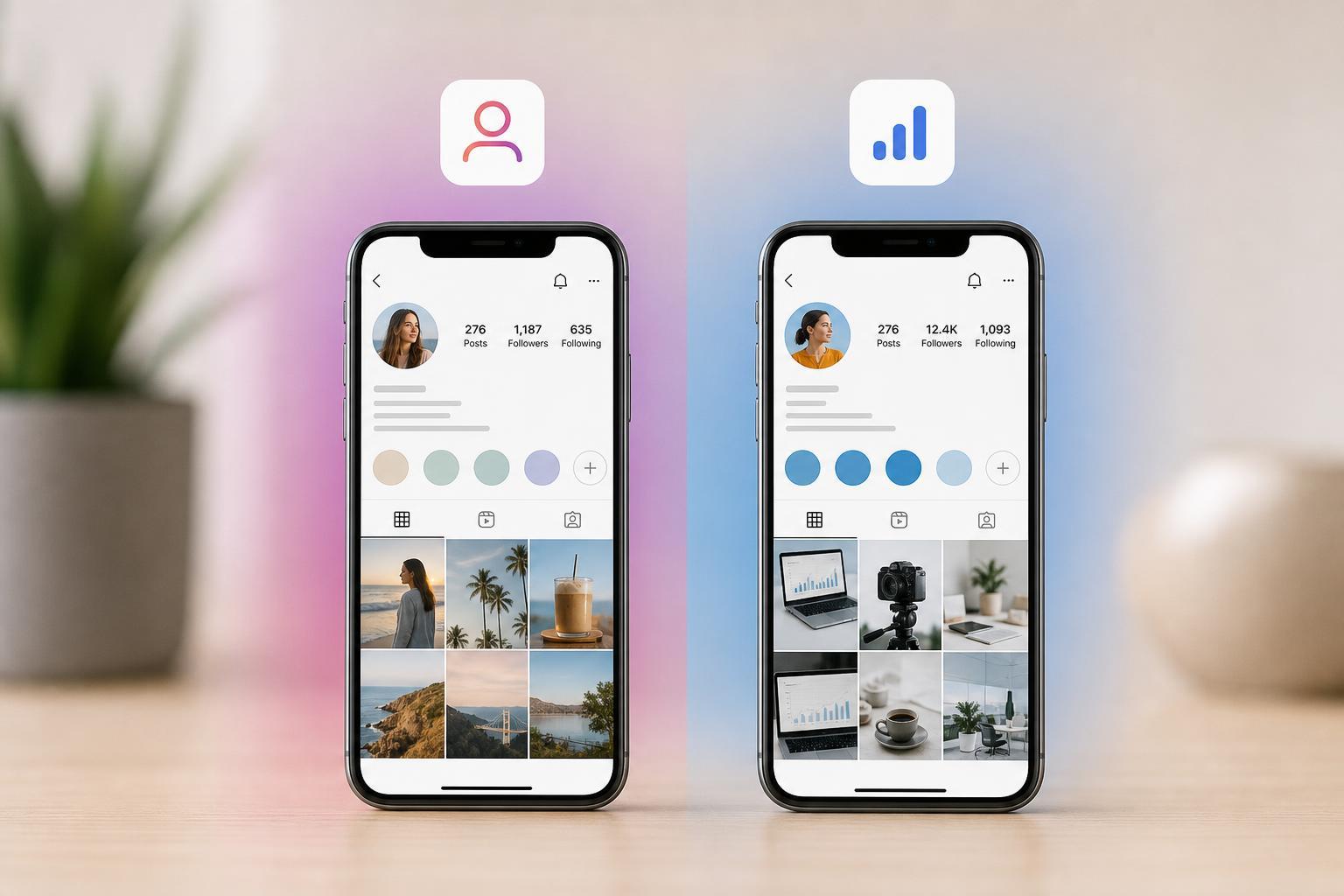
The Main Difference in One Sentence
A personal Instagram account is designed for regular use and more privacy, while a professional account is designed for public growth, analytics, and business or creator features.
What a Personal Instagram Account Is
A personal account is the default account type on Instagram. It is best for people who want to share photos, videos, and stories with friends, family, or a smaller audience without needing business tools.
- Can be kept private, so only approved followers can see your posts
- Uses standard posting, story, Reels, and messaging features
- Does not include audience analytics or professional dashboards
- Does not require you to label yourself as a creator or business
What a Professional Instagram Account Is
A professional account is made for creators and businesses. Instagram groups creator and business accounts under the professional category, and both give access to tools that help with growth, audience tracking, and contact options.
- Can usually be switched into either a creator or business profile
- Includes insights such as reach, engagement, and follower activity
- Can show contact buttons like email, call, or directions
- May unlock tools for promotions, scheduling, and category labels
Privacy: Personal Accounts Are More Flexible
One of the biggest practical differences is privacy. Personal accounts can be set to private, which means only approved followers can see your content. Professional accounts are generally intended to be public, because their purpose is discovery, growth, and contact.
Insights and Analytics
This is where professional accounts stand out. They can show data about how posts perform, who is viewing them, and when followers are most active. That makes it easier to understand what content is working.
- Post reach and impressions
- Profile visits
- Follower growth trends
- Audience location and activity patterns
- Performance of specific posts, stories, and Reels
Contact and Discovery Features
Professional accounts often include buttons and profile tools that make it easier for people to contact you or learn about your brand. This is useful for creators, freelancers, and businesses that want followers to take action.
- Email and phone contact buttons
- Business category labels
- Address or directions for local businesses
- Tools that make the profile look more brand-focused
Content Tools and Promotions
Professional accounts can unlock extra features for promoting posts and managing content. These tools are not always necessary, but they are useful if you want to turn Instagram into a growth channel.
- Boosting or promoting posts
- Access to creator or business-oriented dashboards
- Potential scheduling and management tools through connected services
- More structured features for managing a public presence
What Stays the Same
Not every difference is dramatic. You can still post photos, videos, Reels, stories, and send direct messages on both account types. The basic Instagram experience remains familiar either way.
- Posting and editing content
- Following and being followed
- Using Stories, Reels, and DMs
- Blocking and reporting accounts
- Saving and sharing posts
Personal vs. Professional: Quick Comparison
- Personal account: better for privacy and simple use
- Professional account: better for analytics and public growth
- Personal account: can usually stay private
- Professional account: built for creators and businesses
- Personal account: fewer business-style tools
- Professional account: more profile and performance tools
Which One Should You Choose?
Choose a personal account if you mainly use Instagram for friends, family, hobbies, or private sharing. Choose a professional account if you want audience insights, contact tools, or a more public profile for building a brand, creator presence, or business.
- Choose personal if privacy matters most
- Choose professional if you want analytics
- Choose professional if you sell services or products
- Choose personal if you prefer a simple, low-maintenance account
Can You Switch Later?
Yes. Instagram allows you to switch between account types, so your first choice is not permanent. That makes it easier to test a professional account and see whether the extra tools are actually useful for you.
How to Decide Without Overthinking It
A good way to decide is to ask one simple question: do you want Instagram to be mostly private and social, or public and measurable? If the answer is private and social, personal is usually the better fit. If the answer is public and measurable, professional is usually the better fit.





