Waking someone up over the phone is tricky because you want to get their attention without sounding rude, confusing them, or making the situation worse. The best approach depends on how deeply they are sleeping, how urgent the call is, and how well you know the person.
These four methods focus on being clear, direct, and respectful while still giving you the best chance of actually waking them.
1. Call More Than Once if the Situation Is Important
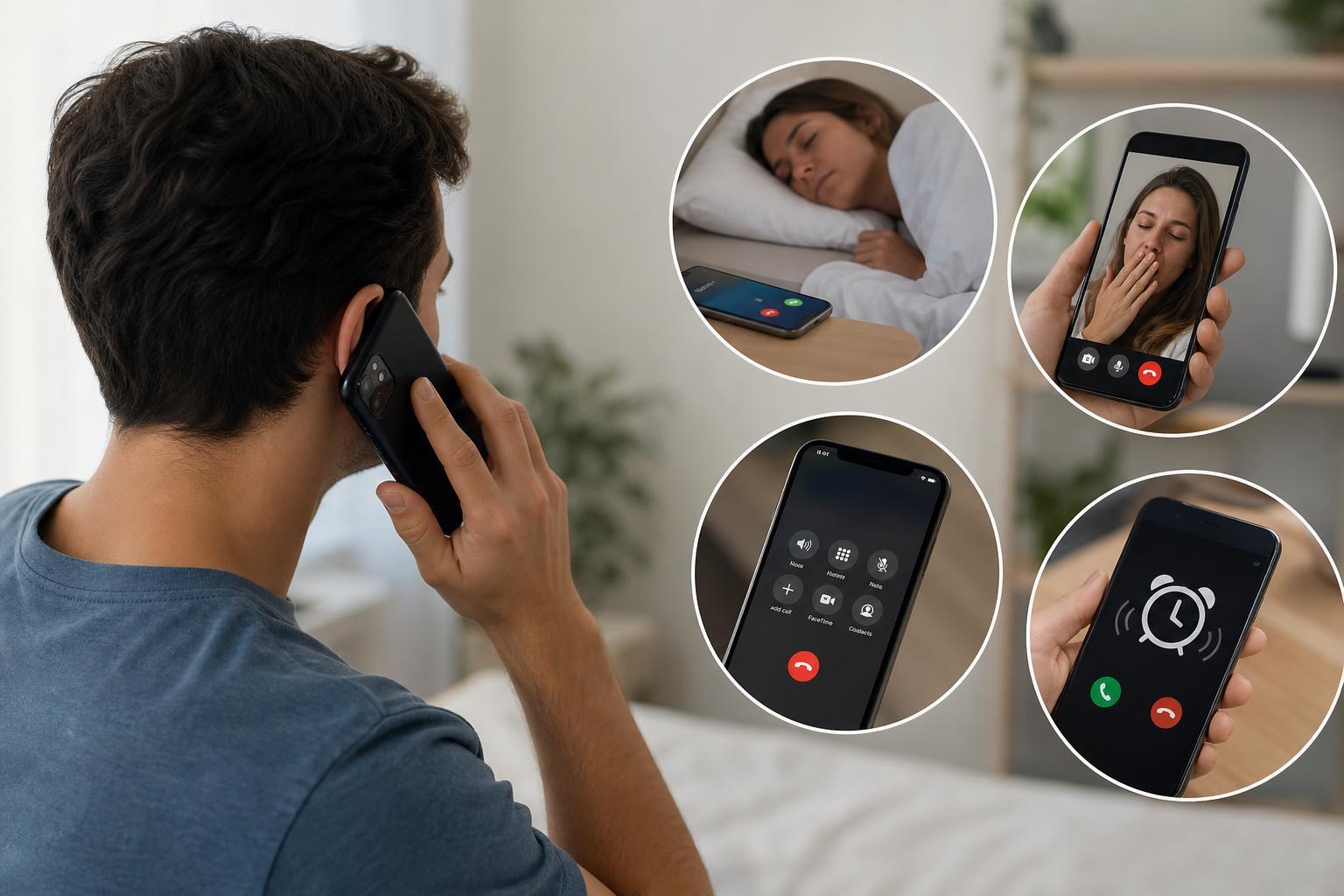
If the person does not answer right away, a single missed call may not be enough. Many people sleep through the first ring or ignore an unfamiliar number without fully waking up.
If it matters that they wake up now, call again after a short pause. Two or three calls in a row are often more effective than one long attempt, especially if the phone is nearby but they are still groggy.
2. Leave a Short, Direct Voicemail or Voice Message
If they do not answer, leave a message that is short and easy to understand. When someone is half asleep, a long explanation is usually ignored or forgotten.
- Say their name right away so they know the message is for them.
- State clearly that they need to wake up or call you back.
- Give the reason in one short sentence if needed.
- Repeat your phone number if they may not have caller ID or may wake up confused.
A message like this works better than a vague one: 'Hey Sam, wake up and call me back as soon as you hear this. It’s important. My number is 555-123-4567.'
3. Use Text and Call Together
A phone call alone may not be enough if the person is in a deep sleep or has their phone on silent. Sending a text at the same time gives them another way to notice you when they wake.
- Call first so the phone rings if sound is enabled.
- Send a text immediately after with a clear message.
- Use simple wording such as 'Wake up and check your phone now.'
- If needed, send a second text with a reason, such as 'Emergency' or 'Please call me right away.'
4. Be Clear About Why You Need Them Awake
If the person is likely to ignore vague calls, being specific can help. People are more likely to wake up and respond when they understand that the situation matters.
- Say whether it is urgent or just time-sensitive.
- Mention a real reason if you have one, such as a ride, appointment, alarm failure, or emergency.
- Avoid being dramatic unless the situation truly is serious.
- If it is not urgent, be honest so they do not think something bad has happened.
How to Do It Politely
If you are waking someone for a non-emergency reason, the tone matters as much as the method. Being too aggressive can start the conversation badly, even if you succeed in waking them.
- Use their name instead of starting with a complaint.
- Keep the message short.
- Avoid sarcasm or jokes that may confuse them.
- Apologize briefly if the call turns out not to be urgent.
What Not to Do
Not every idea that wakes someone up is a good one. Some approaches are disrespectful, confusing, or too aggressive for a simple wake-up call.
- Do not call nonstop unless there is a real emergency.
- Do not leave long rambles on voicemail.
- Do not use prank calls or fake emergencies.
- Do not assume they saw your message if they have notifications turned off.
Which Method Should You Try First?
If the situation is mildly urgent, start with a call and a short text. If they do not answer, leave one clear voicemail. If it is more important that they wake up immediately, call again after a short pause and make your message direct.
The best method is usually the one that is clear, respectful, and hard to miss. A calm message often works better than a noisy one.