
Instagram keeps a history of the posts you’ve liked, which makes it easy to revisit a photo, reel, or carousel you liked earlier. The exact steps are simple, but the menu layout can change slightly depending on the app version and device.
This guide shows where to find your liked posts on Instagram, how to sort through them, and what to do if you can’t see the option on your account.
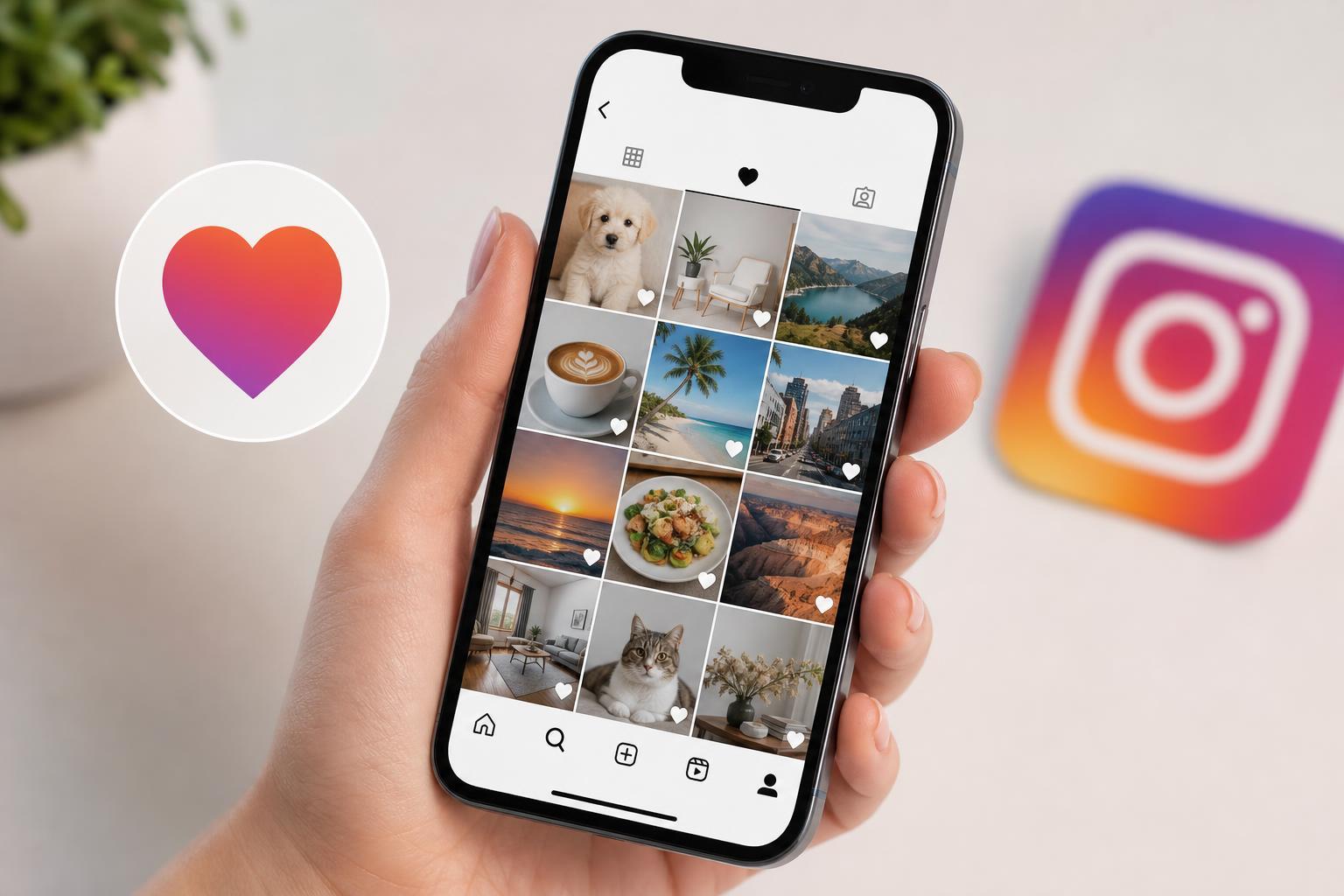
How to Find Posts You’ve Liked on Instagram
- Open the Instagram app and make sure you’re signed in to the correct account.
- Tap your profile picture in the bottom-right corner.
- Tap the menu icon in the top-right corner.
- Select Your activity.
- Tap Interactions, then choose Likes.
- Browse the posts you’ve liked, which are usually shown with the most recent likes first.
What You Can See in the Likes Section
The Likes section shows posts you interacted with by tapping the heart icon. This can include photos, videos, reels, and carousel posts, depending on what you liked and what Instagram currently stores in your activity view.
- Posts you liked from accounts you follow or do not follow
- Older liked posts, if they are still available in your activity history
- Content sorted by the most recently liked items first
- Posts you can tap to open directly in the feed
If You Don’t See the Likes Option
If the Likes section is missing, the most common reason is that Instagram has changed the menu layout in your app version or account. In some cases, the activity section may be grouped differently, or you may need to update the app before the option appears.
- Update Instagram from the App Store or Google Play Store.
- Check that you are looking under Your activity rather than your profile settings.
- Try switching between accounts if you use more than one Instagram profile.
- Make sure you are using the official Instagram app, not a browser view with limited menu options.
Can You See Every Post You’ve Ever Liked?
Not always. Instagram may not show every single liked post forever, and the list can be affected by app changes, account activity, or content that has been removed. If a post was deleted, made unavailable, or the account was deactivated, it may no longer open from your Likes history.
Useful Ways to Revisit Posts Later
- Save posts you want to return to instead of relying only on Likes.
- Use Collections to group saved posts by topic.
- Follow the account if you want to see more posts like the one you liked.
- Share the post to your own chat or note if you need a quick reminder later.
What to Do If a Liked Post Still Won’t Open
If a post appears in your Likes list but will not open, the post may no longer exist or may be restricted. In that case, your best option is to look for the account name in the list and search for the profile directly on Instagram.





