
If a Discord server is being used for harassment, scams, hate speech, sexual exploitation, or other serious rule-breaking, reporting it can help Discord review the problem and take action. The key is to gather clear evidence first and submit the report through the right channel.
This guide explains what to report, how to do it from Discord, what information to include, and what to expect after you send the report.
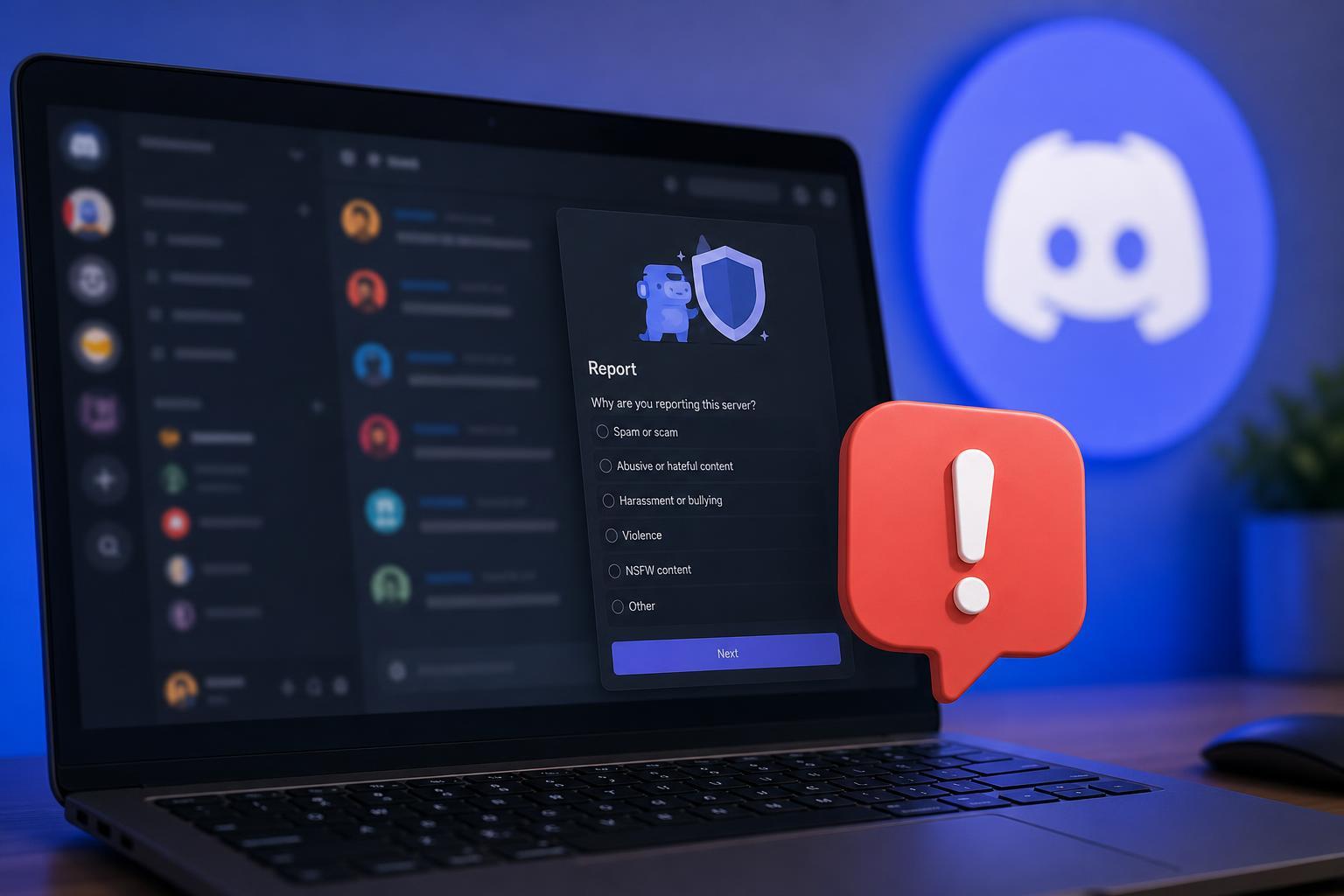
What You Can Report
Discord reviews reports about servers, channels, messages, users, and behavior that violates its Community Guidelines or Terms of Service. A server report is most useful when the problem is serious, repeated, or clearly documented.
- Harassment, threats, or targeted abuse
- Hate speech or extremist content
- Scams, phishing, or fraud
- Sexual content involving minors or exploitative behavior
- Non-consensual intimate images or blackmail
- Self-harm encouragement or graphic abuse
- Spam networks or malicious automation
- Illegal activity being organized or promoted
Before You Report: Collect the Right Evidence
Discord reports are easier to review when you include direct evidence. In most cases, screenshots alone are not enough unless they clearly show the server name, the offending content, and any relevant usernames or timestamps.
- Open the message or channel you want to report and make sure the harmful content is visible.
- Copy message links where possible so Discord can locate the exact content.
- Take screenshots that show the server name, channel name, usernames, and the rule-breaking content.
- Write down the date, time, and a short explanation of what happened.
- If there are multiple messages or channels involved, collect all of them before submitting the report.
How to Report a Discord Server on Desktop or Web
Discord does not usually offer a single visible "report server" button for every situation. In practice, you report the specific messages, accounts, or content inside the server and describe that the problem involves the server as a whole.
- Open Discord on the desktop app or in a browser.
- Go to the server and open the channel containing the offending content.
- Right-click the message you want to report and choose Copy Message Link, if available.
- Use Discord’s Trust & Safety report form or support page to submit the report.
- Paste the message link, explain why it violates the rules, and mention that the behavior is tied to the server.
- Include additional links or screenshots if there are multiple examples.
- Submit the report and keep a copy of any confirmation number or email.
How to Report on Mobile
On mobile, the process is similar: identify the specific message or user, gather evidence, and submit the report through Discord’s official reporting path. The exact menu options can vary between iPhone and Android versions.
- Open the Discord app and go to the server.
- Find the message or user involved.
- Use the message options menu to copy a link if your version of the app supports it.
- Save screenshots that clearly show the server name, channel, and harmful content.
- Submit the report through Discord’s official support or safety reporting form.
- Explain that the behavior is happening in a server and attach the links or screenshots you collected.
What to Include in the Report
A strong report is specific. The more clearly you explain what happened, the easier it is for Discord to review it.
- Server name and, if possible, an invite link or server ID
- Channel name where the issue occurred
- Message links or screenshots
- Usernames and IDs of the people involved
- A brief description of the rule being broken
- Dates and times the behavior occurred
- Whether the behavior is ongoing or isolated
If the Server Is Public and the Problem Is Widespread
When a server is hosting spam, scams, or abusive content across multiple channels, report several examples rather than only one. This helps show that the issue is systemic and not just a one-off message from a single user.
- Report multiple channels if the behavior is repeated
- Include examples from different users when relevant
- Note whether moderators appear absent or are involved
- Explain whether harmful content is pinned, promoted, or repeatedly reposted
What Happens After You Report
After you submit a report, Discord may review the content and decide whether it violates its rules. You usually will not get a detailed public explanation of the outcome, especially if the matter involves privacy or an ongoing investigation.
- Discord may remove content or restrict accounts
- The server may receive moderation action
- You may not receive a response for every report
- Additional evidence can help if the problem continues
Other Steps You Should Take
Reporting is only one part of protecting yourself. Depending on the situation, these actions may help immediately.
- Leave the server if it is unsafe
- Block or mute abusive users
- Change privacy settings to limit who can contact you
- Turn off direct messages from server members if needed
- Enable two-factor authentication on your account
- Preserve evidence in case the issue escalates
When to Report a User Instead of the Whole Server
Sometimes the server itself is not the problem. If one person is causing trouble in an otherwise normal community, reporting that user and their messages may be the better option.
- One user is harassing you in a mostly normal server
- A single account is sending scam links
- A member is posting inappropriate content without moderator approval
- You only have evidence tied to one person, not the whole server
Common Mistakes to Avoid
A few simple mistakes can make a report harder to act on.
- Submitting only vague complaints like "bad server" without details
- Forgetting to include message links or screenshots
- Reporting content that does not violate Discord’s rules
- Sending the same report repeatedly without adding new evidence
- Responding emotionally instead of describing the facts clearly
If You Think the Report Was Missed
If the harmful behavior continues and nothing changes, gather new examples and send a follow-up report. Include any fresh links, screenshots, or dates. If the situation is severe, keep your own account safety in mind and avoid engaging with the server further.
How to Make Your Report Easier to Review
- Identify the exact content that violates Discord’s rules.
- Collect message links and screenshots before the content is deleted.
- Explain the issue clearly in one short summary.
- Add context only where it helps moderation understand the pattern.
- Submit the report through Discord’s official safety or support channel.
A good report is specific, calm, and well documented. If the server is genuinely violating Discord’s rules, that gives moderation the best chance to review it quickly and accurately.





