Apple Music offers a discounted student plan for eligible college and university students. If you qualify, you can get access to the same music catalog and features for less than the regular individual plan.
This guide explains who can get the offer, how to verify student status, and what to do if the discount does not appear in your account.
What the Apple Music student discount includes
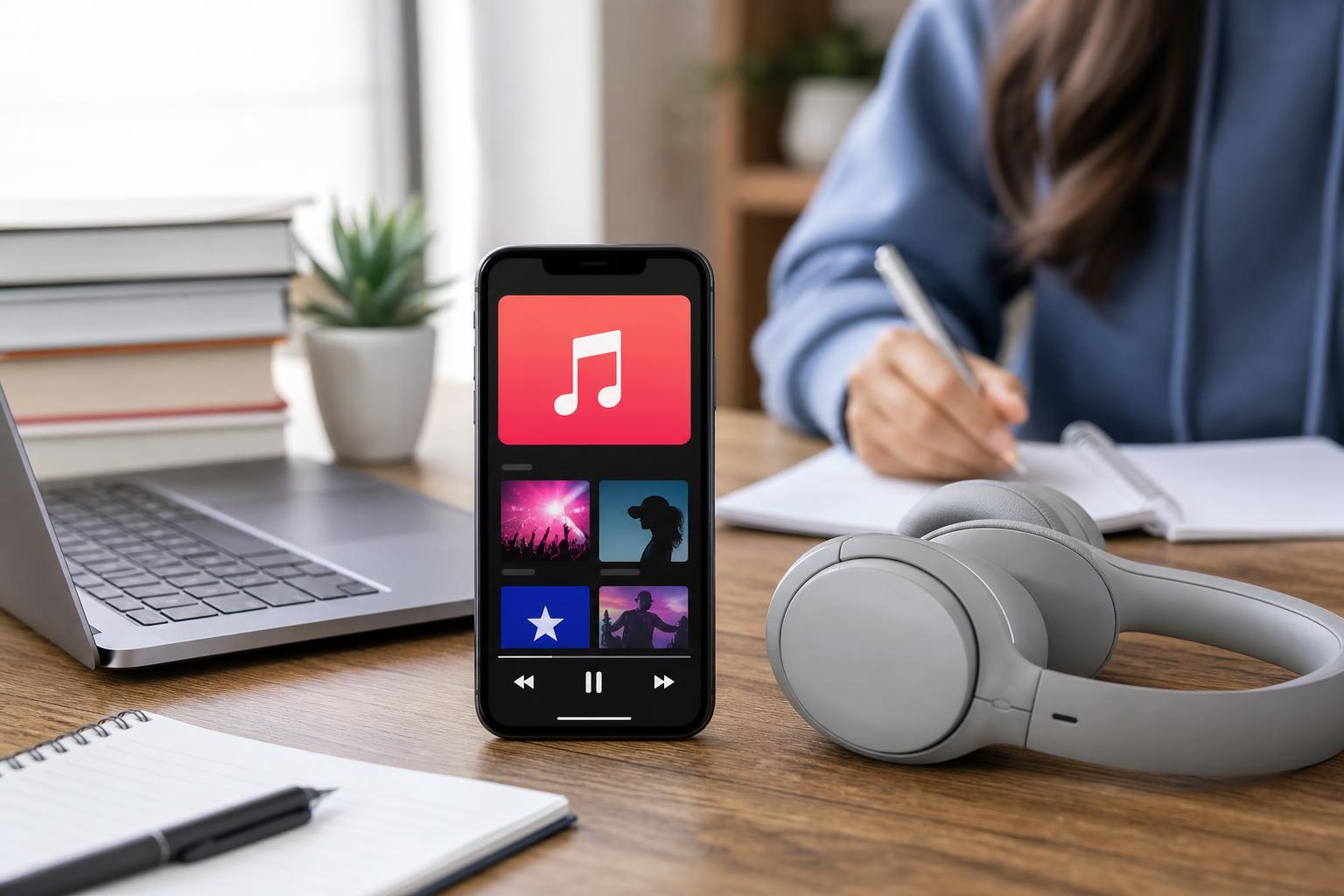
The student plan is a reduced-price Apple Music subscription for eligible higher-education students. It is designed to make the full Apple Music experience more affordable while you are enrolled in school.
- Full access to Apple Music’s streaming catalog
- Access to playlists, recommendations, and offline listening
- A lower monthly price than the standard individual plan
- Availability only for eligible students in supported countries and regions
Check whether you qualify
Apple’s student pricing is generally limited to students enrolled at an eligible college or university. In many regions, Apple uses a verification service to confirm that you are currently enrolled.
- You must be a current student at a qualifying higher-education institution
- You may need to verify enrollment with a third-party verification service
- The offer may be limited by country or region
- You usually need an Apple ID and a valid payment method
How to sign up for the student plan
- Open the Apple Music app or visit the Apple Music subscription page.
- Choose the student subscription option if it is shown.
- Sign in with your Apple ID, or create one if you do not already have it.
- Complete the student verification process when prompted.
- Add or confirm your payment method and finish the subscription setup.
If you are joining Apple Music for the first time, the student plan is usually the simplest way to start. If you already have a different Apple Music subscription, you may need to change your plan instead of signing up again.
If you already have Apple Music
You may be able to switch from an individual plan to the student plan without creating a new account. The exact steps depend on whether you subscribed through Apple, your iPhone, the App Store, or another billing method.
- Open your subscription settings on the device or service where you manage Apple billing.
- Look for Apple Music or subscriptions in your account settings.
- Choose the option to change your plan.
- Select the student plan if it is available.
- Complete student verification if prompted.
Common reasons the discount does not show up
- Your school is not accepted by the verification system
- The student offer is unavailable in your country
- You are signed in with the wrong Apple ID
- Your current subscription is managed through another billing provider
- Your enrollment verification has expired or needs to be repeated
How long the discount lasts
Student pricing is not usually permanent. Apple typically requires periodic re-verification to confirm that you still qualify as an enrolled student.
If you no longer qualify, your subscription may move to a standard plan price unless you change or cancel it.
Best way to make sure you get the offer
- Use a personal Apple ID you can keep long term.
- Verify your student status using the official Apple Music sign-up flow.
- Check the billing screen before confirming the plan.
- Set a reminder to review your subscription before the verification period ends.
If you cannot qualify for the student plan
If the student discount is not available to you, Apple Music may still offer other subscription options, such as individual, family, or bundled plans depending on your region and Apple services.
- Compare the monthly cost of an individual plan versus a family plan
- Look for Apple One bundles if you use several Apple services
- Check whether a free trial is available for new subscribers
- Watch for occasional promotions through carriers, schools, or device purchases
What to do if verification fails
- Double-check that your school is listed exactly as it appears in official records.
- Make sure your name and student details match your enrollment information.
- Try again using the same country or region as your Apple ID.
- If prompted, complete any email or portal verification steps from your school or the verification service.
- Contact Apple Support or the verification provider if the process keeps failing.
When the student discount is worth it
The student plan is most useful if you listen to music regularly and expect to keep Apple Music for more than a short trial period. It is especially good if you already use Apple devices and want easy access across iPhone, iPad, Mac, and Apple Watch.
If you only listen occasionally, compare the student price with other music apps and with Apple’s other subscription options before you sign up.