
Changing your Instagram username is straightforward, but there are a few important details to know before you make the switch. Your username is the unique name people use to find and tag you, so changing it can affect your profile link, mentions, and search visibility.
This guide shows you how to change your username on Instagram, what restrictions apply, and what to expect after the update.
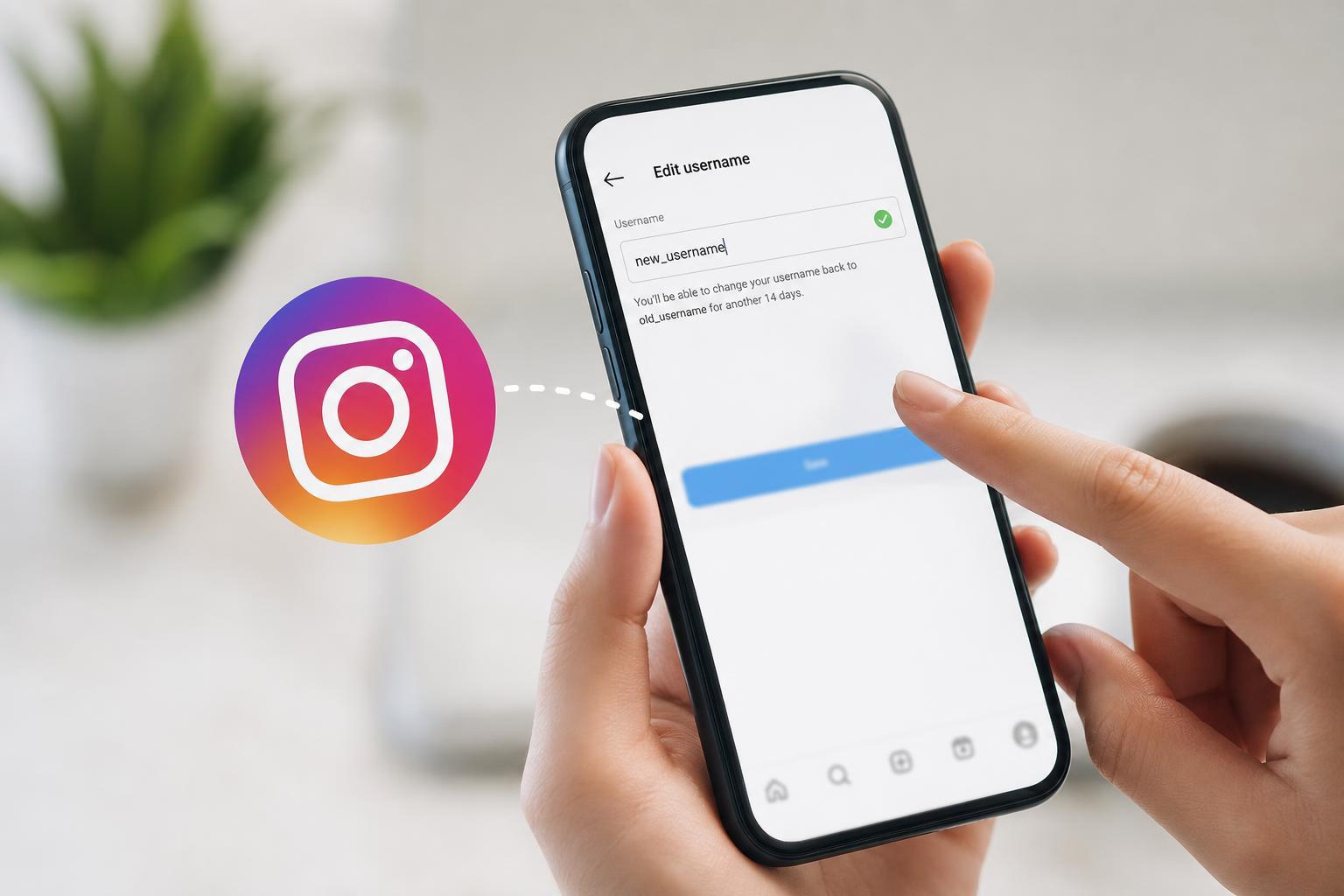
Username vs. Display Name
Instagram lets you edit two different profile fields: your username and your display name. They are not the same thing.
- Username: your unique @name, used in your profile link, tags, and mentions
- Display name: the larger name shown on your profile, which does not have to be unique
How to Change Your Instagram Username on the Mobile App
- Open the Instagram app and go to your profile.
- Tap Edit profile.
- Tap the Username field.
- Delete your current username and type the new one.
- If Instagram accepts it, tap Done or the check mark to save the change.
If the username is already taken or does not meet Instagram’s rules, Instagram will show an error and you will need to try a different one.
How to Change Your Username on Desktop
- Go to Instagram in a web browser and sign in.
- Click your profile picture in the left menu or the profile icon.
- Select Edit profile.
- Find the Username field.
- Enter your new username and save the changes.
What Instagram Username Rules You Need to Follow
Instagram usernames have a few restrictions. If your new name does not follow these rules, it will not save.
- It must be unique
- It can contain letters, numbers, periods, and underscores
- It cannot contain spaces
- It cannot be too long
- It must not violate Instagram’s community or naming rules
What Happens After You Change It
After you change your username, your old handle usually becomes available for someone else to claim. Your profile link will also change, so old links shared in messages, websites, or bios may stop working.
- People who search your old username may not find you right away
- Old @mentions may no longer point to your updated profile in the same way
- Your followers stay with your account, but they may need to learn your new name
- Third-party apps or linked services may still show your old username until they refresh
What to Check Before You Save the Change
- Make sure the new username is easy to spell and remember
- Check that it matches your other social accounts if branding matters
- Confirm you are happy with the new profile link
- Double-check for typos, periods, or underscores before saving
Can You Change It Back?
You can change your Instagram username again later, but the original name may not still be available by then. If another account takes it, you will need to choose something different.





