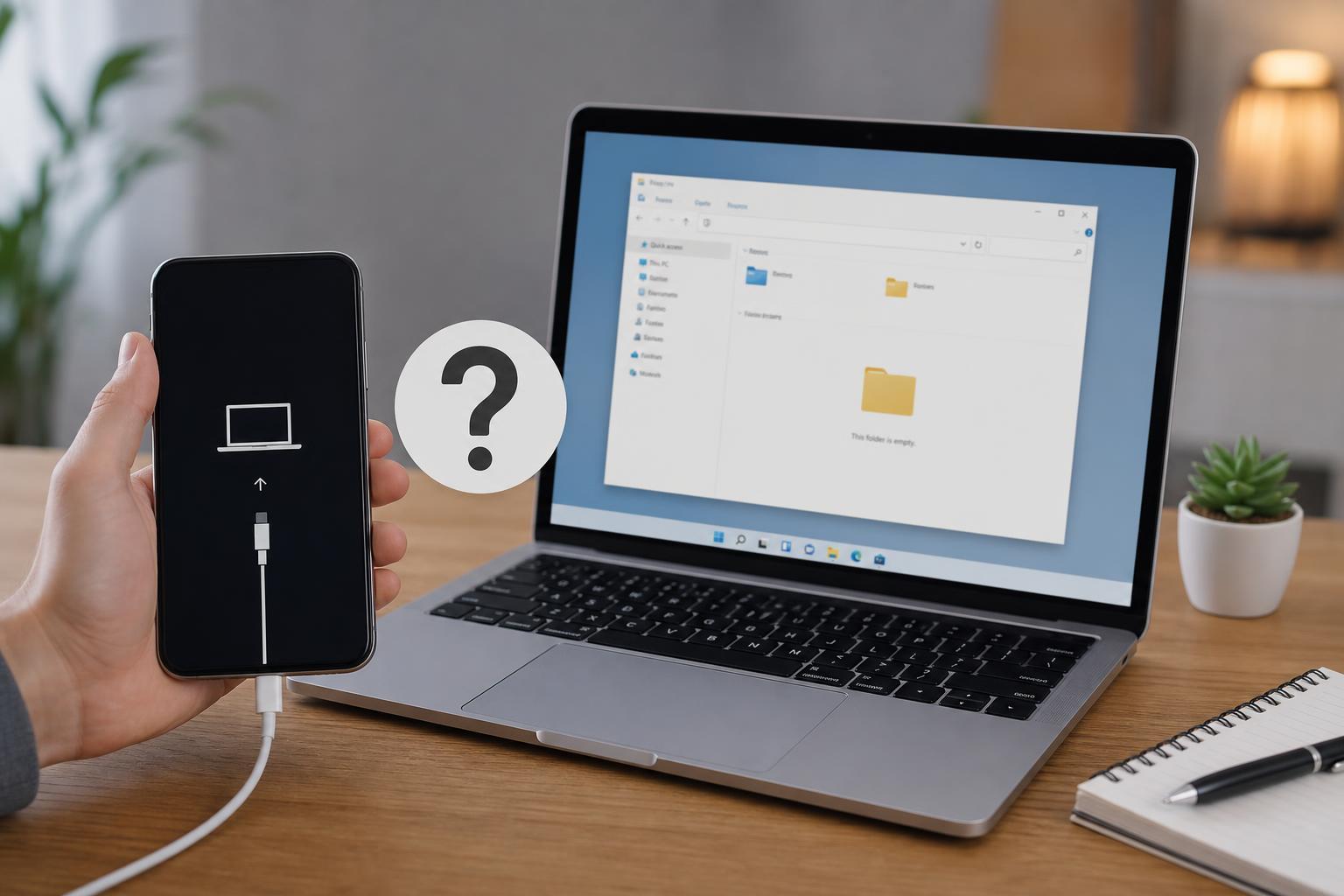
A good Lightning cable matters more for Apple CarPlay than many people expect. If the cable is flaky, your iPhone may disconnect, charge slowly, or fail to connect to CarPlay at all. The right cable should handle both data and charging, fit your car’s USB port securely, and stand up to everyday use.
Below are seven types of Lightning cables and cable styles that make strong choices for Apple CarPlay, along with the features that matter most so you can pick the one that best fits your car and your iPhone.
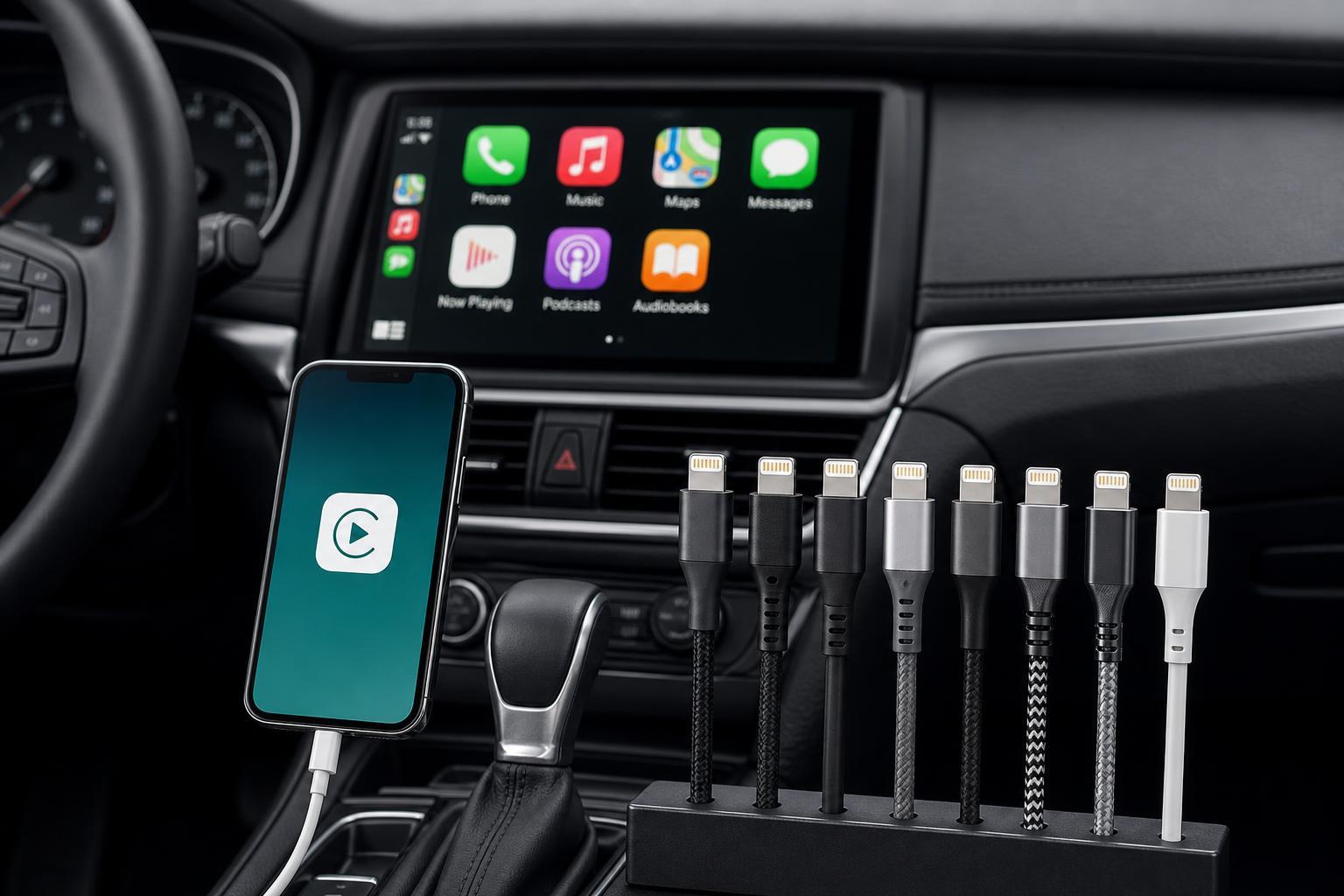
What Makes a Good CarPlay Lightning Cable
Not every Lightning cable that charges your iPhone is equally good for CarPlay. CarPlay depends on a stable data connection, so the cable needs to be built for both charging and syncing, not just power delivery.
- MFi certification or another clearly stated iPhone-compatible design
- Strong connector housings that do not wobble in the port
- A length that reaches comfortably without leaving extra slack
- A durable braided or reinforced jacket if the cable will be used daily
- Reliable data transfer, not just fast charging support
- A connector shape that fits cases and recessed USB ports well
1. Apple Lightning to USB Cable
The simplest and most predictable option is Apple’s own Lightning cable. If you want the least guesswork, this is usually the safest choice because it is designed to work cleanly with iPhone charging and syncing.
It is not the most rugged cable on the market, but it tends to work well for CarPlay in a wide range of vehicles. If your current problem is random disconnects, starting with an official cable can help rule out cable quality as the cause.
2. Anker PowerLine II Lightning Cable
Anker’s PowerLine series is popular because it balances durability, flexibility, and dependable connection quality. It is a solid everyday cable for CarPlay if you want something sturdier than a basic stock cable.
Look for a version with a reinforced connector and a length that suits your console layout. A shorter cable often works better in cars because it reduces clutter and lowers the chance of the cable getting tugged during driving.
3. Belkin BoostCharge Lightning Cable
Belkin has a long history of making Apple-friendly accessories, and its Lightning cables are usually a safe pick for CarPlay. These cables are often made with durability in mind and are a good choice if your car’s USB port is awkwardly placed.
Belkin cables are especially useful if you want something that feels better built than no-name alternatives but still remains easy to find and replace later if needed.
4. Native Union Belt Cable
If you want a cable that looks as good as it works, Native Union’s Belt Cable style is worth considering. It is usually a braided cable with a premium feel and enough flexibility for in-car use.
This style can be a nice fit for vehicles where the cable is visible all the time. Just make sure the length is practical for your dashboard or center console, because premium braided cables can be less convenient if they are much longer than necessary.
5. Amazon Basics Lightning Cable
Amazon Basics cables are often chosen for value. If you want a simple CarPlay cable without paying extra for a premium brand name, this can be a practical option.
The main thing to check is whether the cable is clearly stated to support data syncing and not just charging. For CarPlay, that detail matters more than flashy packaging or extra features.
6. UGREEN Lightning Cable
UGREEN makes many charging accessories, and its Lightning cables are often a good middle-ground choice. They are commonly braided, reasonably priced, and suitable for everyday CarPlay use.
A braided cable is useful in a car because it resists fraying better than thin rubber-coated designs. If your current cable has worn out near the connector, this style may last longer in the same setup.
7. Syncwire Lightning Cable
Syncwire cables are often marketed for durability and long-term use, which makes them a reasonable CarPlay choice if you want something that can handle regular bending and unplugging.
These cables are especially worth considering if your phone sits in a holder while plugged in, since that arrangement can put more stress on the cable near the connector.
How to Choose the Right Cable for Your Car
The best Lightning cable for CarPlay depends on your car layout, how often you use it, and whether you want a long-term accessory or a cheap replacement.
- Check the USB port location in your car and choose a length that reaches comfortably without excess slack.
- Prefer a cable with clear data-sync support, since CarPlay needs more than charging only.
- If your cable bends a lot near the connector, choose a reinforced or braided design.
- If your phone case is thick, make sure the Lightning connector will fit without forcing it.
- If you often swap between vehicles, pick a cable with solid connector housing and reliable build quality.
When a Cable Is Not the Real Problem
If CarPlay still disconnects after trying a known-good cable, the issue may be with the car’s USB port, the iPhone port, or the head unit itself.
- Lint or debris in the iPhone’s Lightning port
- A damaged or loose USB port in the car
- A CarPlay setting or head unit compatibility issue
- Heat inside the vehicle affecting the connection
- Old firmware in the car infotainment system
Choosing the Best Option for Your Needs
If you want the safest all-around choice, start with Apple or a reputable brand like Belkin or Anker. If your goal is value, Amazon Basics or UGREEN can be practical. If you want a more premium look and feel, Native Union is a strong candidate. For drivers who need durability first, Syncwire and Anker are both worth a look.
In the end, the best Apple CarPlay Lightning cable is the one that fits your car, supports data reliably, and stays connected every time you plug it in.