Google Meet is already a solid video calling tool, but browser extensions can add the missing features that many people wish were built in. The right extensions can help you take notes, improve meeting control, capture screenshots, manage tabs, or make calls easier to follow.
Not every extension is useful for every user, and some can overlap with features already available in Google Workspace. The best choices are the ones that save time without getting in the way of the meeting itself.
1. Meet Enhancement Suite
Meet Enhancement Suite is one of the most popular productivity add-ons for Google Meet because it focuses on the small controls people use repeatedly during meetings. It can add shortcuts and quality-of-life tools that make long calls easier to handle.
- Fast mute and unmute controls
- Quick push-to-talk behavior
- Auto-join and meeting management features
- Useful shortcuts for frequent meeting actions
If you spend a lot of time in meetings, this kind of extension can reduce the number of clicks needed to manage audio, video, and participation.
2. Google Meet Grid View
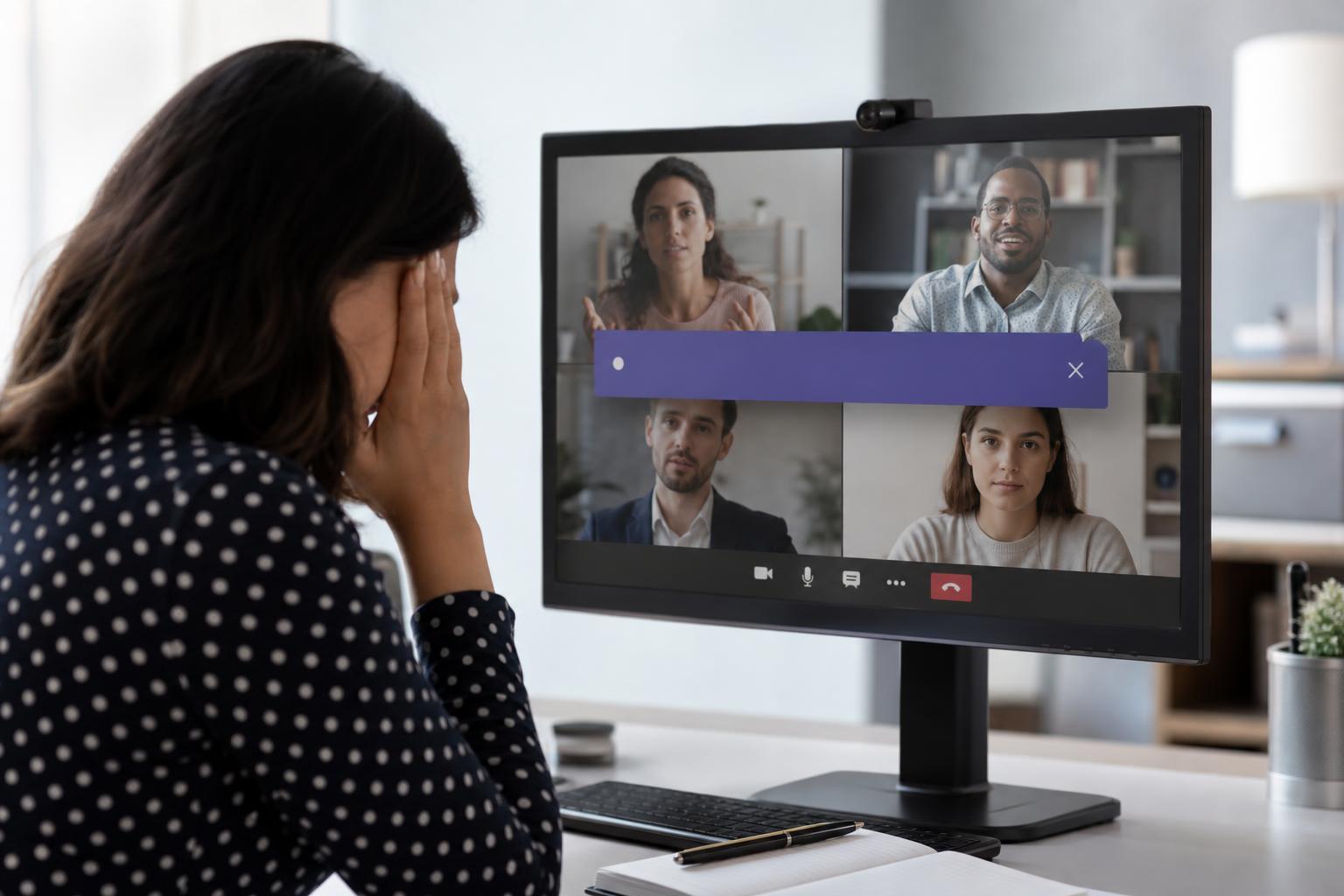
Google Meet Grid View helps you see more participants at once by arranging video tiles in a grid. That can make a big difference in team calls, classes, and discussions where facial reactions matter.
- Better visibility in larger meetings
- Helpful for teachers, trainers, and team leads
- Makes participant-heavy calls easier to follow
3. Tactiq
Tactiq is designed for live captions, transcripts, and note-taking during meetings. Instead of trying to write everything manually while also paying attention to the call, you can capture what was said and review it later.
- Live transcription support
- Easy note capture during meetings
- Useful for action items and follow-up
- Helps when you need to review details after the call
4. Krisp
Krisp focuses on reducing background noise, which can be especially helpful if you work from home, share space with others, or take calls in a busy environment. Clearer audio makes meetings easier for everyone to follow.
- Noise suppression for distracting background sounds
- Useful in home offices and shared workspaces
- Can make speech easier to understand for other participants
5. Fireflies.ai
Fireflies.ai is built around recording, transcribing, and organizing meeting conversations. It is especially useful if your meetings generate follow-up tasks, client notes, or project decisions that need to be shared later.
- Meeting transcription and summaries
- Searchable records for later reference
- Helpful for follow-up tasks and accountability
- Can support team collaboration after the meeting ends
6. Mote
Mote is useful when you want to add fast voice feedback without typing long messages in chat or email. In a meeting context, it can support clearer communication when short written replies are not enough.
- Short voice comments instead of long text replies
- Useful for quick clarification
- Can make feedback feel more personal than chat messages
While it is not a direct meeting control tool, Mote can improve post-meeting follow-up and internal communication, which is part of staying productive overall.
How to Choose the Right Google Meet Extension
The best extension depends on the problem you are trying to solve. If you want better meeting control, choose a control-focused add-on. If you need notes, pick a transcription or capture tool. If your biggest issue is poor audio, choose an extension that improves sound quality.
- Identify the main meeting problem you want to solve.
- Check whether Google Meet already includes the feature natively.
- Look for extensions with recent updates and strong user reviews.
- Install only the extensions you actually need.
- Test the extension in a low-stakes meeting before relying on it for work.
A Few Practical Tips Before You Install Anything
- Use only trusted extensions from reputable publishers.
- Review the permissions an extension asks for before installing it.
- Keep security and privacy in mind if the tool records audio, video, or transcripts.
- Remove extensions you no longer use to keep Chrome or Edge running smoothly.
Used carefully, the right Google Meet extensions can save time, improve audio, make notes easier to manage, and reduce the friction of frequent video calls. The best setup is usually a small set of tools that solve real problems without adding distractions.