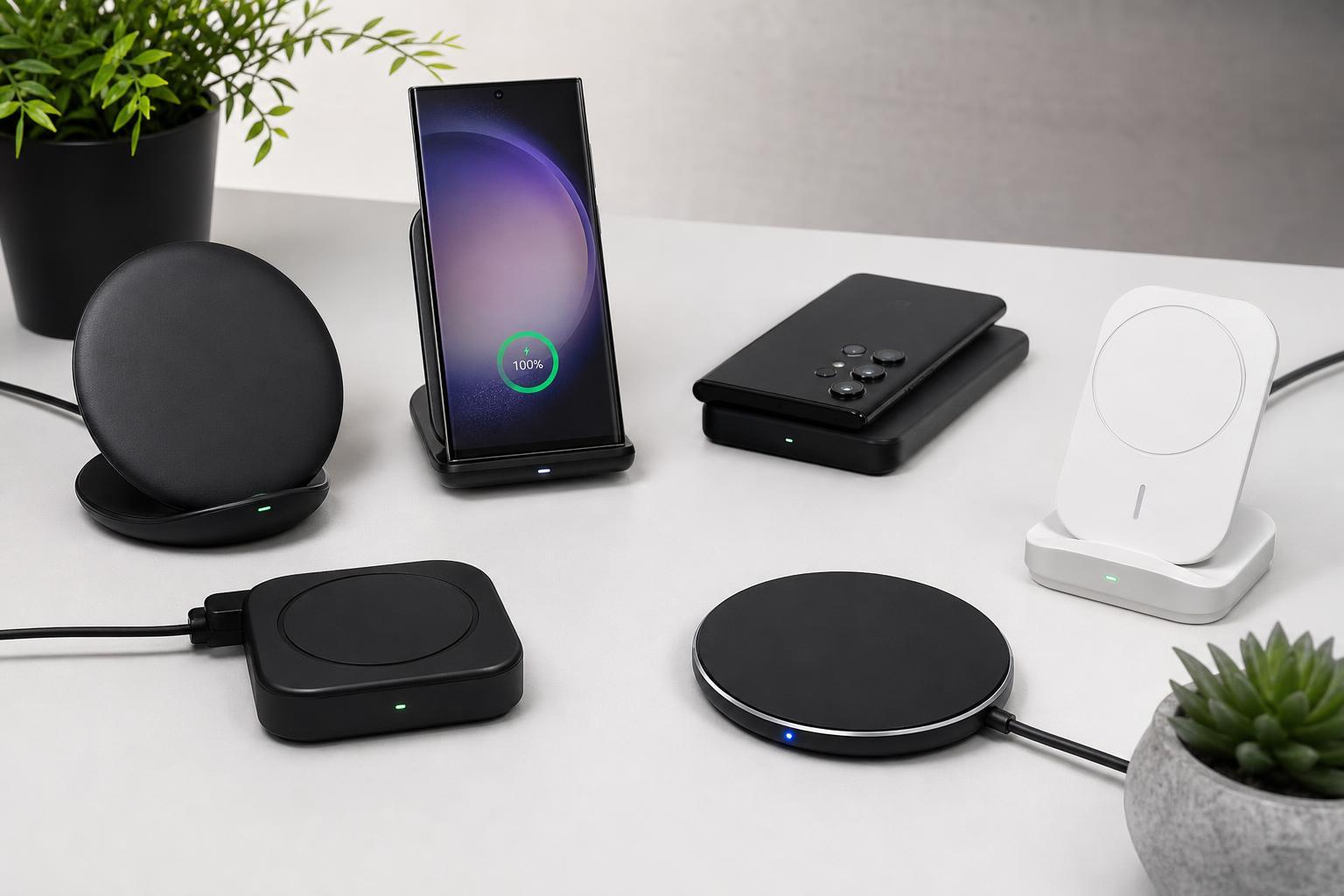
The Samsung Galaxy S23, S23+, and S23 Ultra all support wireless charging, but not every charger is equally convenient, fast, or well-suited to daily use. The best wireless charger for you depends on whether you want the fastest supported charging, a stand for watching videos, a multi-device dock, or a compact pad for travel.
Below are six solid wireless charger types and standout models to consider for the Galaxy S23 series, along with the features that matter most before you buy.
What to Look for in a Wireless Charger for the Galaxy S23 Series
The Galaxy S23 series supports Qi wireless charging, and Samsung also offers faster wireless charging with compatible chargers that support its faster charging mode. If you want the best result, look for a charger that specifically mentions Samsung fast wireless charging or Qi compatibility with higher output for supported devices.
- Qi compatibility for broad device support
- Support for Samsung fast wireless charging if you want the best charging speed
- A charger stand if you want to keep the phone visible while charging
- A flat pad if you want a simple, compact option
- Cooling features or a design that prevents excess heat buildup
- A power adapter that is included, since some chargers need a separate USB-C charger
1. Samsung Super Fast Wireless Charger
If you want the most obvious choice for a Galaxy S23 series phone, Samsung’s own wireless chargers are a safe place to start. A Samsung-branded charger is usually the easiest way to get a design and charging profile intended to work cleanly with Galaxy devices.
A Samsung fast wireless charging pad or stand is a strong pick for bedside tables, desks, and everyday use. The stand style is especially handy if you want to check notifications or use Always On Display while charging.
2. Anker MagGo Wireless Charger Stand
Anker makes dependable charging accessories, and its wireless stands are popular for people who want a tidy desk or bedside setup. A stand design keeps the phone upright and easy to see while still charging wirelessly.
This style is especially useful if you often glance at your phone during the day. It is also a practical choice if you use your Galaxy S23 as a small secondary display for notifications, timers, or media playback.
- Upright viewing angle
- Less clutter than a cable on the desk
- Convenient for notifications and streaming
- Often easier to place and remove than a flat pad
3. Belkin BoostCharge Wireless Charging Pad
A simple charging pad is often the best choice if you want no-frills charging without a stand taking up extra space. Belkin’s charging pads are widely used because they focus on reliability and straightforward placement.
A pad is usually the best option if you just want to drop the phone down and let it charge. It is less visually prominent than a stand and can be easier to use in tight spaces.
4. Spigen ArcField Wireless Charger
Spigen’s wireless chargers are a good fit for Galaxy owners who want a balance between value and practicality. The ArcField line is typically aimed at users who want fast, simple wireless charging without a bulky design.
This is a good middle-ground choice if you do not need a charging dock with extra features but still want something more polished than a very basic generic pad.
- Compact footprint
- Usually easy to position on a desk or nightstand
- Good fit for Samsung phone owners who want a simple setup
- Often priced more reasonably than premium multi-device docks
5. Satechi 3-in-1 Wireless Charging Dock
If you also own a Galaxy Watch, earbuds, or another wireless-charging accessory, a 3-in-1 dock can simplify your charging setup. Satechi’s multi-device chargers are useful when you want one base station instead of separate chargers and cables.
A dock like this works especially well on a desk or dresser. It reduces cable clutter and creates a dedicated charging spot for everything you use daily.
6. ESR HaloLock Wireless Charger
ESR’s wireless chargers are worth a look if you want a practical, affordable option with good everyday usability. Many users like these chargers because they are easy to live with and generally keep the phone secure during charging.
An ESR pad or stand can be a smart buy if you want a charger that just works without adding unnecessary extras. It is a solid pick for second rooms, office desks, or travel kits.
Best Charger Type for Different Use Cases
- Best for fastest, simplest setup: Samsung wireless charger
- Best for desk visibility: Anker wireless charging stand
- Best for small spaces: Belkin charging pad
- Best for a clean value pick: Spigen ArcField
- Best for multi-device charging: Satechi 3-in-1 dock
- Best for budget everyday use: ESR wireless charger
Tips for Better Wireless Charging on the Galaxy S23
- Use a charger that supports the charging speed you want, not just any Qi pad.
- Remove thick cases if charging seems slow or inconsistent.
- Center the phone carefully on the charging surface.
- Avoid charging on soft surfaces that can trap heat.
- If your charger supports it, use the recommended power adapter and cable for best results.
Which One Should You Buy?
If you want the safest choice, buy a Samsung-compatible fast wireless charger from a reputable brand. If you want convenience, choose a stand. If you want something compact and low-profile, go with a pad. And if you charge multiple devices every night, a 3-in-1 dock can be the most useful long-term setup.
For most Galaxy S23 owners, the right charger is less about flashy features and more about matching your routine. A good wireless charger should fit your space, work with your case, and make charging easier than plugging in a cable.