
If Instagram is acting up, your account was hacked, or you need to report abuse, knowing where to go can save a lot of time. Instagram does not offer a traditional customer support phone line for most users, so the best way to get help is usually through the app or its Help Center.
This guide covers the main ways to contact Instagram, when each option is useful, and what to do if you are trying to report a problem, recover access, or ask about a feature that is not working.
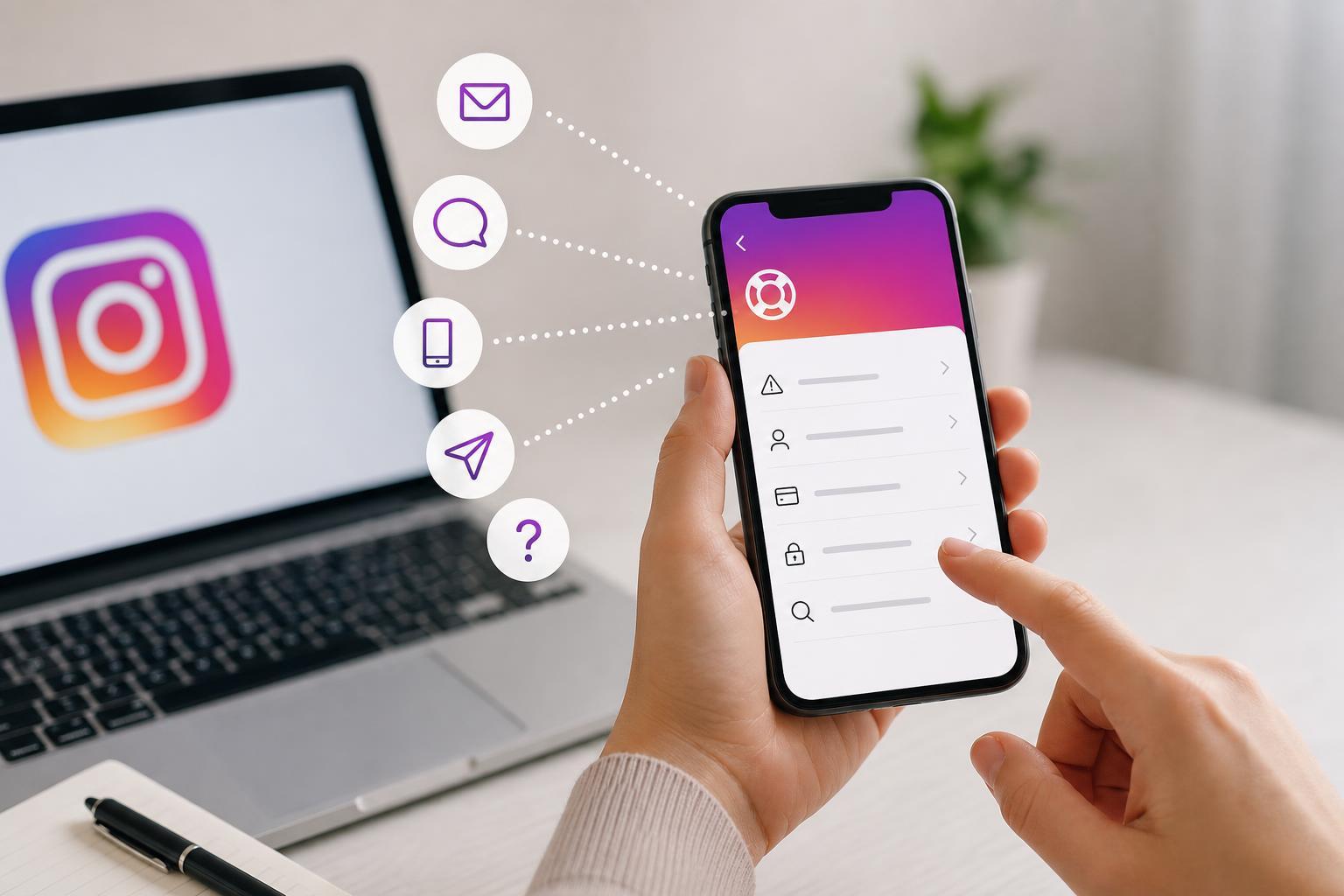
1. Use the Instagram app’s Help and Report tools
For most people, the fastest way to contact Instagram is directly inside the app. This is where you can report technical problems, suspicious activity, impersonation, spam, nudity, harassment, and other policy violations.
- Open Instagram and go to your profile.
- Tap the menu icon, then choose Settings and privacy.
- Scroll to Help.
- Select Report a problem or Help center, depending on what you need.
- Follow the prompts and include screenshots if the app lets you attach them.
Use Report a problem when something is broken, such as a login issue, feed error, crashing app, or missing feature. Use the reporting tools when you want Instagram to review an account, post, comment, story, reel, or message for a policy violation.
2. Visit the Instagram Help Center
Instagram’s Help Center is the main support hub for account, privacy, login, and feature questions. It is useful when you need step-by-step help or want to look up the exact process for a problem before submitting a report.
- Password and login issues
- Two-factor authentication problems
- Hacked or compromised accounts
- Privacy and safety settings
- Reporting abuse or impersonation
- Billing and subscription questions
The Help Center is also helpful if you are not sure whether your issue is a bug, an account restriction, or a policy action. Many common problems have guided recovery flows that you can use without waiting for a reply.
3. Submit a hacked or inaccessible account request
If you cannot log in because your account was hacked, locked, or the email and phone number were changed, use Instagram’s account recovery process instead of trying to contact general support. This is the correct path for access problems.
- Open the Instagram login screen.
- Tap Forgot password? or Get help logging in.
- Enter your username, email, or phone number.
- Follow the recovery prompts, which may include verification through email, text message, or a selfie video.
- If prompted, choose the option that says your account was hacked or you can’t access your account.
Be careful not to use random third-party recovery services. If a page asks you to pay for access recovery, it is not legitimate. Stick to Instagram’s official recovery forms and in-app prompts.
4. Report content, impersonation, or abuse from the post or profile itself
If the issue involves a specific post, comment, account, or message, you usually do not need a separate support request. Instagram lets you report directly from the item in question, which helps route the report to the right review system.
- Open the post, comment, message, reel, story, or profile.
- Tap the three-dot menu or reporting option.
- Choose the reason that best matches the problem.
- Submit the report and, if available, add extra details when asked.
- Impersonation of you or someone else
- Harassment or bullying
- Spam or scams
- Nudity or sexual content
- Violence or threats
- Copyright or trademark concerns
This method is especially useful for impersonation or abusive content because Instagram can review the exact item rather than trying to interpret a general description.
5. Use Meta Accounts Center and related support paths
Some Instagram issues are tied to your Meta account, especially if you use Facebook and Instagram together or manage ads, payments, or business tools. In those cases, the best support path may be through Meta’s Accounts Center, Business Help Center, or billing support instead of Instagram alone.
- You use Instagram with a Facebook-linked account
- You manage a business profile or ads
- You have payment, subscription, or billing questions
- You need help with cross-account login or security settings
If your issue involves business tools, ads, or paid services, check the relevant Meta help pages from the account or billing area. Those systems often have separate forms and support options that are not available in the regular Instagram app.
What kind of response should you expect?
Instagram often does not offer immediate human support for everyday account issues. In many cases, you will get an automated confirmation, an in-app message, or a guided recovery step instead of a direct conversation with support staff.
- A confirmation that your report was submitted
- An automated email with recovery instructions
- A request for identity or account verification
- A status update in the app, if applicable
If you do not hear back right away, that does not always mean the report was ignored. Some issues are reviewed automatically or only generate a response when more information is needed.
If Instagram support does not reply
If you still cannot get help, narrow down the type of problem first. Account access, hacked accounts, policy violations, and billing issues all use different paths. Submitting the same report repeatedly usually does not help unless you have new information.
- Check whether the problem is covered by the Help Center recovery flow
- Try the report from a different device if the app is failing
- Review your email spam folder for recovery messages
- Confirm that your account email and phone number are still accessible
- Use the most specific reporting option available
For serious account security issues, focus on recovery and security steps first. For content moderation problems, use the report tools on the exact post or profile. For bugs, send a clear in-app report and wait for a response path that may be automated.
Choosing the right contact method
The best way to contact Instagram depends on the problem you are trying to solve. If you choose the wrong path, you may end up waiting longer or being sent back to the Help Center anyway.
- Broken app or feature: Report a problem in the app
- Hacked or locked account: Login recovery flow
- Abusive post or account: Report from the content or profile
- Account questions or policy info: Help Center
- Business, ads, or payments: Meta business or billing support
If you are unsure, start with the Instagram app’s Help section. From there, you can usually reach the correct form or help article without having to search through unrelated pages.





