If your MagSafe charger has stopped working with your iPhone, the problem is usually caused by something simple: poor alignment, weak power from the adapter, a dirty charging surface, or a case that interferes with the magnetic connection. In some cases, the charger or the iPhone itself may need a closer look.
This guide walks through five practical fixes, starting with the easiest checks first so you can narrow down the cause without wasting time.
1. Check the Magnetic Alignment and Connection
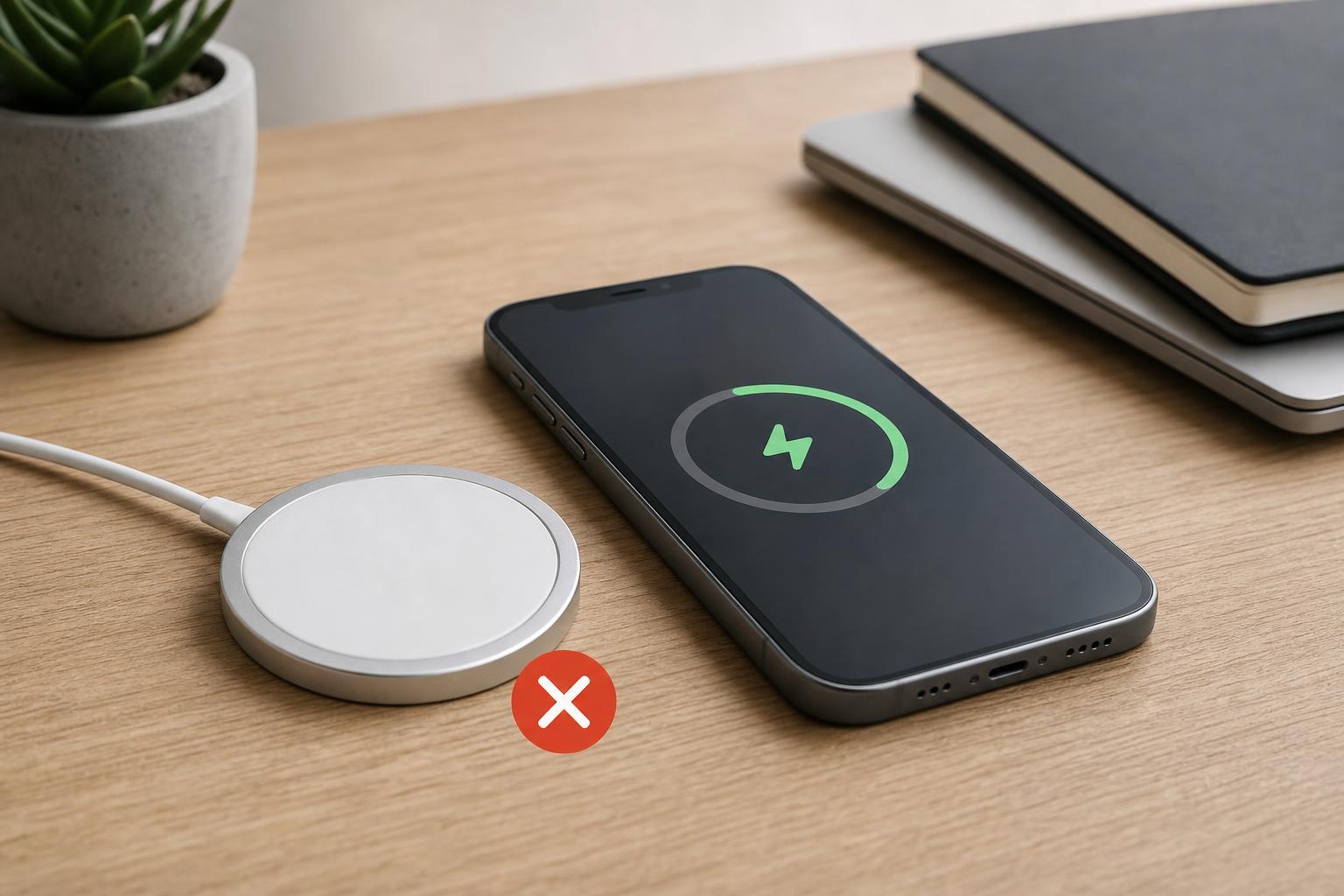
MagSafe charging depends on the charger sitting in the correct position on the back of the iPhone. If the magnetic ring is slightly off-center, the phone may not charge at all or may charge only intermittently.
- Remove the iPhone from the charger and place it back on the center of the MagSafe puck.
- Make sure the charger snaps into place firmly.
- Watch for the charging symbol or the MagSafe animation on the screen.
- If the connection feels weak, try rotating the phone slightly and reseating it.
2. Remove the Case and Any Metal Accessories
Some cases are too thick, contain metal, or have magnetic accessories that interfere with MagSafe charging. Even if a case says it is compatible, it may still weaken the connection enough to cause problems.
- Thick or rugged cases
- Cases with metal plates or rings
- Wallet attachments
- Pop grips or other magnetic accessories
- Dust or debris trapped between the case and charger
Take the case off and test the charger directly against the iPhone. If it works without the case, the case is likely the problem.
3. Make Sure the Power Adapter and Cable Are Strong Enough
A MagSafe charger still needs enough power from the wall adapter and cable. If the adapter is underpowered or the cable is damaged, the charger may not provide reliable charging even if it lights up or connects magnetically.
- Use a known-good wall adapter that meets the charger’s power requirements.
- Check the USB-C cable for fraying, bends, or loose connectors.
- Try a different outlet or power strip.
- If possible, test the charger with another compatible adapter and cable.
4. Clean the iPhone Back and the Charger Surface
Dust, lint, skin oils, and tiny debris can stop the charger from sitting flush against the phone. MagSafe relies on close contact, so even a small amount of buildup can interfere with charging.
- Unplug the charger before cleaning it.
- Wipe the back of the iPhone and the face of the charger with a clean, dry microfiber cloth.
- Remove any lint from the phone case edges or the charging area.
- Check the charger’s surface for scratches, dirt, or sticky residue.
5. Check for iPhone Software or Temperature Issues
Sometimes MagSafe charging is blocked or reduced because the iPhone is too warm, the battery is already near full, or the software is behaving unexpectedly. iPhone charging can pause temporarily to protect the battery if the device gets too hot.
- If the iPhone feels hot, let it cool down before trying again.
- Check whether the phone is charging very slowly instead of not charging at all.
- Install any pending iOS updates when convenient.
- Try charging with the screen off for a few minutes to see whether it starts normally.
When the Problem Is Probably the Charger
If your iPhone charges with other accessories but not with this MagSafe charger, the charger or its cable is likely at fault. Signs include loose magnetic attachment, inconsistent charging, visible cable damage, or no charging with multiple iPhones.
- Test the charger with another compatible iPhone
- Try a different adapter and cable
- Inspect the charger for cracks, warping, or heat damage
- Replace the charger if it fails with more than one device
How to Narrow Down the Cause Quickly
If you want the fastest path to a solution, test in this order: remove the case, reseat the charger, try another power adapter and cable, and clean both surfaces. Those four checks solve many MagSafe charging issues without needing any advanced troubleshooting.
- Test the iPhone without its case.
- Confirm the charger is centered and firmly attached.
- Swap in a known-good adapter and cable.
- Clean the charger and the back of the phone.
- Check for heat or software-related charging pauses.
If none of those steps help, the problem is likely with the charger itself, the cable, or a hardware issue on the iPhone that may need service.