
If you think someone has blocked you on Snapchat, there usually isn’t a direct message that tells you so. Instead, you have to look for a few signs together and compare what you’re seeing across search, chats, and stories.
This guide explains four practical ways to check whether you’ve been blocked, plus a few situations that can look similar but mean something else.
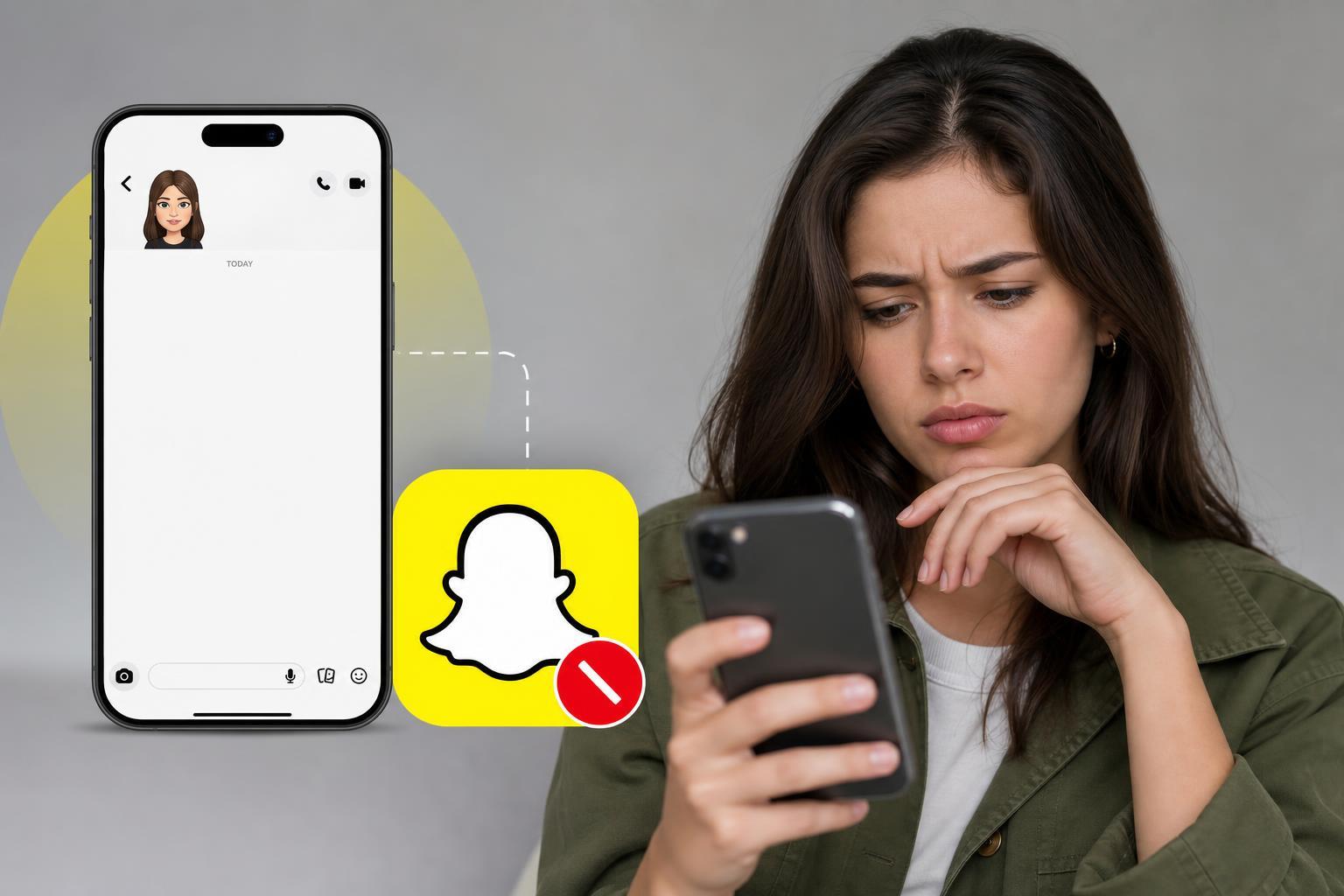
1. Search for Their Username or Display Name
The first thing to try is searching for the person in Snapchat. Open the app, tap the search bar, and enter their username or the name you usually see on their profile.
If they were previously easy to find but now no result appears, that is a strong clue. It can mean you were blocked, but it can also mean the person deleted their account, changed their username, or adjusted their privacy settings.
2. Look at Your Chat History
If you have chatted with the person before, open your conversation list and check whether the chat still appears. A blocked account may disappear from your active friends list, and older conversations can look different or become harder to access.
Try tapping the chat thread if it still exists. If the profile no longer opens normally, or you can no longer send Snaps or messages to that person, that supports the possibility that you’ve been blocked.
3. Check Whether You Can Send a Snap or Message
Another useful test is to try sending a Snap or chat message. If the person has blocked you, Snapchat will not let your message reach them in the normal way, and you may notice that the send attempt fails or never behaves like a normal delivered message.
If you used to interact regularly and now every attempt looks unusual, that is a meaningful sign. Still, delivery problems can also happen with poor internet connection or temporary app issues, so this check works best when combined with the other signs.
4. See Whether Their Story or Snapscore Still Appears
If you could previously view their Stories or Snapscore, check whether those details are still visible. When someone blocks you, their profile information often becomes unavailable to you, including Story updates and score details you may have seen before.
If you can no longer see a Story from someone who used to post regularly, and their profile no longer looks the same as before, that is another sign pointing toward a block or removal from their friends list.
Signs That Can Look Like a Block but Are Not
- The person deleted their Snapchat account
- They changed their username or display name
- They removed you as a friend instead of blocking you
- They changed privacy settings so only friends can contact or view them
- Snapchat is having a temporary app, network, or sync issue
What to Do Next
- Check all four signs together instead of relying on one result.
- If you still have doubts, look at the profile from a mutual friend’s account if appropriate.
- If the account is gone for everyone, the person may have deleted or deactivated it.
- If the account still exists for others but not for you, blocking becomes more likely.
- Respect the other person’s privacy and avoid repeated contact attempts if they have chosen not to interact.
How to Narrow Down the Cause
The most reliable clue is a pattern. If the person no longer appears in search, you cannot open the chat normally, messages do not go through as expected, and their profile details have vanished, blocking is much more likely than a simple app glitch.
If only one thing changed, the issue may be something else entirely. Snapchat account changes are common, so a careful check saves you from drawing the wrong conclusion.





