
If your Instagram Story gets stuck on Posting, the app is usually having trouble sending the upload to Instagram’s servers. The cause is often something simple, such as a weak connection, a temporary app issue, or a problem with the story file itself.
The fixes below focus on the most common reasons Stories fail to finish uploading. Start with the simplest checks first, then move to the steps that deal with the app and the content you are trying to post.
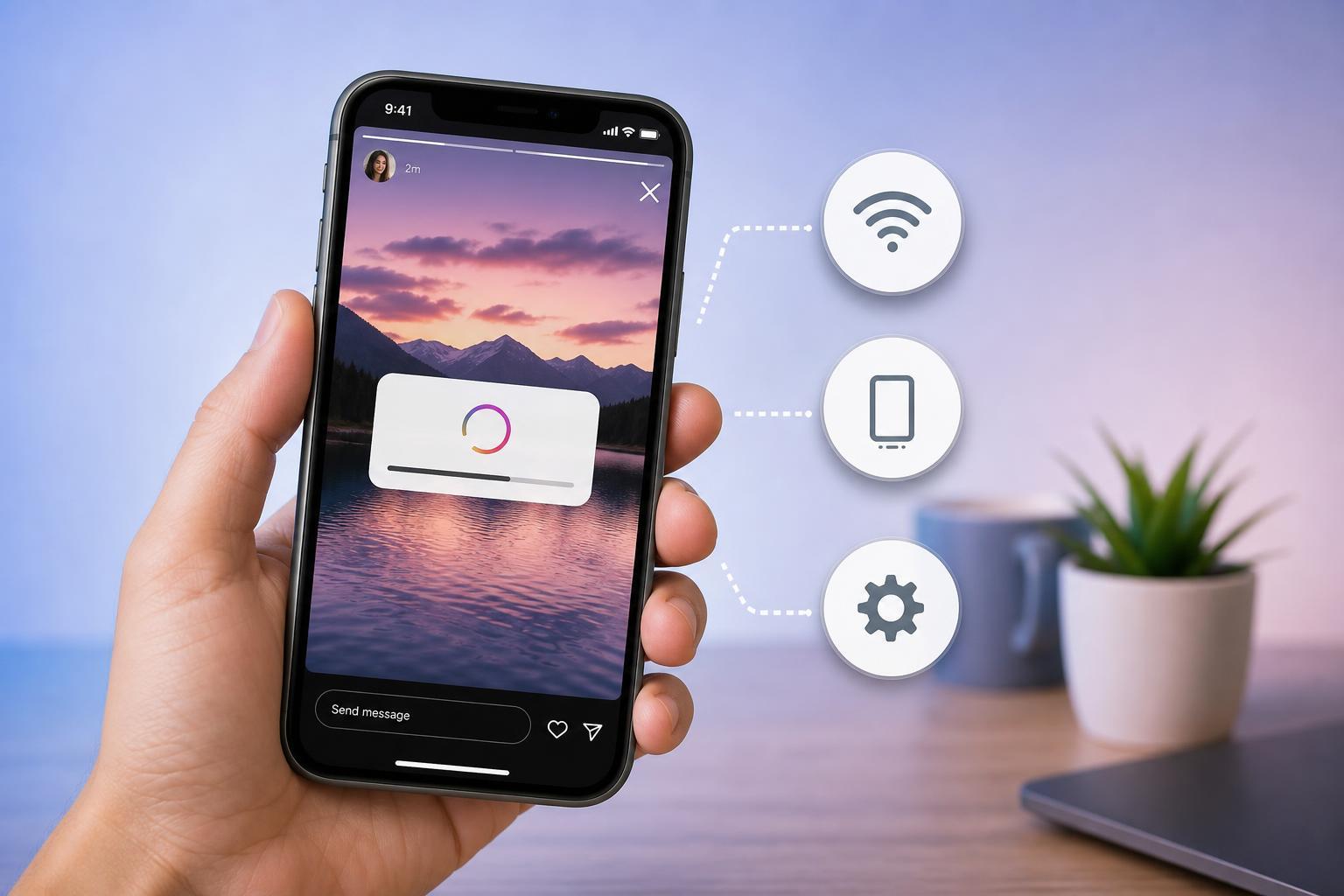
1. Check Your Internet Connection
A Story can appear to be stuck forever if Instagram loses a stable connection during upload. Even if other apps seem to work, Instagram may still be struggling with slower or inconsistent data transfer.
- Switch between Wi‑Fi and mobile data to see whether one connection works better.
- If you are on Wi‑Fi, move closer to the router or test another network.
- Disable any VPN or proxy you are using, since these can interfere with uploads.
- Open a website or stream a short video to confirm the connection is actually stable.
2. Force Close Instagram and Try the Upload Again
Sometimes the Instagram app itself gets stuck partway through an upload. Closing the app completely clears the current upload session and gives it a fresh start when you reopen it.
- Close Instagram from the app switcher or recent apps screen.
- Reopen Instagram and check whether the story is still sitting in the upload queue.
- If it is, delete the stuck Story and upload it again from scratch.
- If the issue keeps happening, update Instagram from the App Store or Google Play.
3. Check the Story File for Problems
If your connection is fine and the app still cannot finish posting, the media file itself may be the issue. Large, heavily edited, or unusual video files are more likely to stall during upload.
- Very large video files
- Corrupted clips or photos
- Unsupported formats or unusual exports
- Stories with effects, stickers, or edits added by third-party apps
- Multiple media items uploaded at once
- Try posting a different photo or short video to see whether that uploads normally.
- If the new Story works, the original file is probably the problem.
- Trim the video, reduce its length, or export it again from your editing app.
- Remove third-party effects or re-save the media before uploading it to Instagram.
When Nothing Works
If every Story gets stuck on Posting, the problem may be broader than a single upload. In that case, check whether Instagram is having service issues, sign out and back in, or reinstall the app if the upload queue seems broken.
If the problem only happens on one phone but not another device on the same account, the app installation or device storage is more likely to blame than your account itself.
Which Fix Should You Try First?
Start with the connection check, then force close Instagram, and finally test the Story file itself. In most cases, one of those three steps will clear the upload problem without any deeper troubleshooting.





